

Find a tool or guide
Search by tool, software or project. Choose a workflow for a short, ordered learning path, or browse all guides.
262 guides found
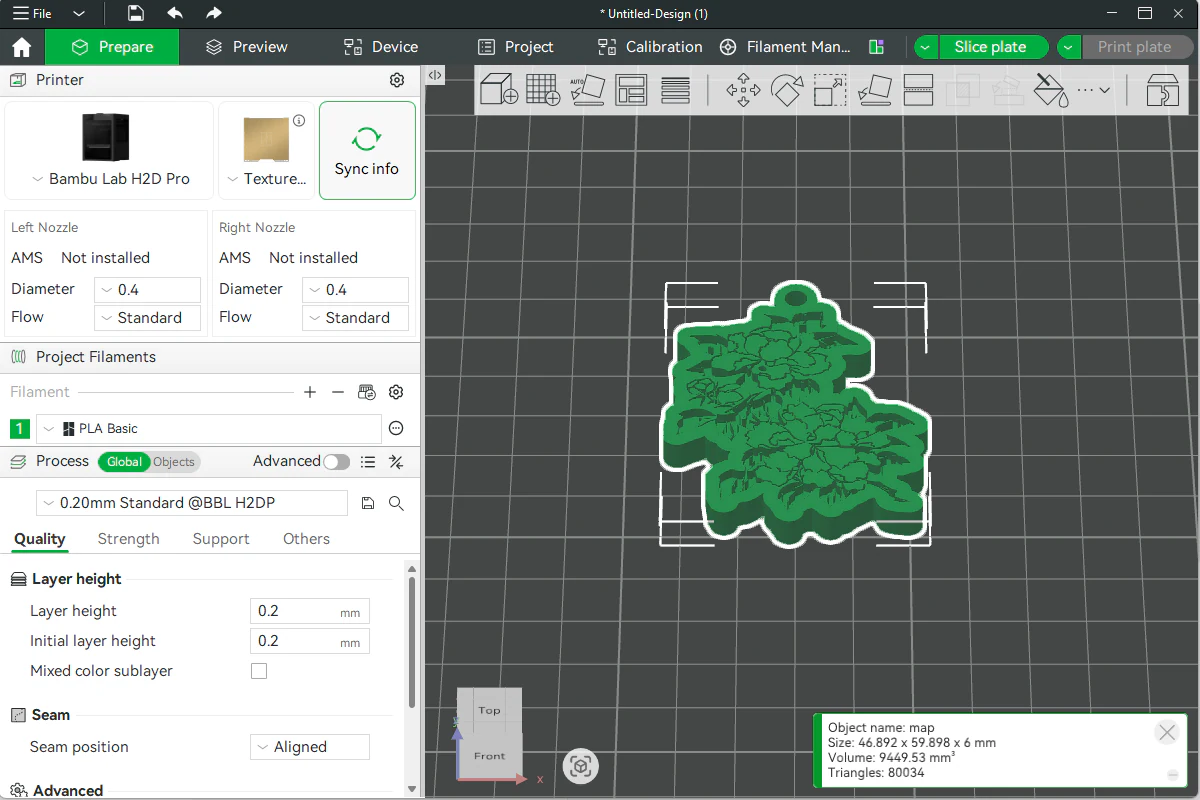

3D print MyLaserTools models: Bambu, Snapmaker, PrusaSlicer and Cura
Import MyLaserTools STL or 3MF models in Bambu Studio, OrcaSlicer, Snapmaker Orca, Luban, PrusaSlicer or Cura. Check size, printer profiles and sliced layers.
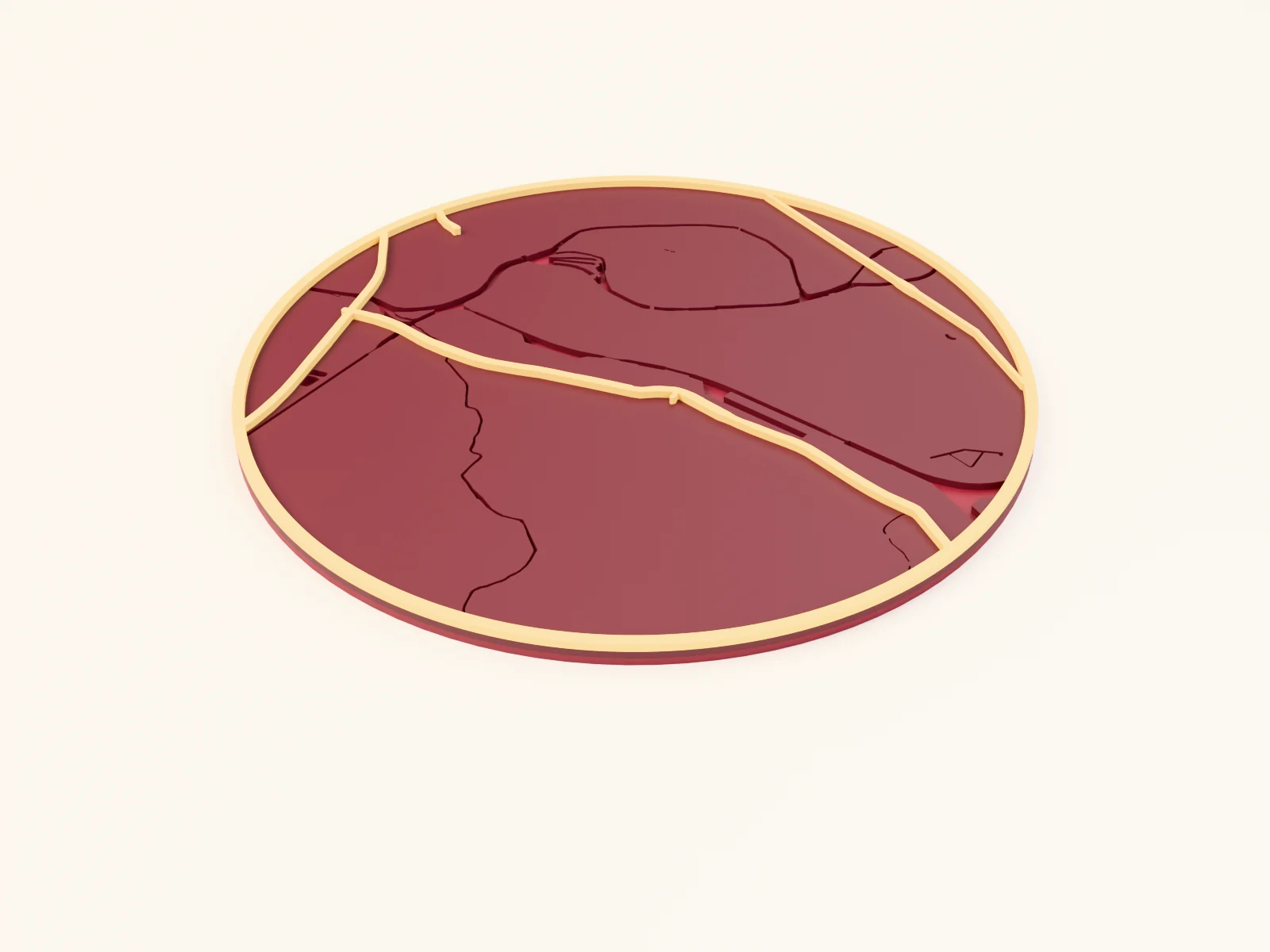
3D printing a city map Christmas ornament with the 3D Printed Christmas Ornament preset
a round red-and-gold city ornament with raised gold roads and a hanger hole, built for the printer
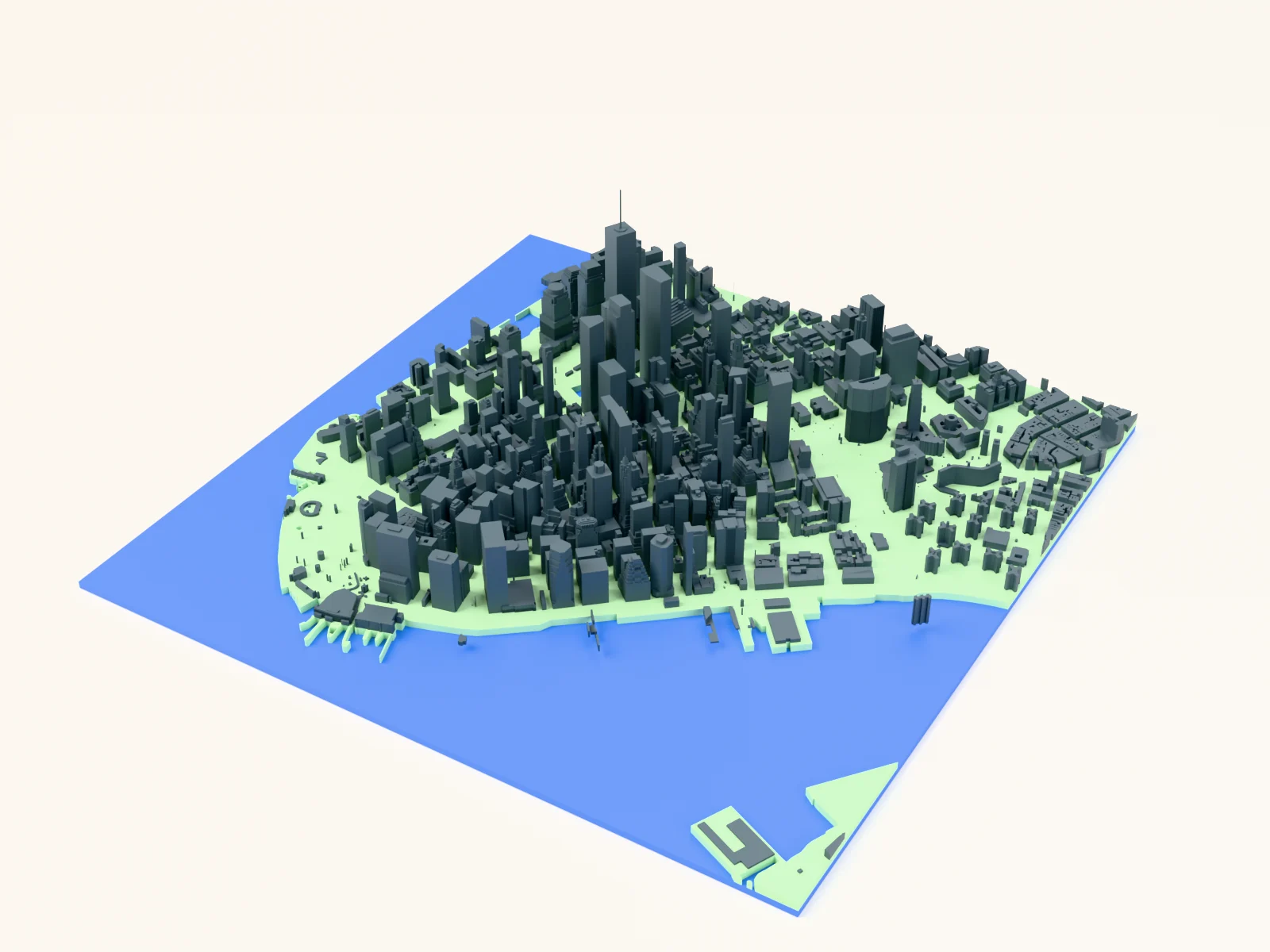
3D printing a miniature city skyline with the Skyline Map 3D preset
a figure-ground map where every building rises to its real-world height for printable miniature skylines
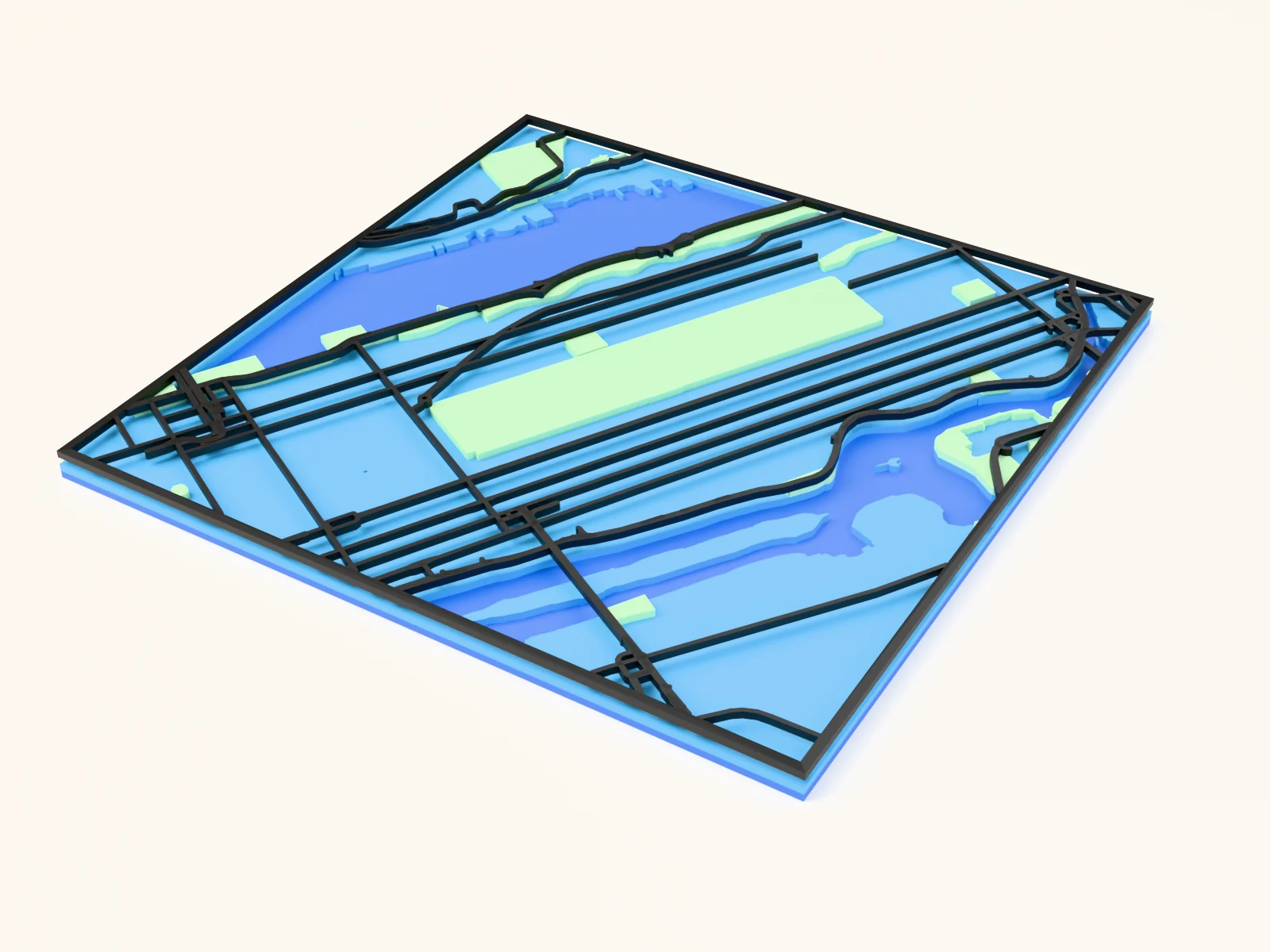
3D printing a parks-and-streets map with the Stacked Parks and Streets preset
a green-forward city map built as a raised, multicolor 3D print
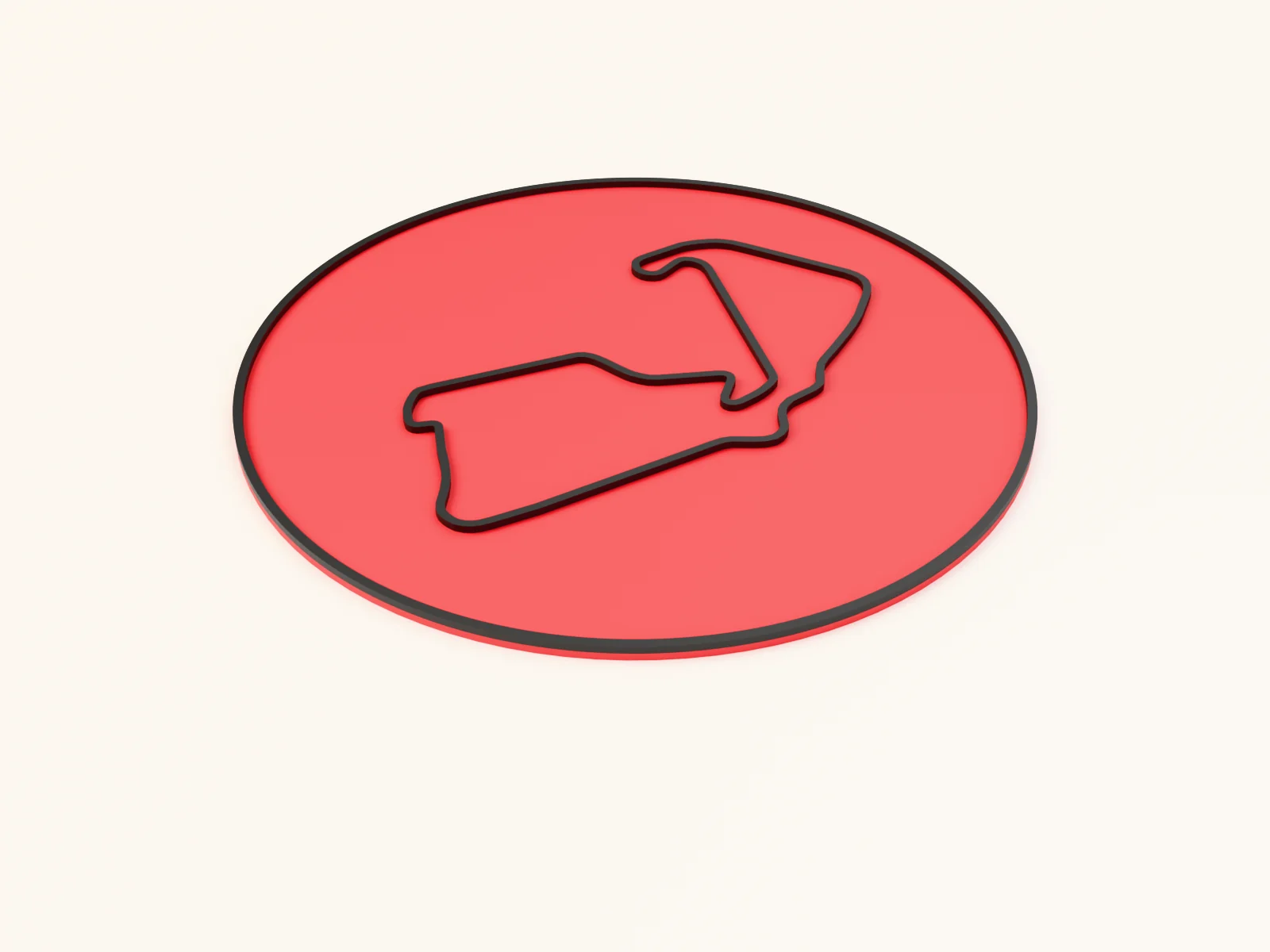
3D printing a raised circuit plaque with the 3D Printed Racing Circuit preset
a famous circuit printed as a raised ridge on a racing-red plate
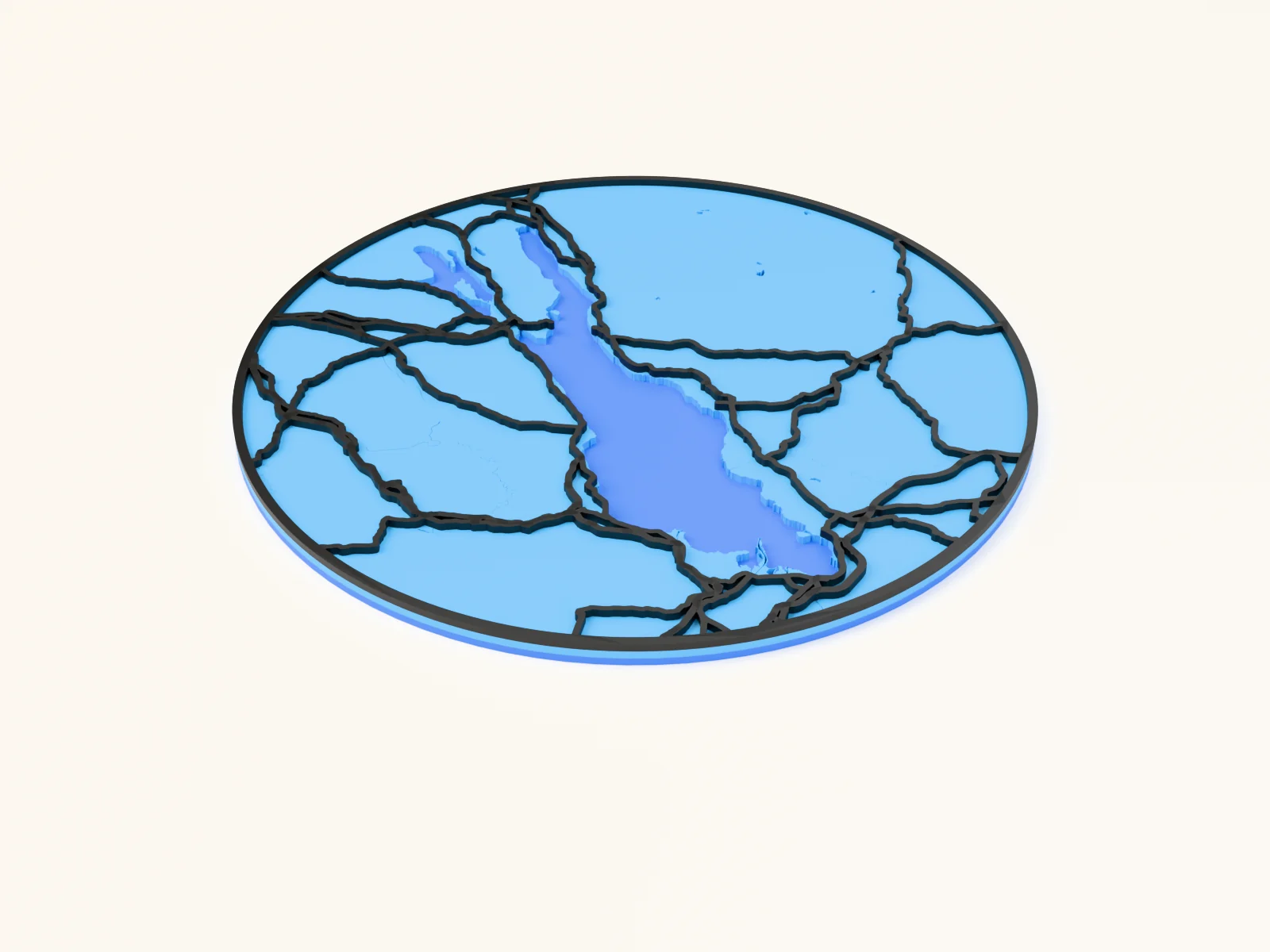
3D printing a raised lake relief with the Raised Lake Relief preset
your lake as a recessed pool with bold raised roads, built for the print bed
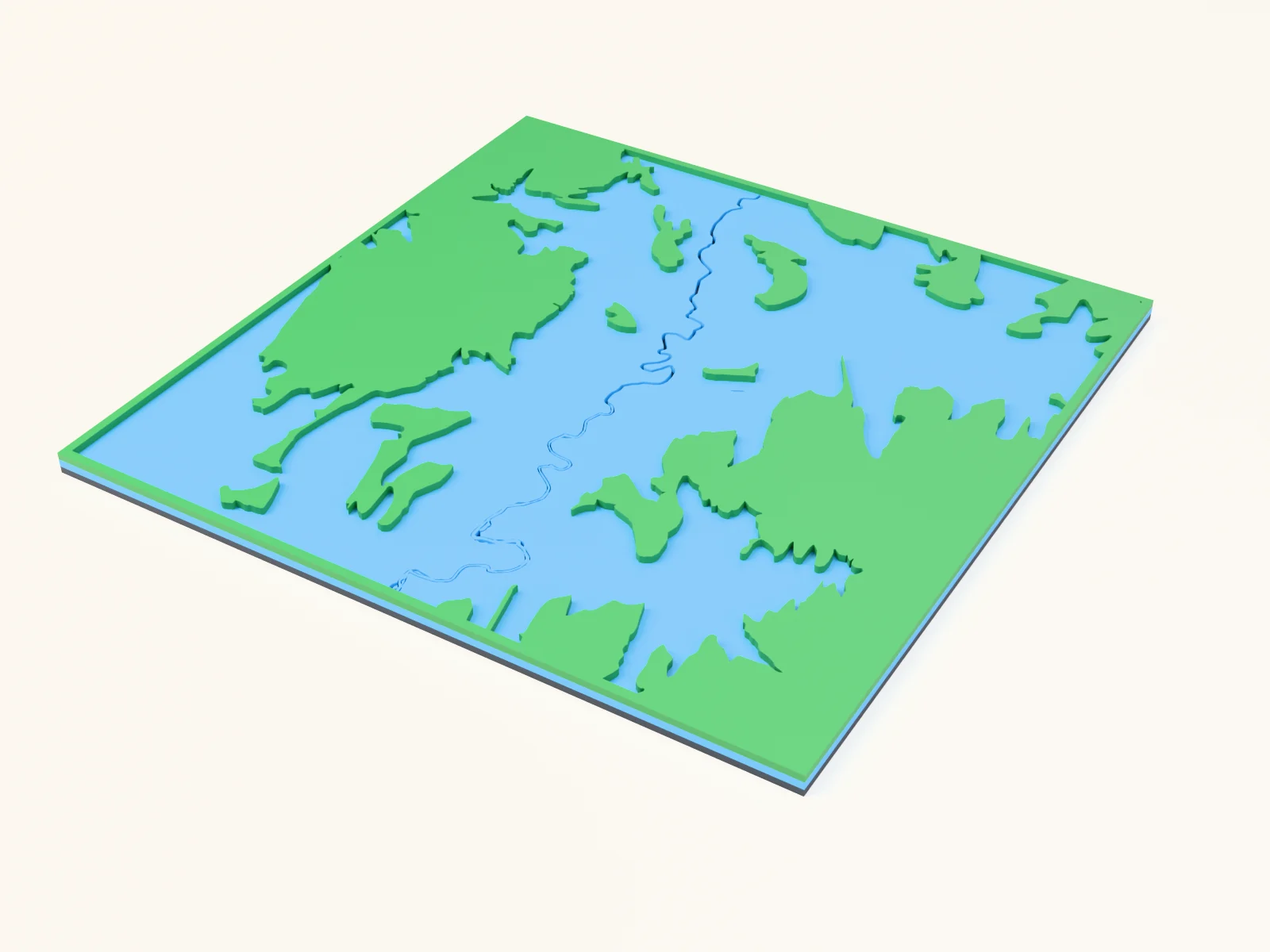
3D printing a raised trail relief with the Raised Trail Relief preset
trail networks standing proud over forest and rivers, built for the print bed
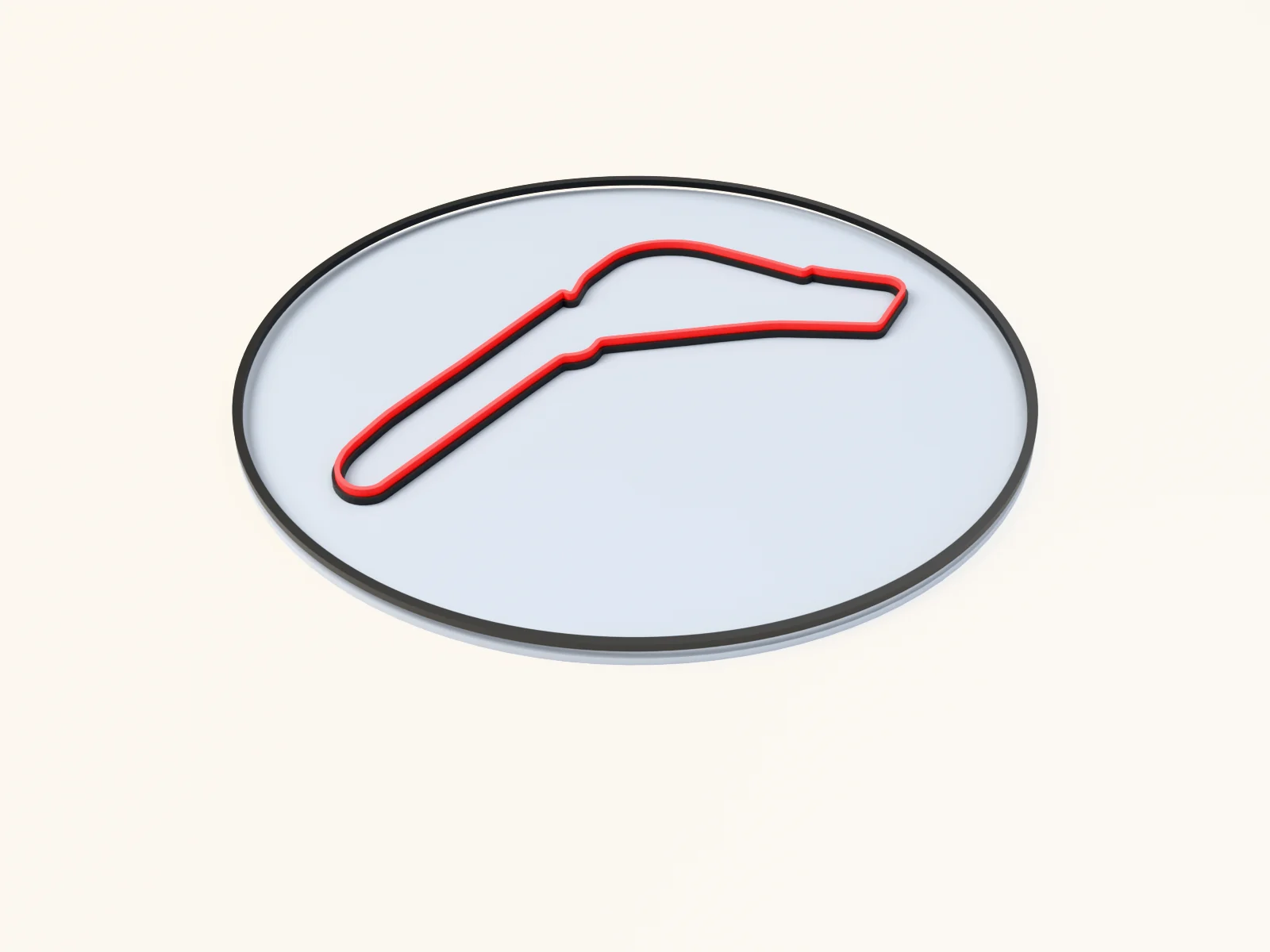
3D printing a route map with the Best Lap preset
a recorded lap or route printed as a raised red ridge over a solid track
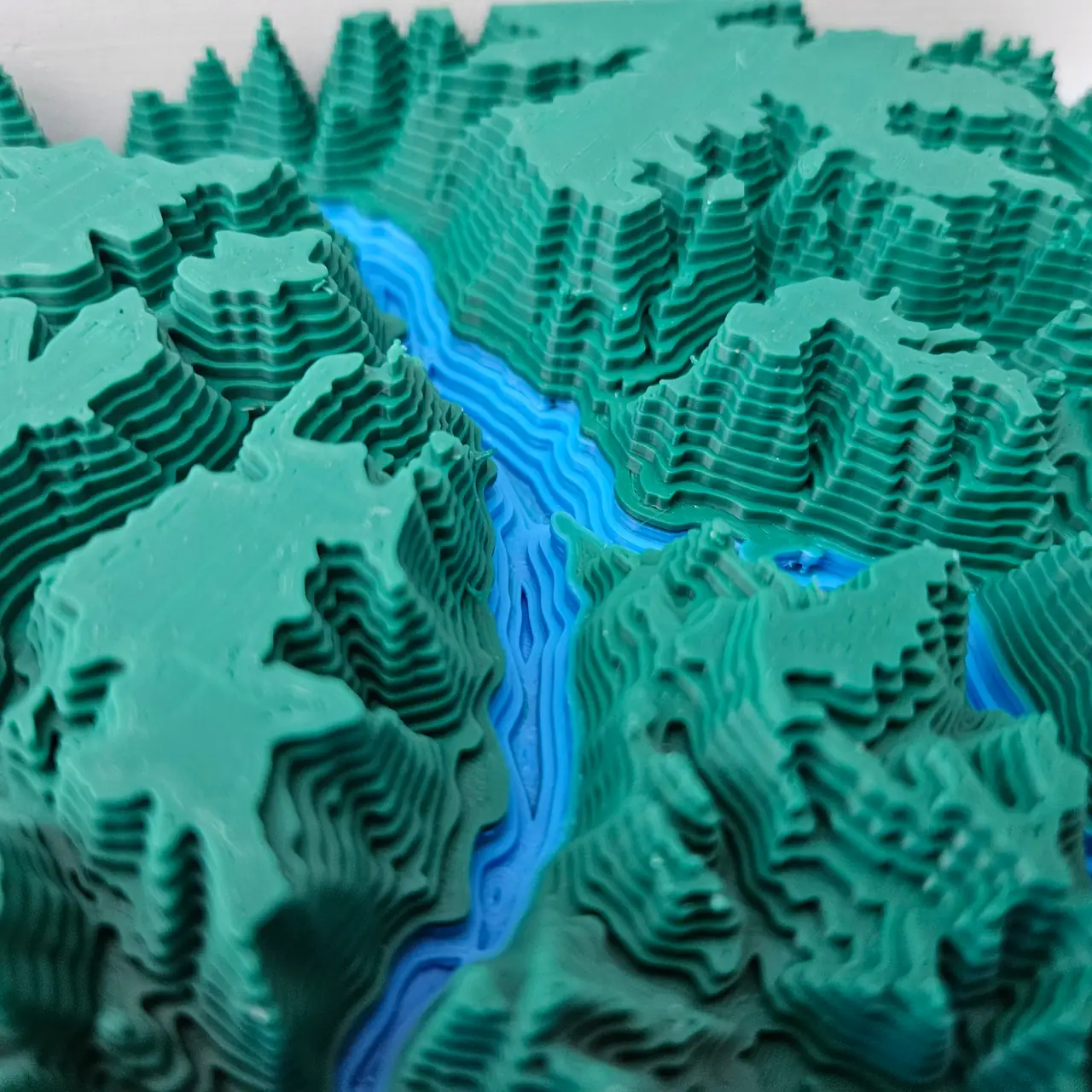
3D printing relief and terrain maps
print terrain, lakes and city skylines as one stepped model: STL for one colour, 3MF for several

Bending words along paths with the Curved Text Generator
text flowing around circles, spirals, and waves
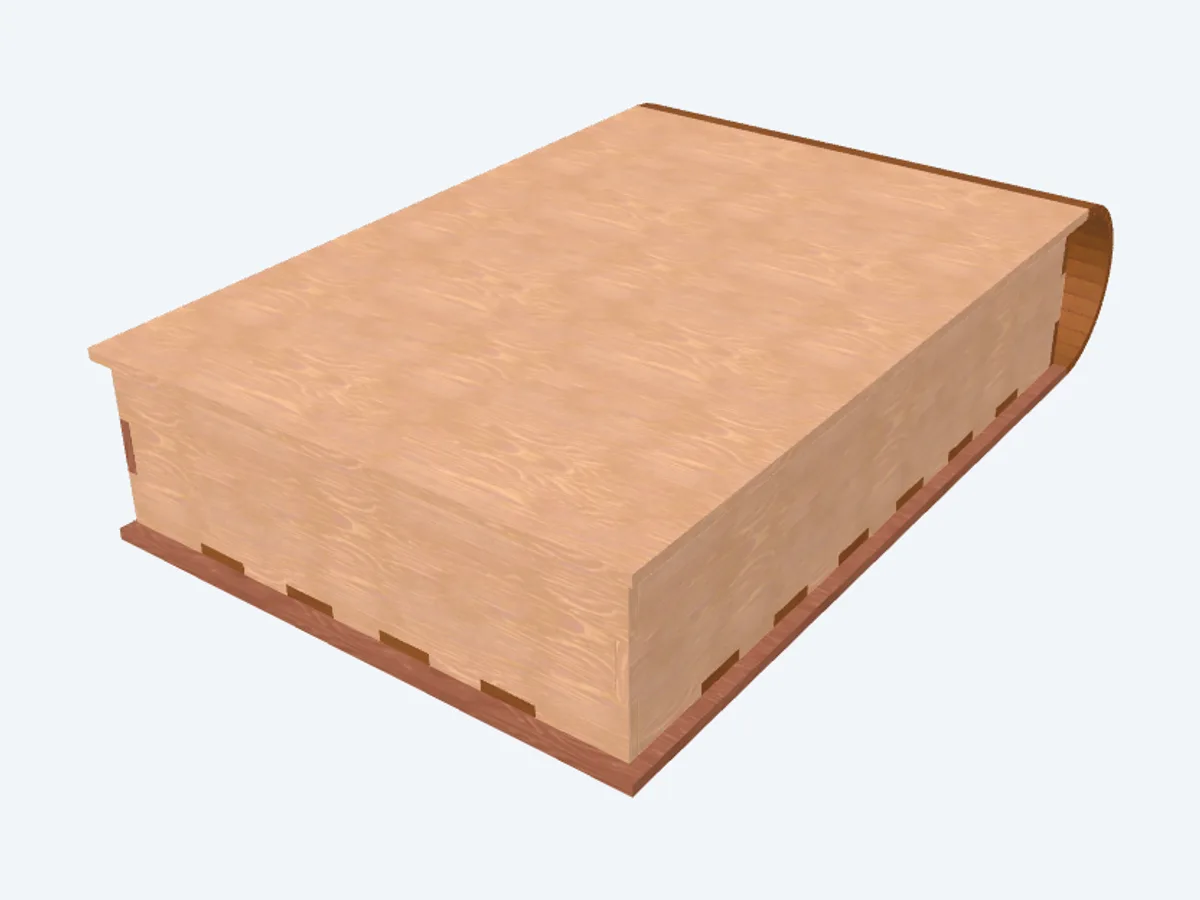
Building a book-shaped box with a living-hinge spine
a book-shaped box with a living-hinge spine and hidden tray
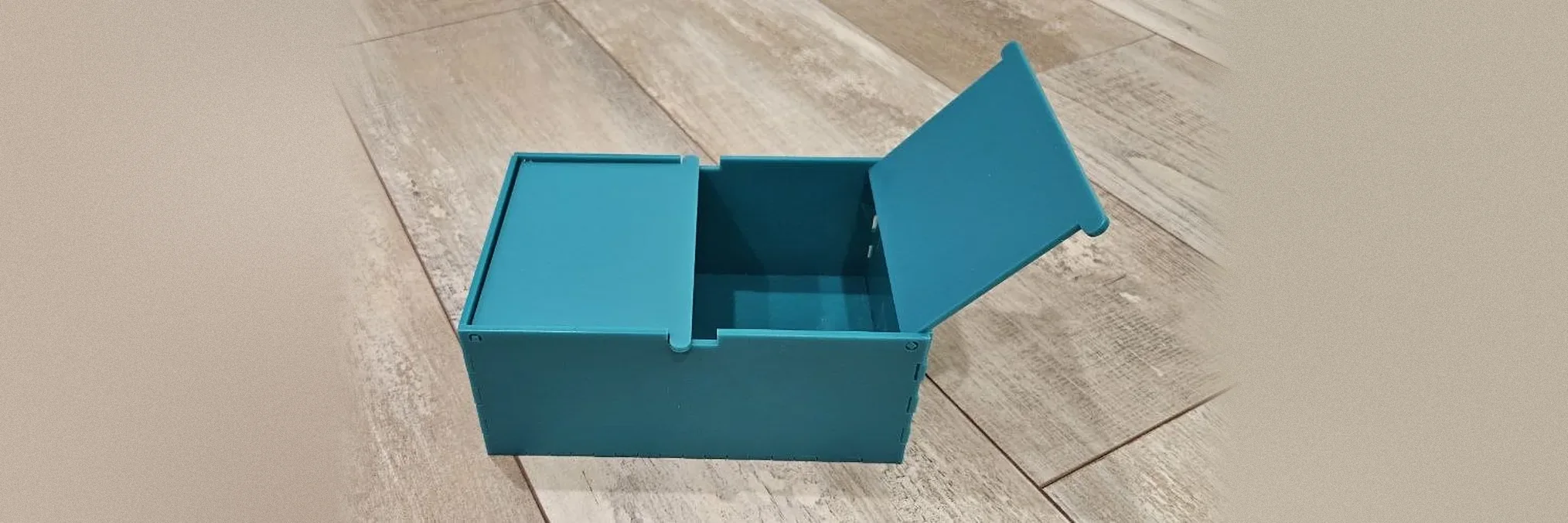
Building a box with hinged doors with the Door Box Generator
a box with two doors that open from the middle, or a single lid that flips up

Building a divided egg-crate tray
a divided tray with interlocking egg-crate dividers
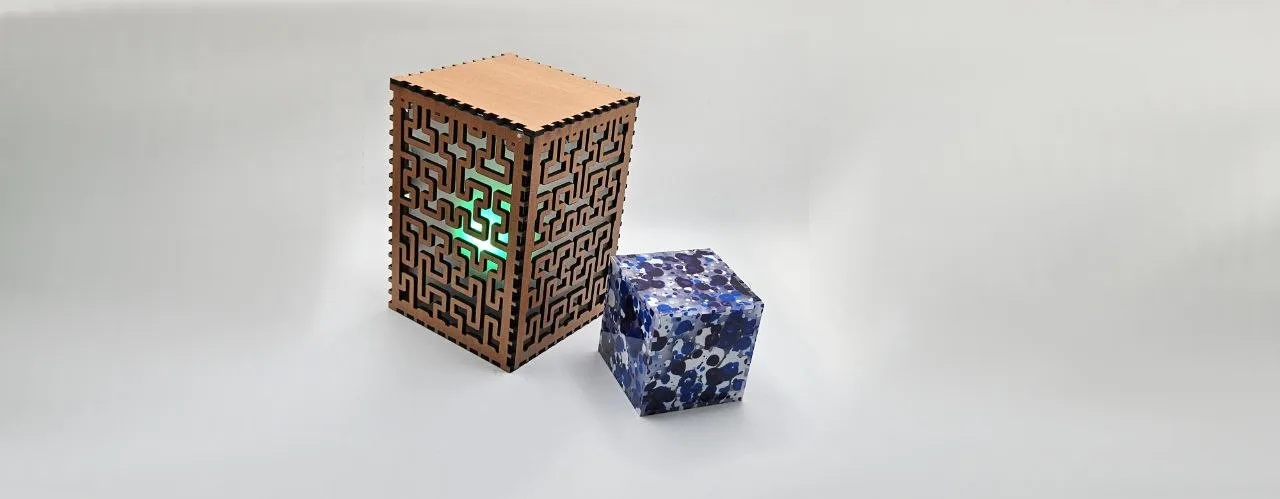
Building a finger-joint box with the Box Generator
custom finger-jointed boxes sized exactly to your project
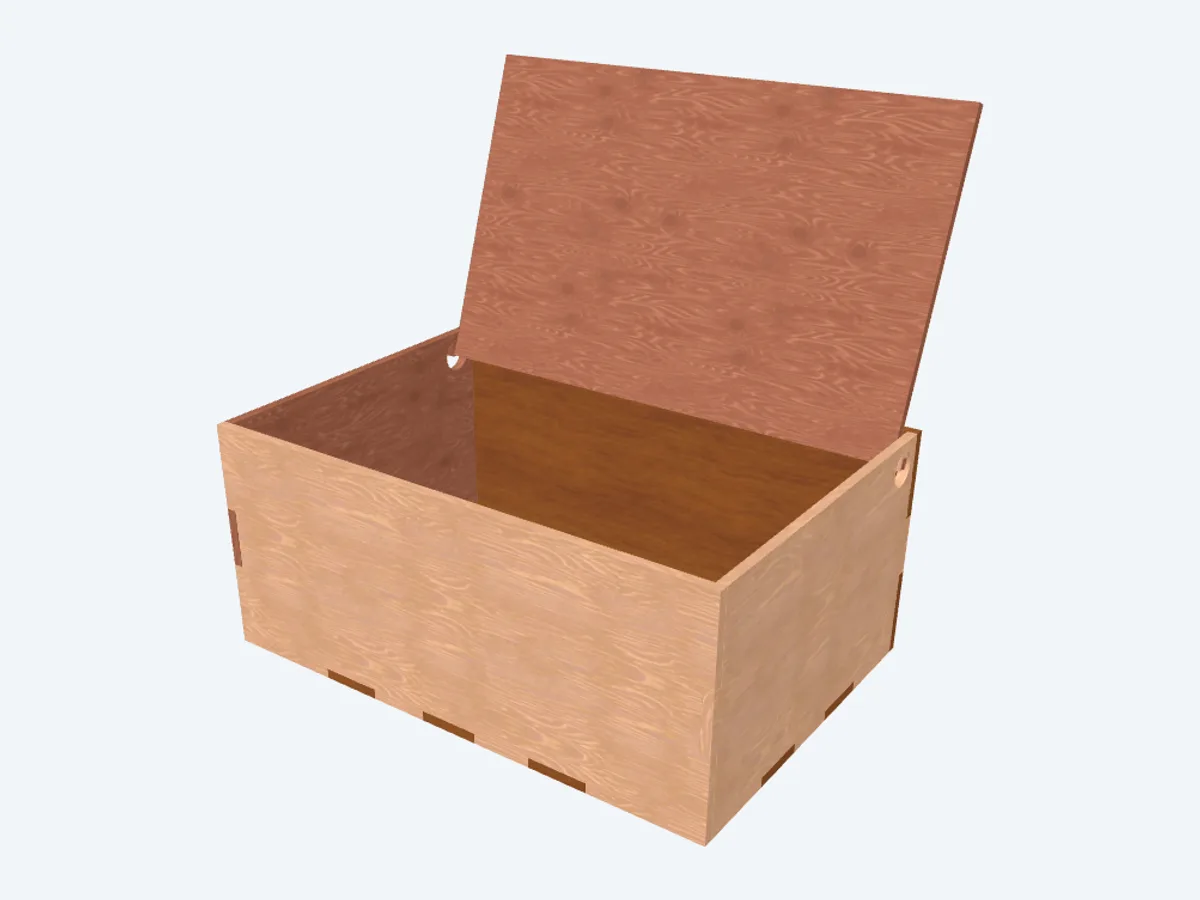
Building a finger-jointed box with a living-hinge lid
a finger-jointed box with an integrated living-hinge lid
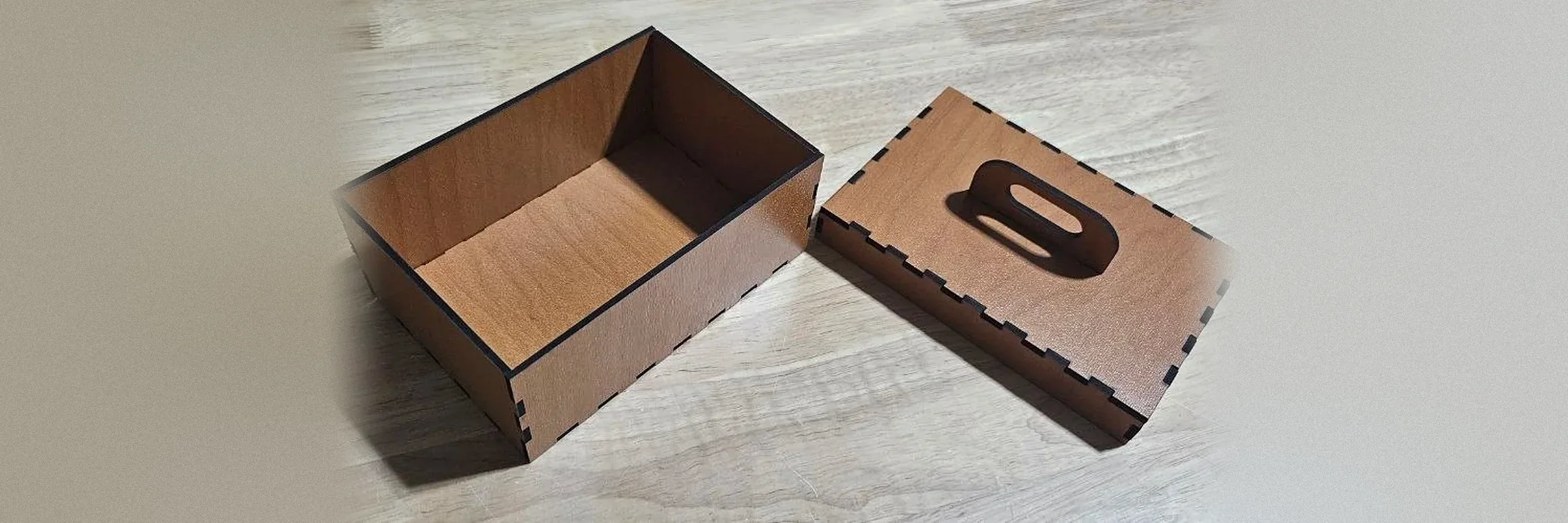
Building a finger-jointed box with a slip-over lid with the Slip Lid Box Generator
a finger-jointed box with a lid that slips over the top, with an optional handle

Building a finger-jointed display case with viewing windows
a finger-jointed case with windows on any side, a slotted shelf and an optional open corner

Building a finger-jointed hobby case
a finger-jointed hobby case with a press-fit lid, dividers, and handles
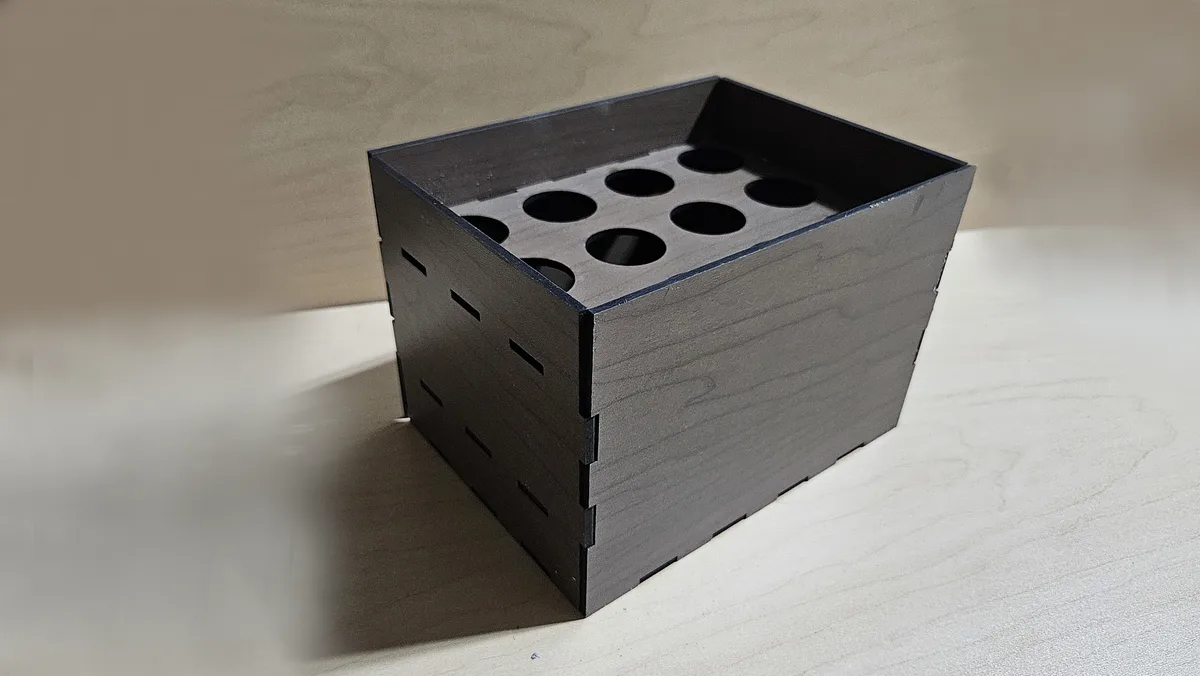
Building a finger-jointed paint storage rack
a tiered rack of round holes that holds paint bottles upright
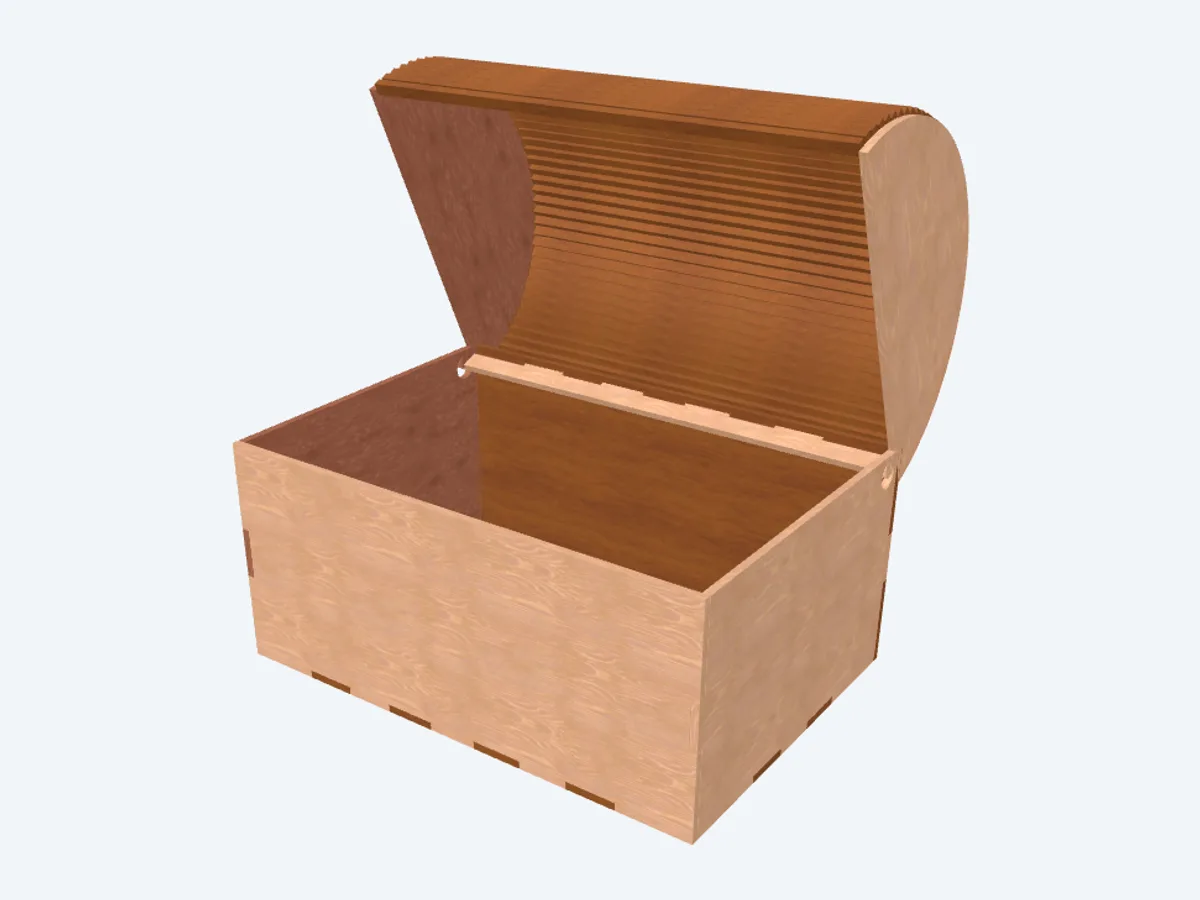
Building a finger-jointed pirate treasure chest
a finger-jointed treasure chest with a curved barrel lid
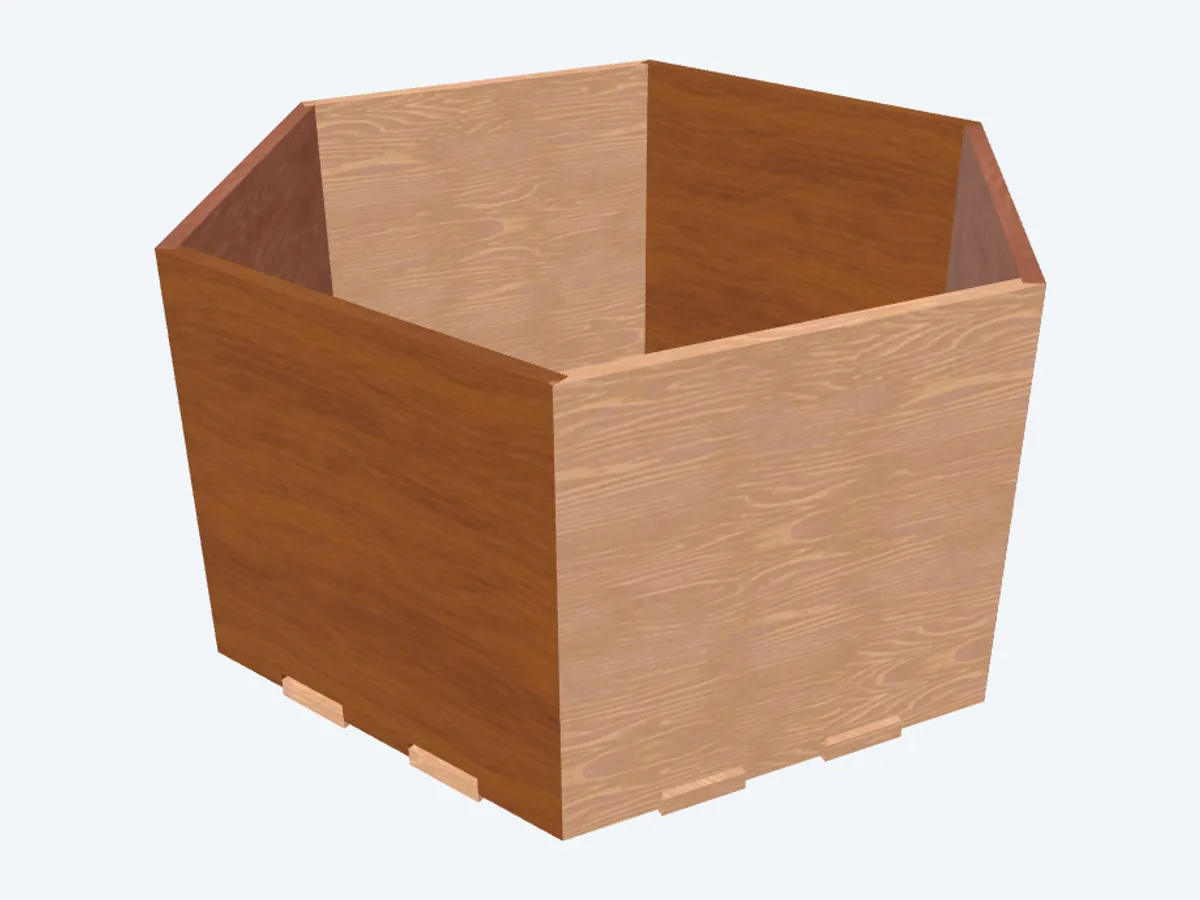
Building a finger-jointed polygon box
a finger-jointed regular-polygon box, from triangle to dodecagon

Building a finger-jointed slatted crate
a press-fit slatted crate with finger joints and carry handles
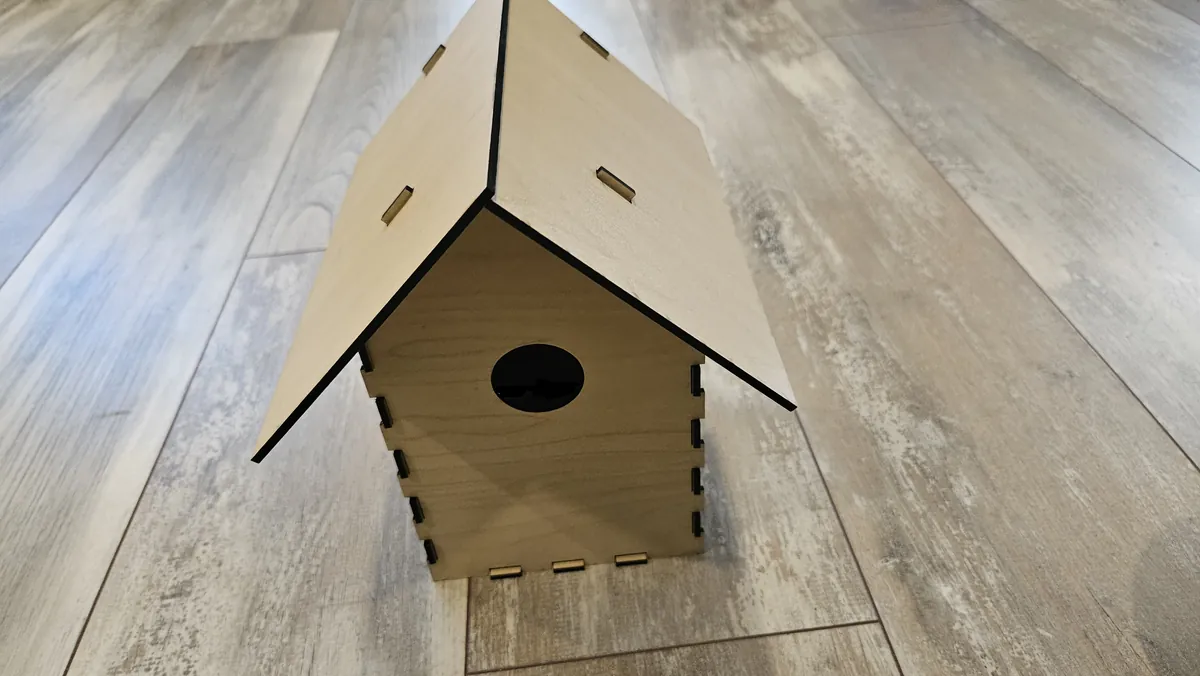
Building a laser cut birdhouse with the Birdhouse Generator
a finger-jointed nest box sized for the bird you want, with a lift-off gabled roof
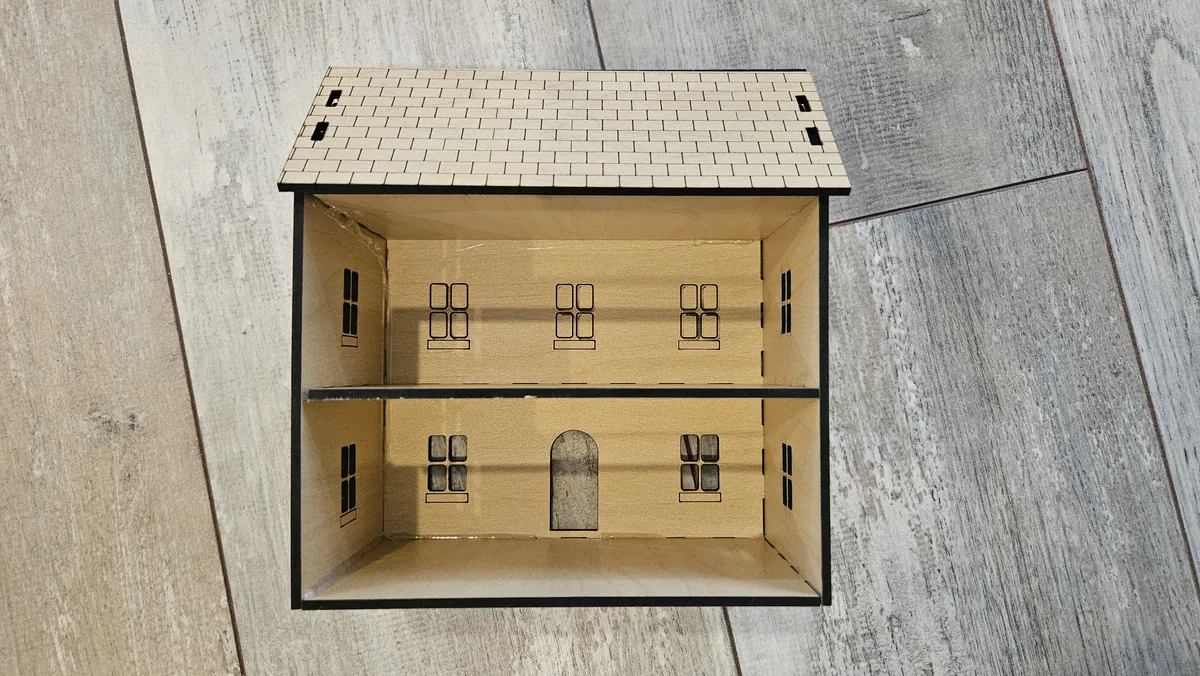
Building a laser cut dollhouse with the Dollhouse Generator
a finger-jointed gabled dollhouse in 1:12, 1:24 or 1:48 with slot-in floors and an open back
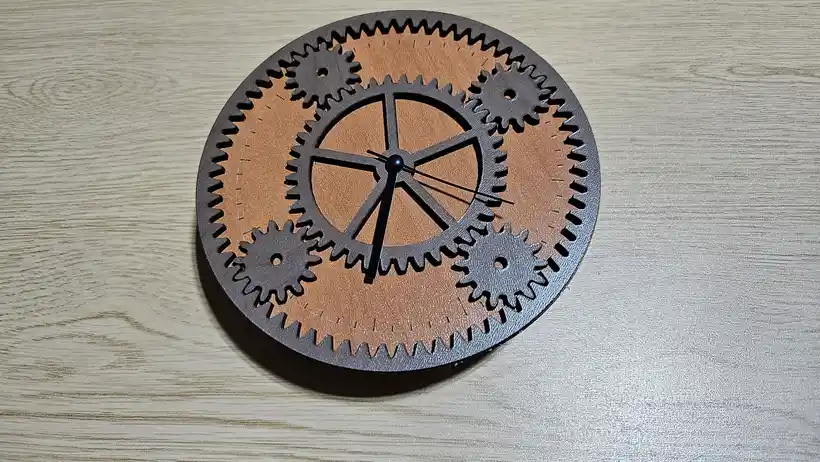
Building a laser cut moving gear wall clock
two gear styles, exposed cog wheels that turn, hands and one or two quartz movements
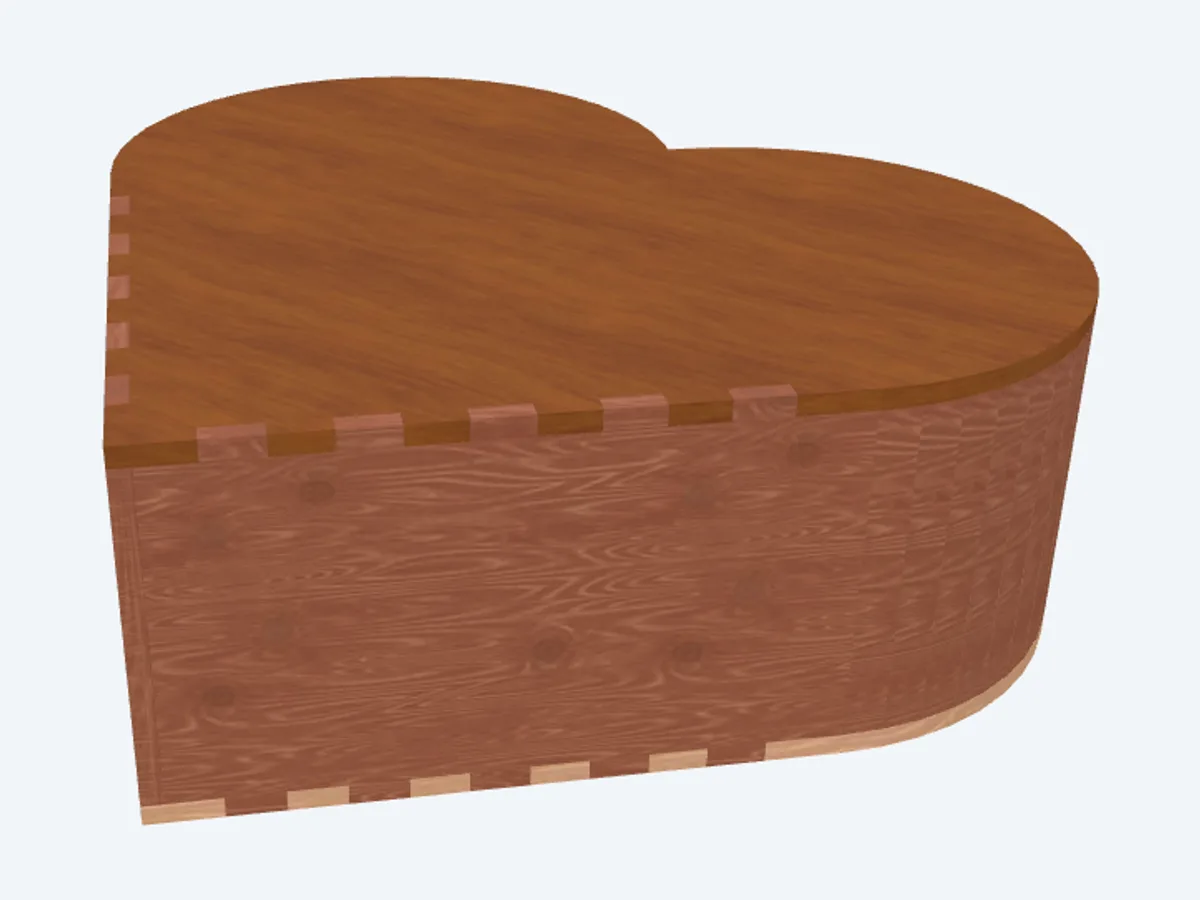
Building a living-hinge heart box
a living-hinge heart box that curves all the way around
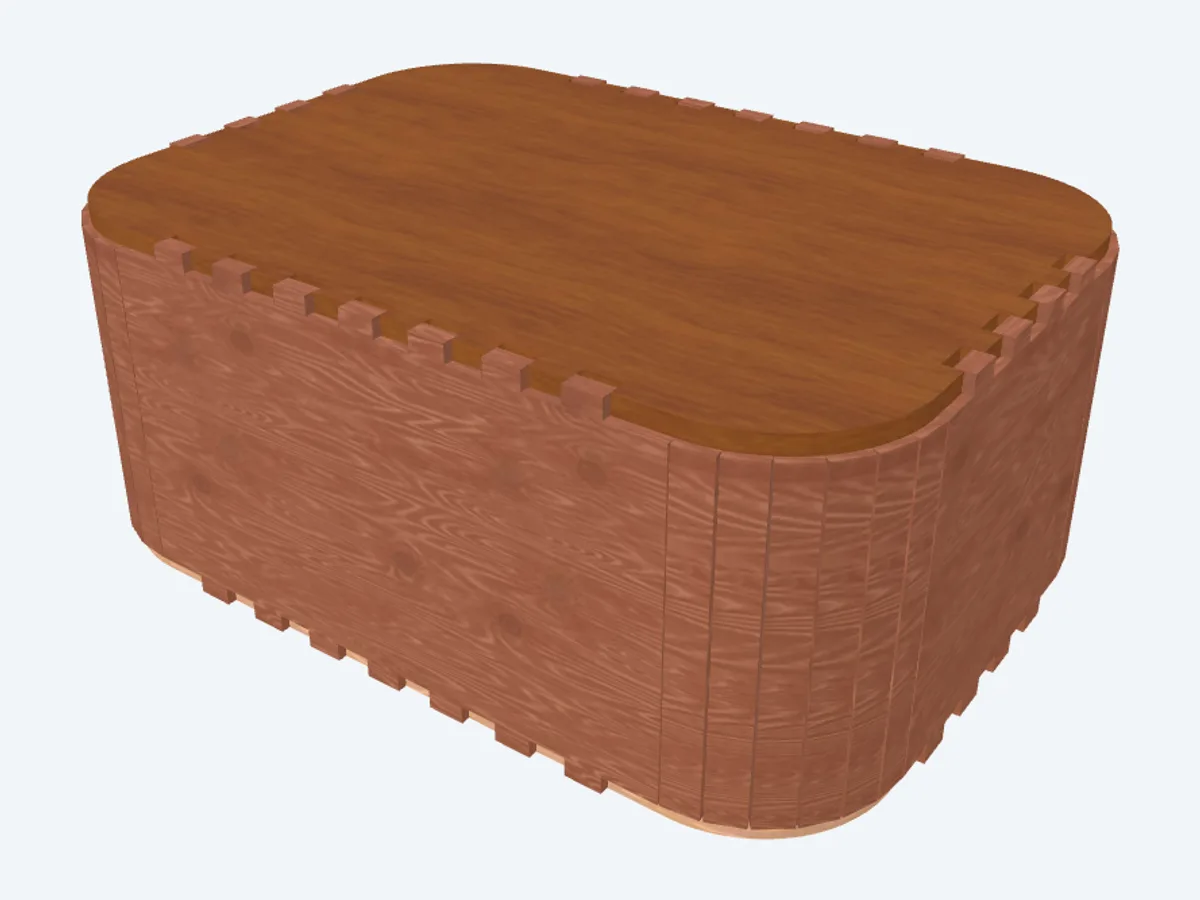
Building a living-hinge rounded box
a living-hinge box with smooth rounded corners
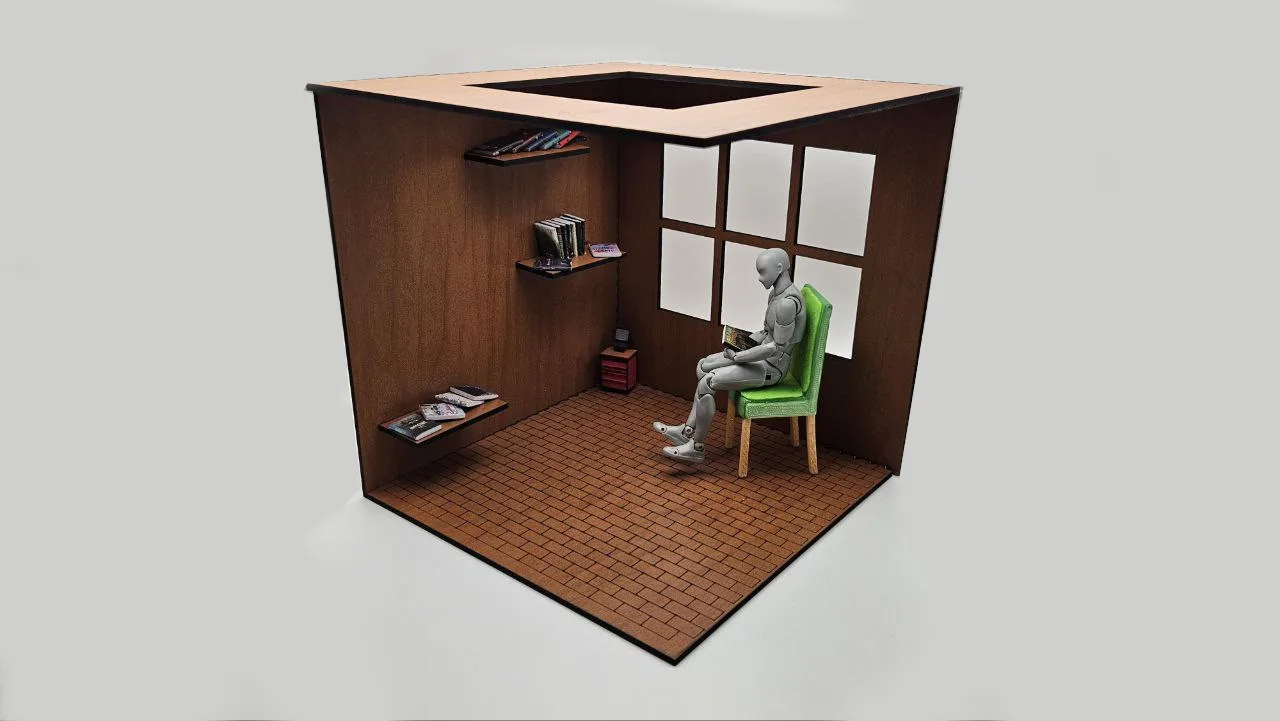
Building a miniature scene with the Coffee Shop Diorama Generator
an open-front diorama room with windows, shelves, and a name plaque
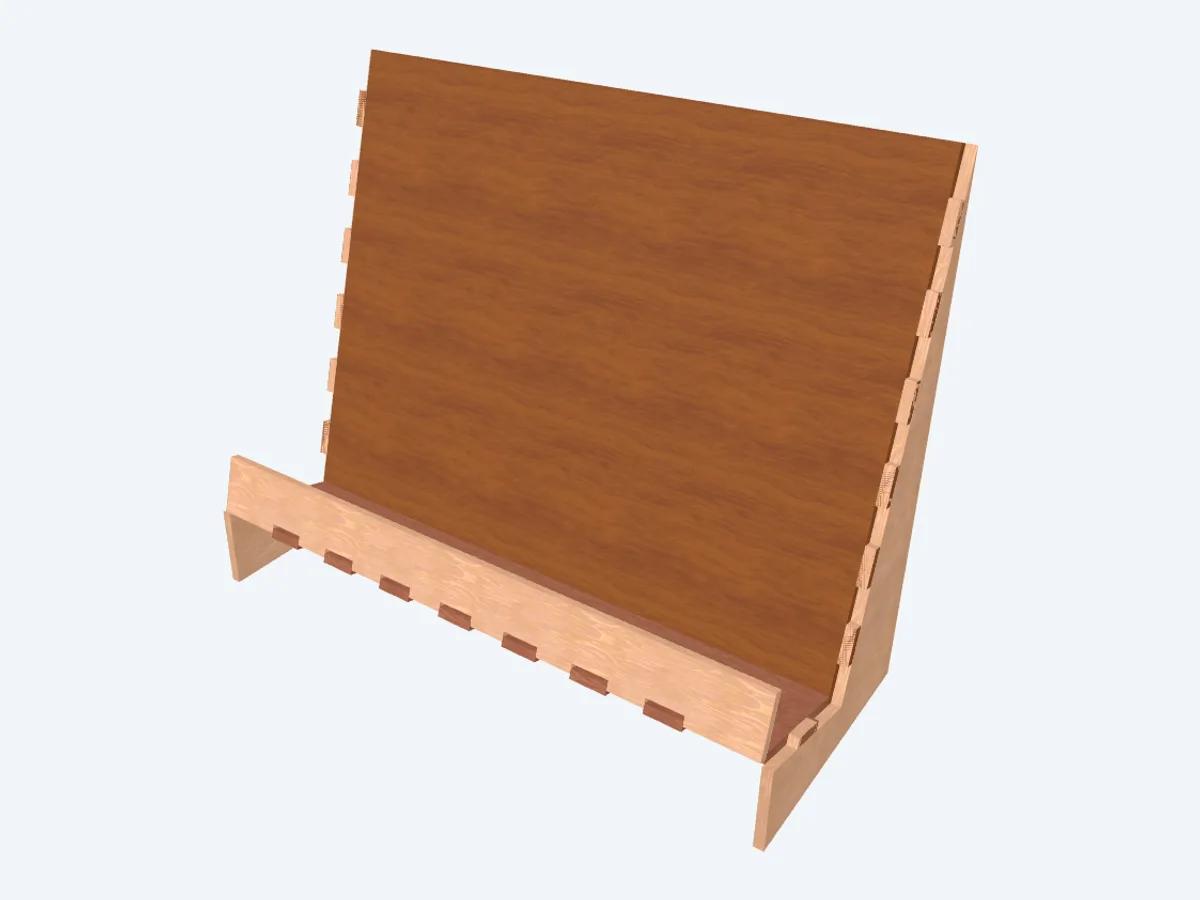
Building a pass-through book and cookbook stand
an angled reading and cookbook stand with a page ledge
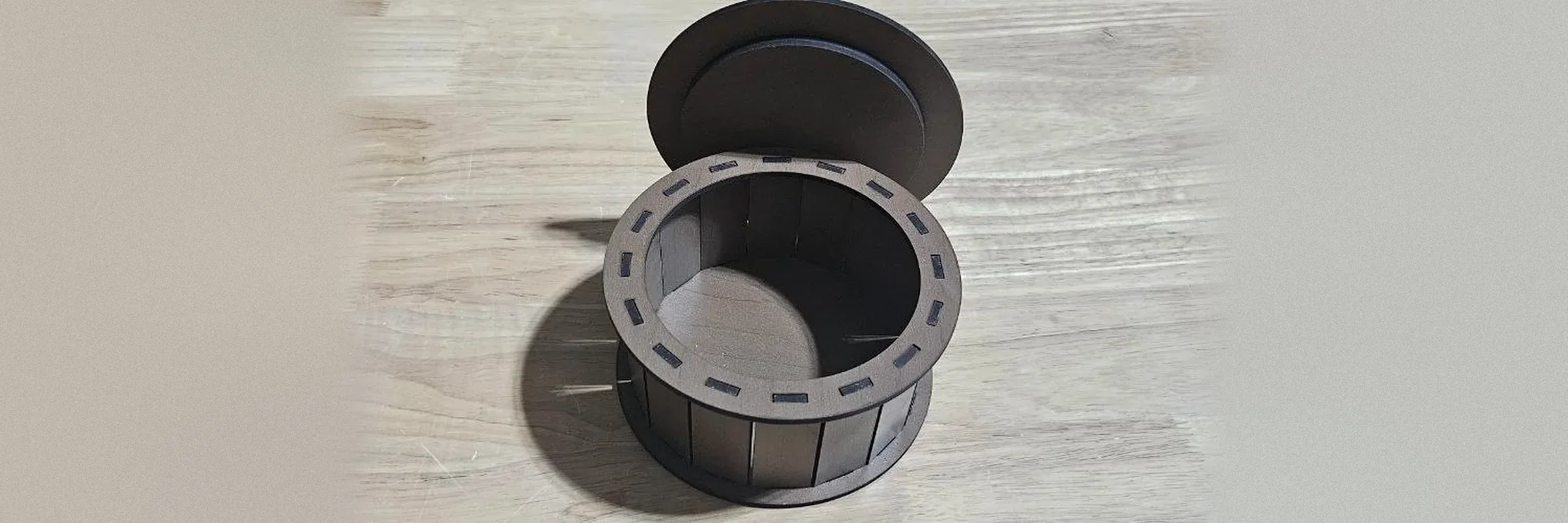
Building a round or polygon box with the Round Box Generator
a round or many-sided box built from flat staves, with a lift-off lid
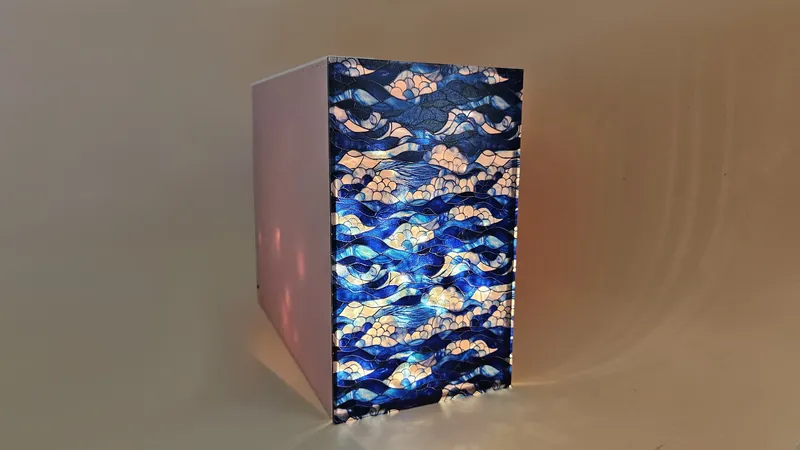
Building a shelf insert with the Book Nook Case Generator
a book-sized display case for miniature dioramas between your books
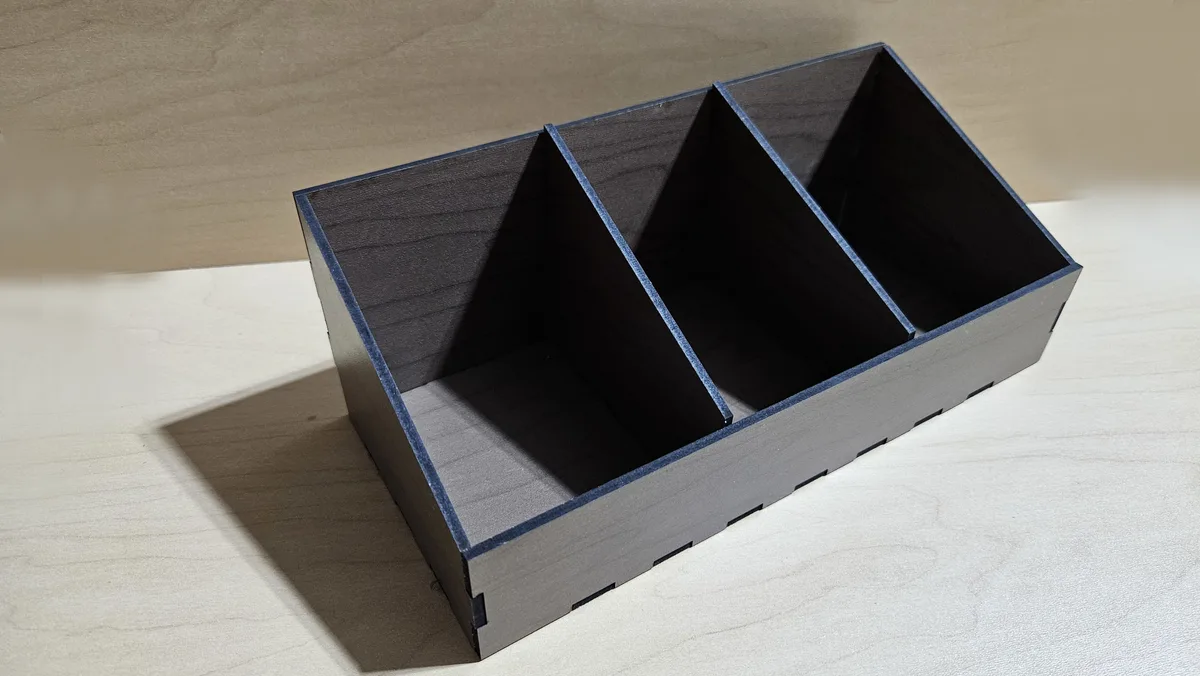
Building a slanted parts-bin tray
a slanted parts-bin tray divided into scoopable bins
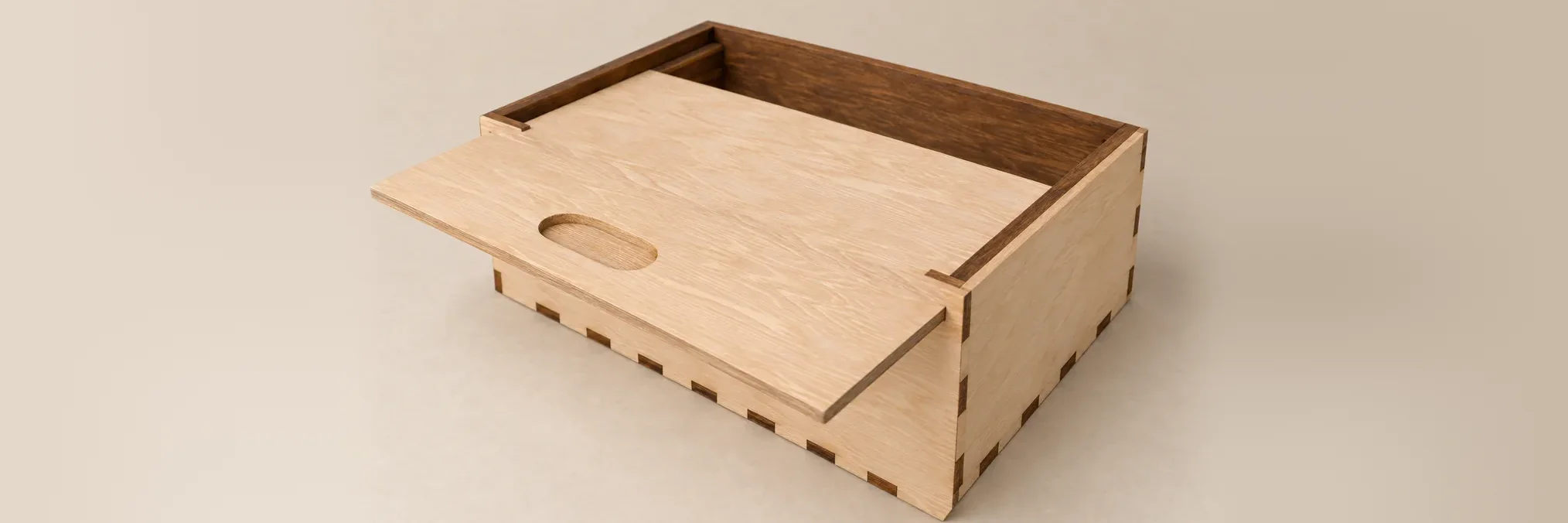
Building a sliding lid box or a matchbox with the Slide Box Generator
a box with a lid that slides out through its rails, or a matchbox tray in a sleeve
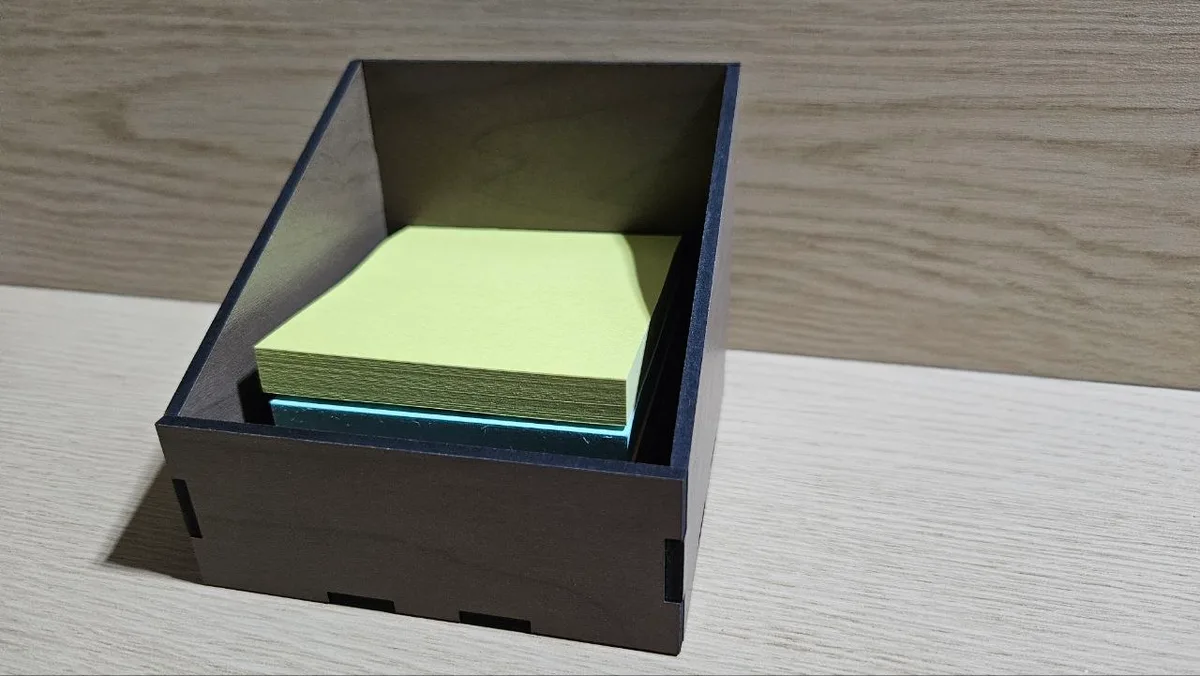
Building a sloped sticky-note holder
a sloped desk caddy for memo paper and sticky notes
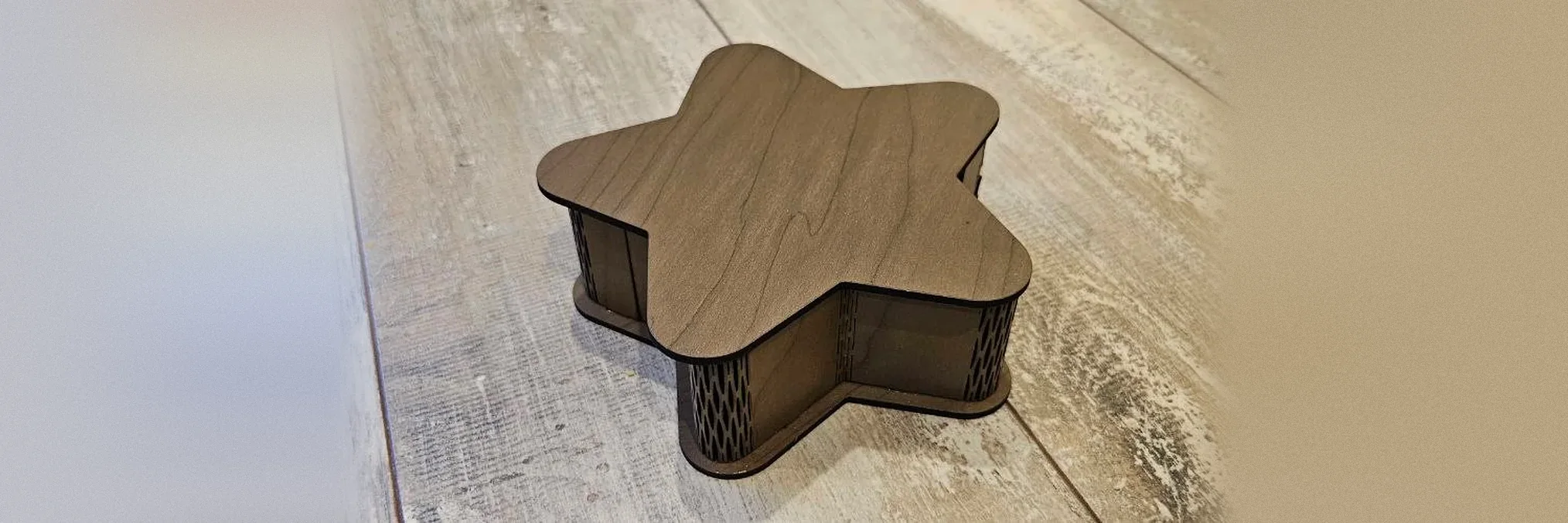
Building a star-shaped box with a bent wall with the Star Box Generator
a star-shaped box whose wall bends around every point, with a lift-off lid
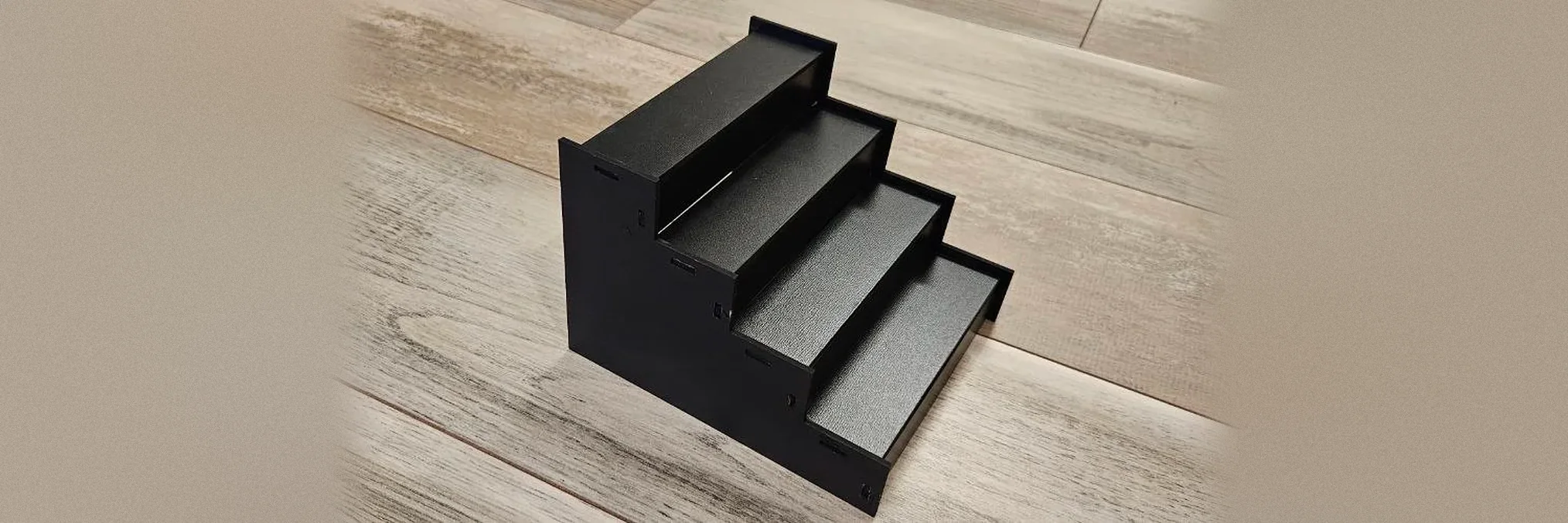
Building a stepped display riser with the Stairs Display Generator
a stepped riser for shelves and market stalls, with optional risers and a back panel
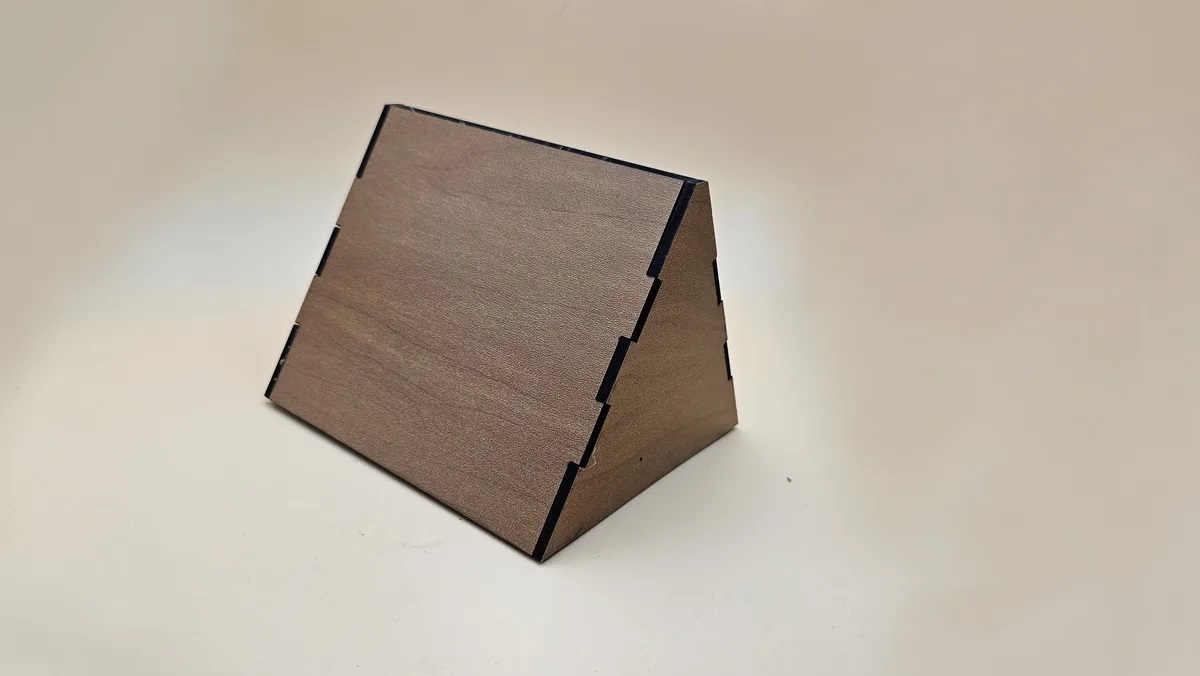
Building an A-frame desk sign
an A-frame desk sign with engravable faces
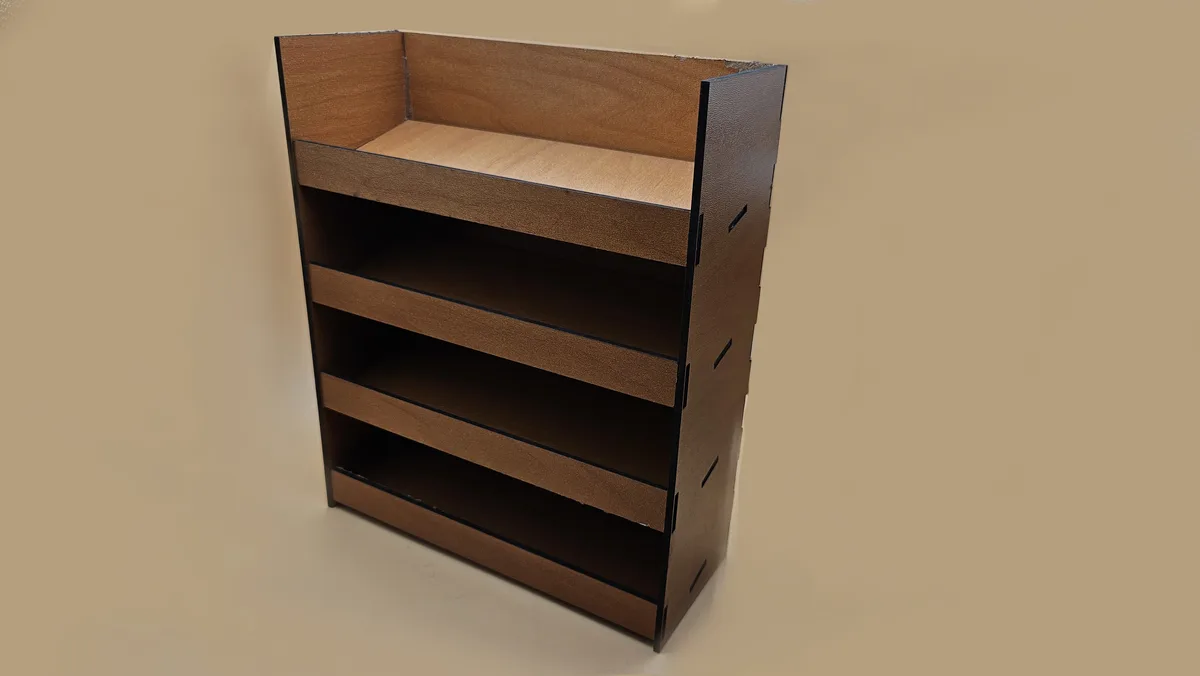
Building an angled tiered display shelf
an angled tiered display shelf with anti-slide front rails
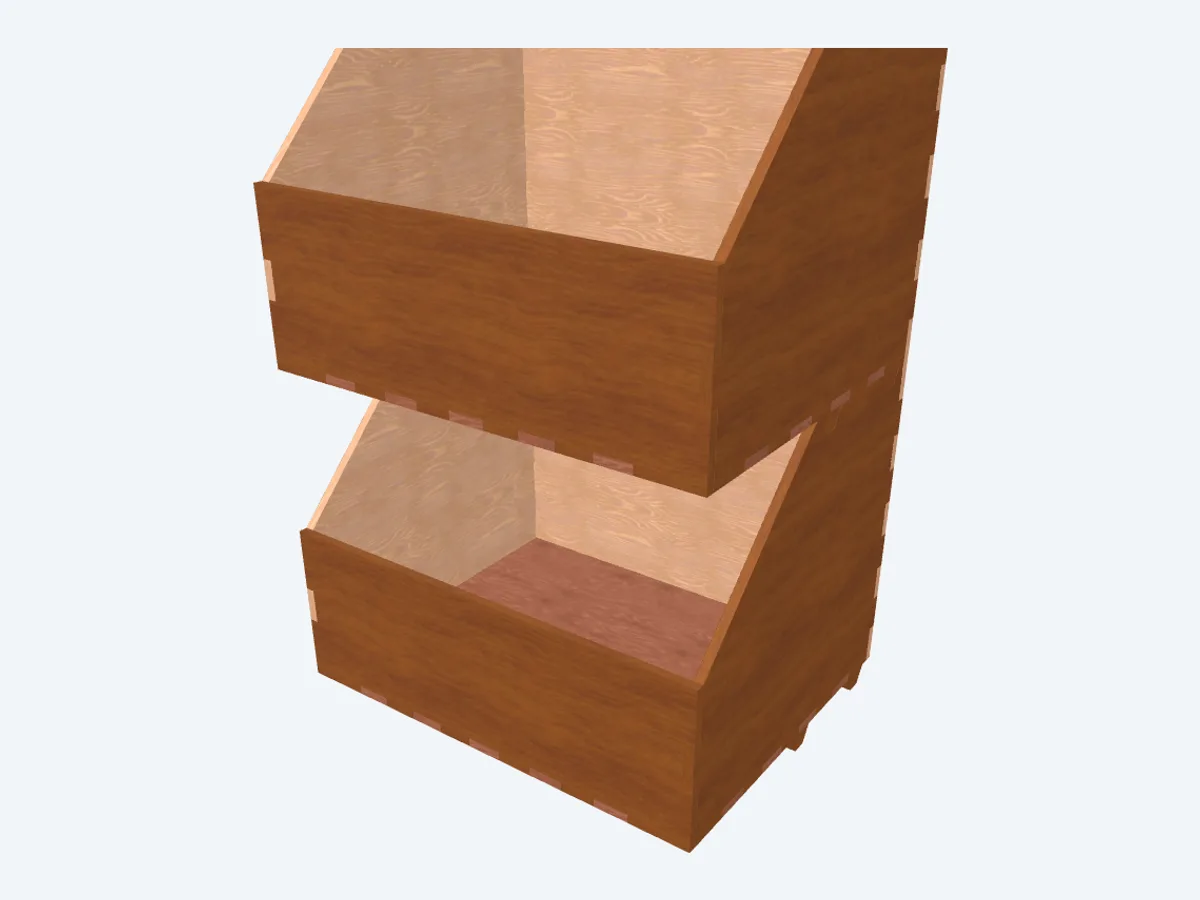
Building an open-front stackable parts bin
an open-front stacking parts bin with a slanted lip
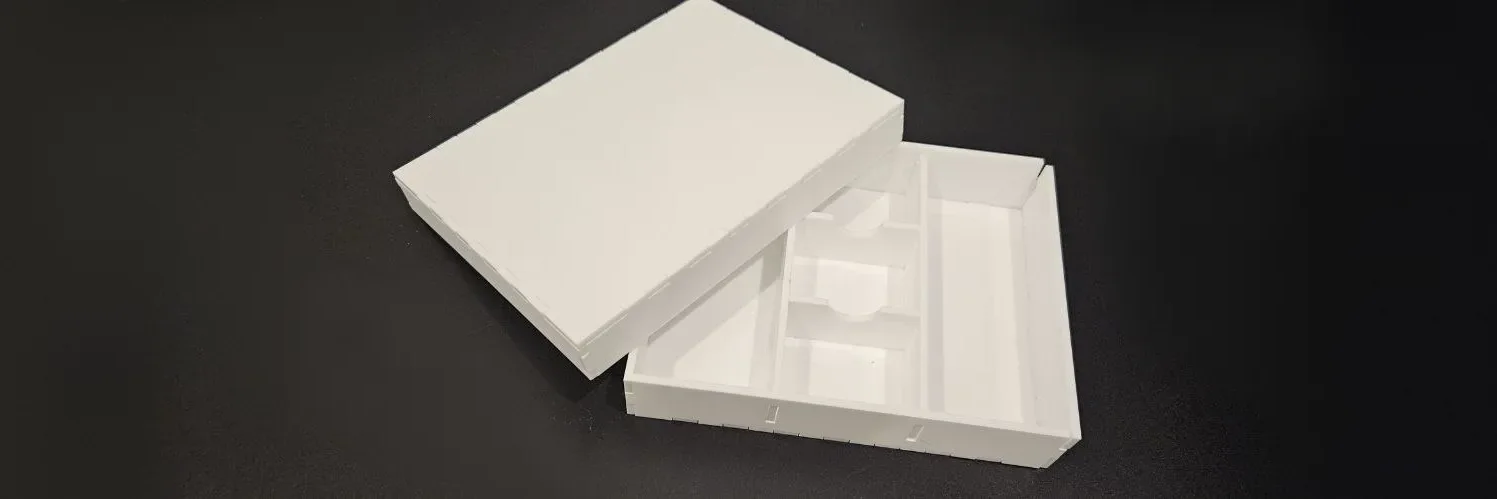
Building an organiser box with compartments with the Divider Box Generator
a finger-jointed organiser with rows of compartments and an optional slip-over lid
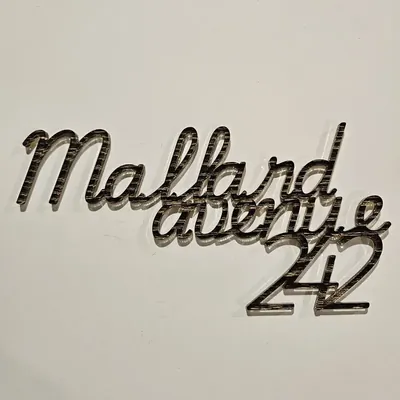
Building multi-line designs with the Multi-Line Text Generator
stacked phrases with a font and position per line
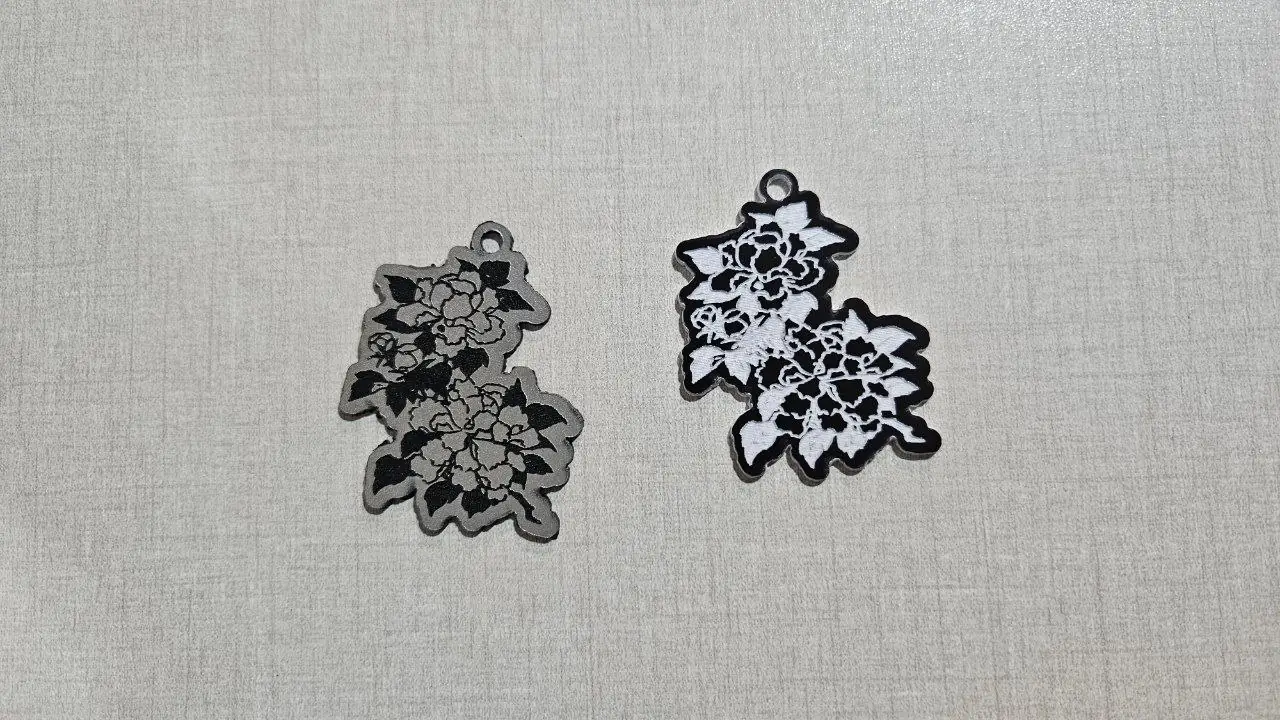
Can I sell what I make with MyLaserTools? The license in plain words
Selling physical products is allowed on every plan. Selling the files depends on where they came from and on your plan. Here is each case.
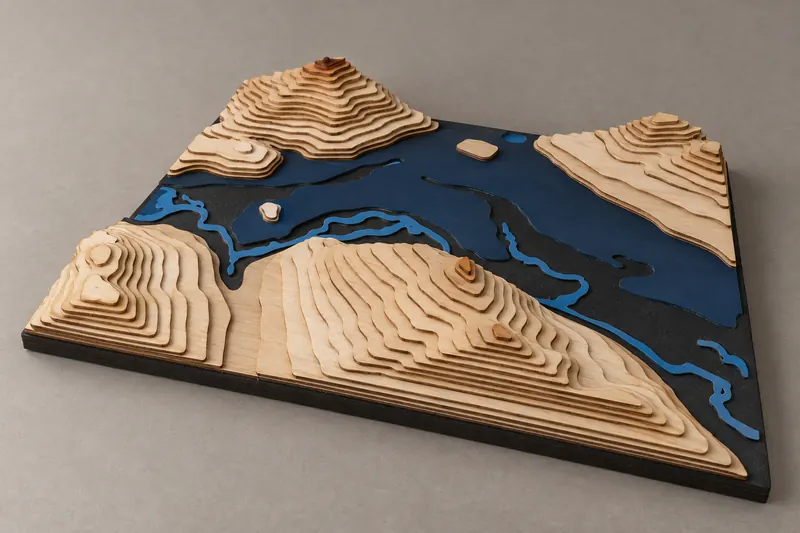
Carving maps on a CNC router
carve layered terrain, lakes and coastlines into hardwood on a CNC router
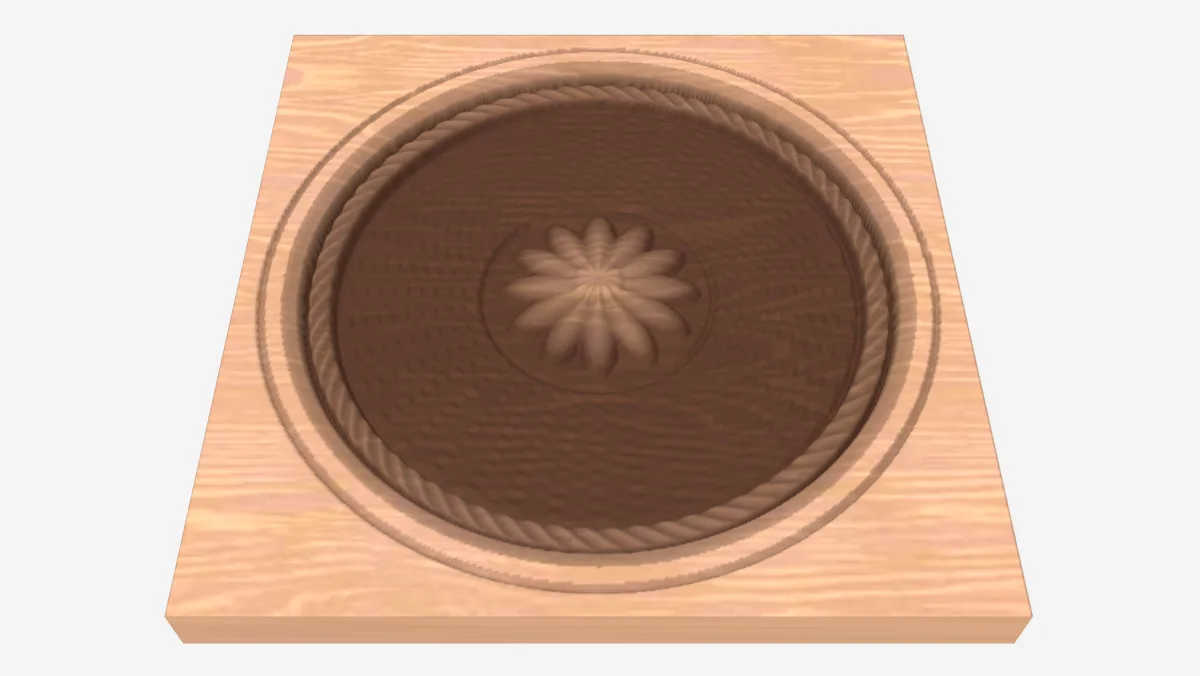
Check a depth map before relief engraving
Compare bit depth, usable grey levels and engraving passes, then adjust levels if needed.
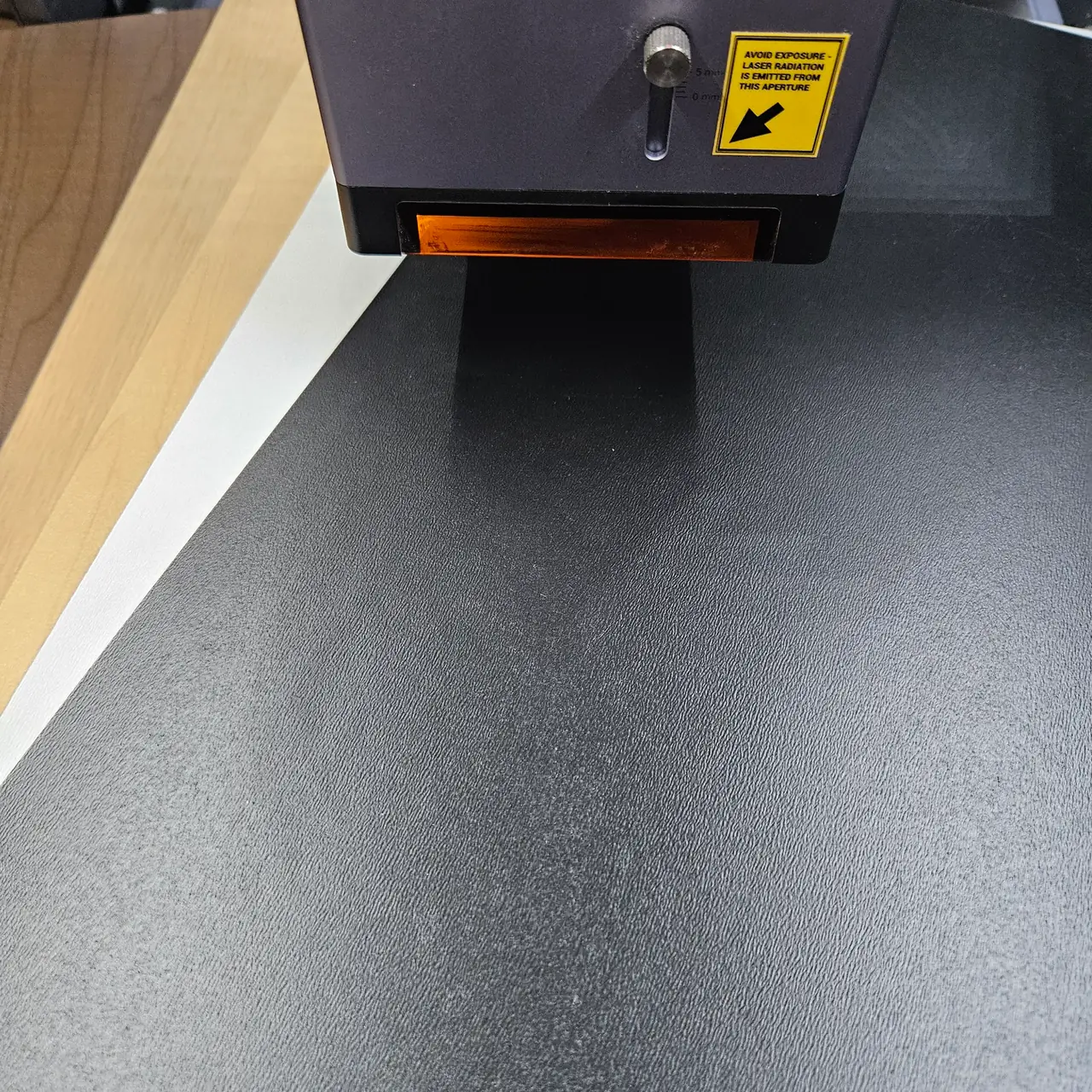
Choosing wood and acrylic for laser-cut maps
how sheet thickness, wood species, and acrylic color change a layered map build
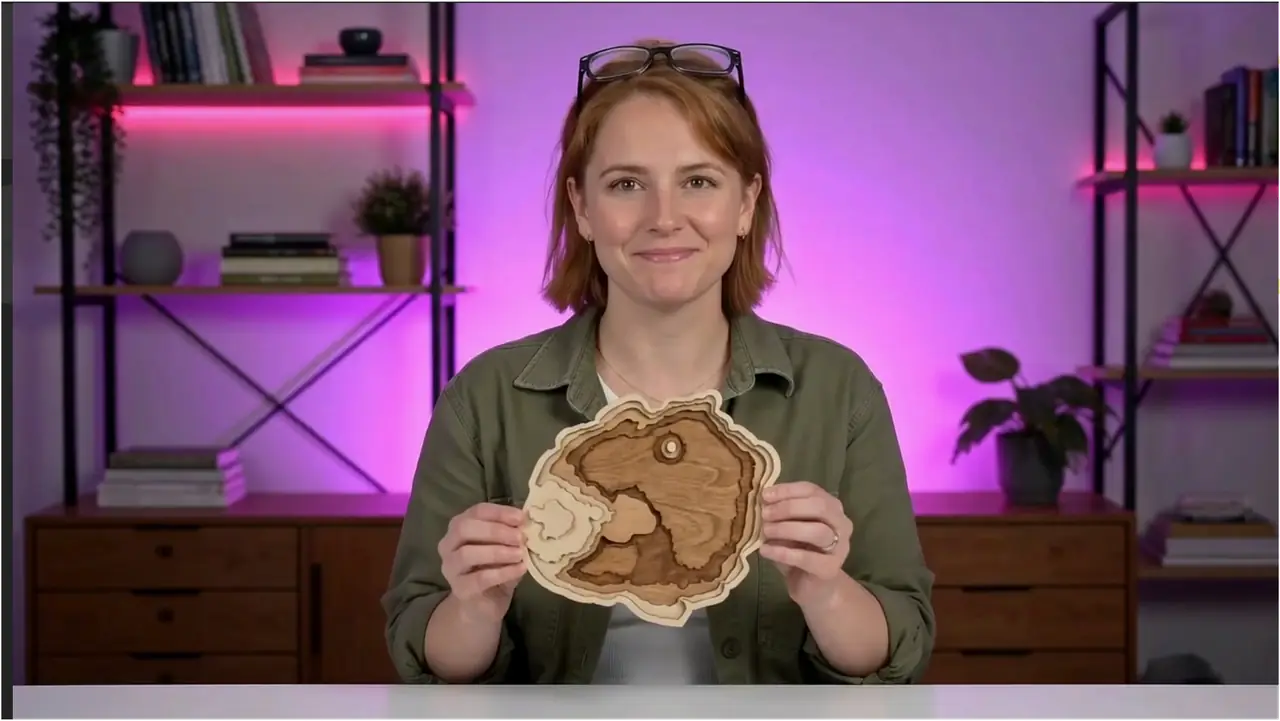
Cut and assemble layered SVG projects in LightBurn or xTool Studio
Separate physical layers from machine operations, preserve shared scale, test material fit and dry-assemble a layered MyLaserTools design.
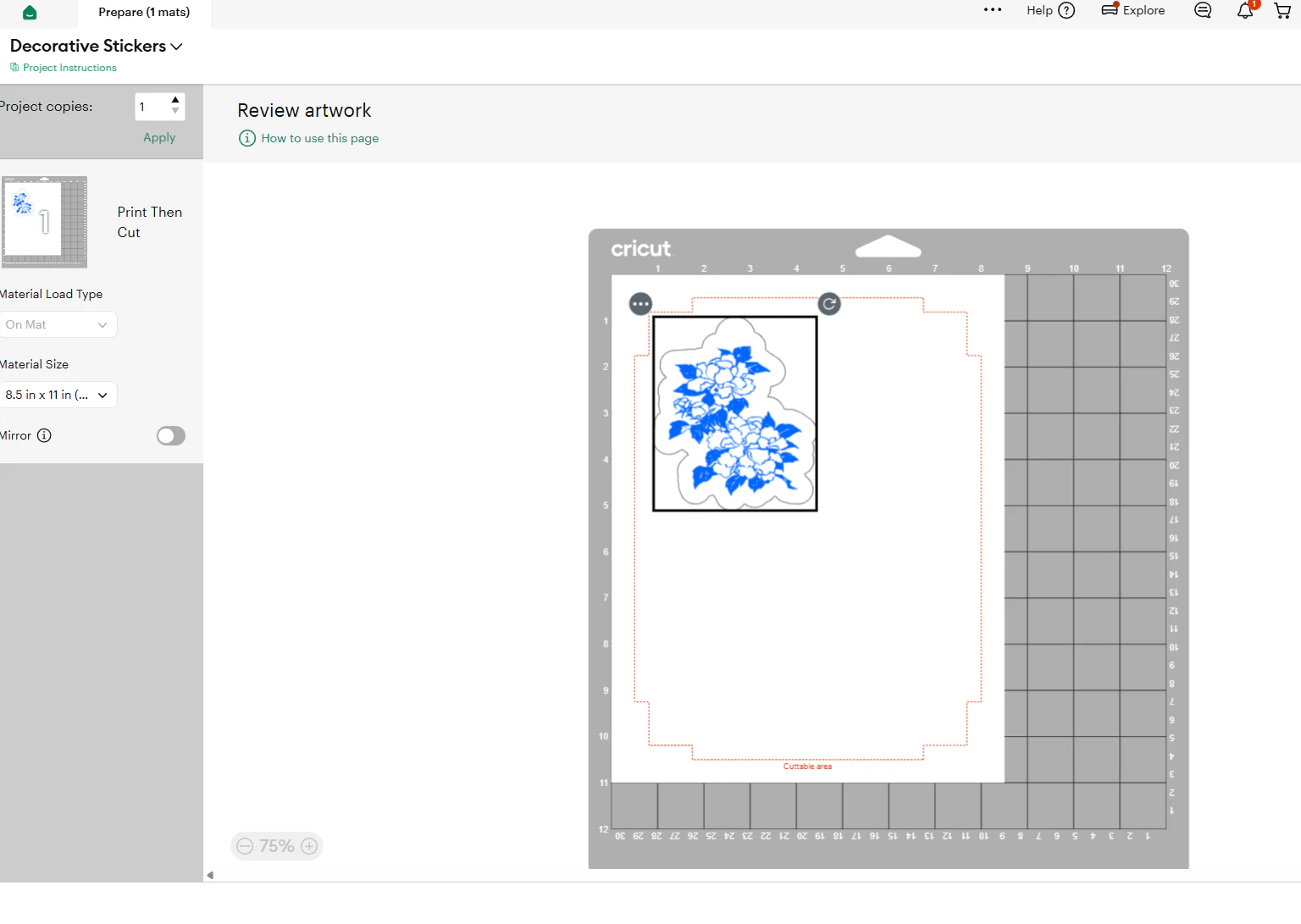
Cut vinyl and Print Then Cut MyLaserTools designs in Cricut Design Space
Upload an SVG to cut vinyl or iron-on, or a PNG for Print Then Cut, check its size and cut it on your Cricut.

Cutting a finger-jointed chest of drawers with the Drawer Chest Generator
a small press-fit chest of drawers with finger joints, sized from your sheet thickness
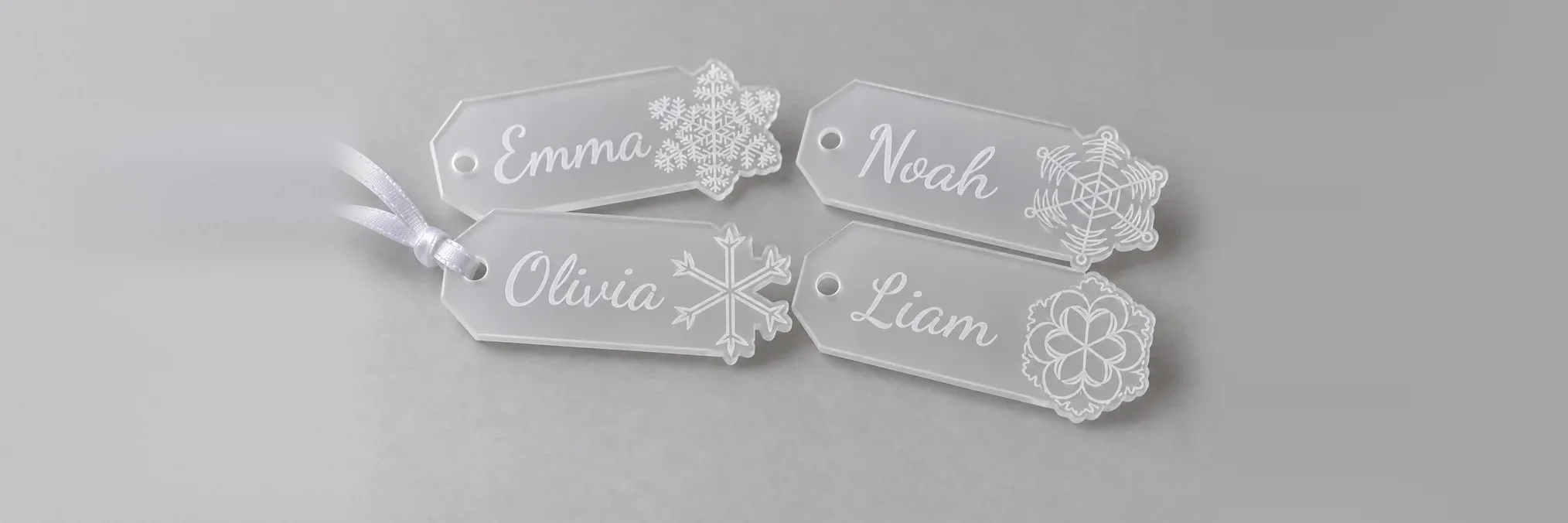
Cutting a sheet of snowflake gift tags with the Sekka Zusetsu Snowflakes Gift Tag Generator
Christmas gift tags with a snowflake breaking over the edge, a whole sheet of names at once

Cutting accurate measuring tools with the Ruler Generator
precision rulers with engraved ticks and digits, sized to your needs

Cutting an oversized city map on a small laser with the Laser Cut Split preset
a big A1 city map automatically split into A3 tiles that reassemble seamlessly
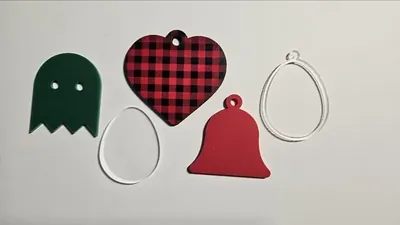
Cutting clean basics with the Shape Generator
polygons, stars, hearts, and 20+ ready shapes with optional hanger holes

Cutting gears that actually mesh
involute and cycloidal gears, planetary sets, racks, compound stacks and non-circular pairs

Cutting interlocking game tiles that twist together
twist-lock triangle, square and hex tiles for modular boards
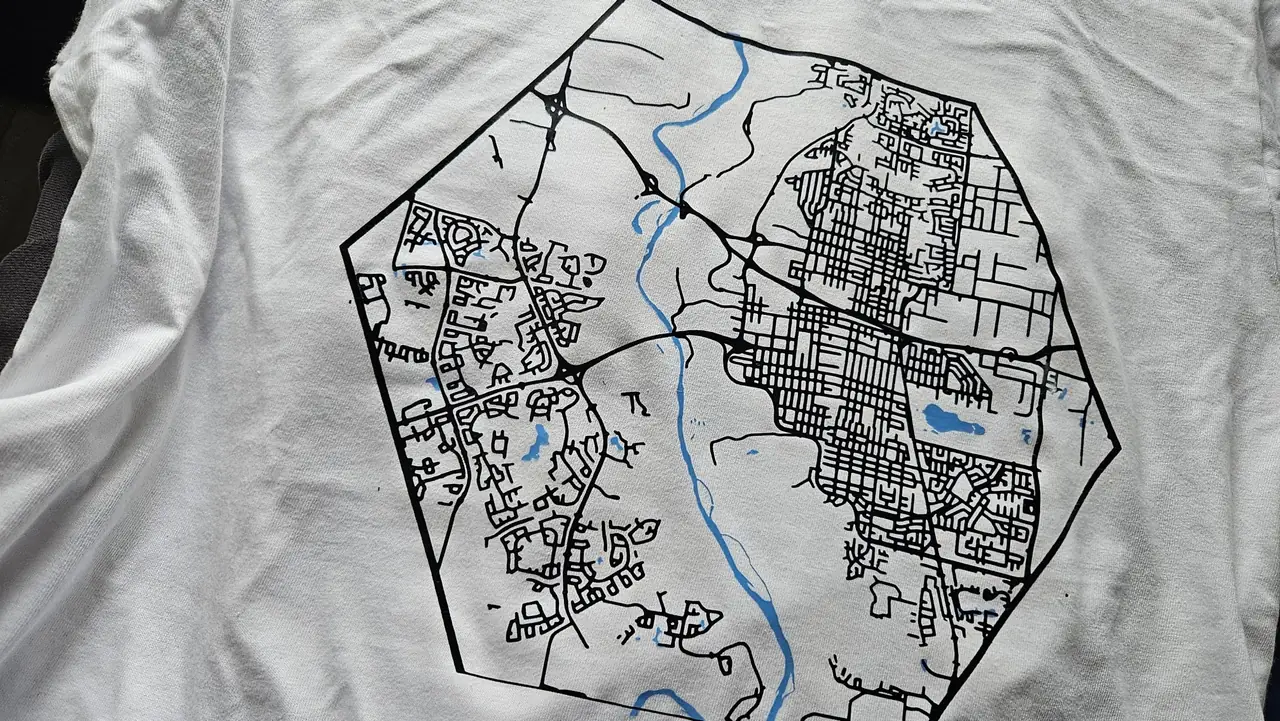
Cutting maps on a Cricut
weed-able city street badges for HTV, decals, and stencils on a Cricut or Silhouette

Design Editor: make a name tag with engraved text
Make a name tag while learning to add shapes and text, set dimensions, choose operations and export an SVG.

Designing a stitchable frame with the Cross Stitch Frame Generator
3D-printed or laser-cut frames with a built-in stitchable hole grid and an optional raised frame
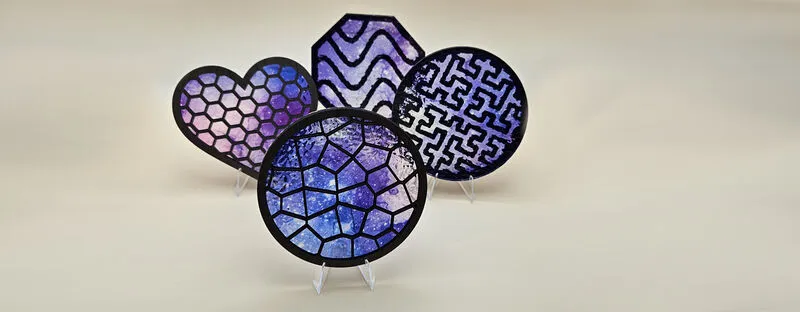
Designing patterned panels with the Voronoi Panel Generator
lace-like fill patterns: voronoi, hex, waves, and Hilbert curves in a framed panel
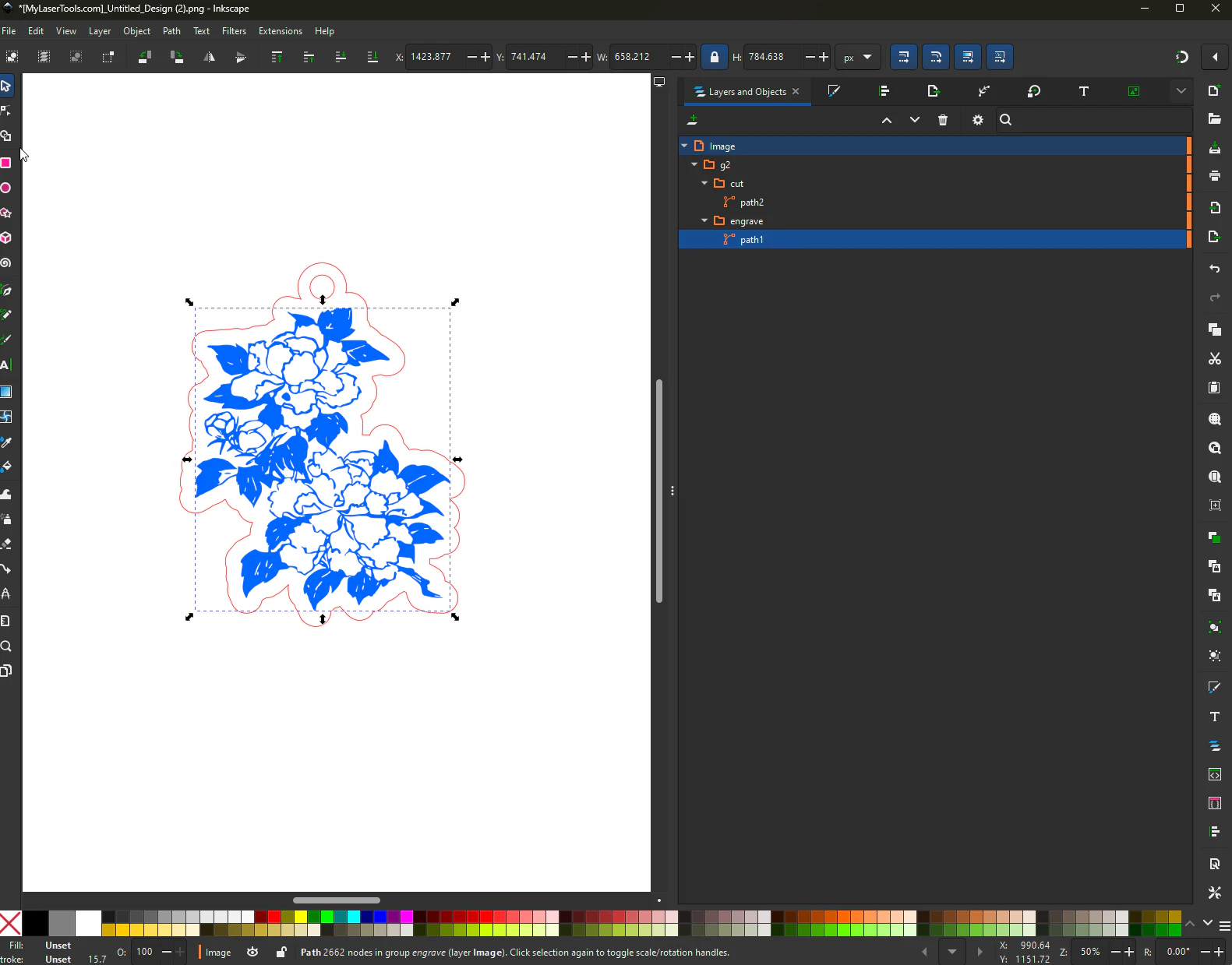
Edit MyLaserTools SVG files in Inkscape or Adobe Illustrator
Keep physical size, outlined text, embedded artwork and cut paths intact when editing an SVG in Inkscape or Adobe Illustrator.

Engraving a contour map with the Topo Score Lines preset
elevation contours scored onto a single sheet, like a classic paper topo map
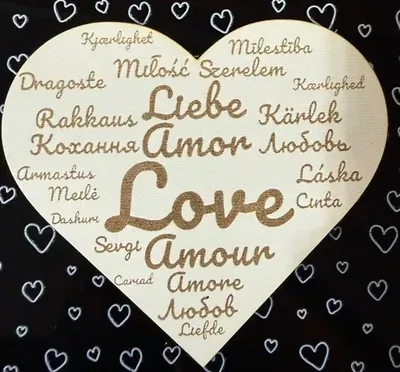
Engraving word clouds with the Word Cloud Generator
weighted words packed into a heart or circle
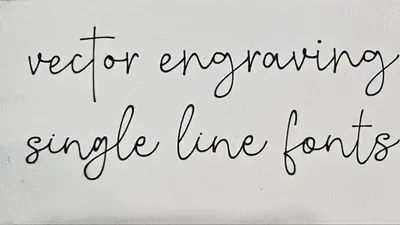
Fast vector engraving with the Single Line Text Generator
true single-stroke fonts for lightning-fast engraving
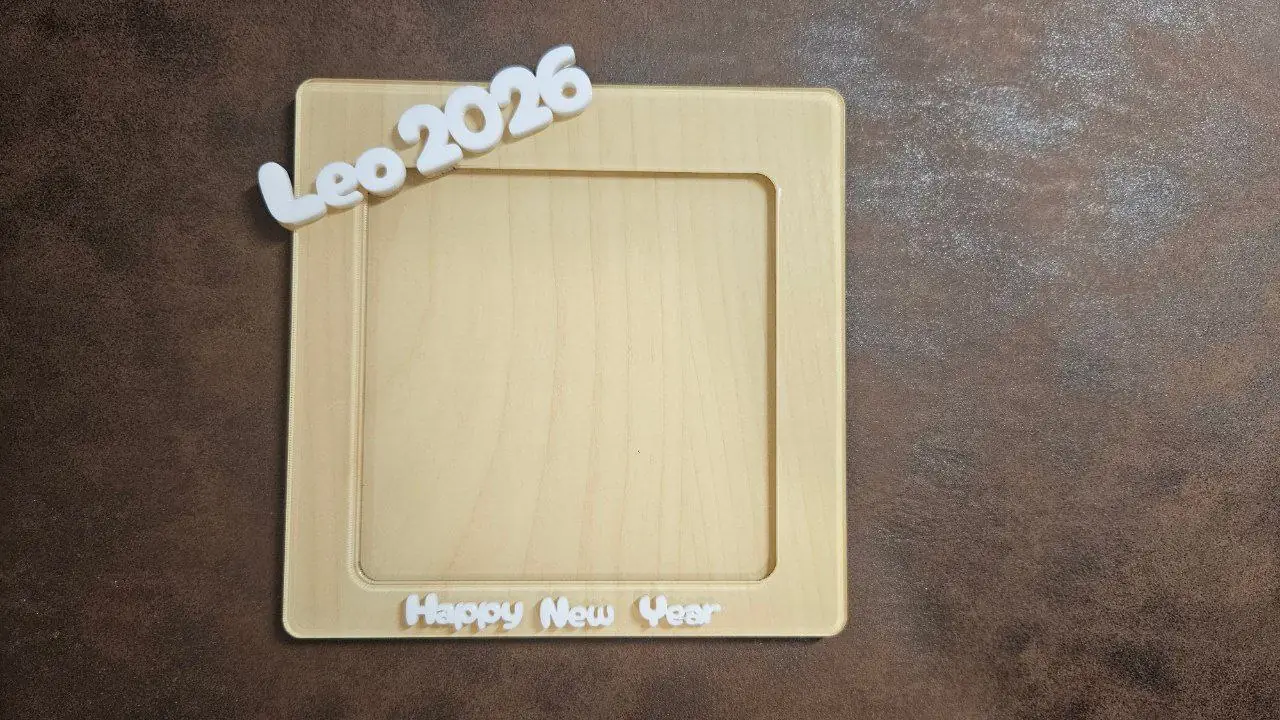
Framing and finishing a printed map
mats, frames, mounting and captions for a printed map
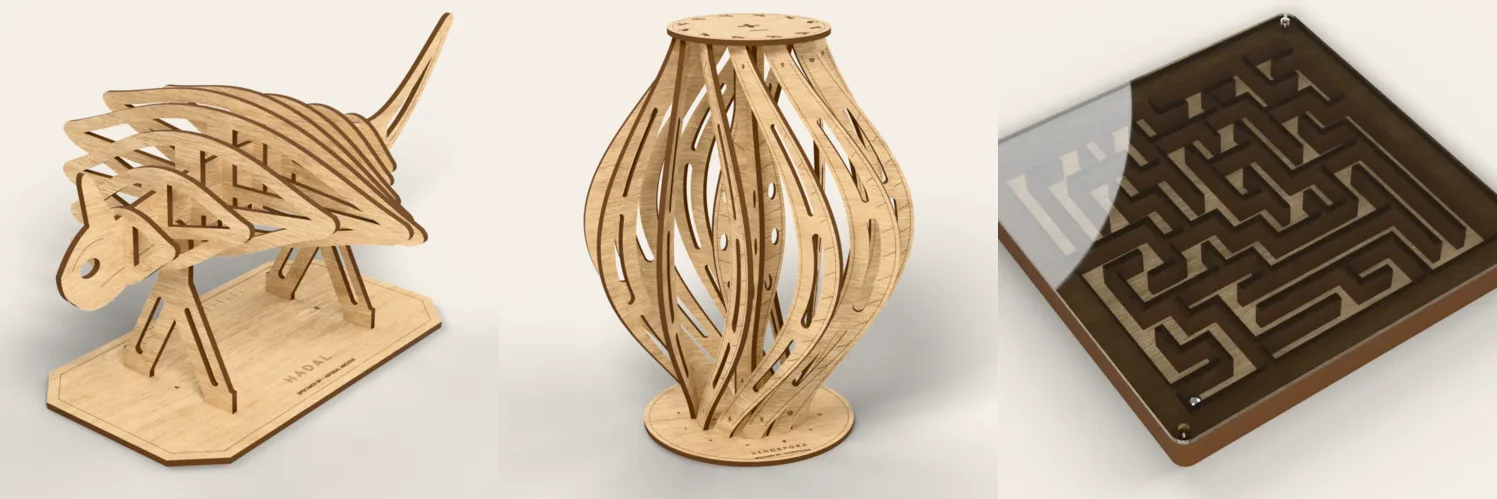
Getting started with KerfScript: your first laser cut design written as code
a laser cut design written as code, with sliders made from your own comments
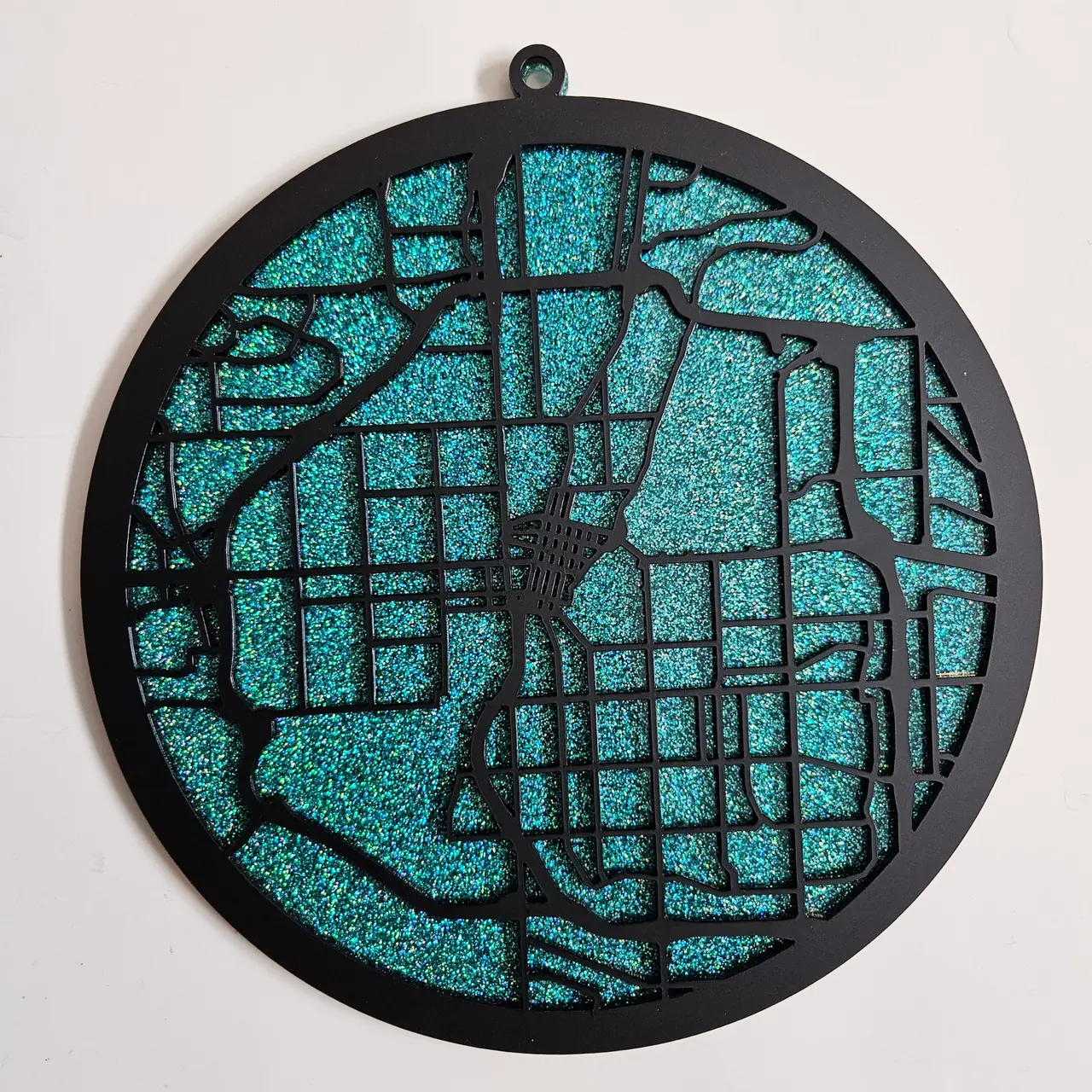
Gluing and assembling layered map stacks
labeling, dry-fitting, gluing, and finishing a stack so it reads as one solid block

Going bigger than your laser bed with the Joint Panel Generator
interlocking panels that assemble into artwork larger than your laser bed
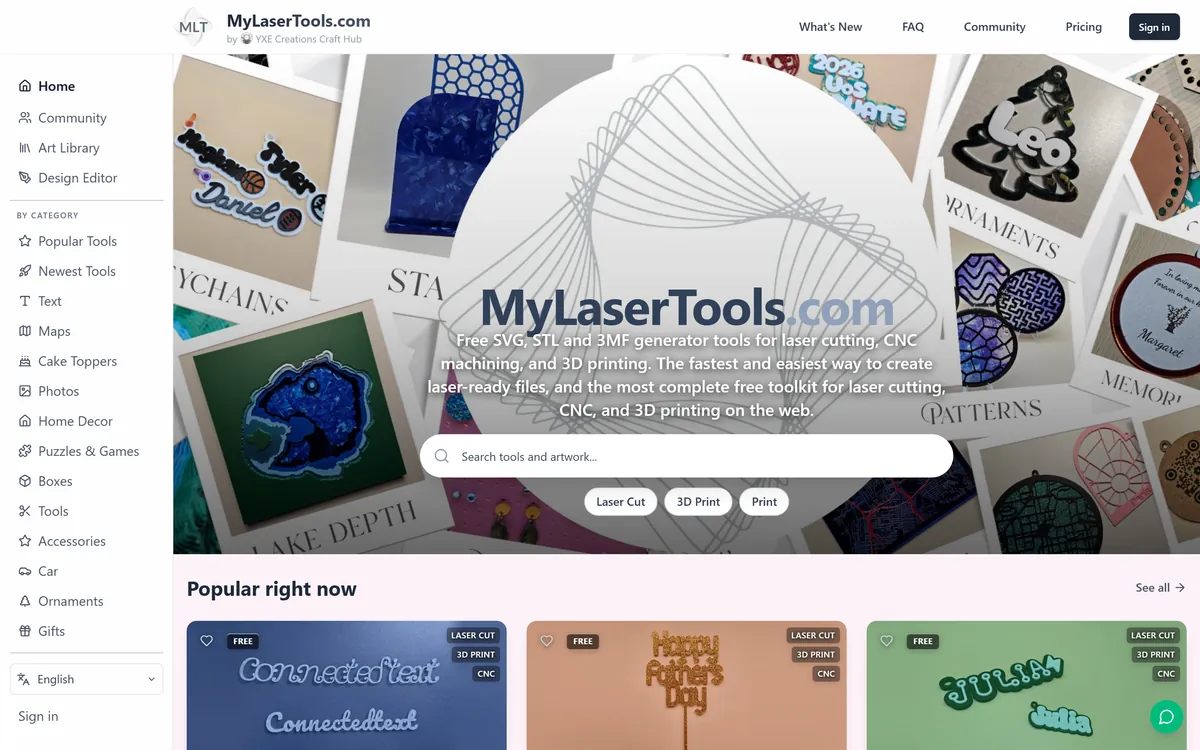
How MyLaserTools works
What each part of the site does, what needs an account and where your designs are saved.
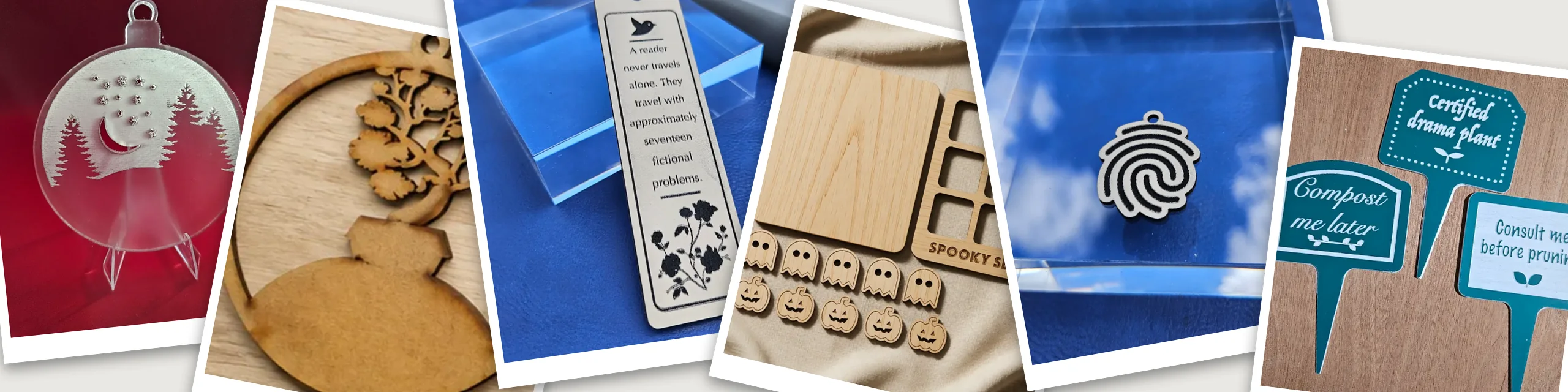
How to find, use and share community designs
free SVG files shared by other makers: search, check the licence, download or edit, and share what you made
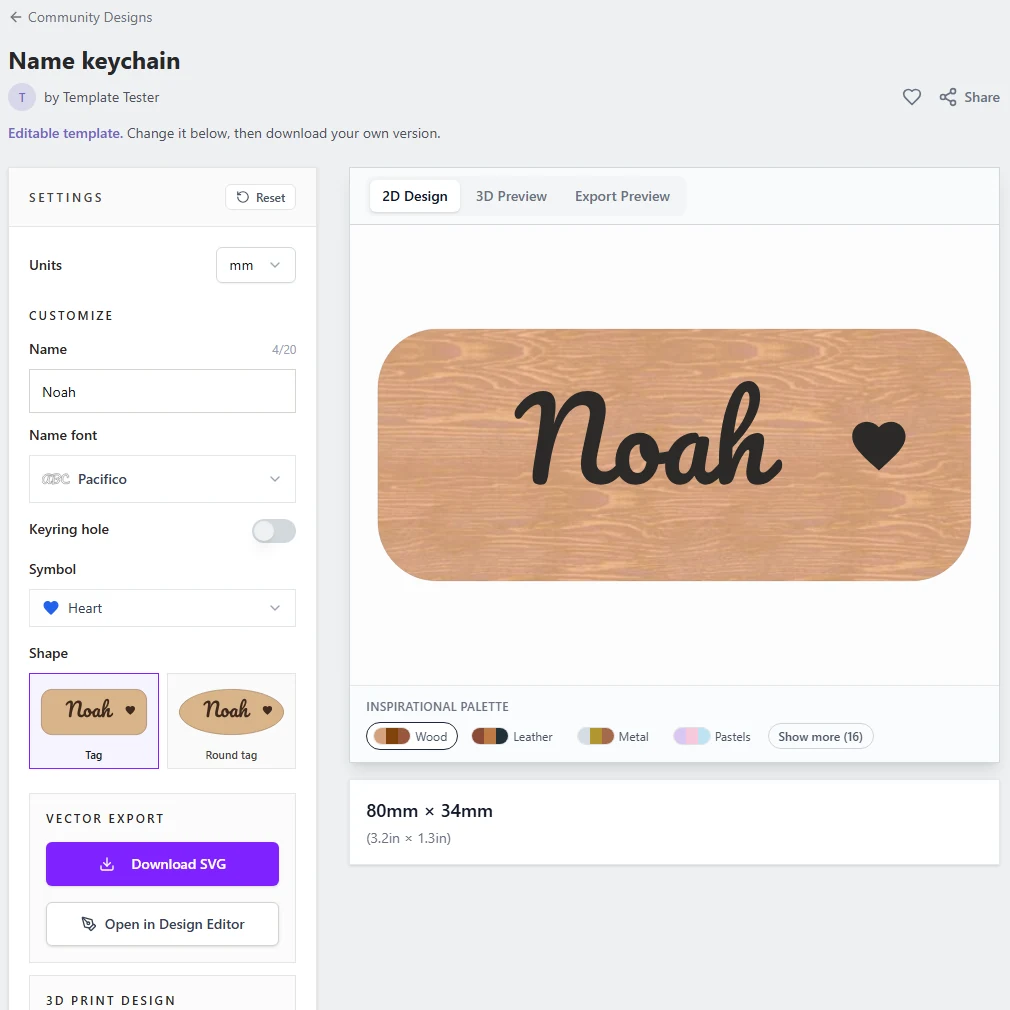
How to make an editable template in the Design Editor
turn a design into a template people personalise, like a keychain where they type their own name
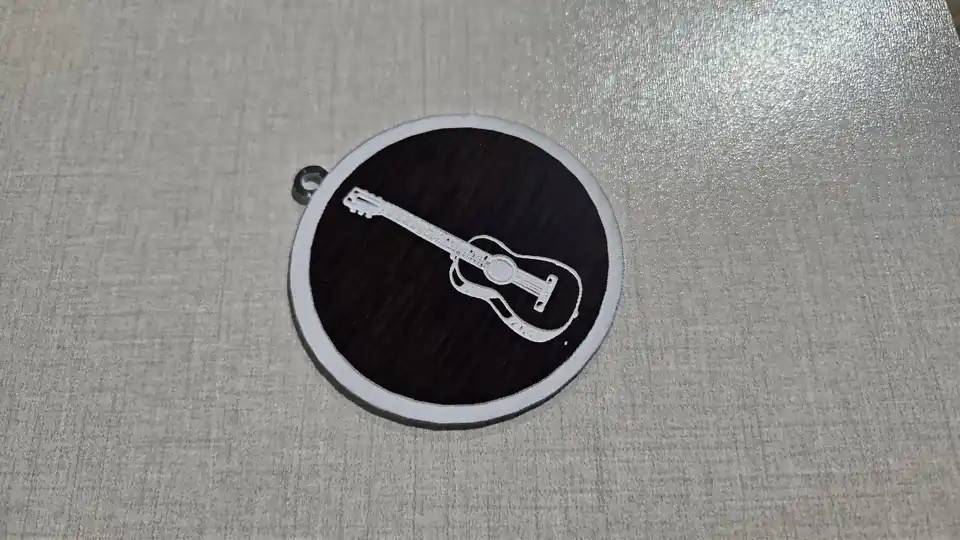
How to make engraved art ornaments
engraved wooden ornaments cut to a ball, bell or star or around the artwork, or 3D printed with a groove
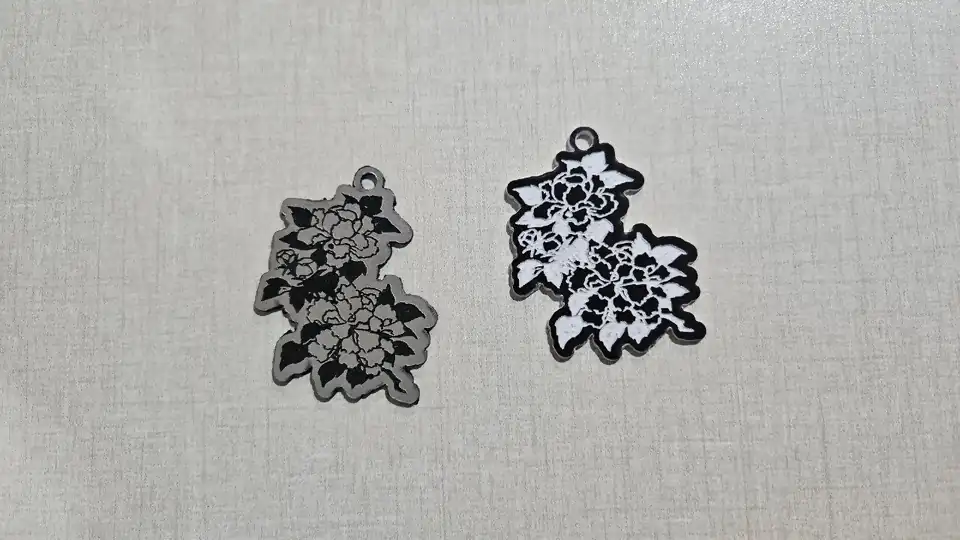
How to make engraved wooden keychains
engraved keychains cut around the artwork or to a shape, or 3D printed with the engraving as a groove
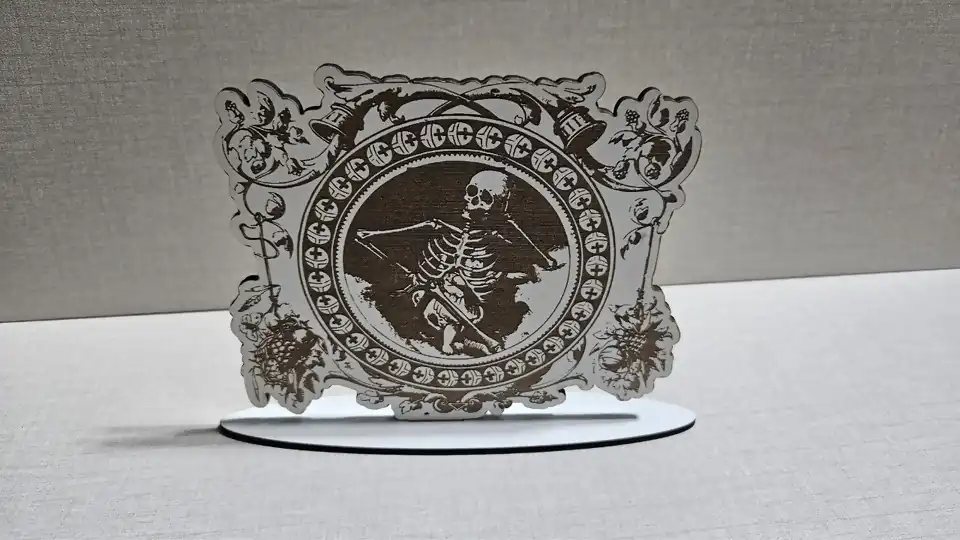
How to make engraved wooden standees
engraved wooden figures with a slotted base or a cross-slot stand
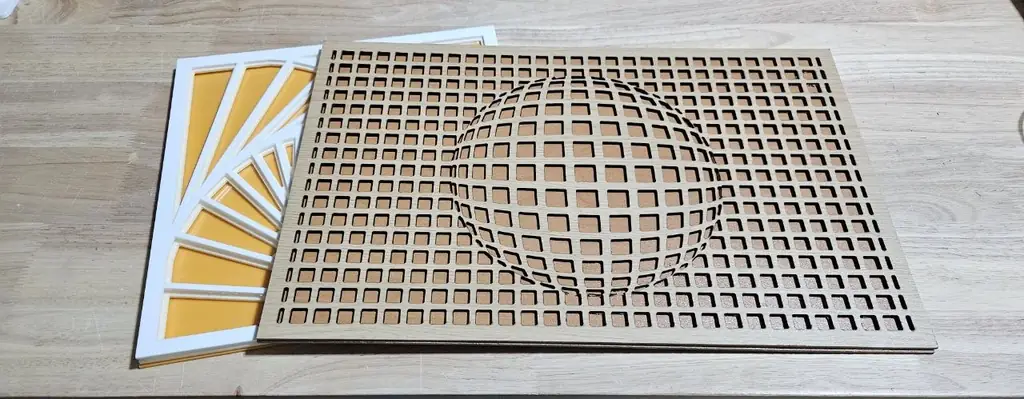
How to make layered wall art panels
stacked pattern sheets that close in toward the back, mandalas and optical illusions
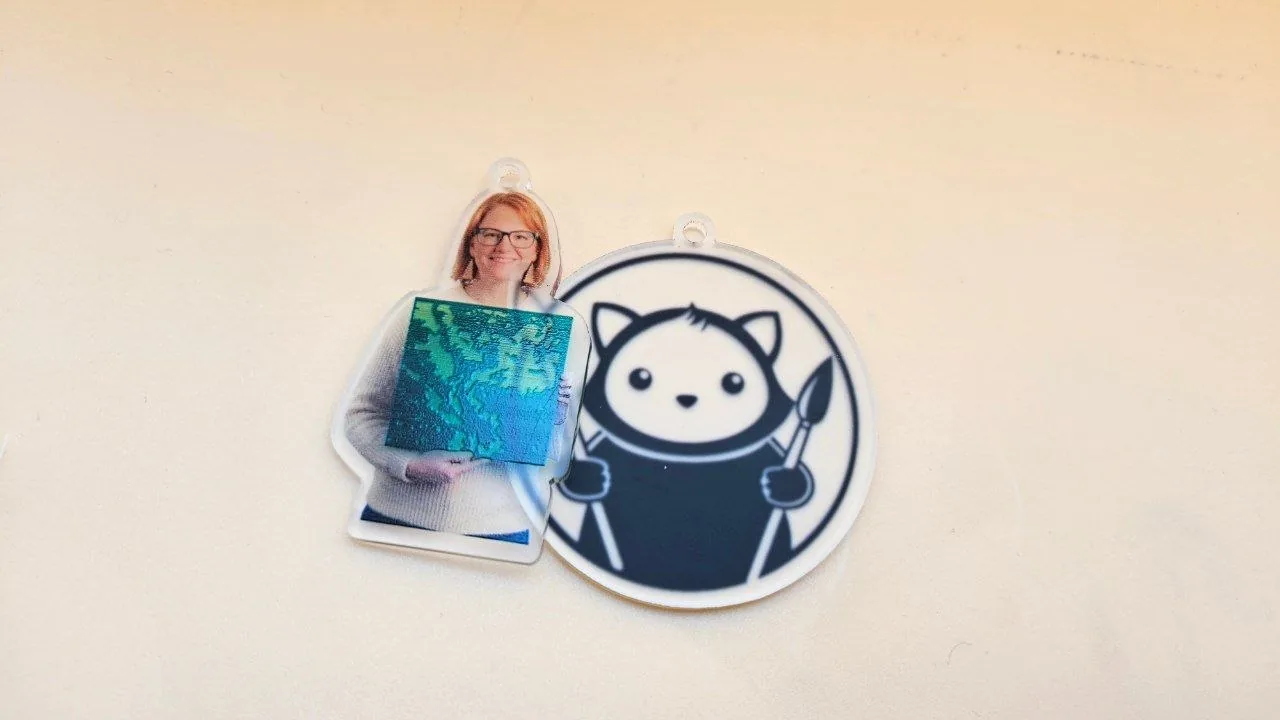
How to make photo print and cut keychains
photo silhouettes and artwork with matching print and cut files
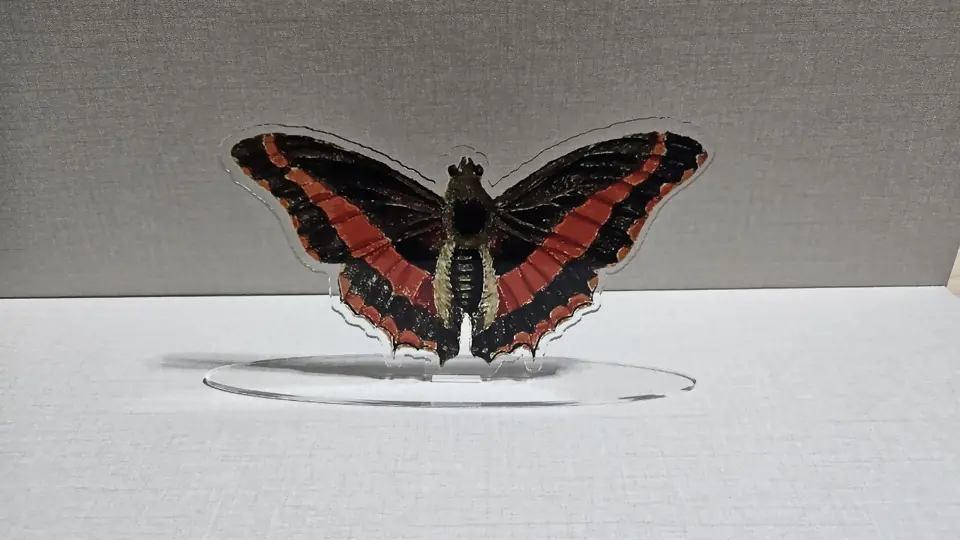
How to make photo print and cut standees
printed figures that stand in a slotted base or slot together in a cross
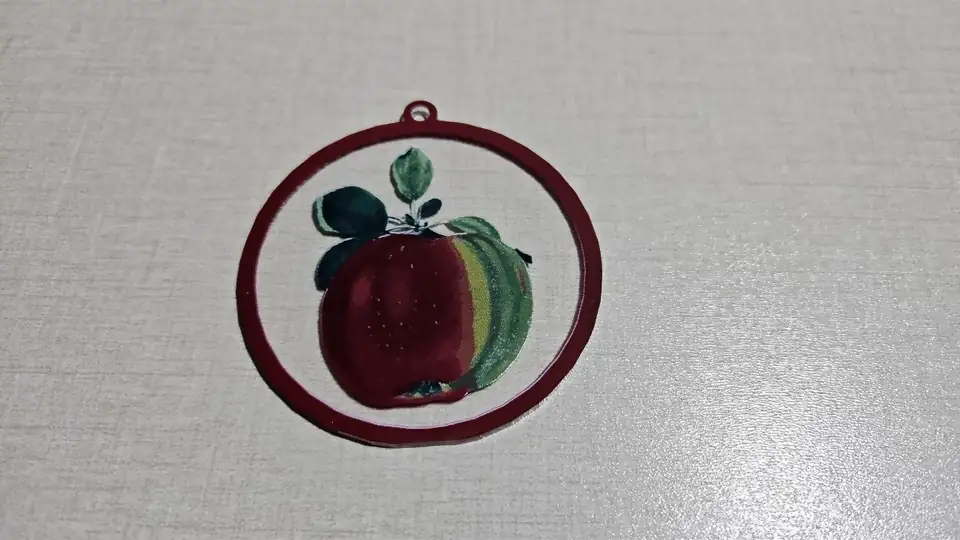
How to make print and cut art ornaments
printed ornaments cut to a ball, bell or star or around the artwork, or 3D printed in colour
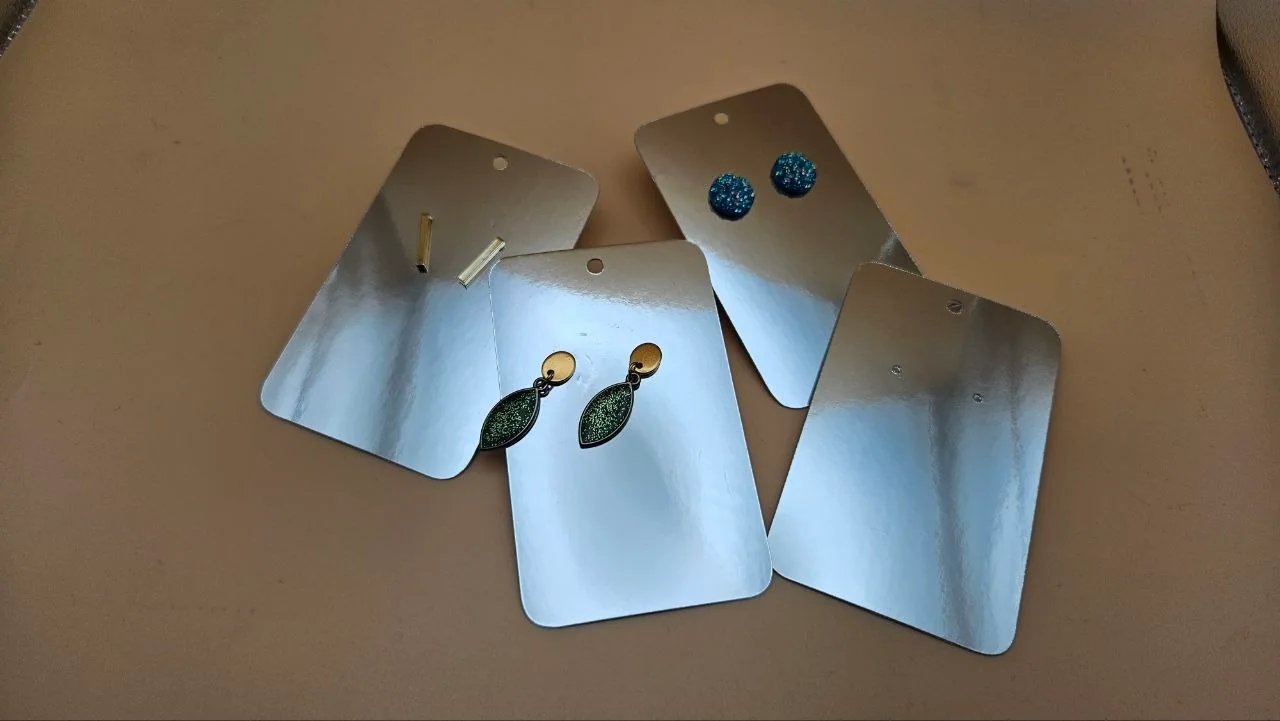
How to sell laser cut products on Etsy and Amazon Handmade
Fees, listings that show size and material, and a routine for personalized orders: collecting names, sending proofs and cutting a whole batch from one sheet.
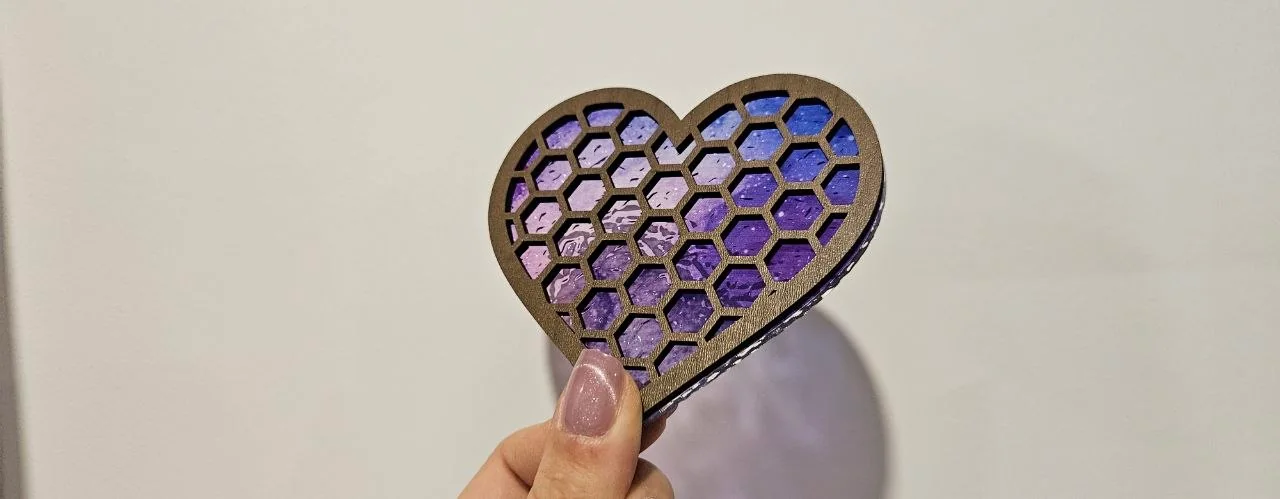
How to stack, align and glue layered laser cut projects
Stack order, glue guides scored on each layer, alignment with outlines and pins, and which glue to use for wood, acrylic and paper layers.
How to start a laser engraving business: costs, first products and pricing
What you pay for before the first sale, which machine fits which materials, how to pick three first products and a pricing formula that covers your time.
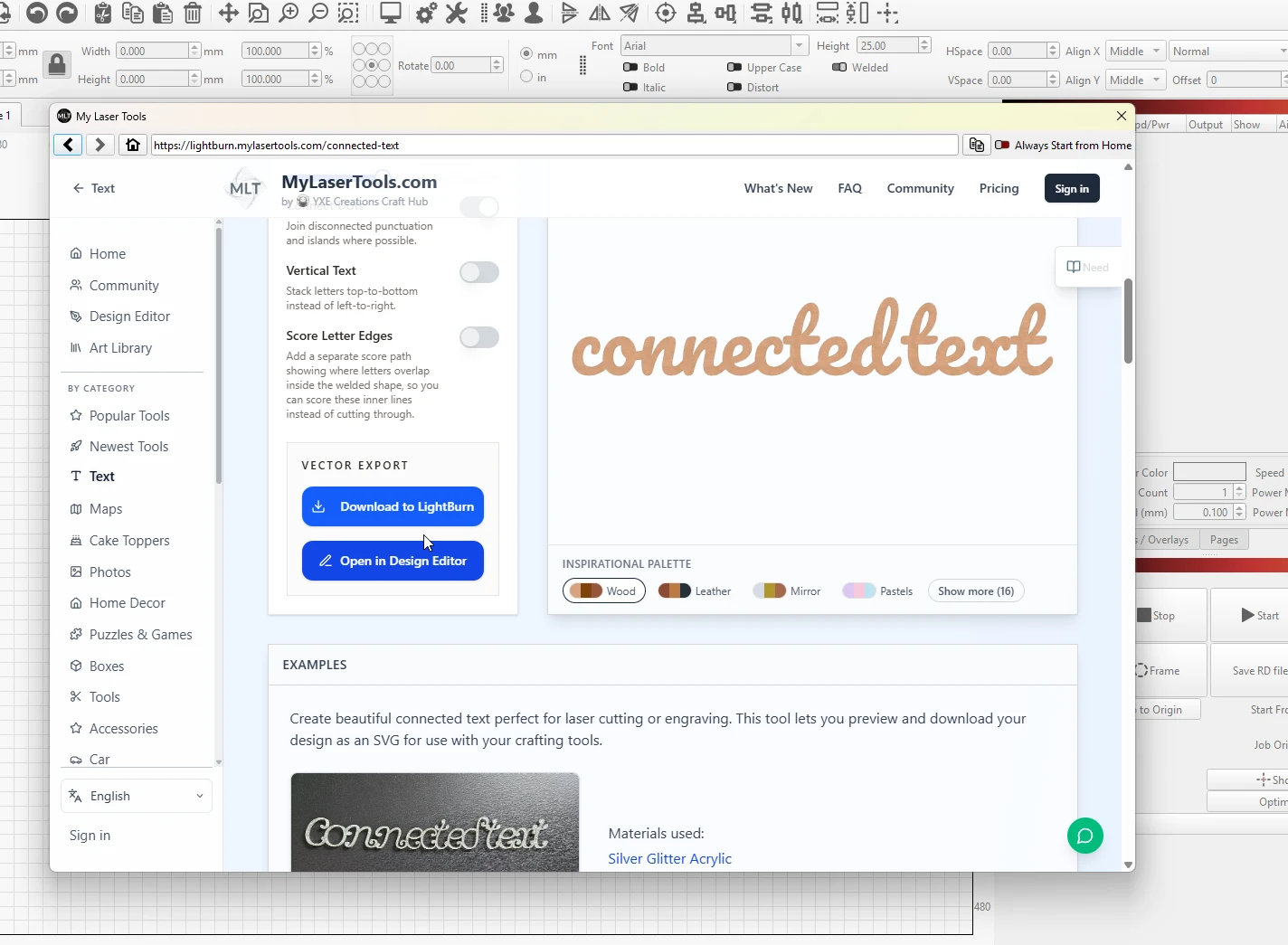
How to use MyLaserTools with LightBurn
open the generators from LightBurn's Web Tools menu, or import SVG, PNG, and STL downloads with their colour layers intact
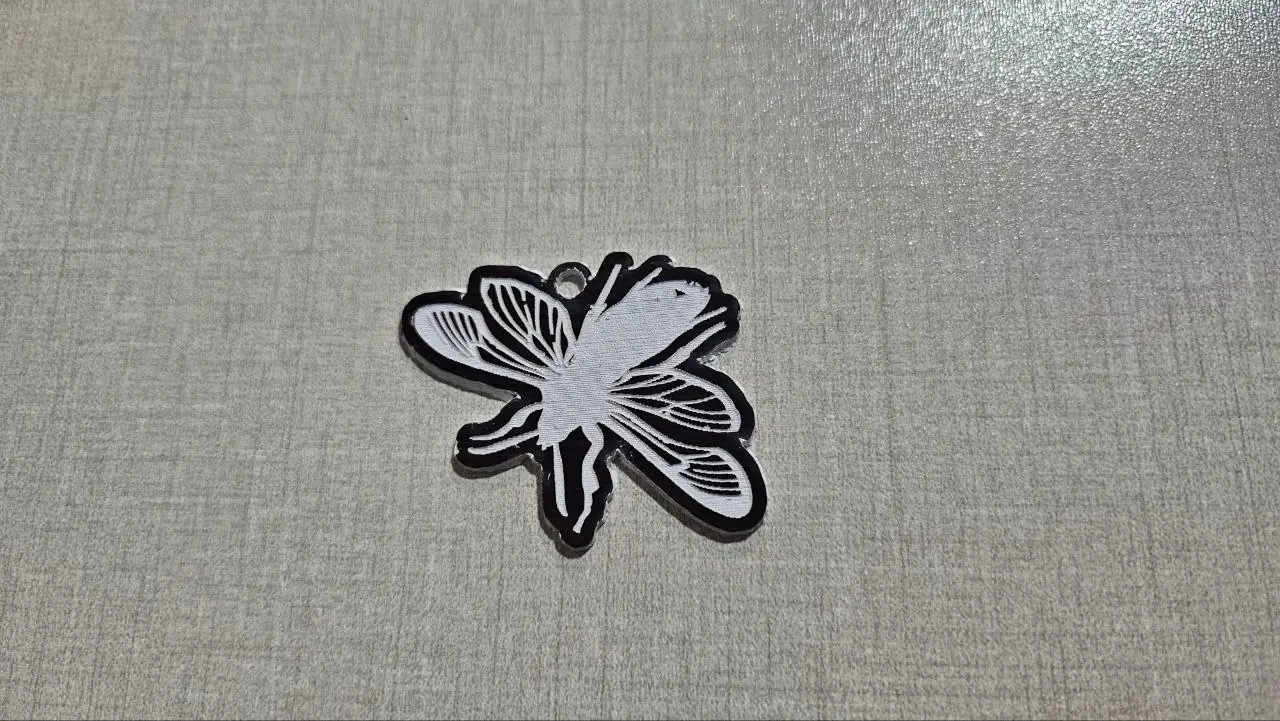
Import a cut-and-engrave design: a real software walkthrough
Follow the same floral keychain through LightBurn, xTool Studio, Cricut, Silhouette and Inkscape. See which imports preserve paths, which need tracing and where to check size.
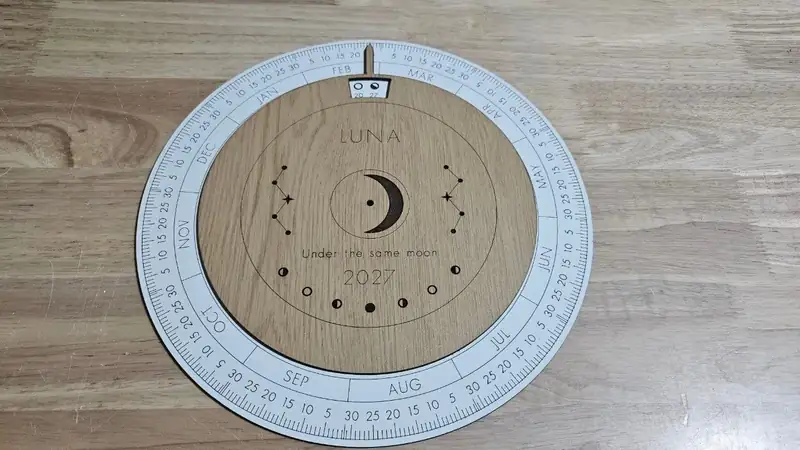
Laser cut products to sell by season and occasion
Personalized laser cut and engraved products for Christmas, Valentine's Day, Easter, weddings, back to school and every month in between, each with the free tool that makes it.

Laser cutting a bathymetric depth map
the lake-house classic: stacked depth bands cut from wood or blue acrylic
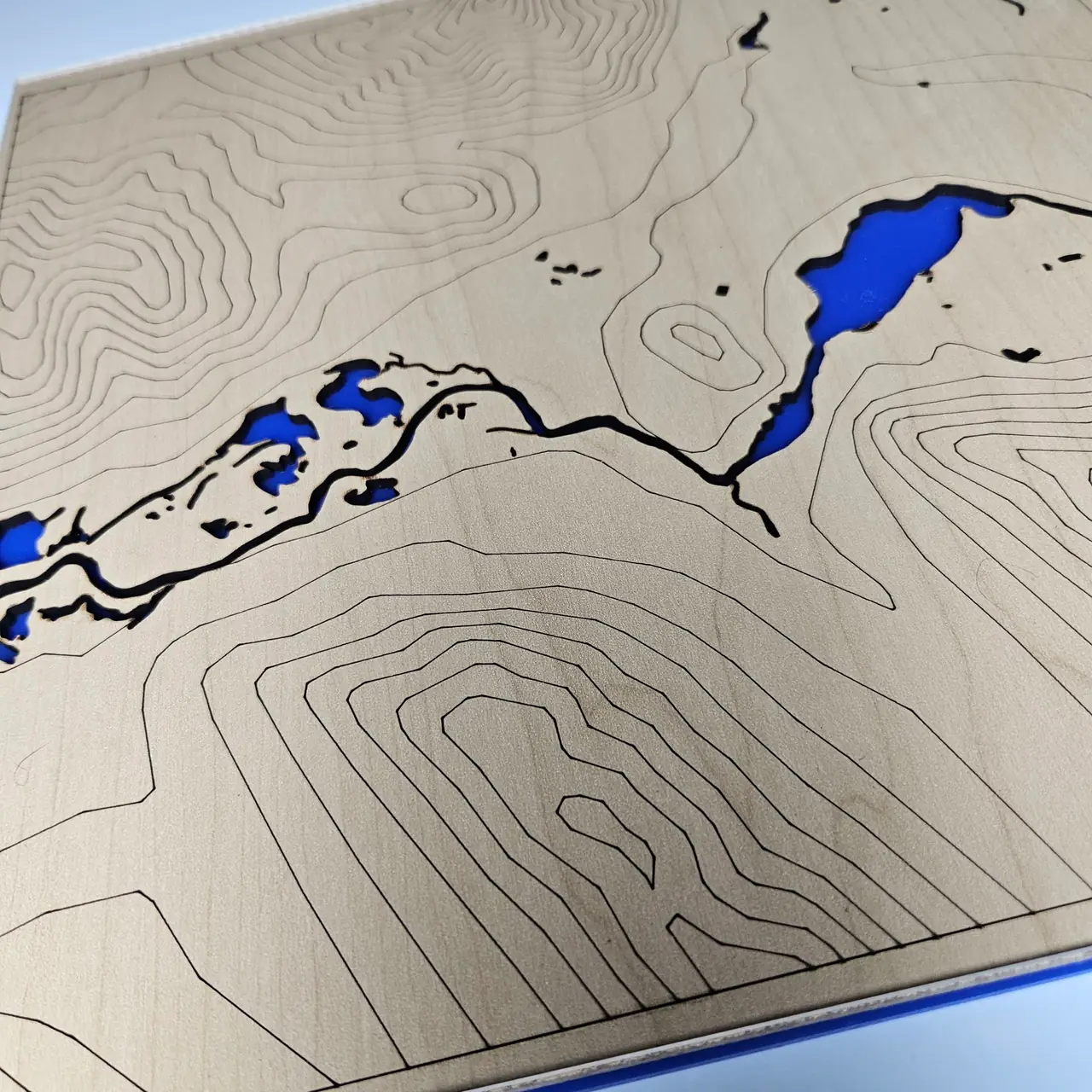
Laser cutting a layered topographic map
stacked elevation contours of any mountain, cut thin and glued into true 3D relief
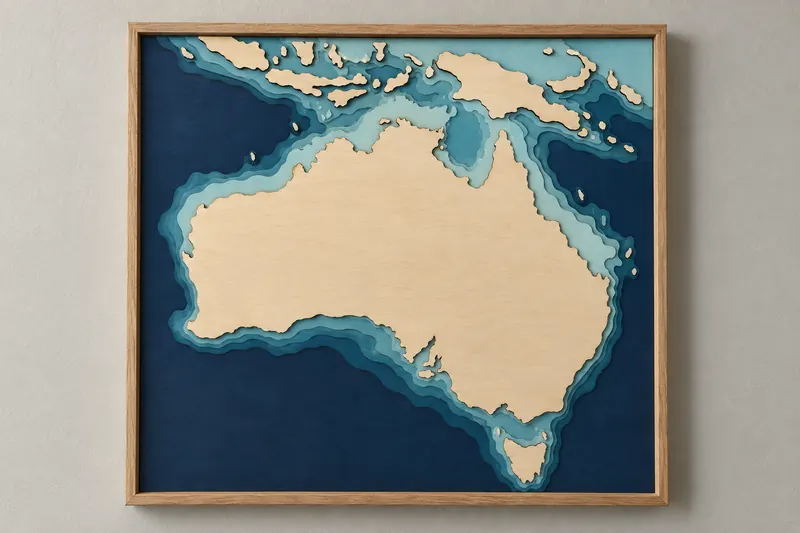
Laser cutting an ocean floor relief map
the continental shelf and sea floor of any coast, island, or reef as a layered teal stack
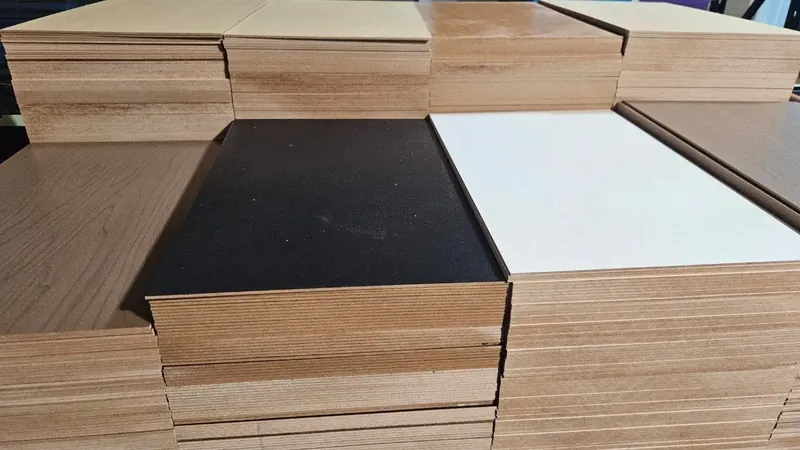
Laser cutting materials: wood, acrylic, leather, paper and what never to cut
Which woods, acrylics, leathers and papers cut and engrave well, what a diode laser cannot cut, and the plastics that give off toxic fumes: PVC, vinyl and more.

Make a family bell stack ornament
a hanging stack of bells, one for each name

Make a name keychain with a hat
Place a hat on a name, check the joins and export for laser cutting or 3D printing.
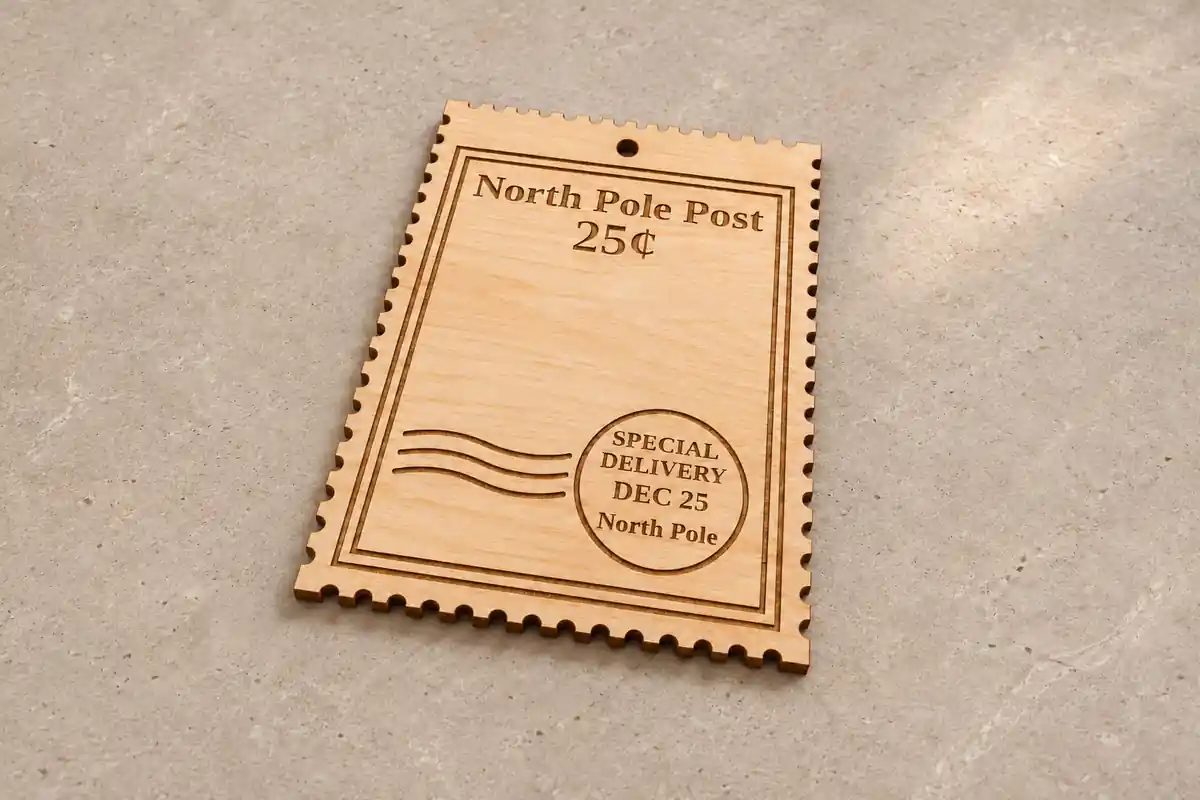
Make a postage stamp gift tag
Make postage stamp gift tags with perforated edges, postal lettering and an optional ribbon hole.

Make a split monogram ornament
A name across a split initial, with a hanging loop or a separate snowflake backer.
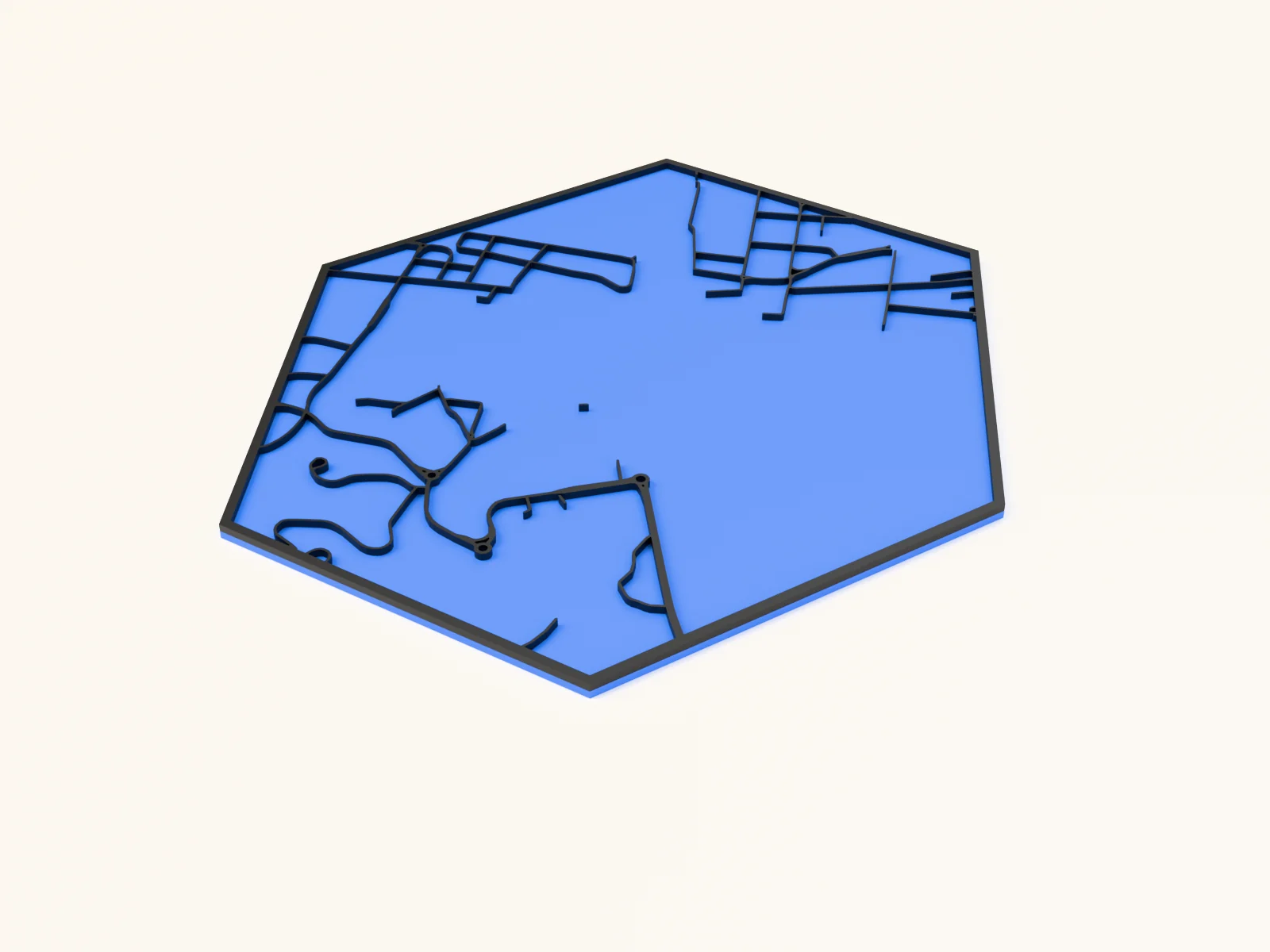
Making a 3D printed hexagon city plaque with the Classic Layered City Map for 3D Printing preset
a deeper multi-layer city stack with real dimensional pop, plus stacked STL/3MF for 3D printing

Making a anniversary ornament with the Anniversary Ornament Generator
a wedding or anniversary keepsake with rings or a diamond-ring shape and names
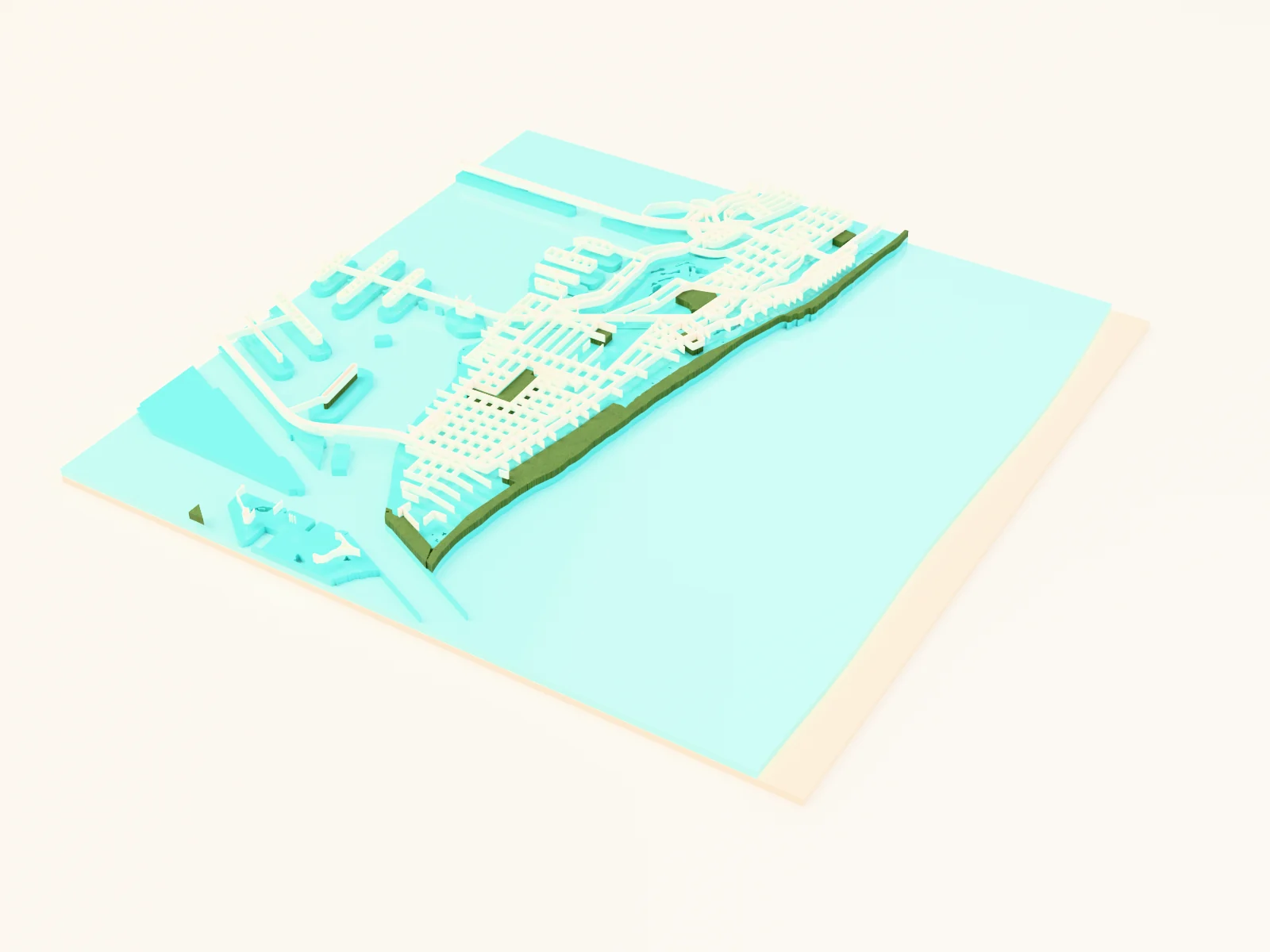
Making a beach towel or coastal print with the Beach Town Map preset
sun-washed coastal palette for seaside towns
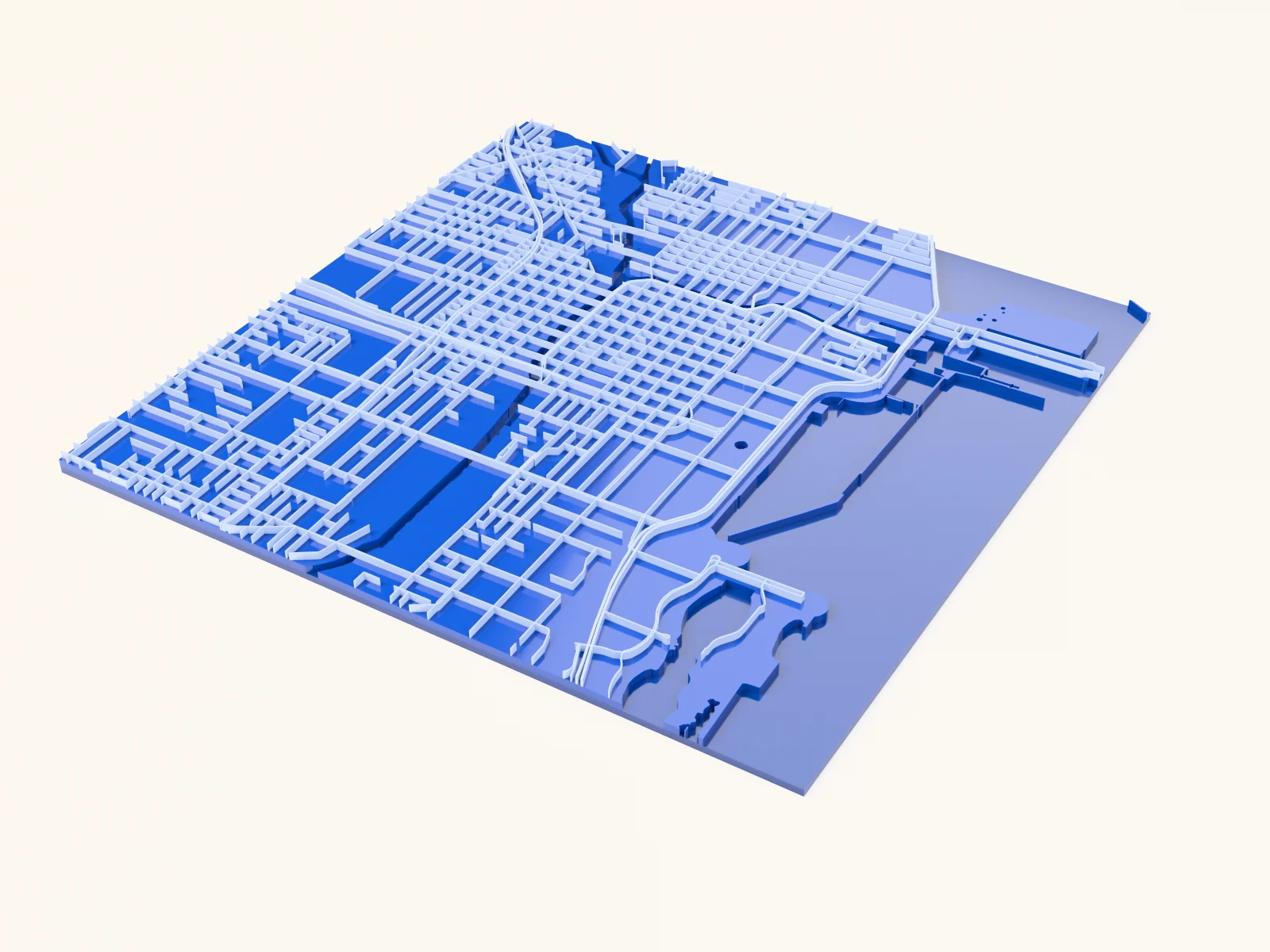
Making a blueprint panel with the Blueprint Map preset
white linework on blueprint blue, drafting-room style

Making a bookish ornament with the Bookish Ornament Generator
a keepsake for readers and fantasy fans with a book, castle, or dragon shape
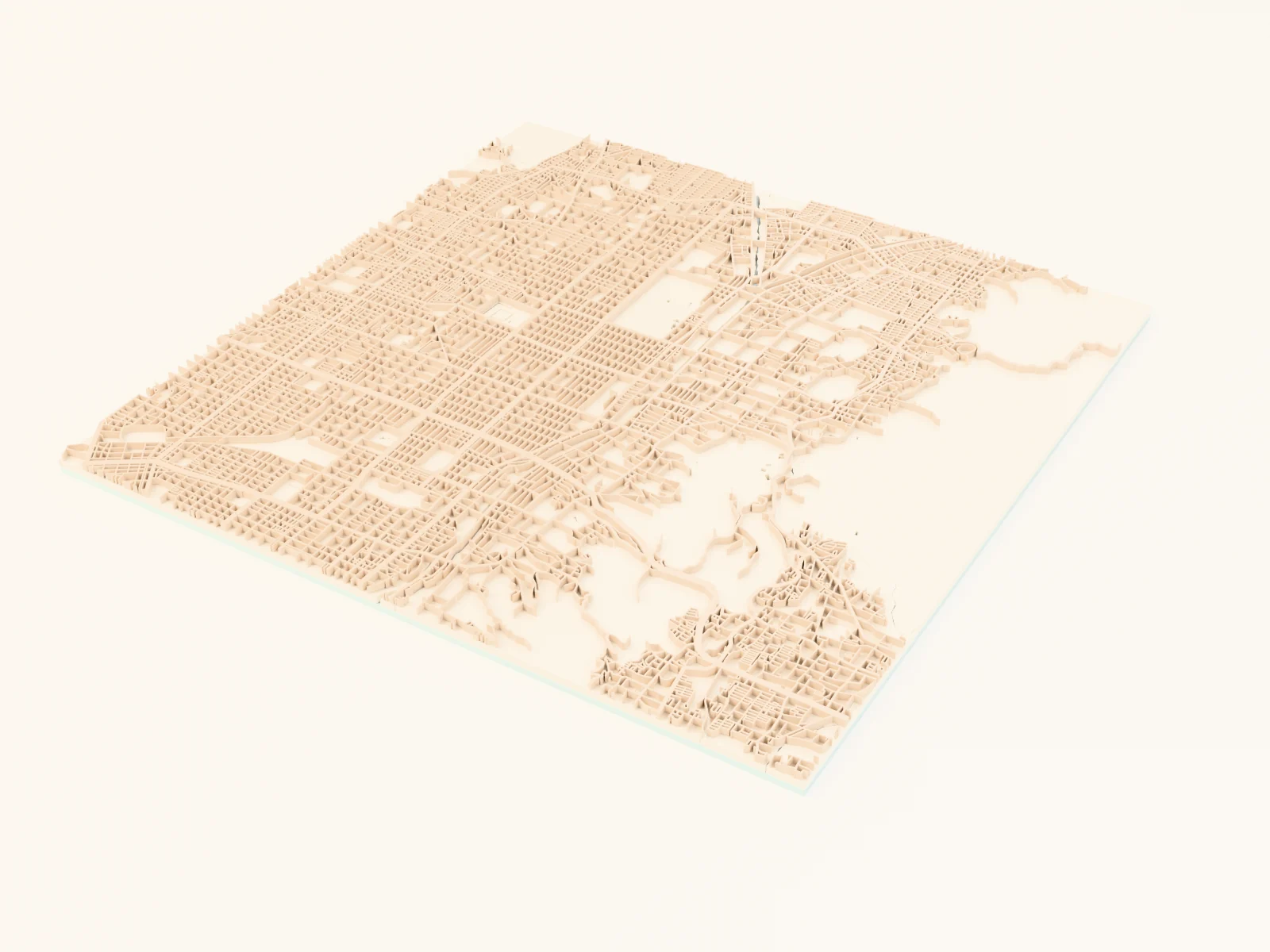
Making a calm Japandi city map with the Sage and Sand Map preset
a quiet-luxury palette of muted sage greens and clay roads on warm sand

Making a canyon-and-river relief with the Canyon River preset
a carving river layered through canyon contour terraces
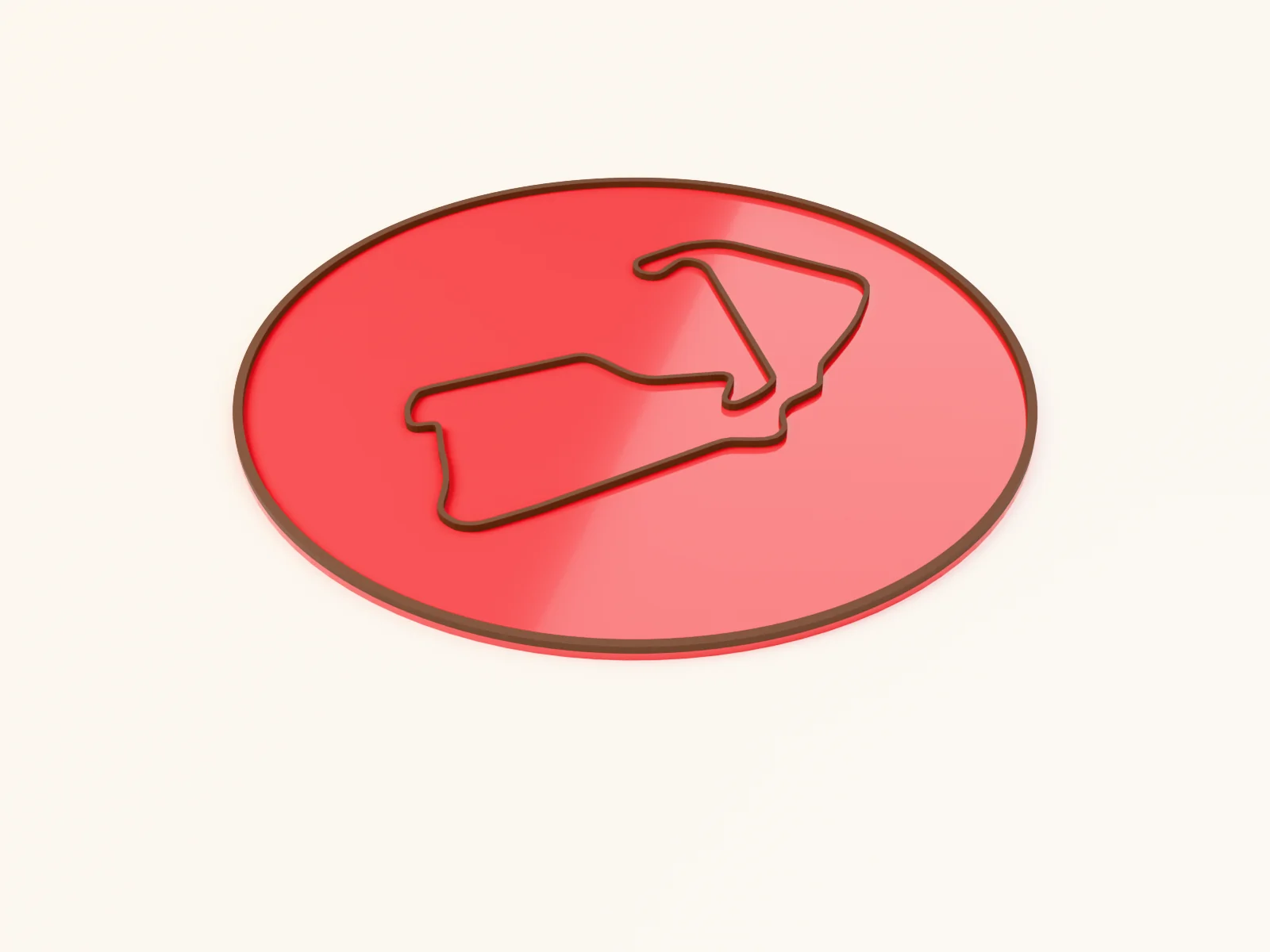
Making a circuit wall plaque with the Race Track preset
a famous circuit cut as a bold ribbon on a racing-red backplate

Making a circular lake map with the Lake Map preset
your lake as the hero layer with shoreline towns and roads around it
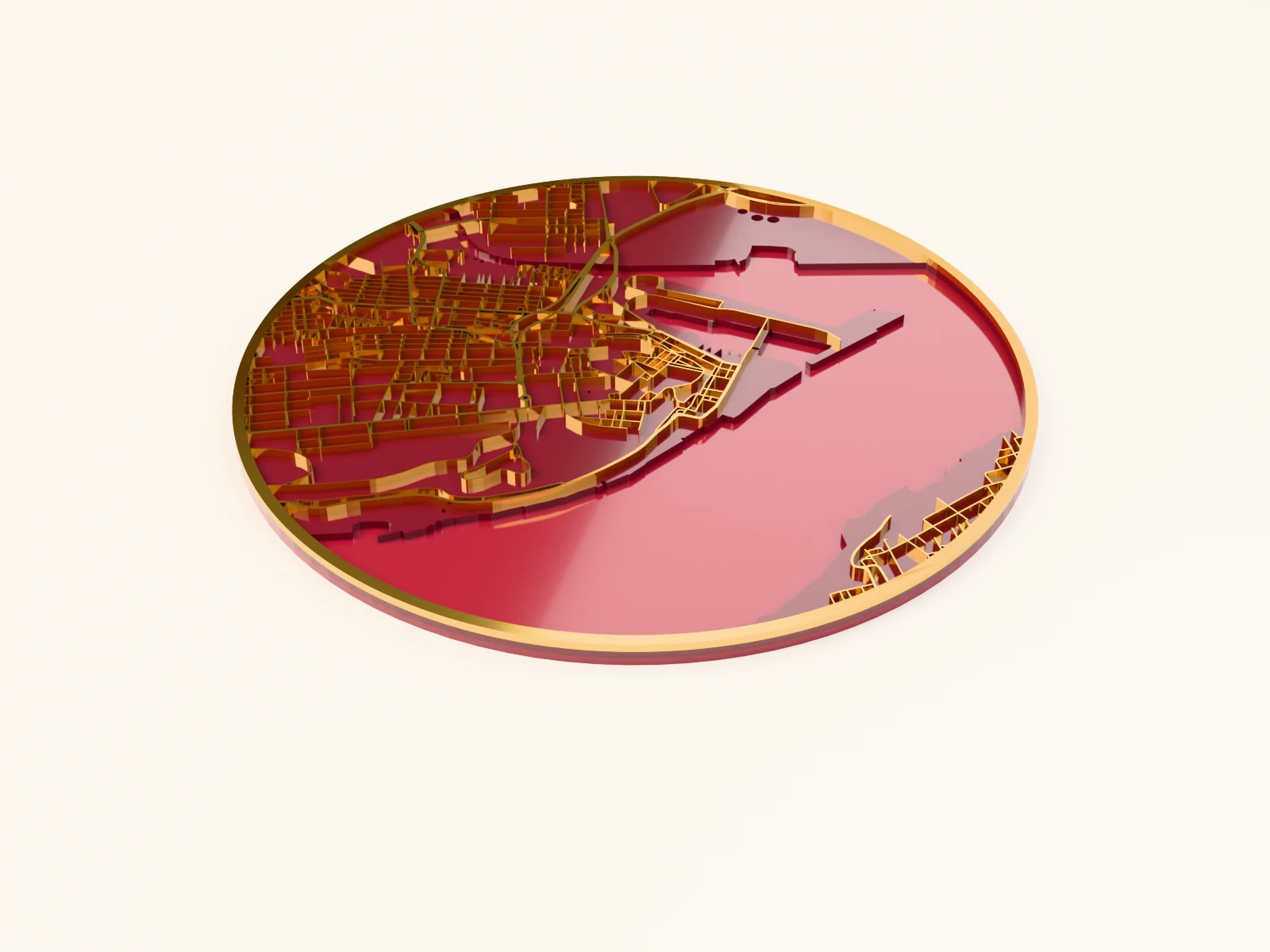
Making a city map Christmas ornament with the Christmas Ornament Map preset
a round red-and-gold city ornament with a hanger hole
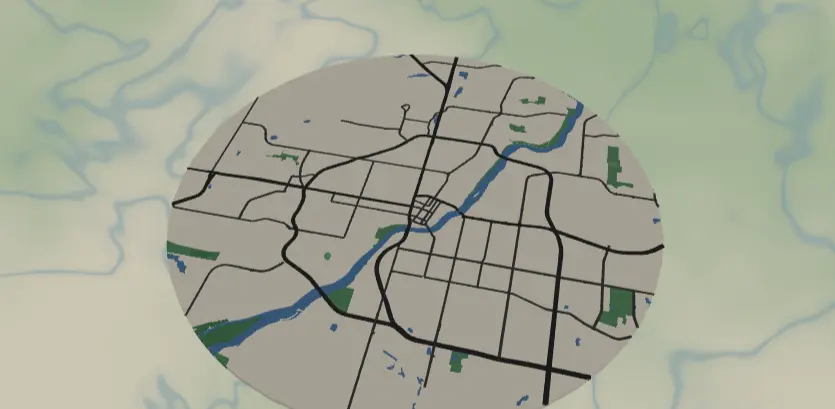
Making a city map coaster with the Sublimation Coaster Map preset
a full-color round map pressed onto coaster blanks

Making a city map t-shirt with the Vinyl T-Shirt Map preset
a one-piece weed-able hexagon street badge for HTV and heat pressing
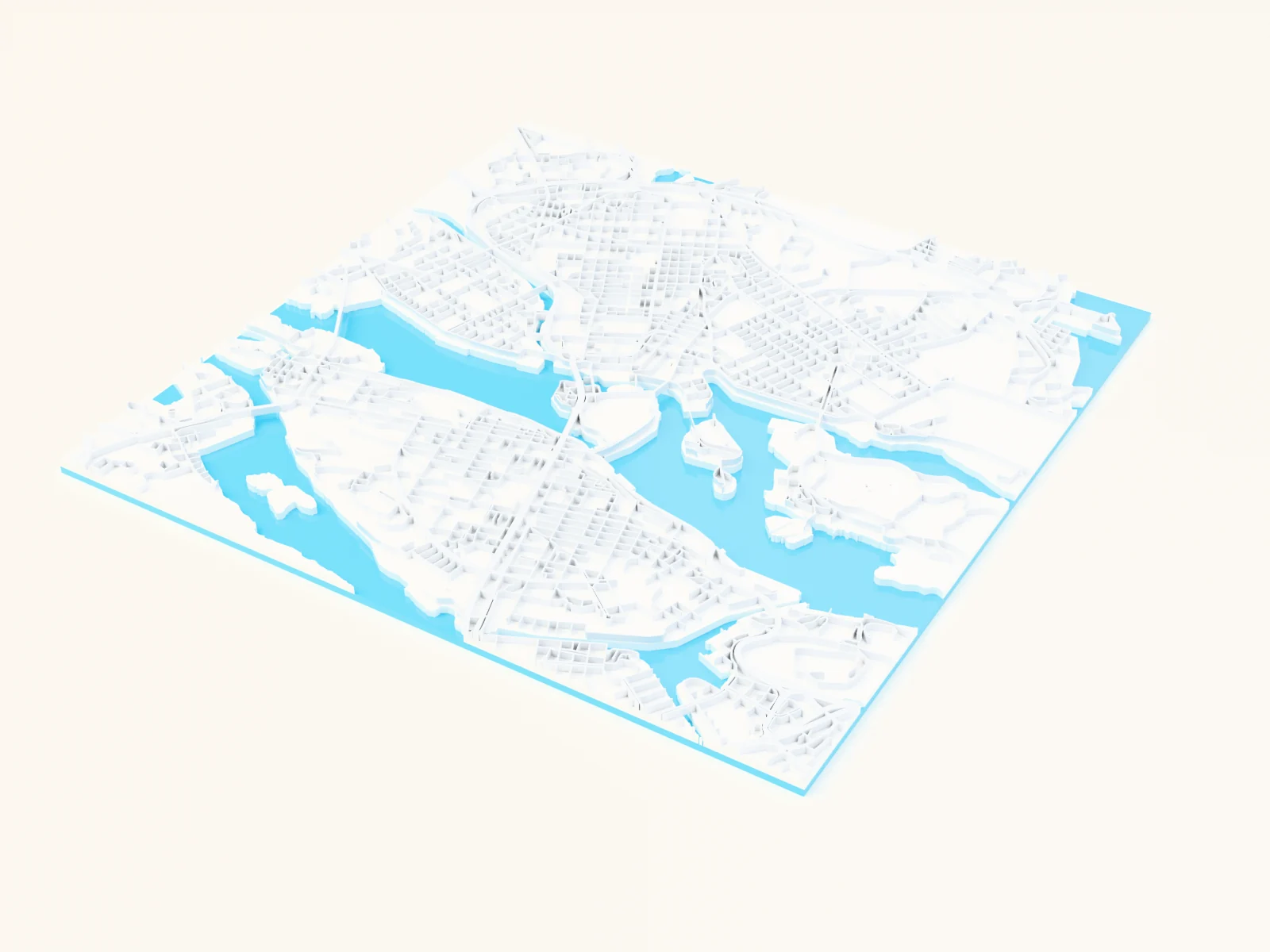
Making a classic blue-water city map with the Blue Water Map preset
the timeless web-map look: bright cyan water against a near-white city of soft grayscale roads
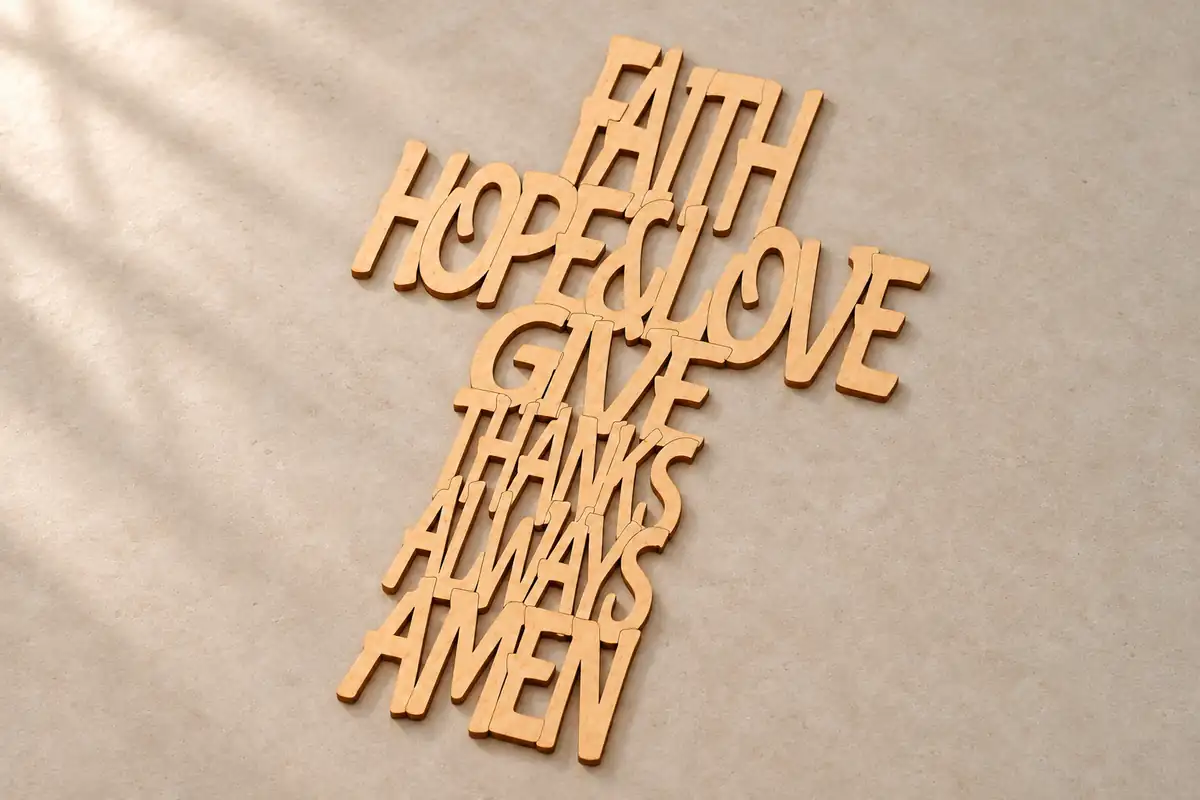
Making a cross from text
connected cross lettering for cutting or separate lettering for engraving
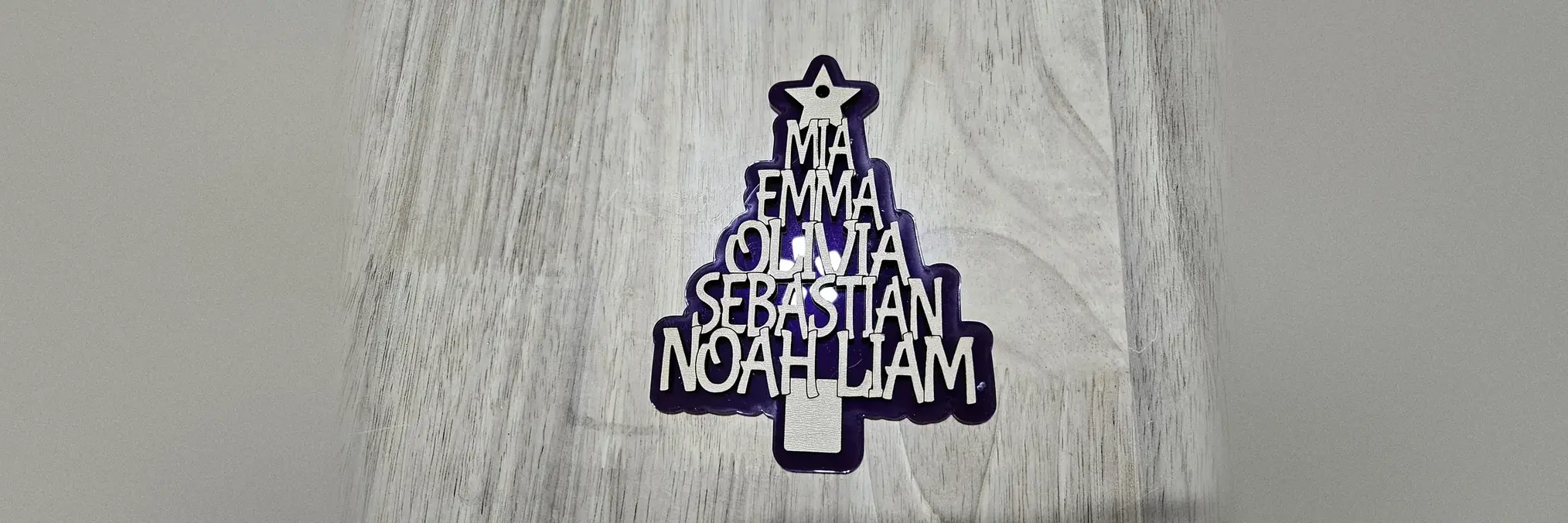
Making a family names Christmas tree with the Christmas Tree Names Generator
A tree ornament made of the family's names, cut as one piece with a star on top
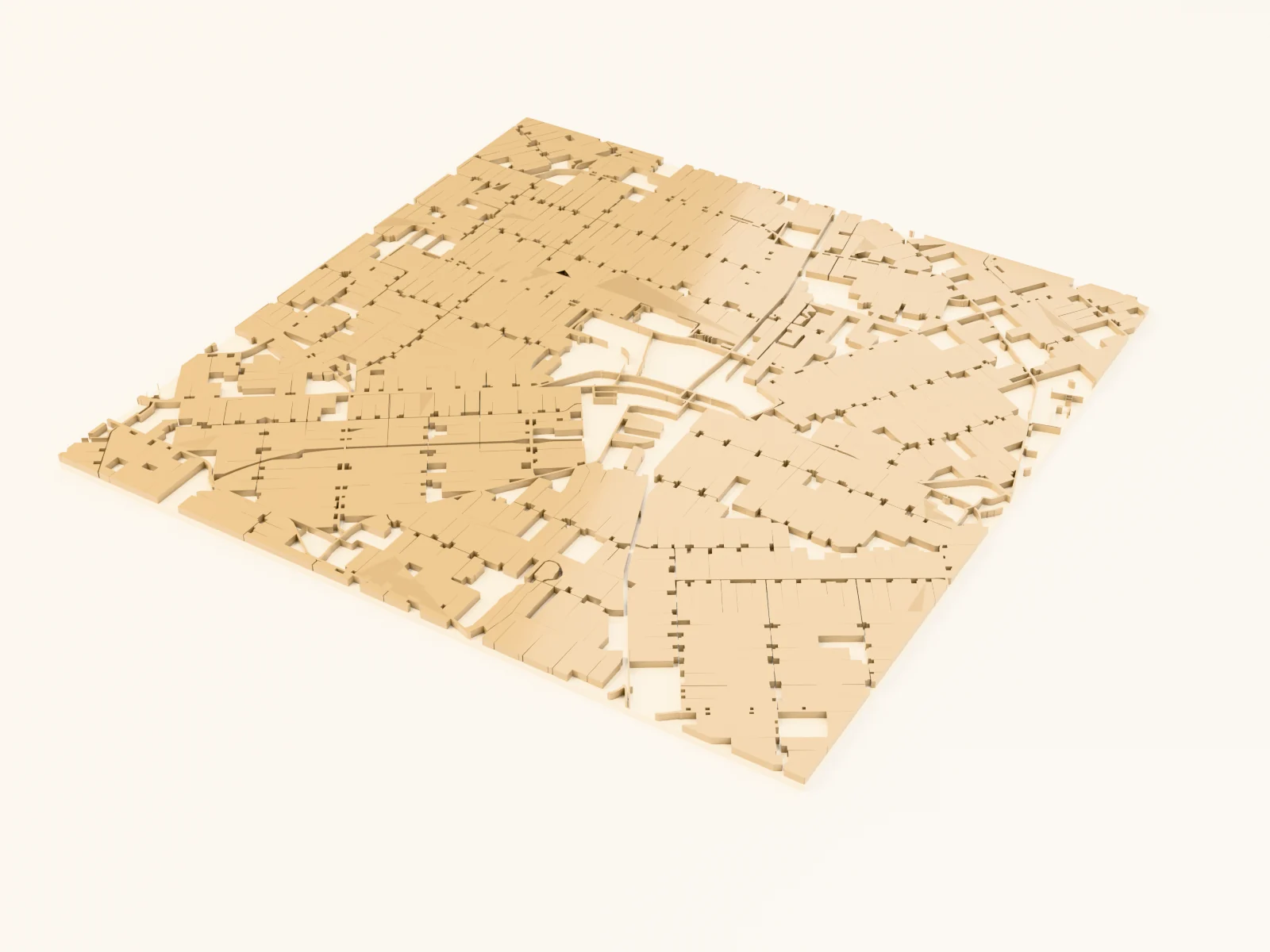
Making a family-farm keepsake with the Farmland Patchwork Map preset
quilted field patterns of rural landscapes

Making a first house ornament with the First House Ornament Generator
a housewarming keepsake with a house or key shape, names, and the year
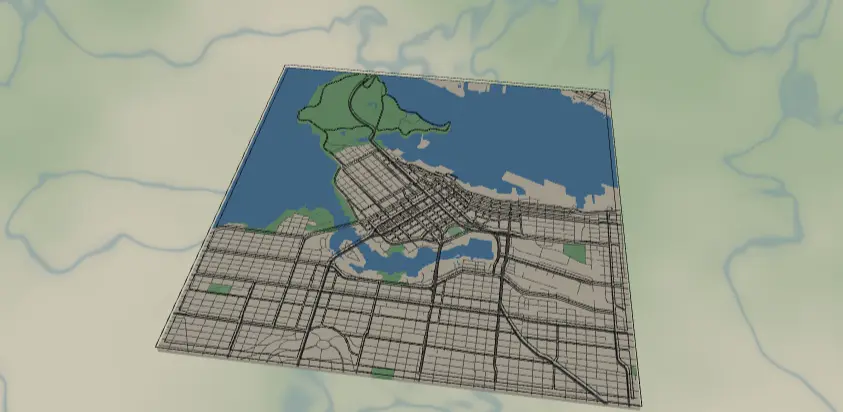
Making a floating two-layer wall map with the UV Printed Layered Map preset
full-color printed back panel with a laser-cut acrylic street layer floating on standoffs

Making a garage sign with the Novelty License Plate Generator
a full-size funny garage or man-cave plate sign
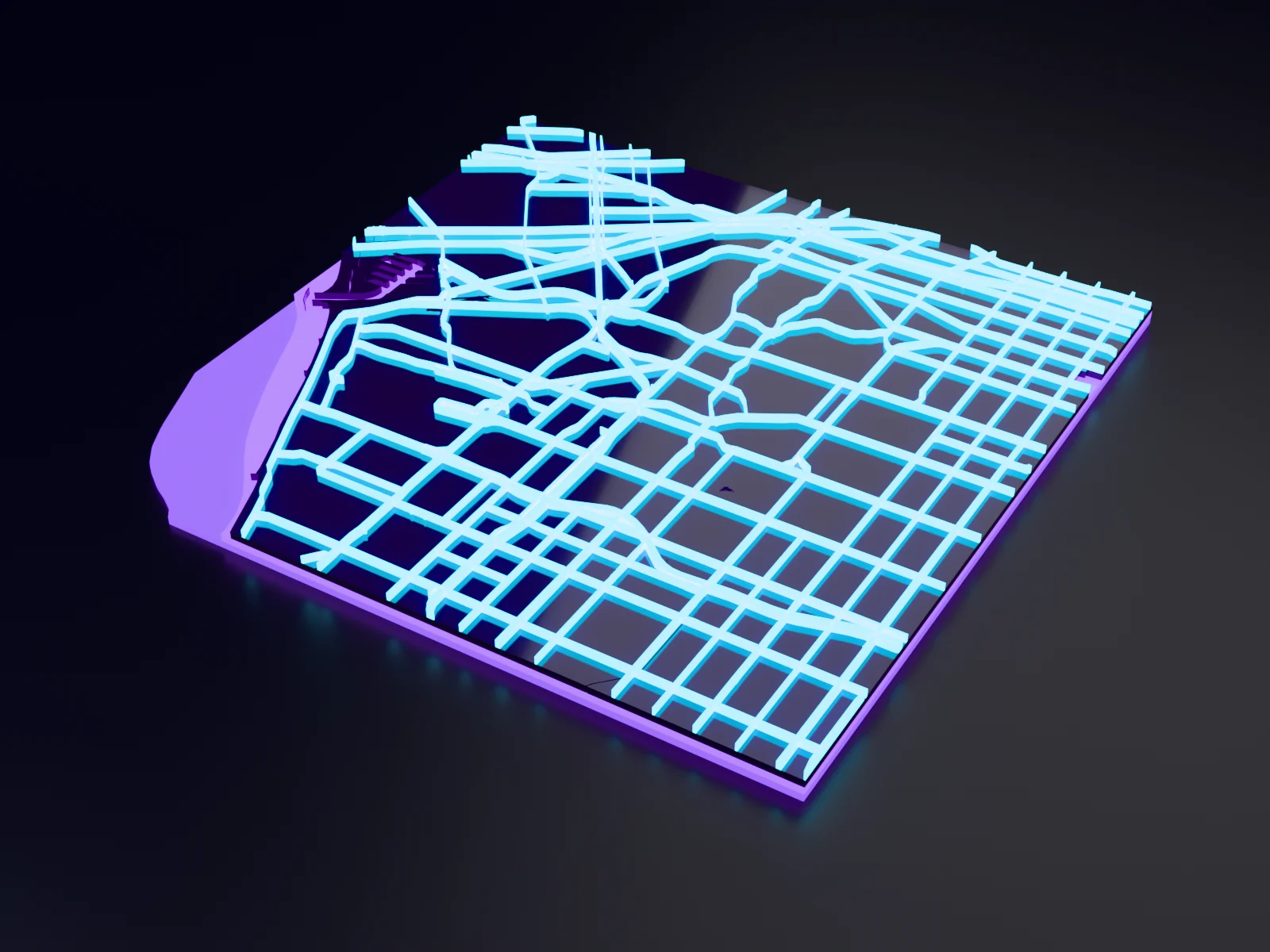
Making a glowing neon street map with the Synthwave Sunset Map preset
an 80s neon street grid in hot pink, purple and cyan for bold full-colour prints
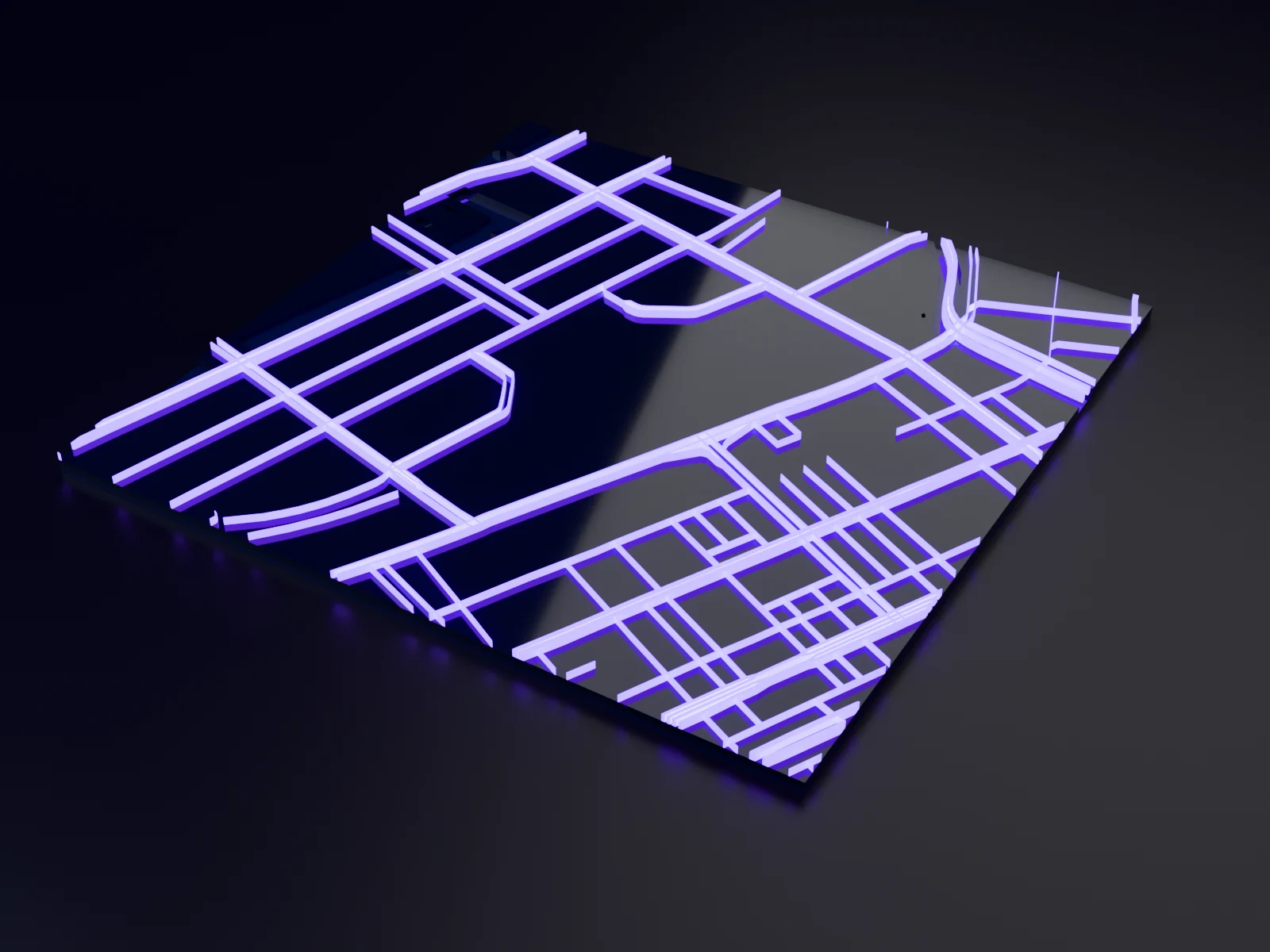
Making a glowing night-city panel with the Neon Night Map preset
glowing road colors on a near-black ground, poster-ready

Making a golf course map with the Golf Course Map preset
every green, tee, fairway and bunker of a real course as its own layer, set on Morris Williams Golf Course in Austin, Texas
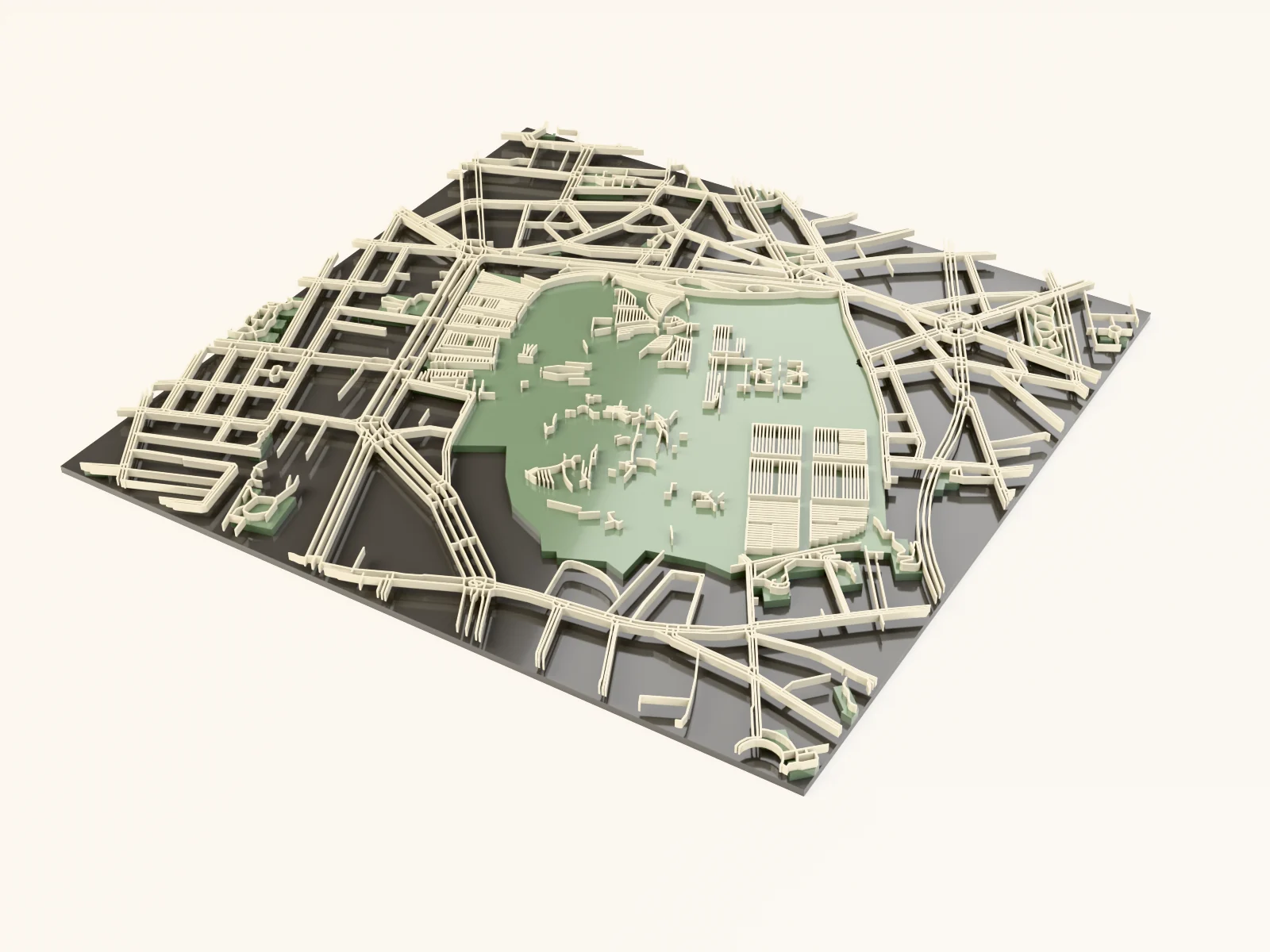
Making a gothic keepsake with the City Cemetery Map preset
respectful memorial maps of historic grounds
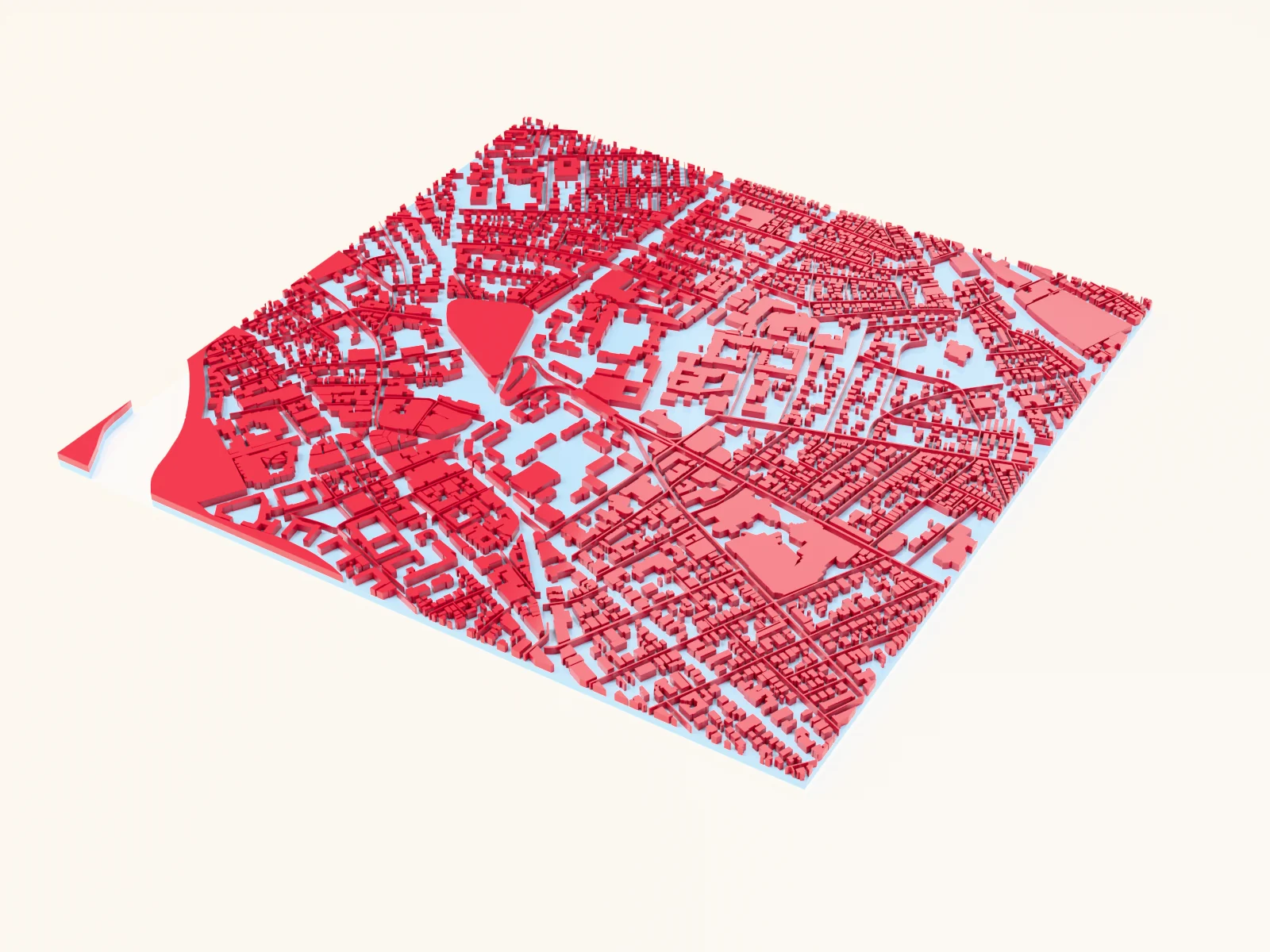
Making a graduation gift with the University Campus Map preset
a university campus keepsake for grads and alumni
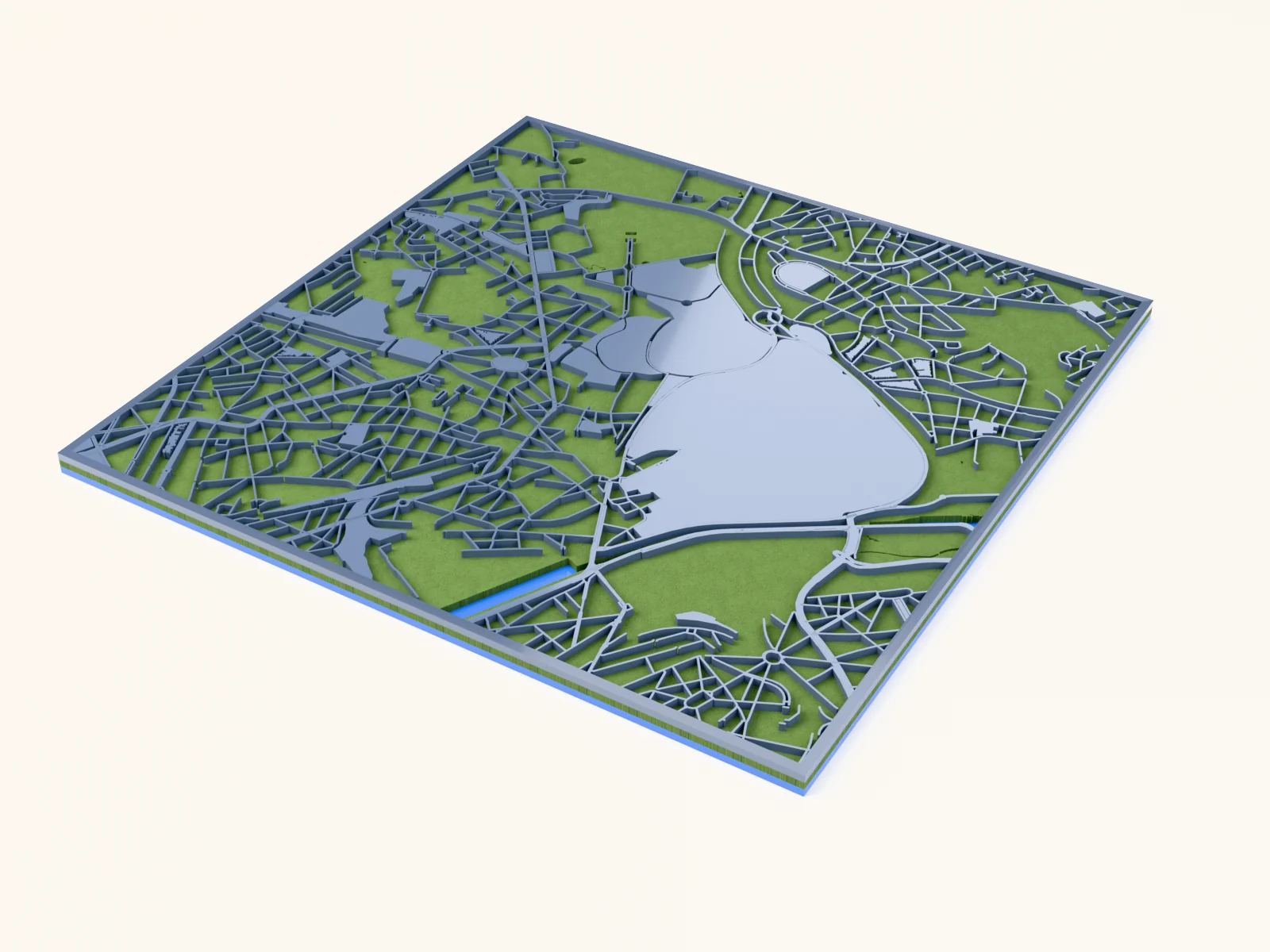
Making a green-space city map with the Garden City Map preset
a city's parks, gardens and allotments in solid green over cut-out water
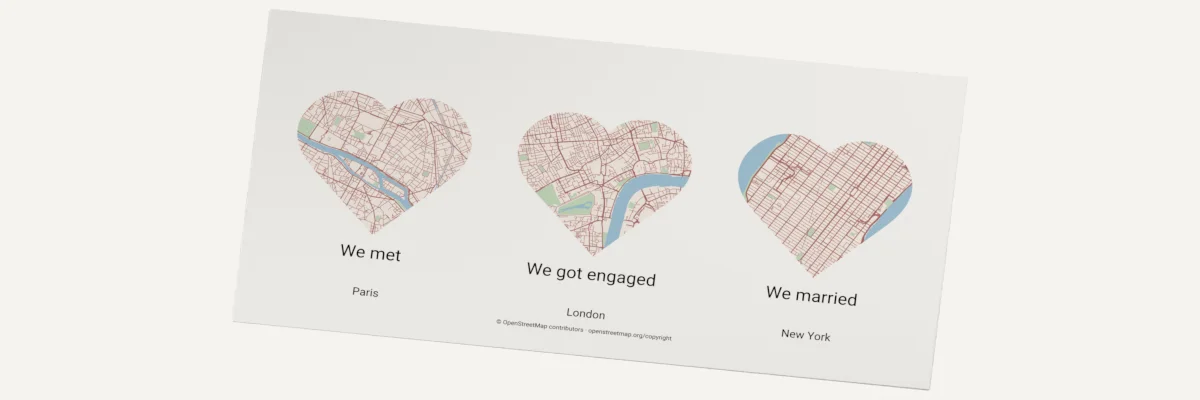
Making a heart map gift from three places
three heart maps with captions, printed, engraved or cut in layers

Making a heritage keepsake with the Country Borders Map preset
a whole-country silhouette with bold borders and subtle regions
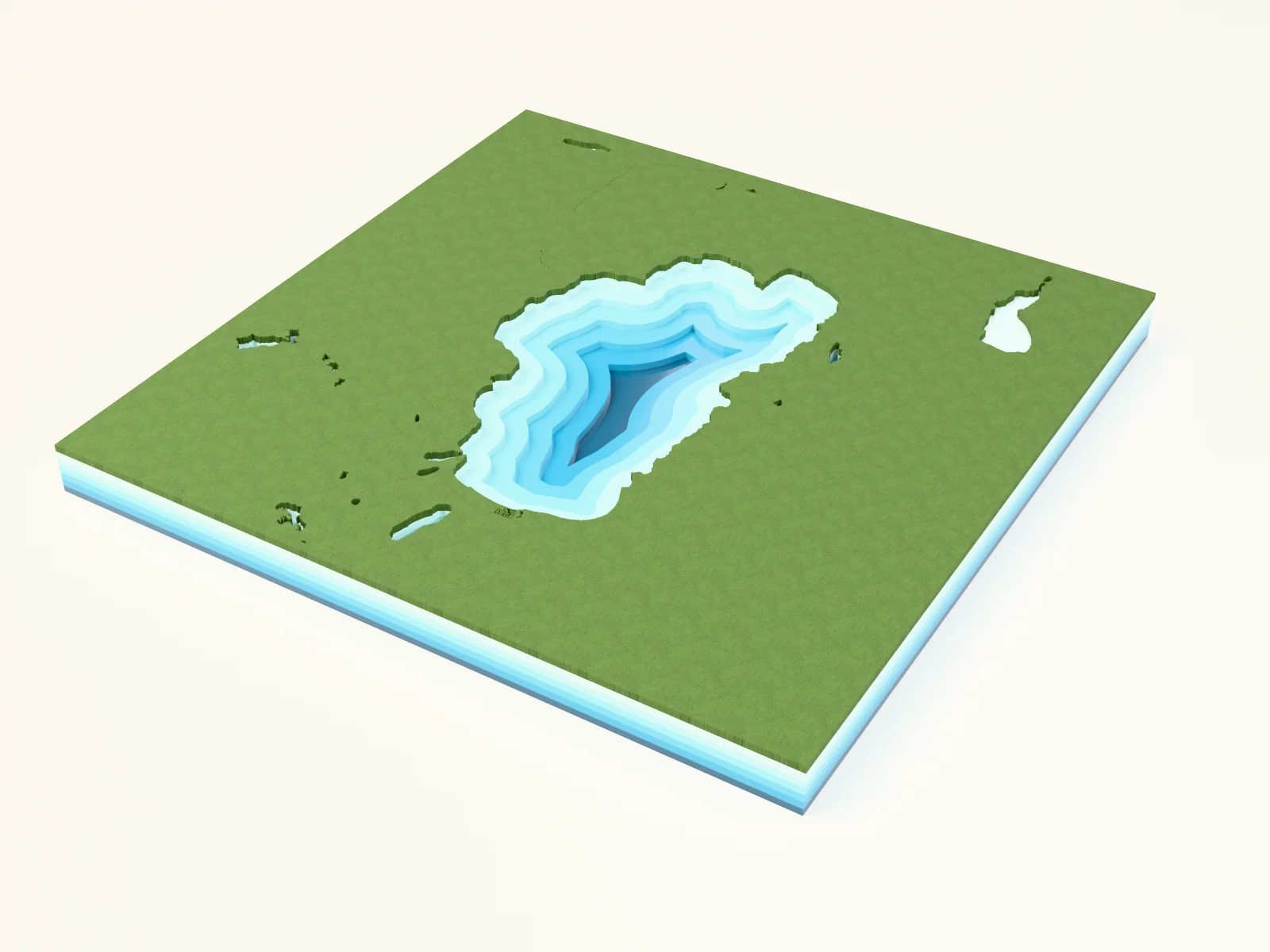
Making a lake depth chart with the Lake Depth Chart preset
bathymetric depth layers descending into the lake bed

Making a laser cut and UV printed golf course map with the UV Printed Layered Golf Map preset
a golf course with the fairways and greens cut as raised pieces, a pin printed on each green, and the tees, bunkers and paths UV printed flat
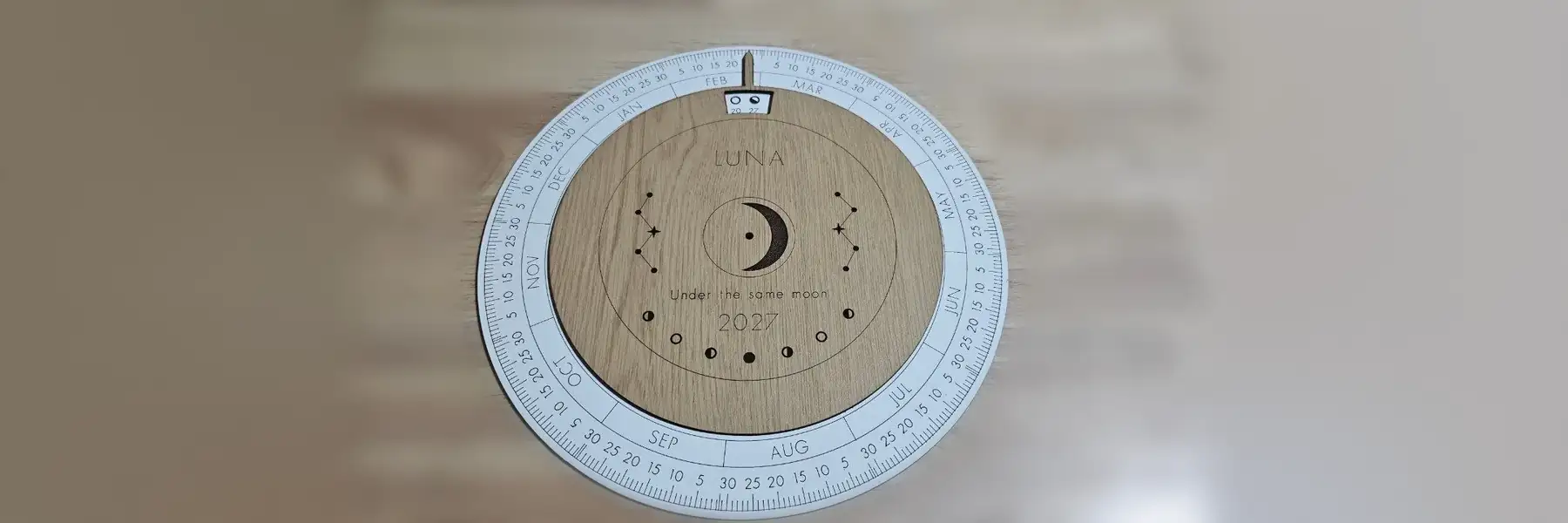
Making a laser cut lunar calendar
a moon phase wheel for any year, with a top disc that turns to today

Making a layered city map with the Classic Layered City Map for Laser Cutting preset
the all-purpose colored city map for prints and engraving
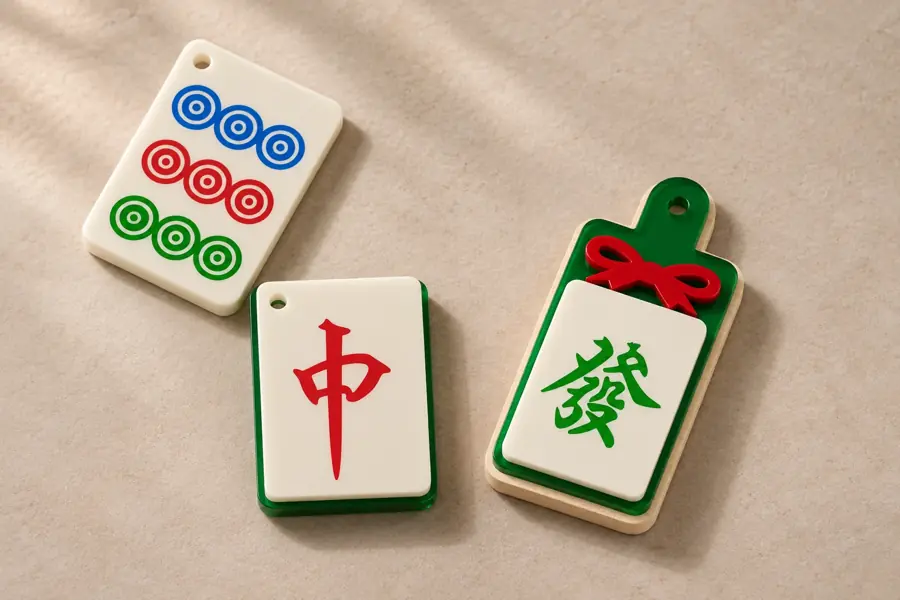
Making a layered mahjong tile ornament
Cut and assemble a traditional tile with one or two layers.

Making a lit Christmas village house with the Christmas Village House Generator
a laser cut village house with glowing windows, a tealight hole and an optional steeple

Making a luggage tag with the Leatherette Luggage Tag Map preset
a bold minimal map tag with a reinforced strap hole

Making a memorial ornament with the Memorial Ornament Generator
a remembrance keepsake with a loved one's name, a message, and a meaningful symbol

Making a mirror charm with the Hanging Car Charm Generator
a shaped rearview-mirror charm with funny driver text and a pictogram
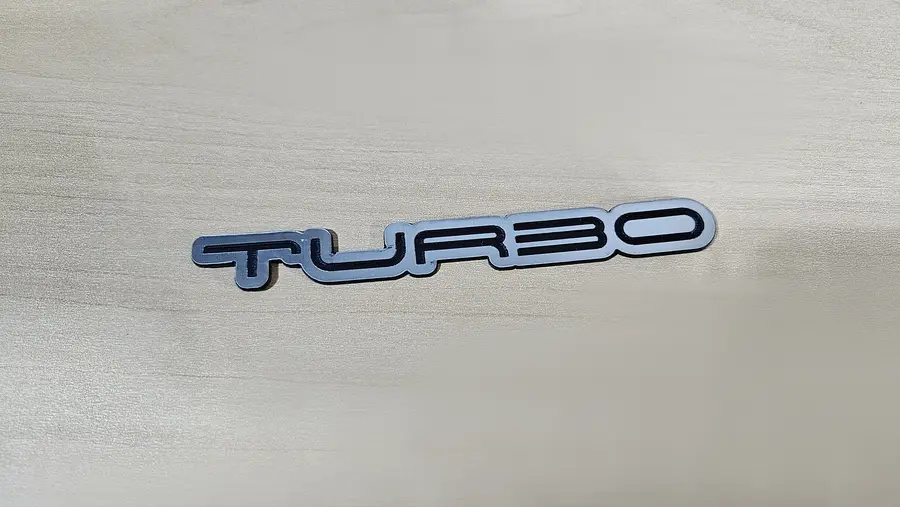
Making a name emblem with the Custom Car Badge Generator
a two-layer name badge with an outlined backing, like a car emblem
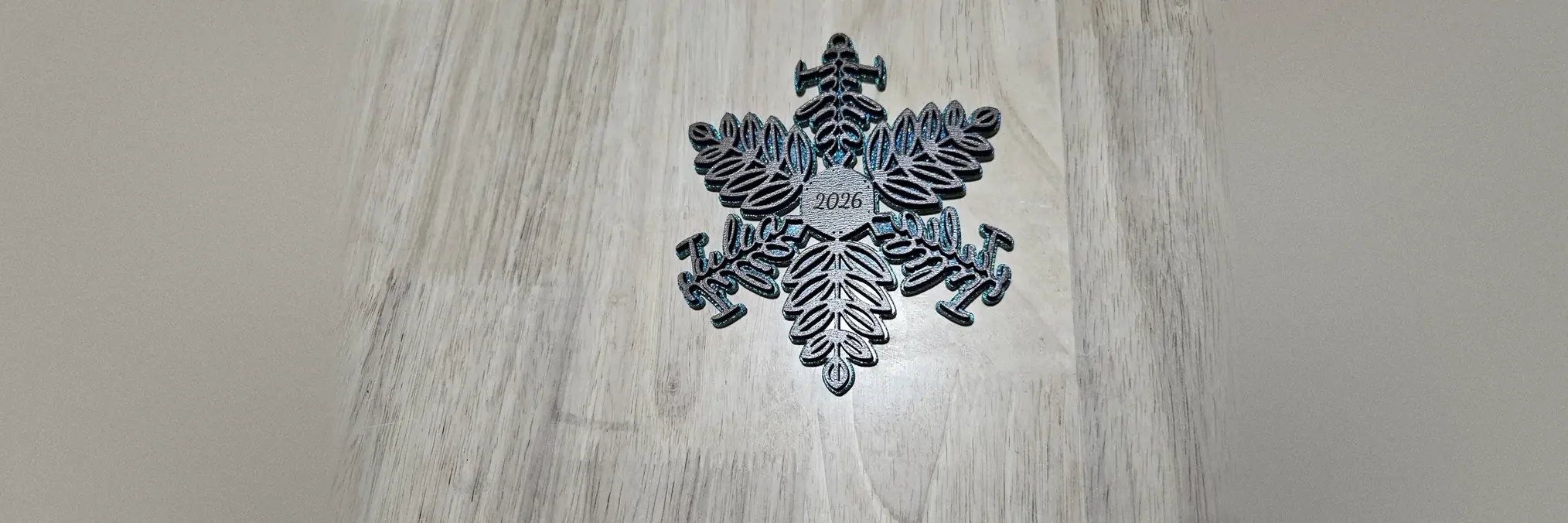
Making a name snowflake ornament
Make a snowflake ornament with connected names along its branches.
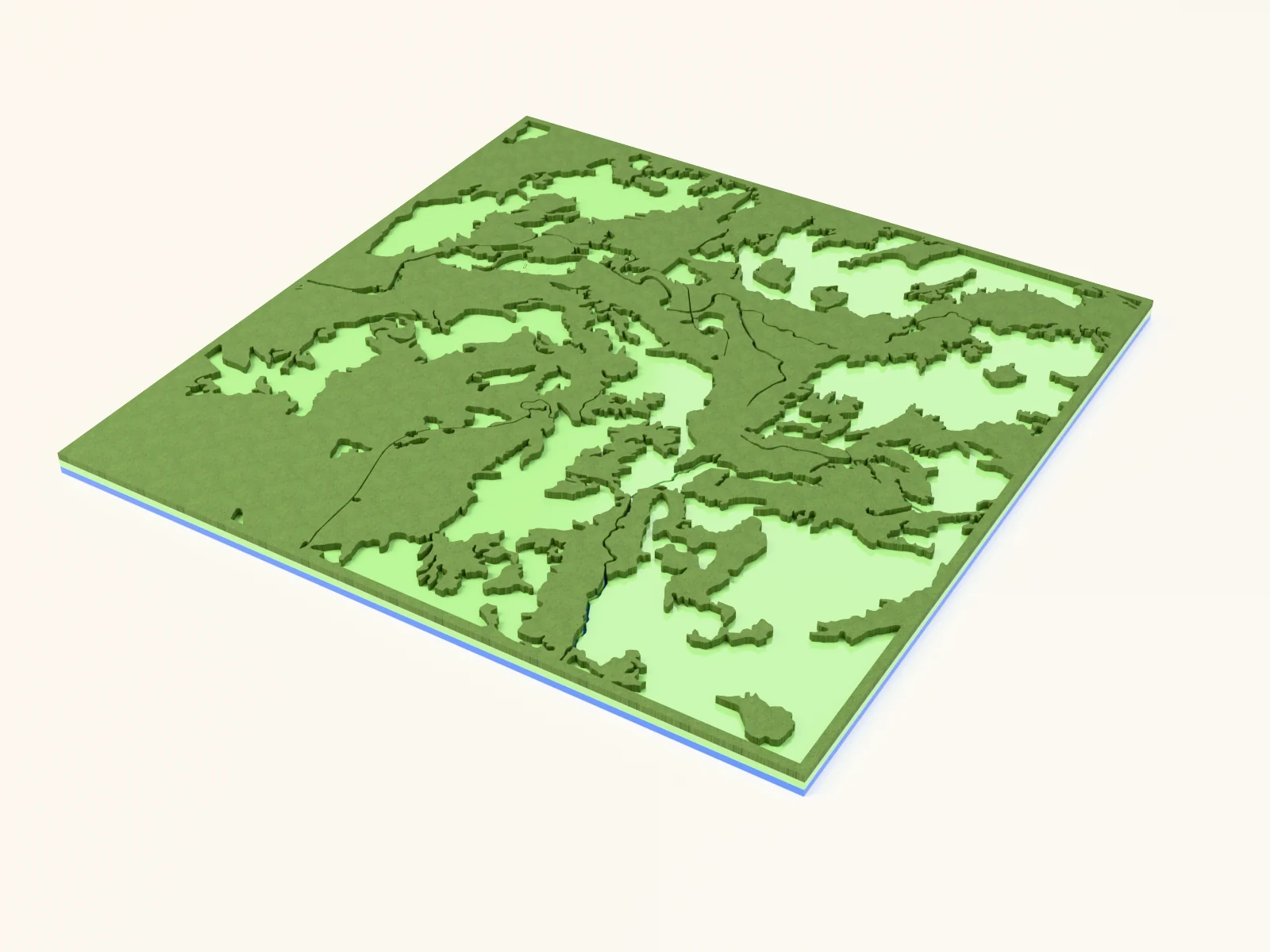
Making a national-park trail map with the Forest and Trails preset
trail networks through park land, made for hikers' walls
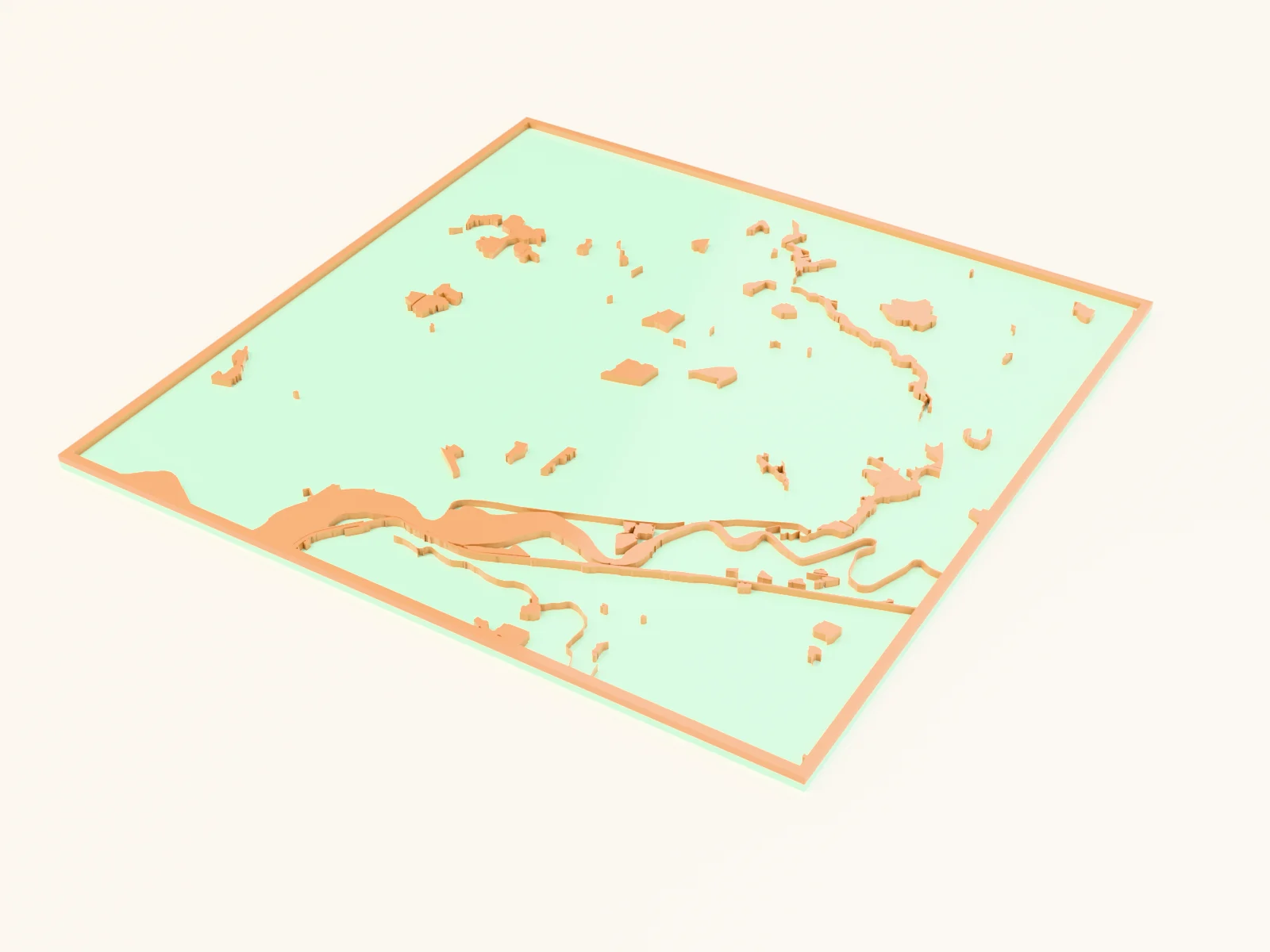
Making a parks-and-green-space map with the Leisure & Green Map preset
filled parks, theme parks and zoos over water and a soft-green backplate
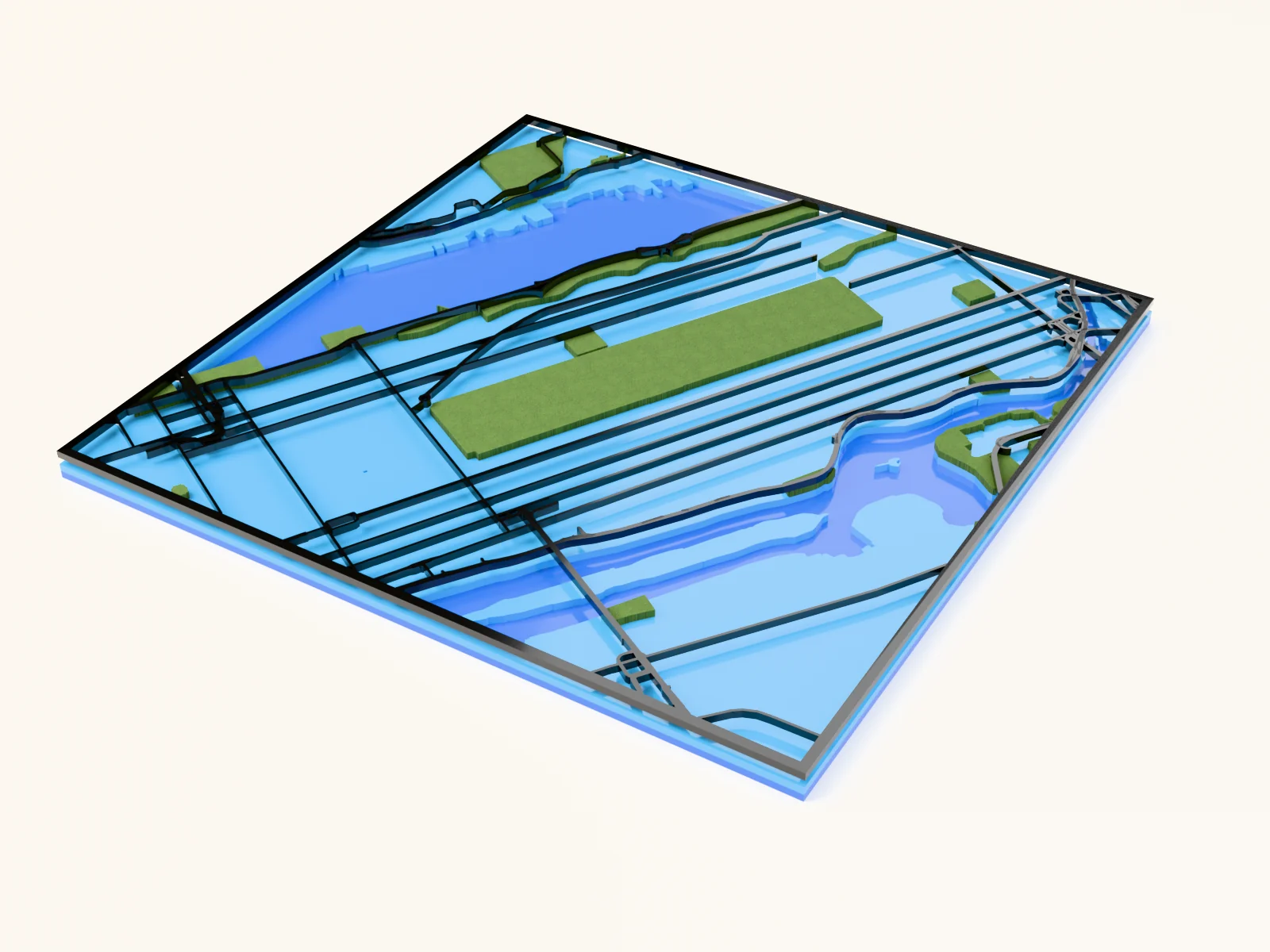
Making a parks-and-streets map with the City Parks preset
a green-forward map celebrating a city's park system

Making a paw-shaped pet-lover map with the Paw Print Map preset
a paw-shaped city map in warm taupe for pet keepsakes
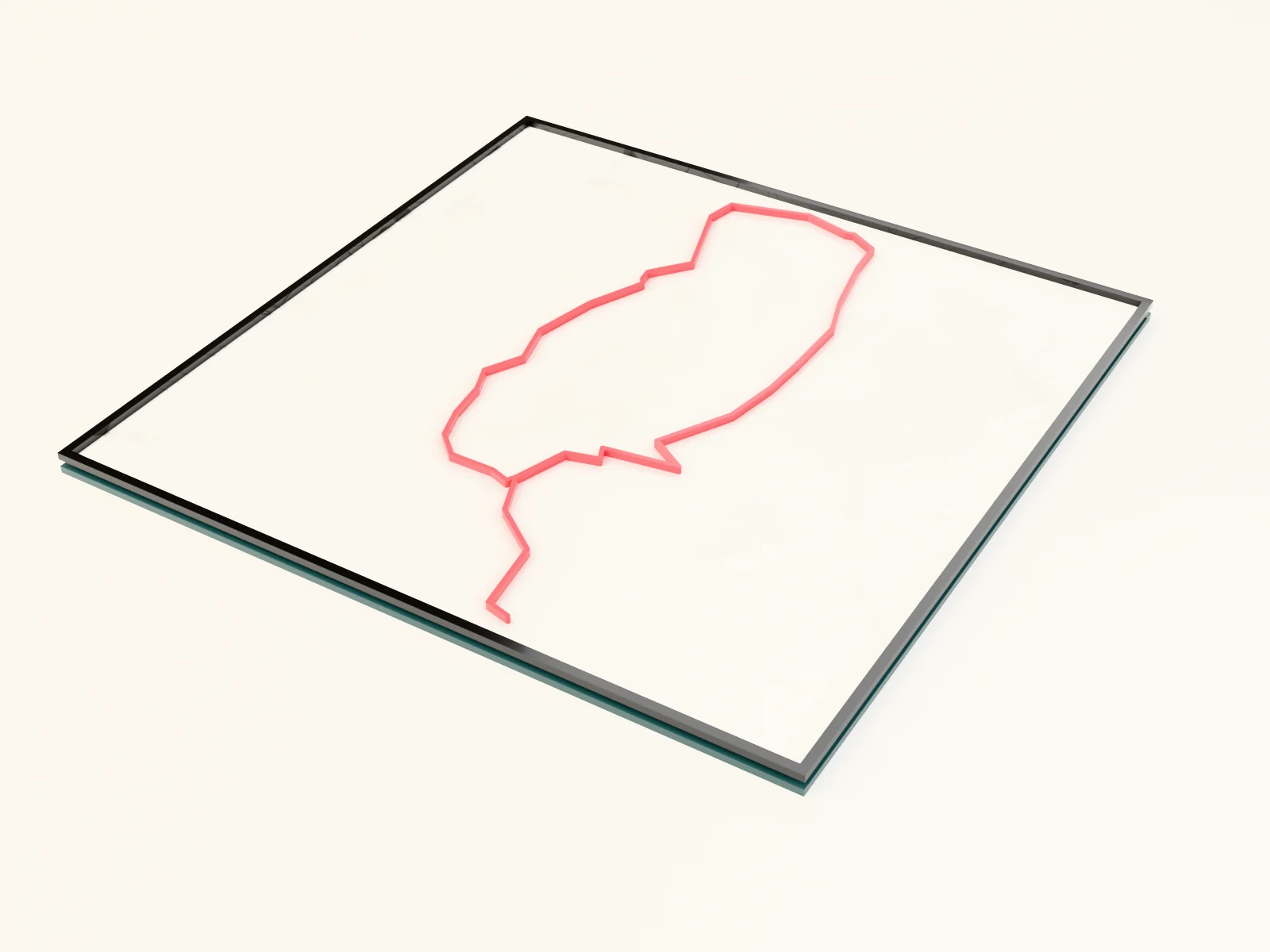
Making a personal route keepsake with the Route Map preset
your own GPX route as a bold line over a muted street map

Making a personalized family tree sign with the Family Tree of Life Generator
personalized family tree wall signs with name tags and a banner
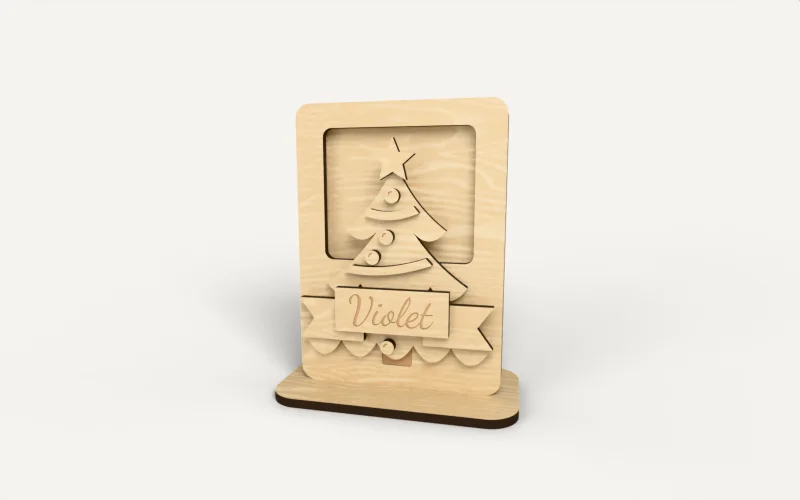
Making a personalized gift card holder with the Gift Card Holder Generator
A gift card that looks like a present: a pocket for the card behind a window, with the name on a ribbon

Making a pet memorial ornament with the Pet Memorial Generator
a framed winged-paw keepsake with your pet's name and a remembrance message
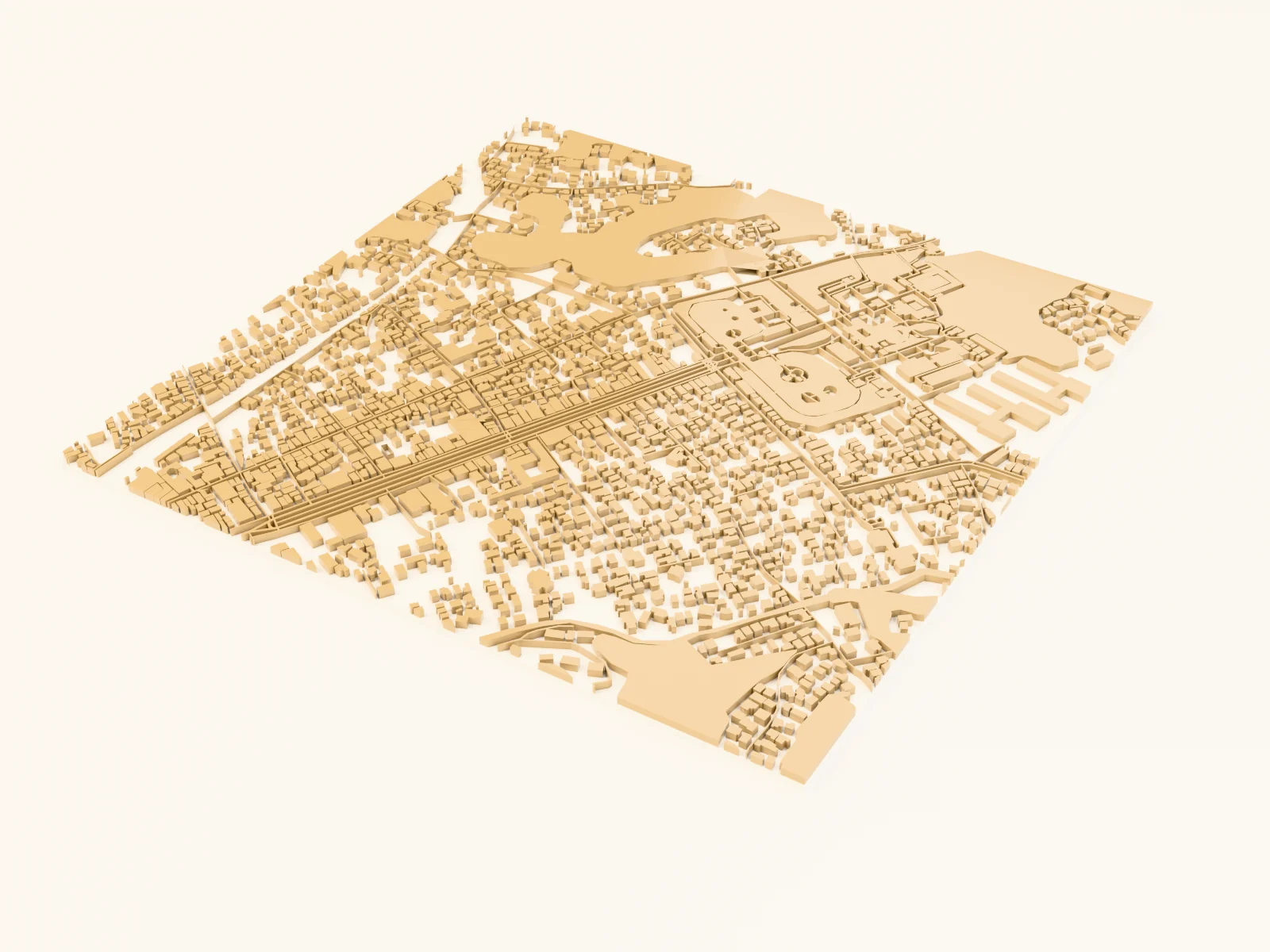
Making a pilgrim's temple map with the Temple Trail Map preset
a soft paper-toned map of an old temple district with every Buddhist temple and Shinto shrine lit up in vermilion
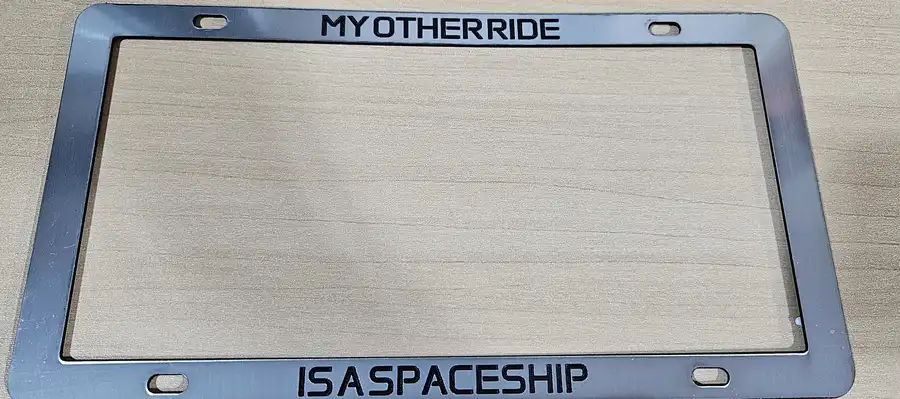
Making a plate frame with the License Plate Holder Generator
a custom license plate frame with border text and shapes

Making a plate keychain with the License Plate Charm Generator
a funny novelty mini-plate keychain with a hanger ring
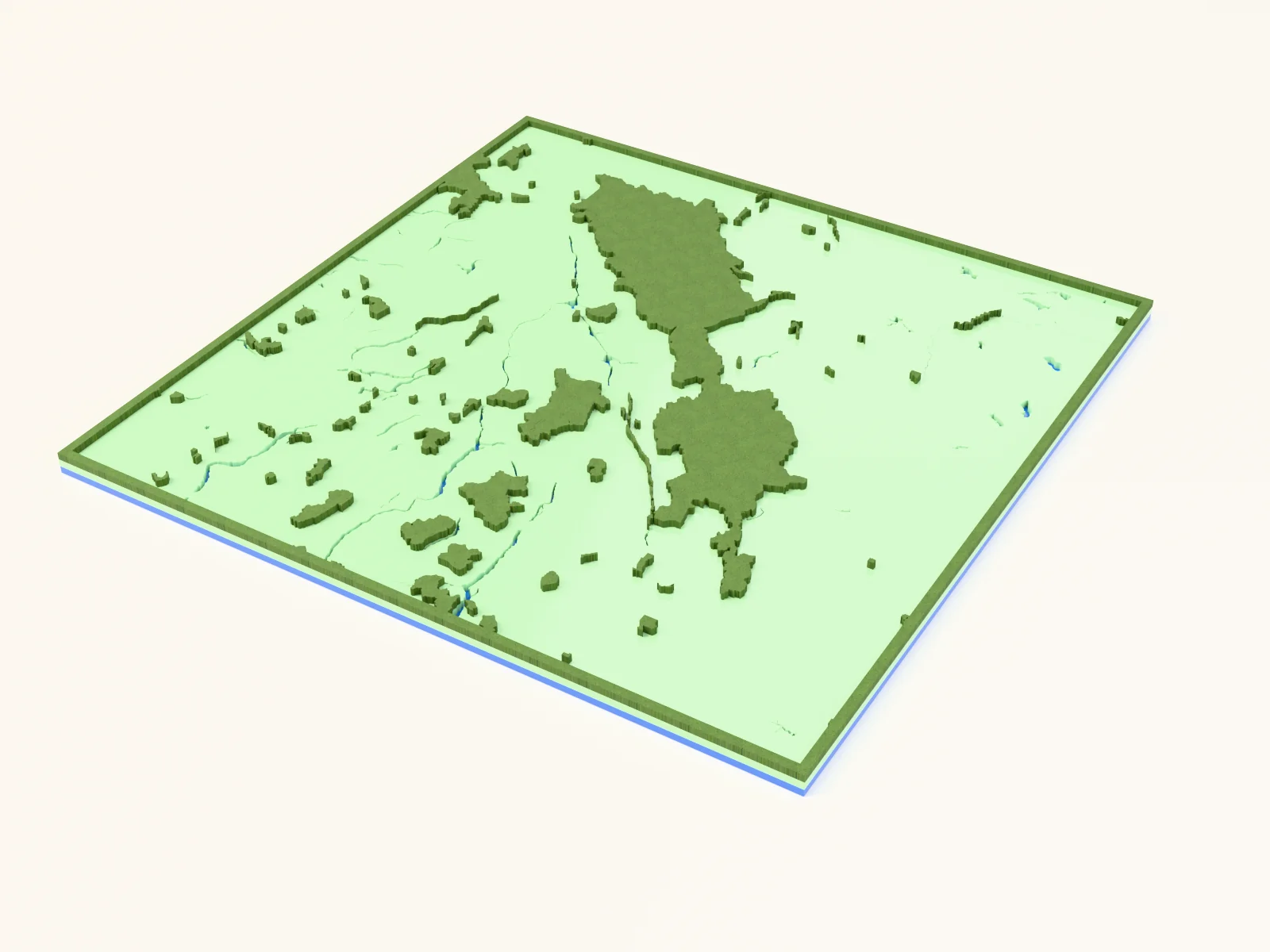
Making a protected-lands map with the National Parks Map preset
national park boundaries in solid green over cut-out water and lakes
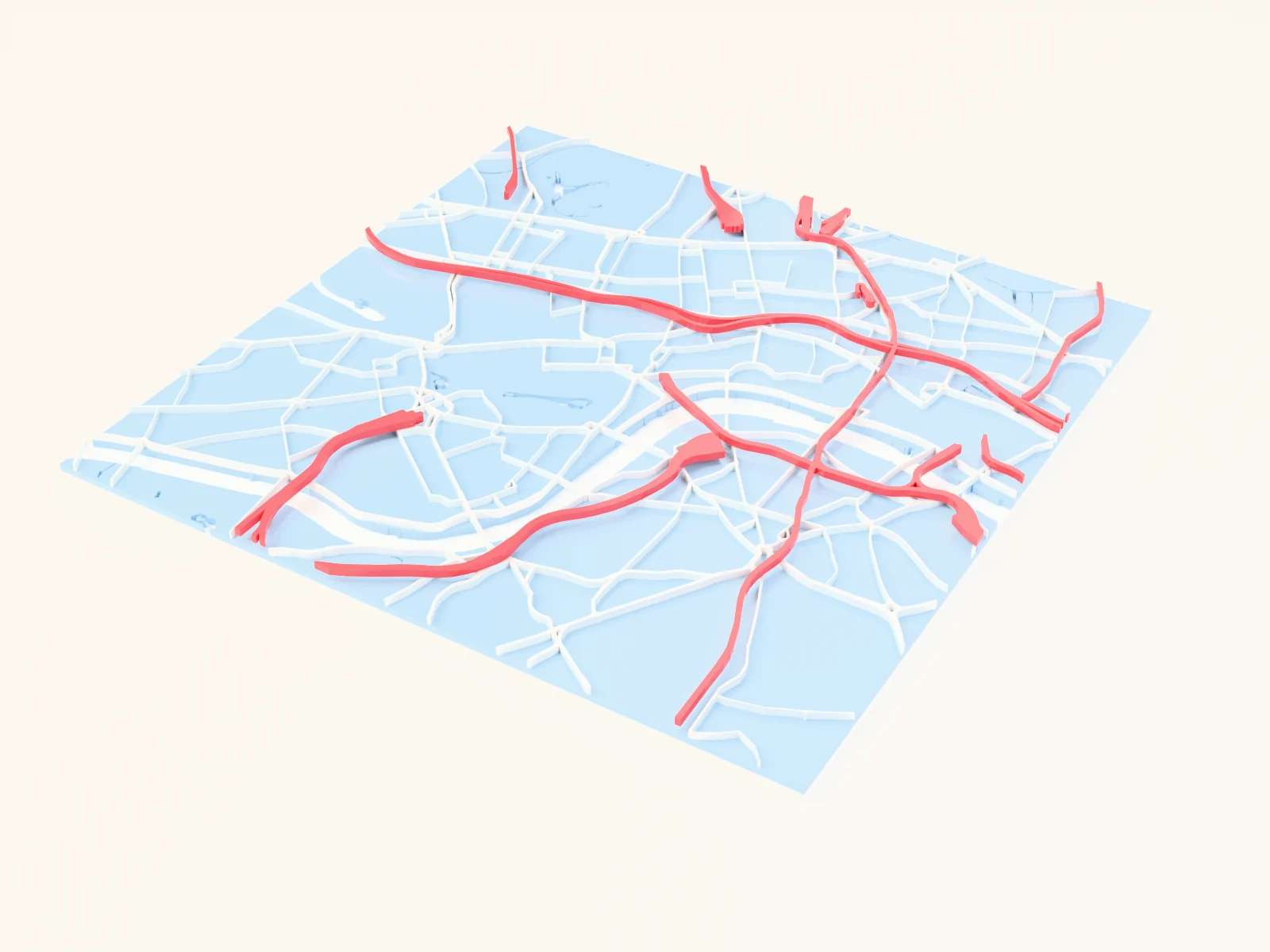
Making a railway-lover's print with the Transit and Rails Map preset
a city told through its rail and transit lines
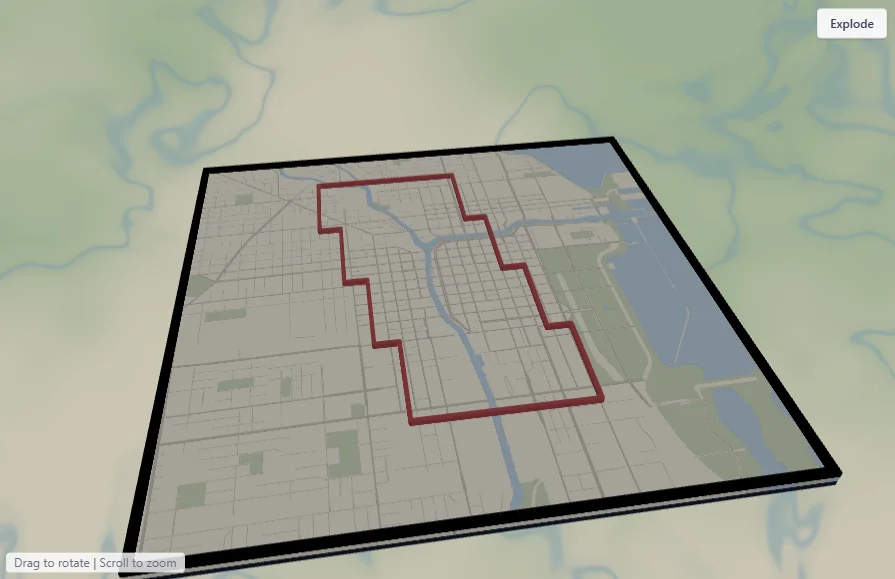
Making a running keepsake with the Running Route Map preset
your marathon, half, or training-loop route as a bold line over a clean city grid
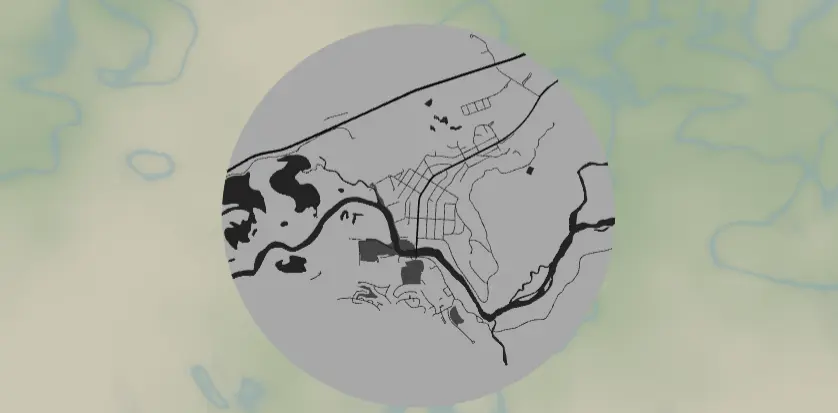
Making a sew-on map patch with the Leatherette Map Patch preset
an engraved sew-on patch with laser-cut stitch holes
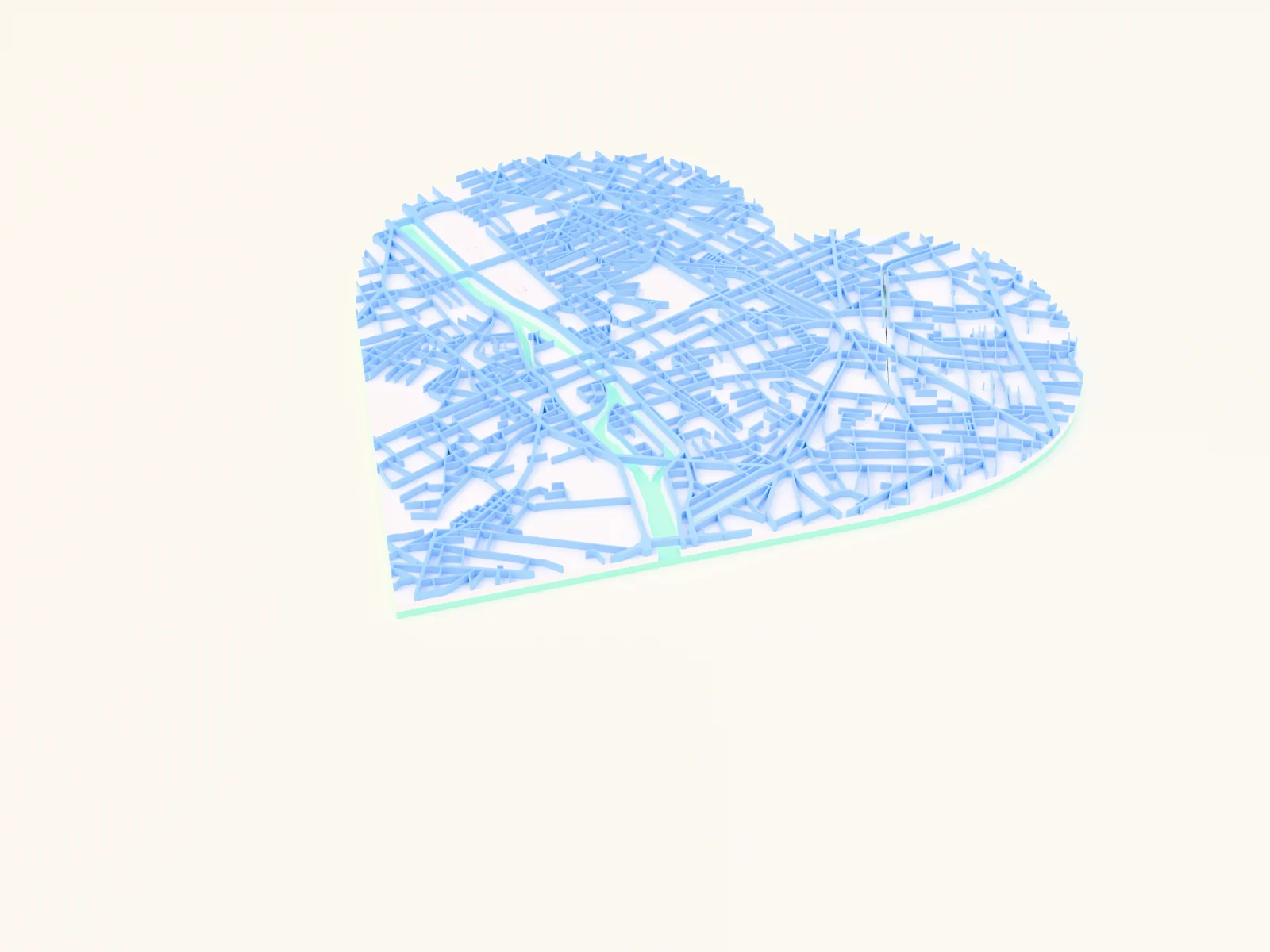
Making a soft-pastel heart street map with the Pastel Candy Heart Map preset
a sweet mint, peach and lilac street map cut to a heart shape for gift-ready prints
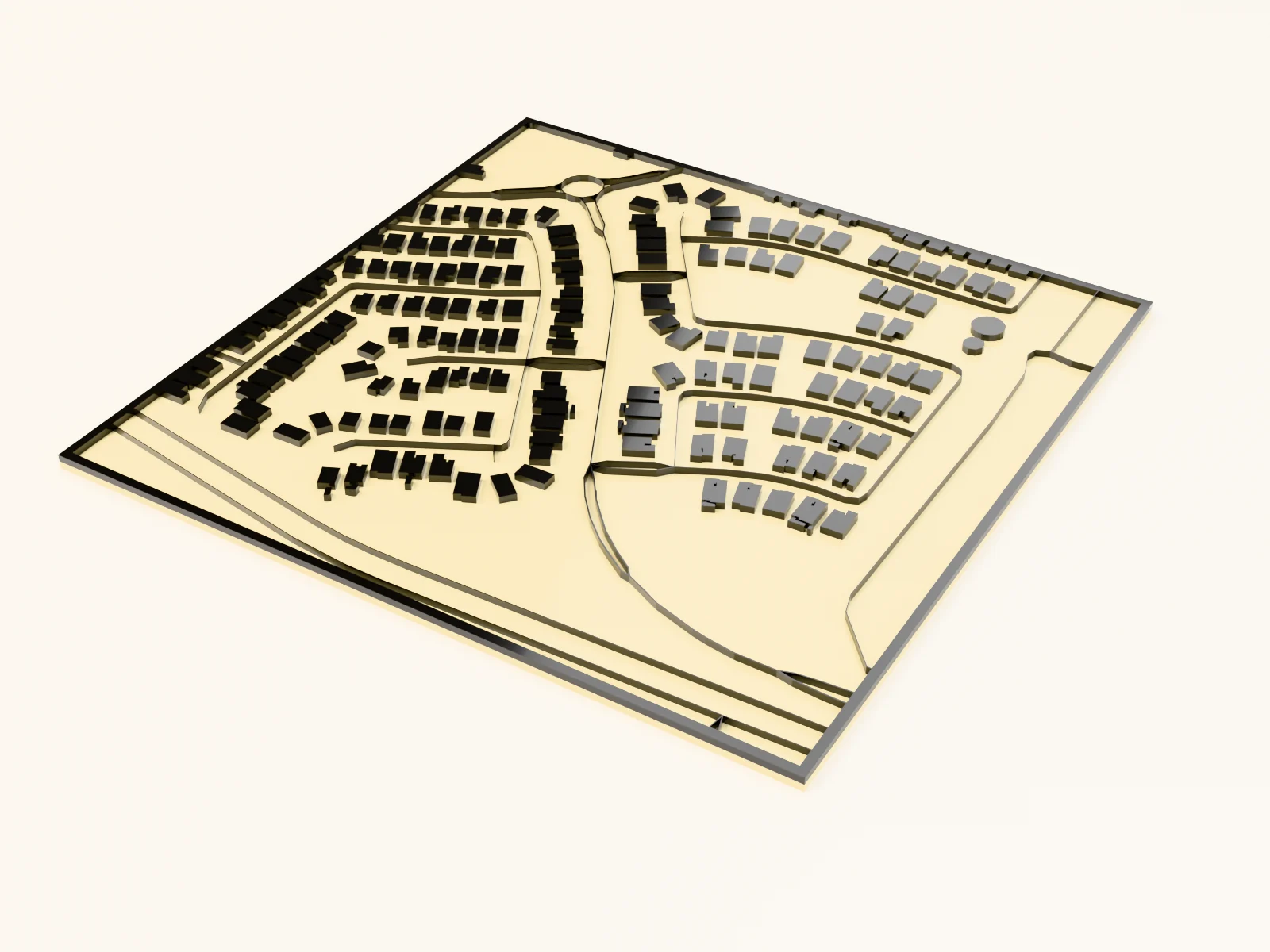
Making a suburban pools map with the Backyard Pools Map preset
a sunny suburb where every backyard pool pops bright blue over warm desert sand
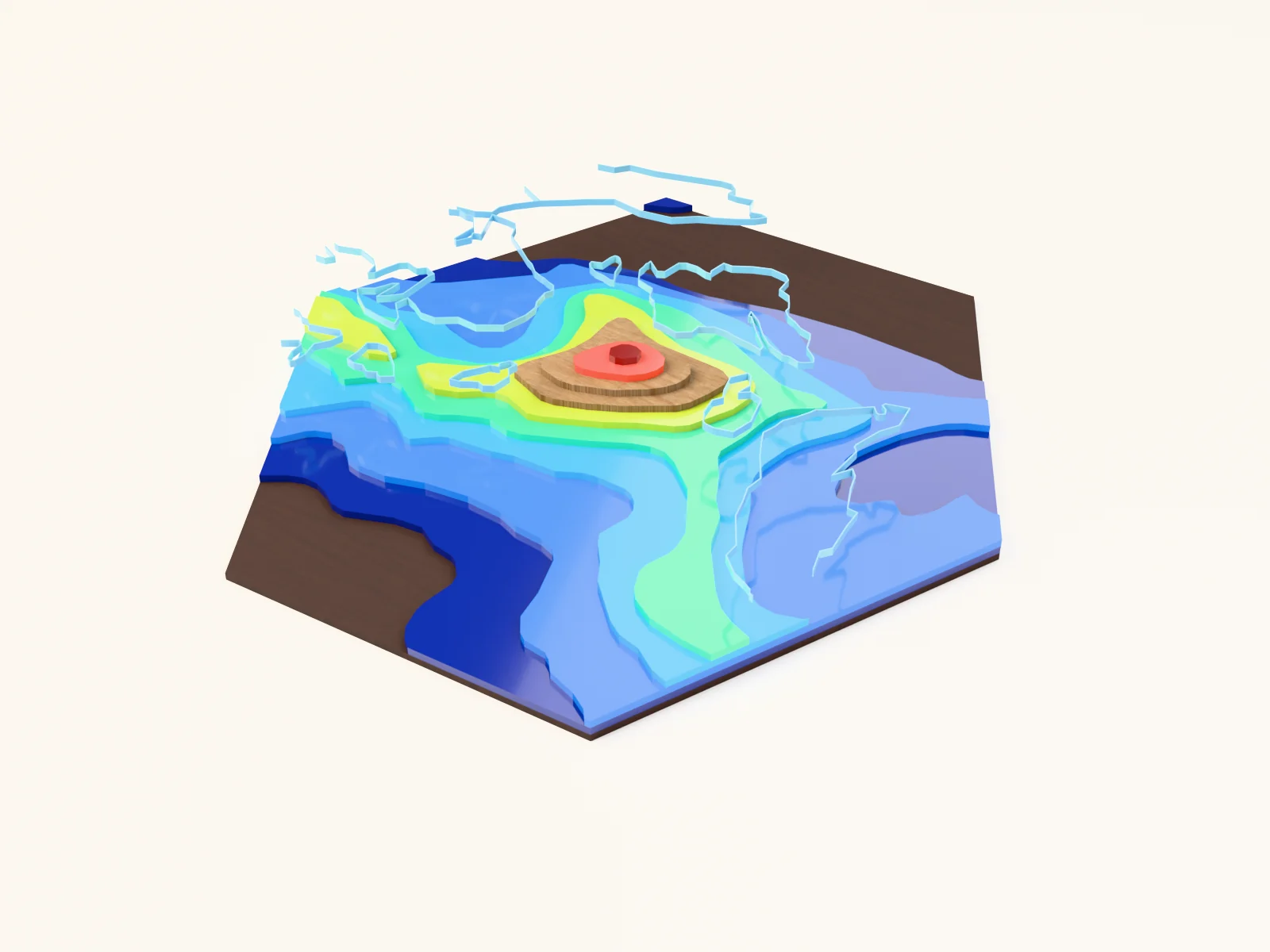
Making a summit keepsake with the Alpine Peak preset
a single mountain rendered as tight summit contours
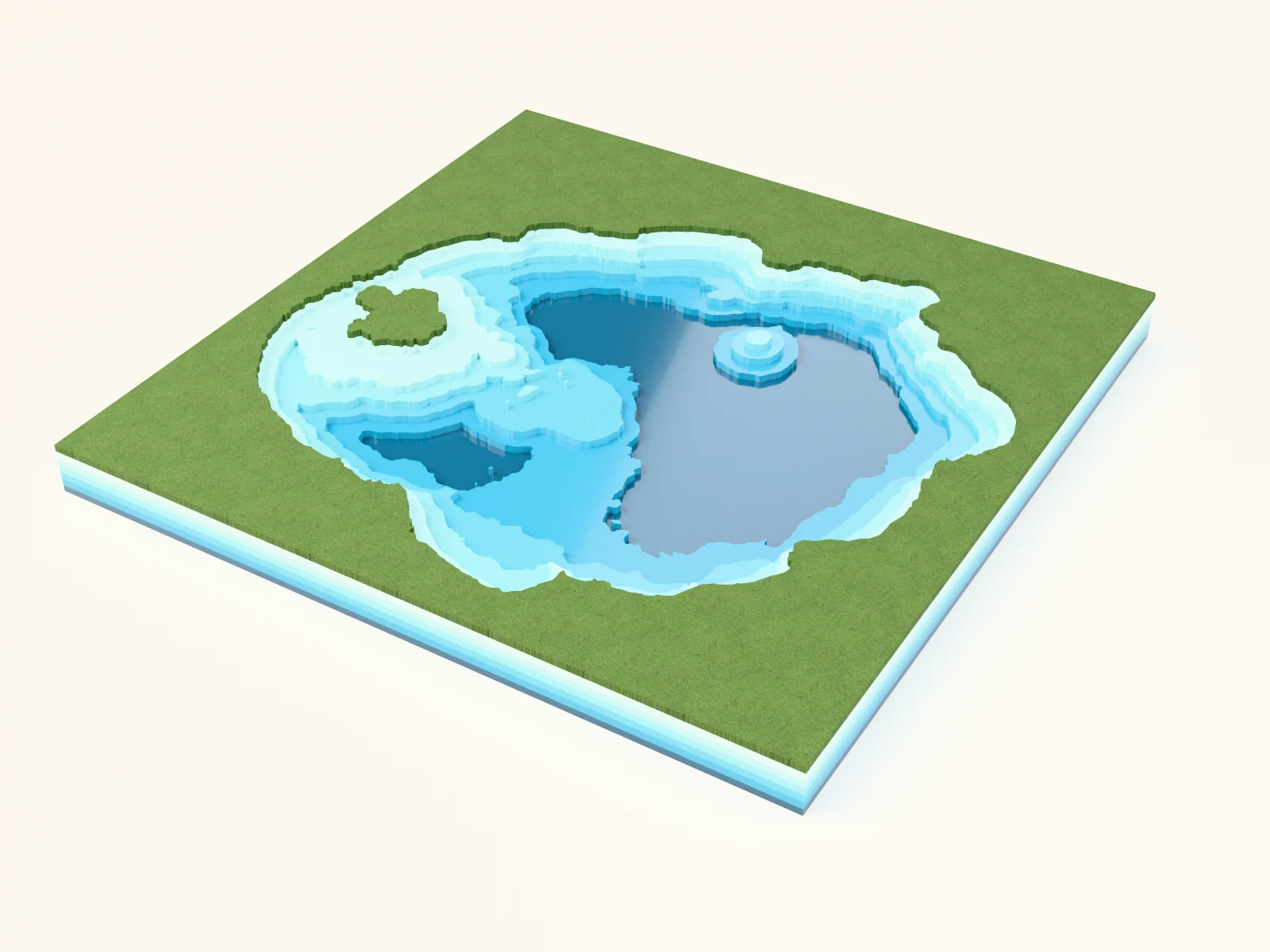
Making a surveyed depth chart with the Crater Lake Surveyed Bathymetry preset
Crater Lake's real surveyed depths stepping down through five teal bands
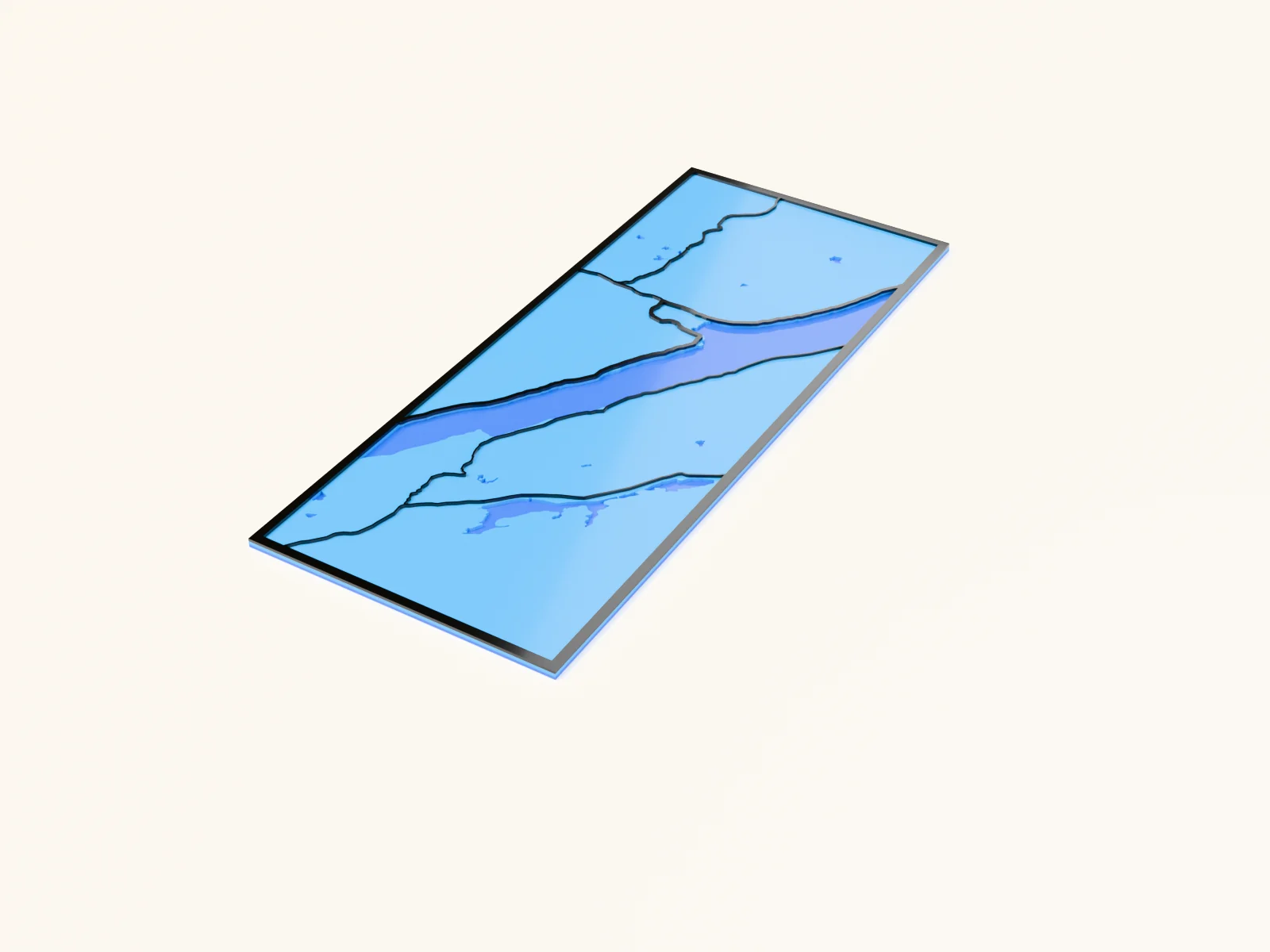
Making a tall, narrow lake map with the Narrow Lake Map preset
a long, skinny lake framed in a custom vertical aspect ratio
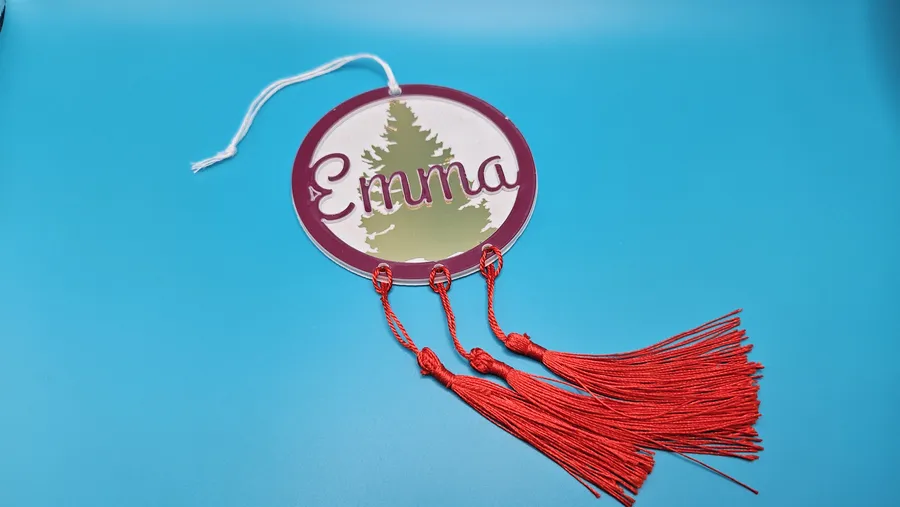
Making a tassel charm with the Hanging Car Charm with Tassels Generator
a round tree charm with a name layer and tassels for the mirror
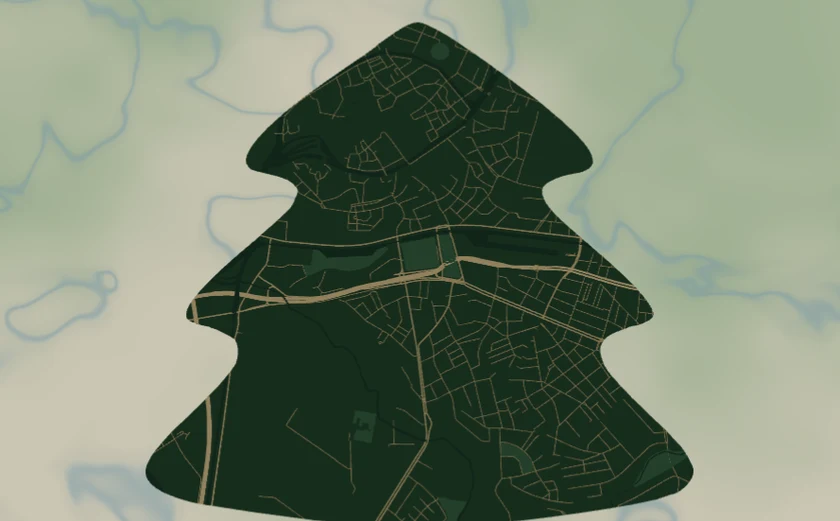
Making a tree-shaped festive map with the Christmas Tree Map preset
a Christmas-tree-shaped city map in forest green and gold

Making a tropical Miami print with the Miami Coral Reef Map preset
a bright coral-and-aqua circle map for full-colour prints
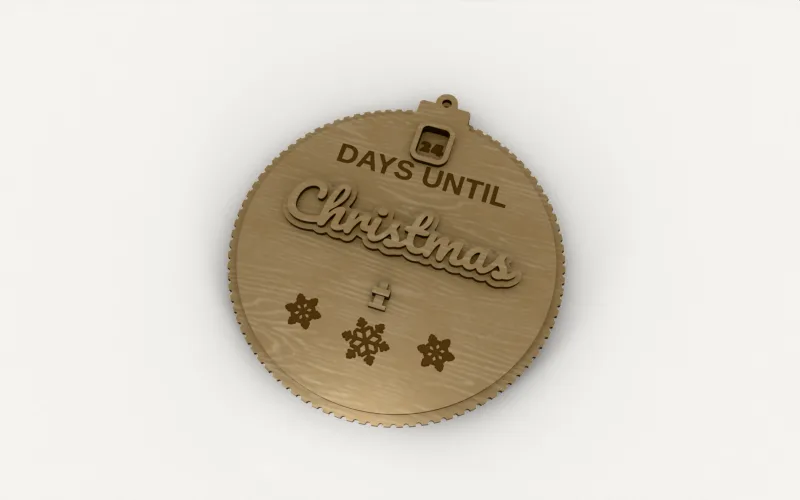
Making a turning advent calendar with the Countdown Wheel Generator
A countdown calendar with a ring of numbers that turns behind a window, for Christmas, a birthday or a holiday
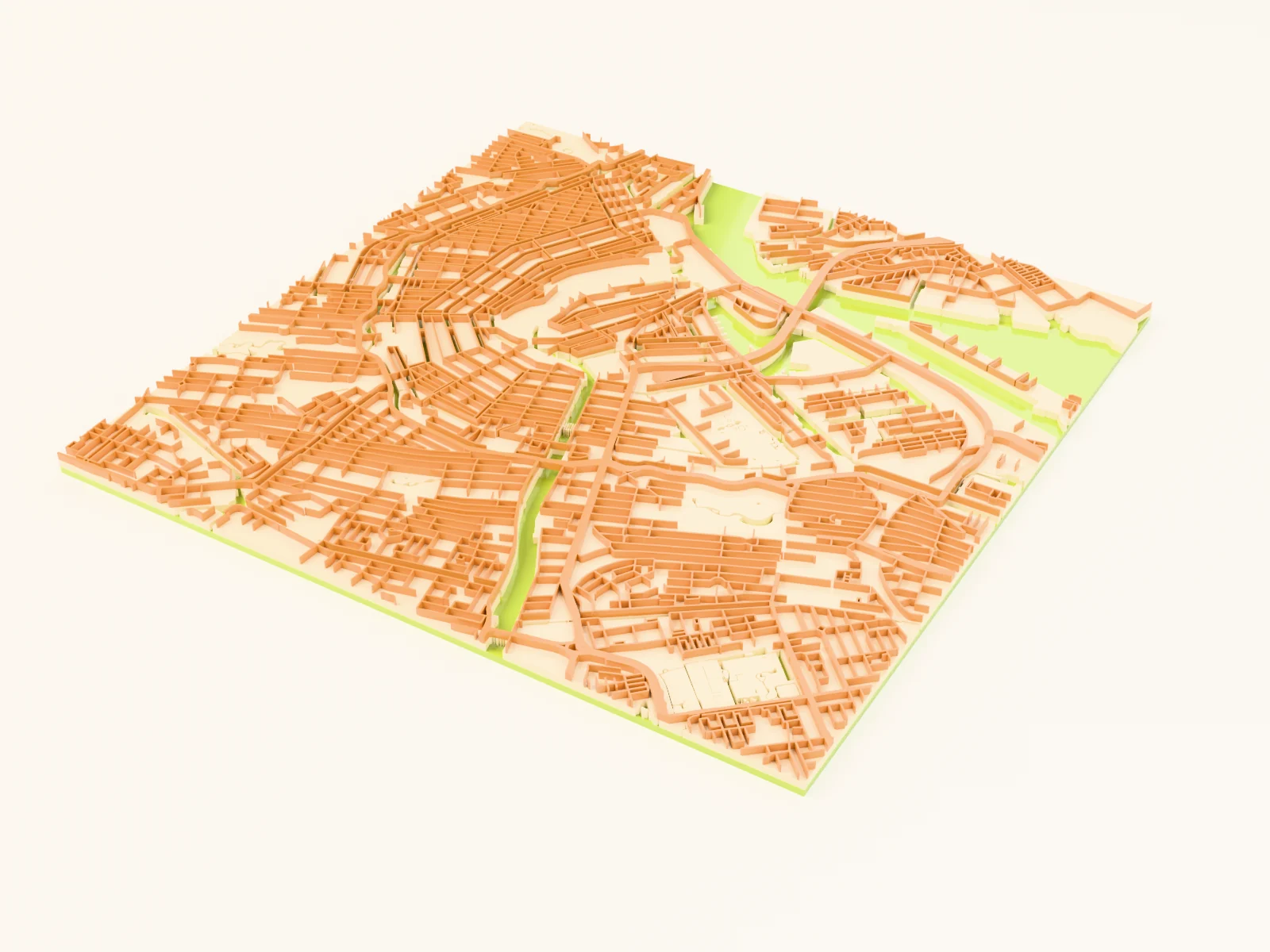
Making a vintage 70s street map with the Retro 70s Map preset
a groovy mustard, burnt-orange and avocado street map for warm full-colour prints
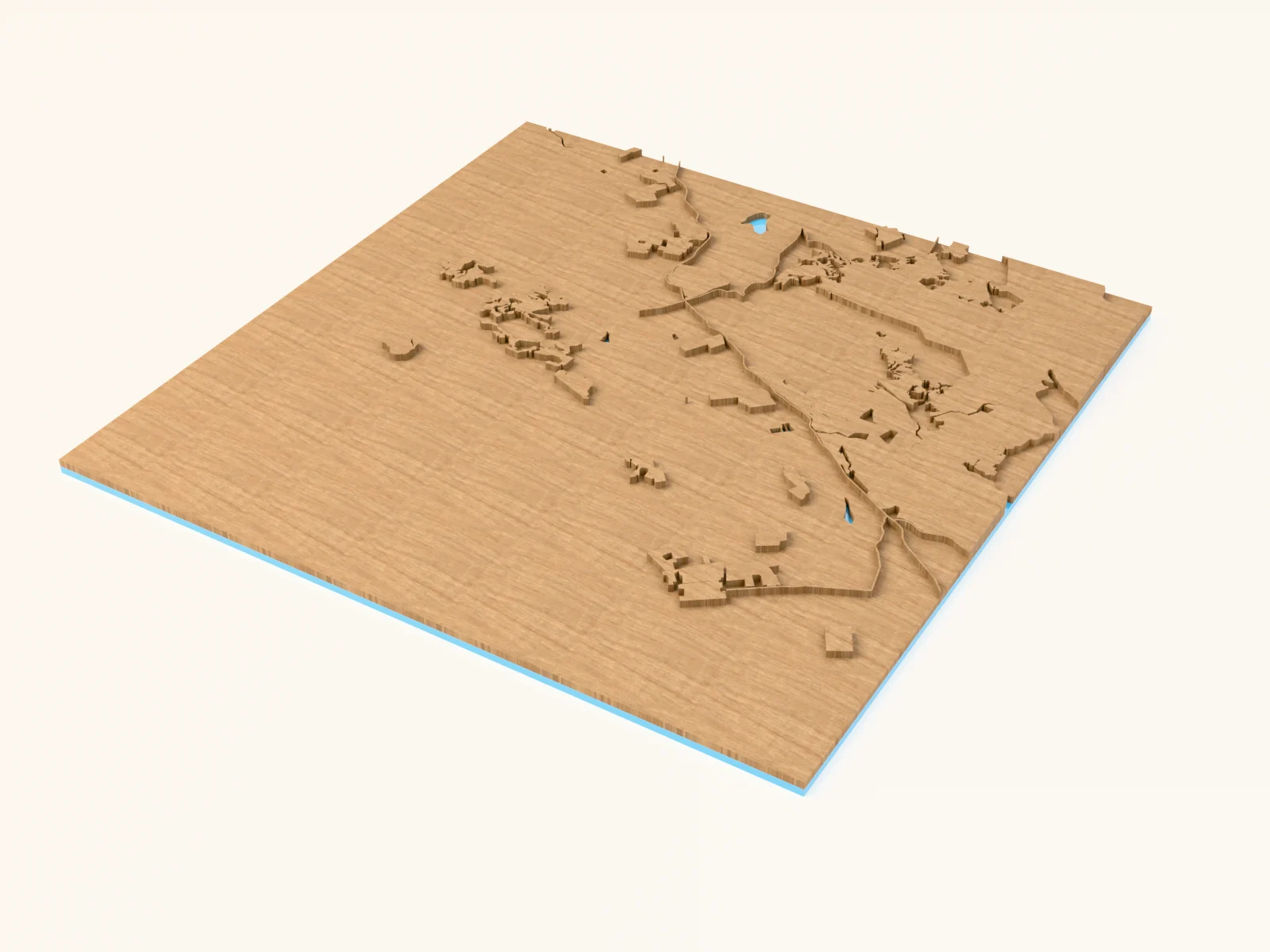
Making a winery keepsake with the Wine Country Map preset
a rolling vineyard valley in warm wine-and-cream tones
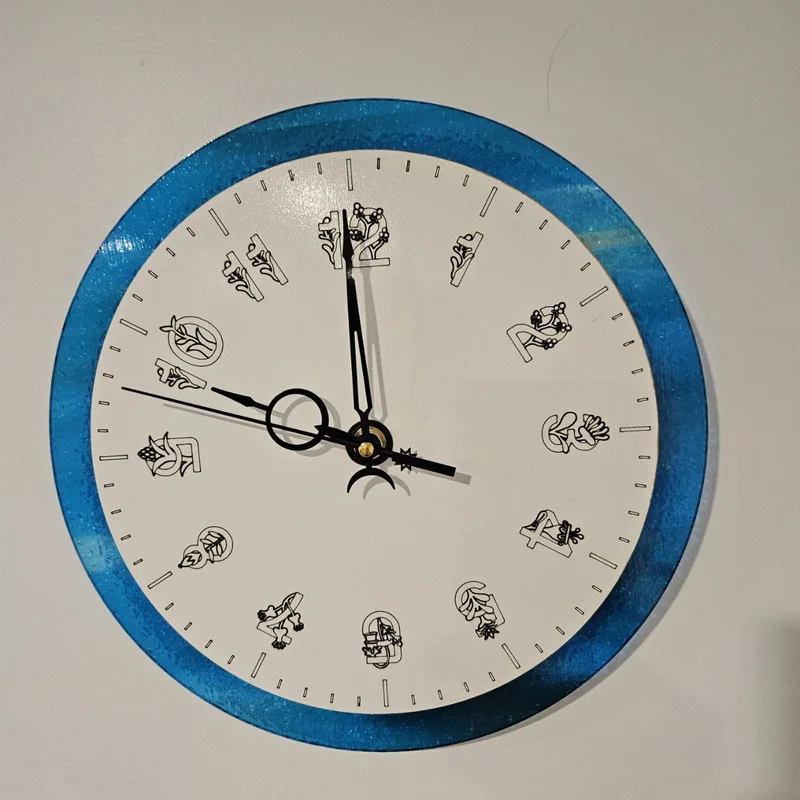
Making a working wall clock with the Clock Face Generator
precision clock faces with Arabic or Roman numerals and real tick geometry
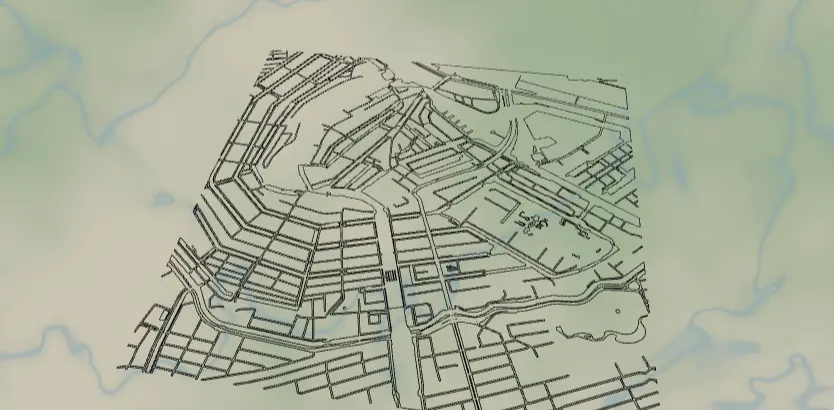
Making an acrylic LED night light with the Acrylic Night Light Map preset
streets engraved in clear acrylic, glowing on an LED base
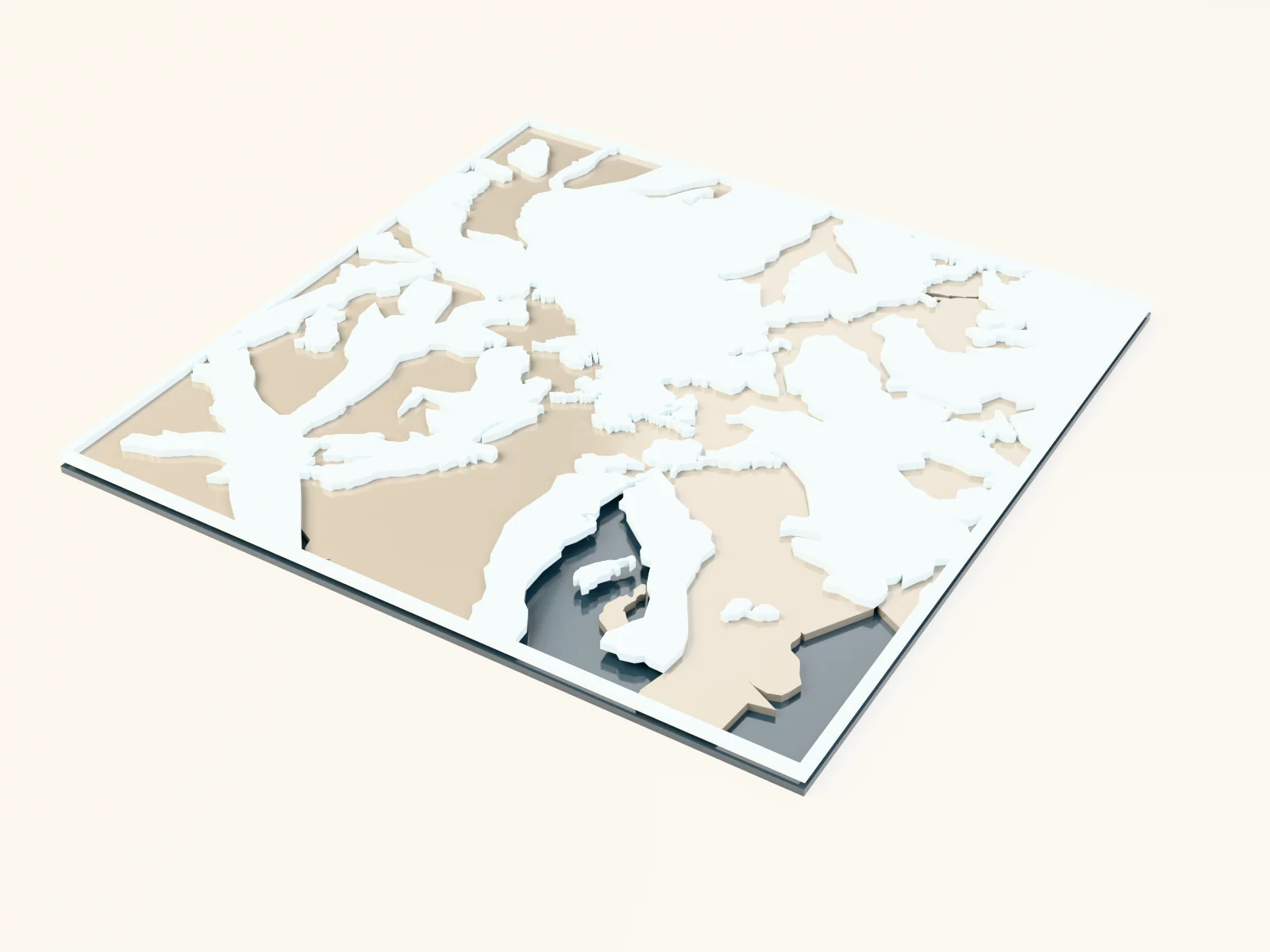
Making an alpine keepsake with the Glacier Map preset
filled glacier tongues and bare rock in icy blue-greys
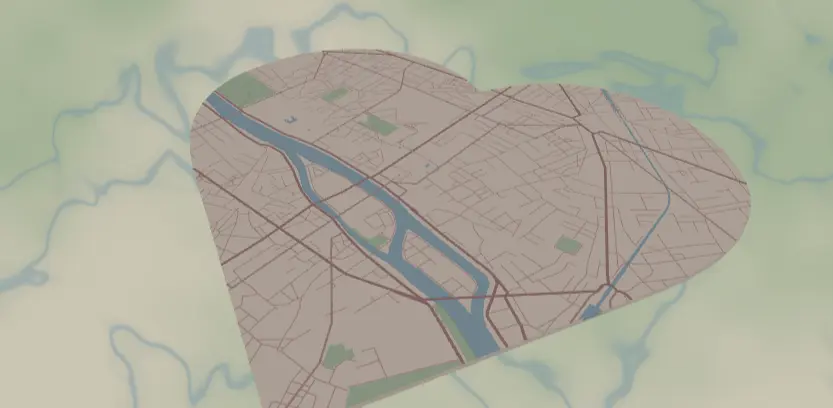
Making an anniversary keepsake with the Heart Keepsake Map preset
a meaningful place framed in a heart shape
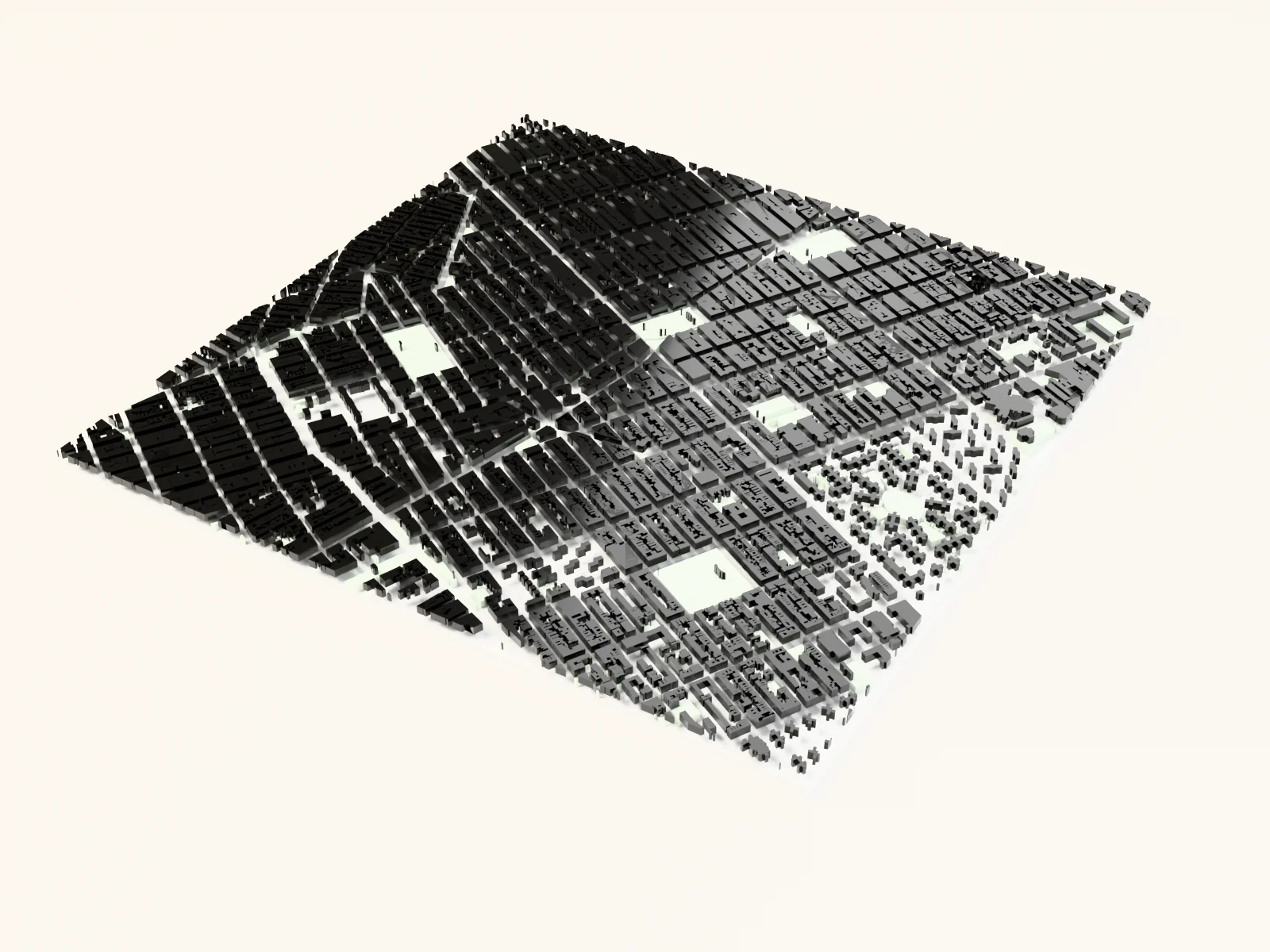
Making an architectural print with the Figure Ground Map preset
the classic black-and-white building-mass study
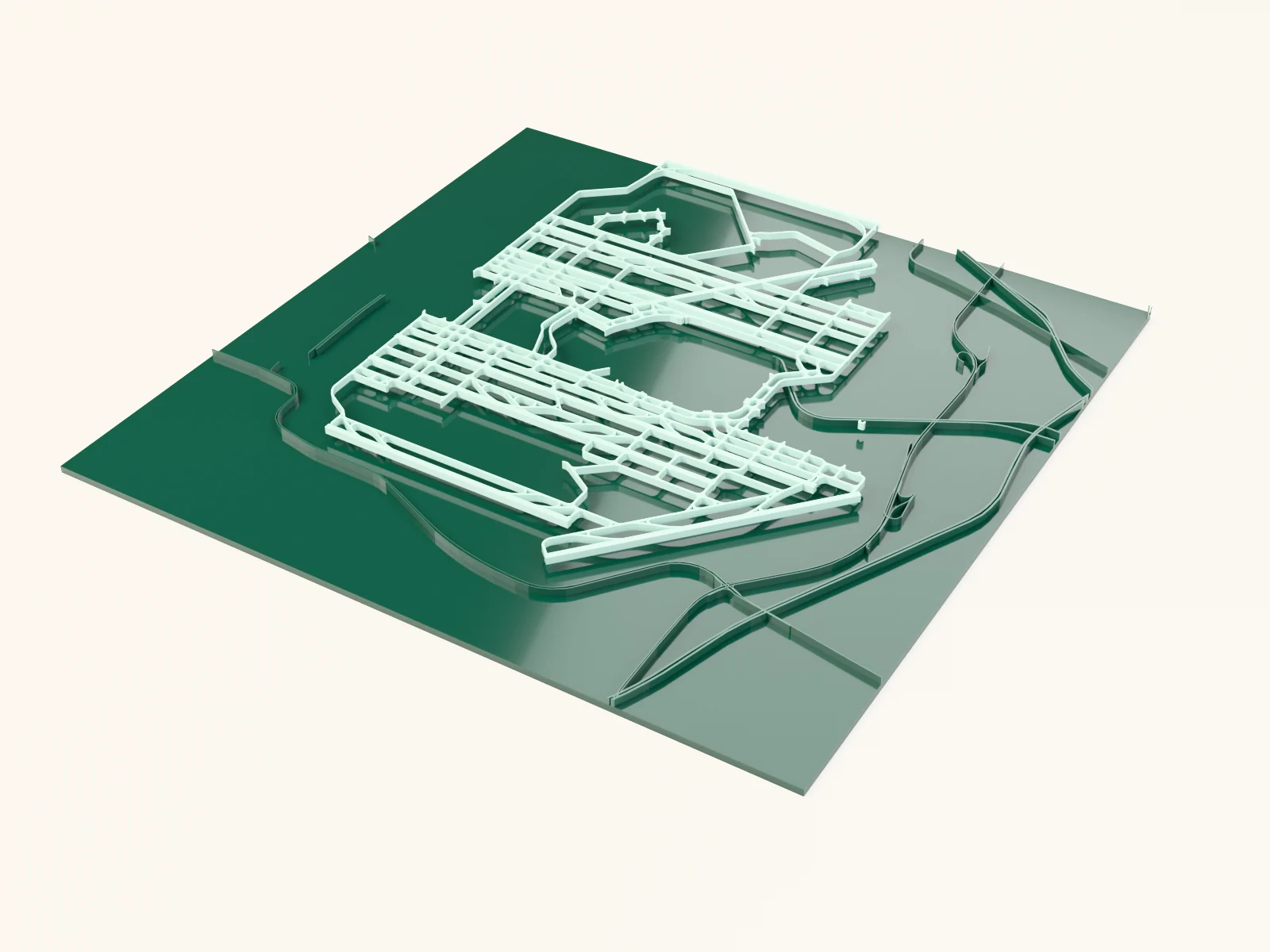
Making an aviation plaque with the Airport Diagram preset
runways and taxiways styled like an official airfield chart

Making an earring display stand with the Earring Holder Generator
freestanding earring display with a hole grid, hook slots, and a slotted stand
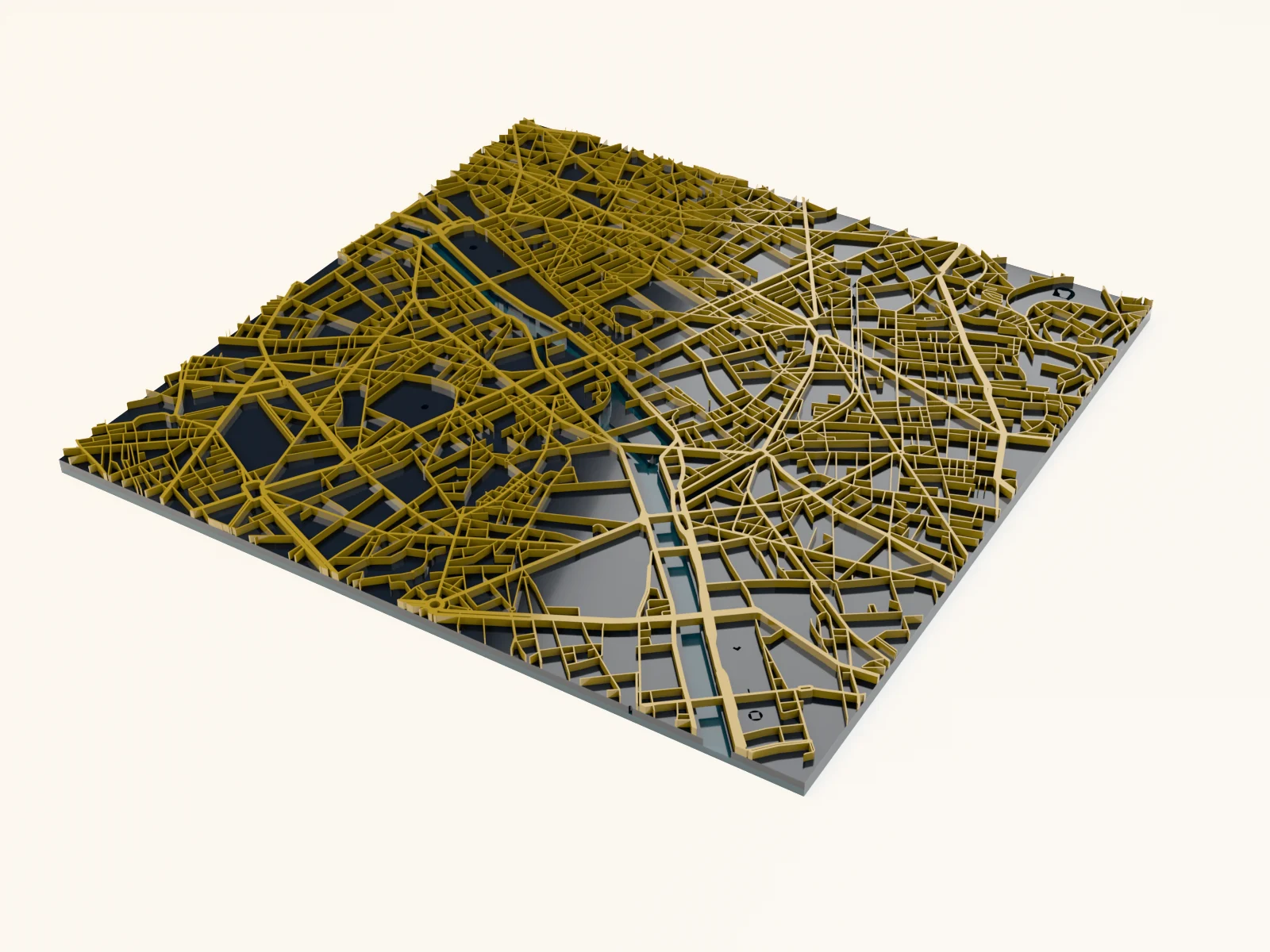
Making an elegant after-dark city map with the Midnight Gold Map preset
warm gold boulevards glowing in a fine web over a deep slate night
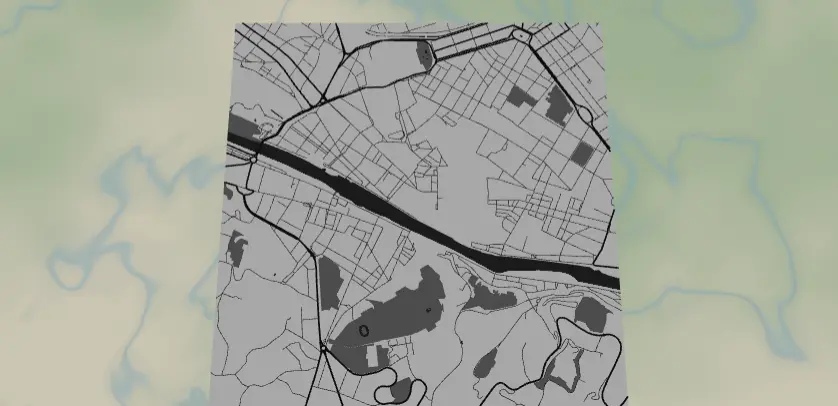
Making an engraved journal cover with the Leatherette Journal Cover Map preset
a full-bleed monochrome city engraved across a journal cover
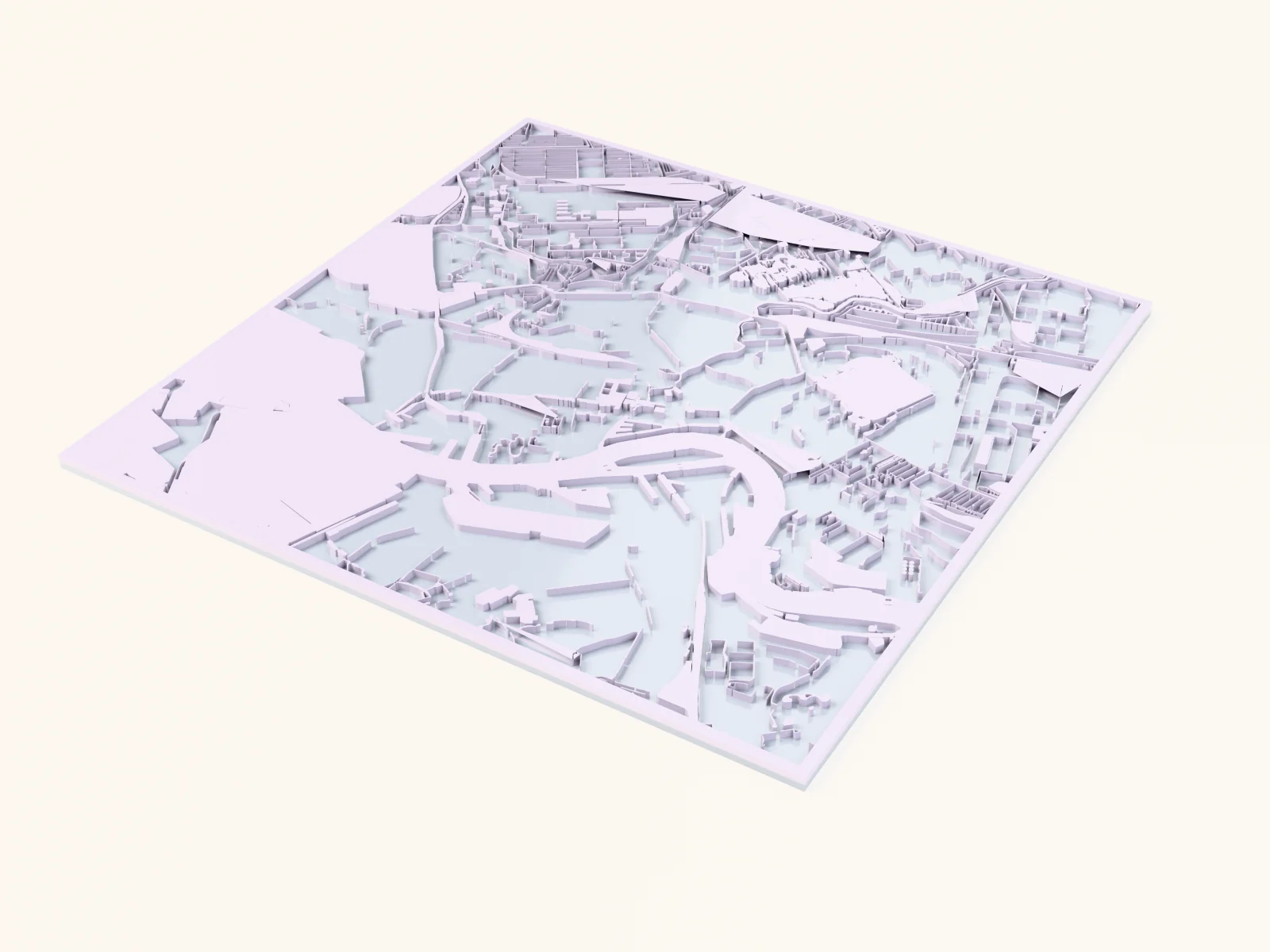
Making an industrial map with the Industrial & Infrastructure Map preset
filled industrial estates, rail yards and airport aprons over a dark backplate

Making an ocean depth chart with the Coastal Depth Chart preset
real ocean depth bands stepping down around an island or coastline
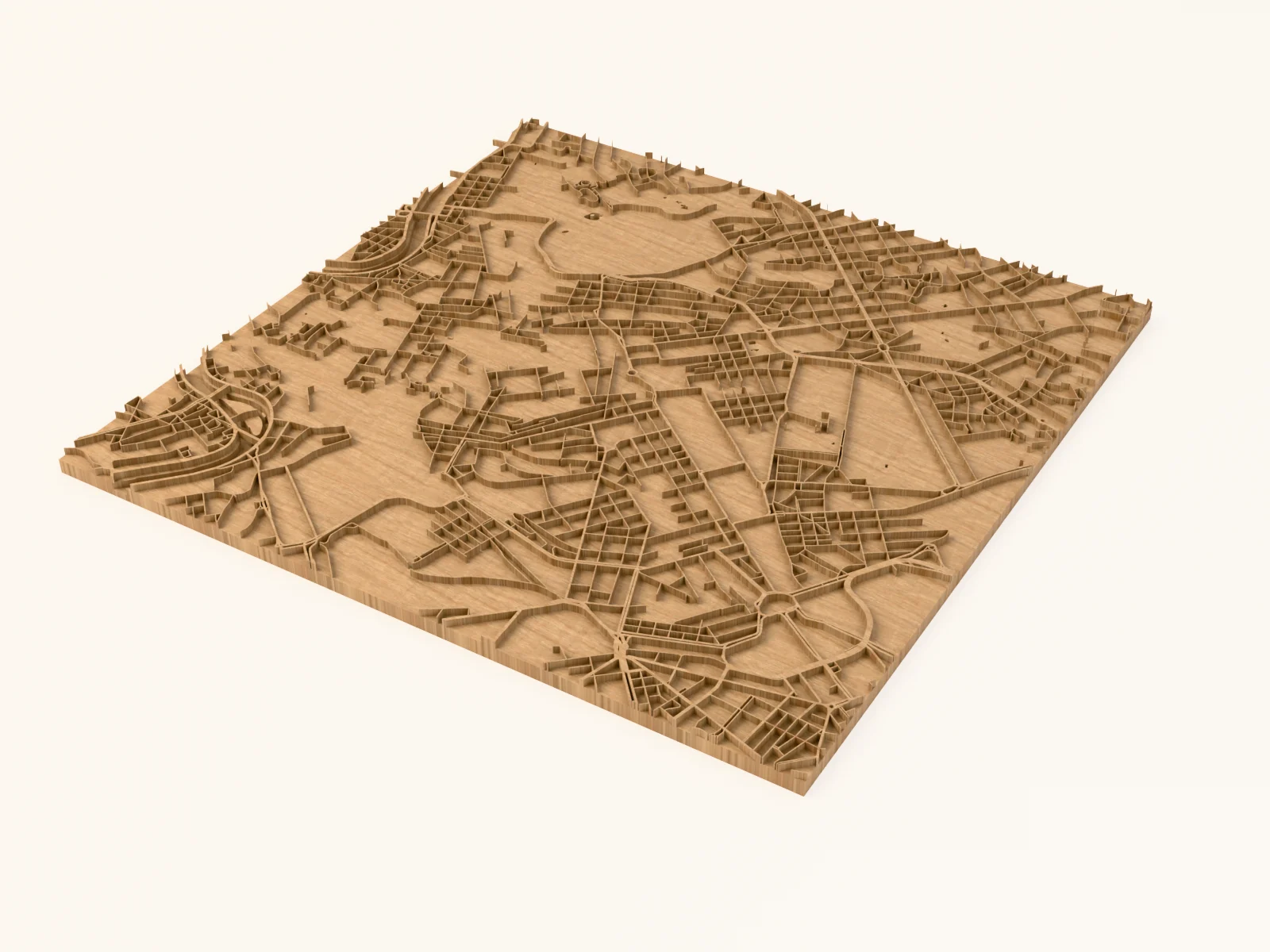
Making an old-world wood print with the Vintage Parchment Map preset
aged-paper tones for an antique cartography look
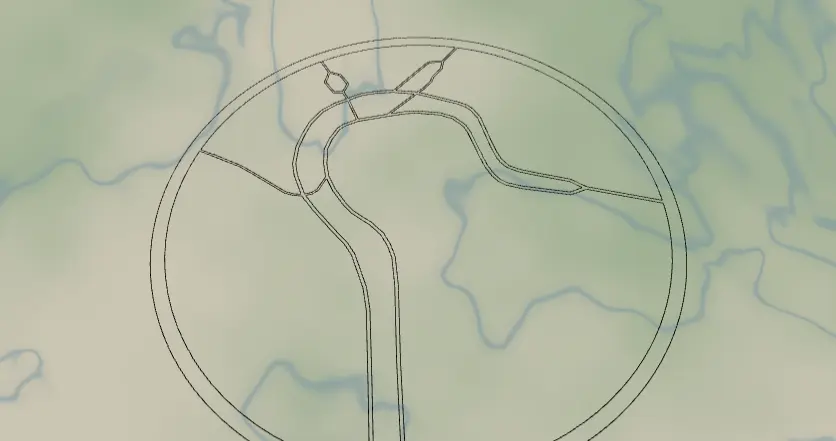
Making an openwork street ornament with the Stylish Outline preset
a minimal line-art street outline for modern decor

Making bag bases with the Crochet Base Generator
rigid bases with evenly spaced holes for crochet bags, baskets, and panels
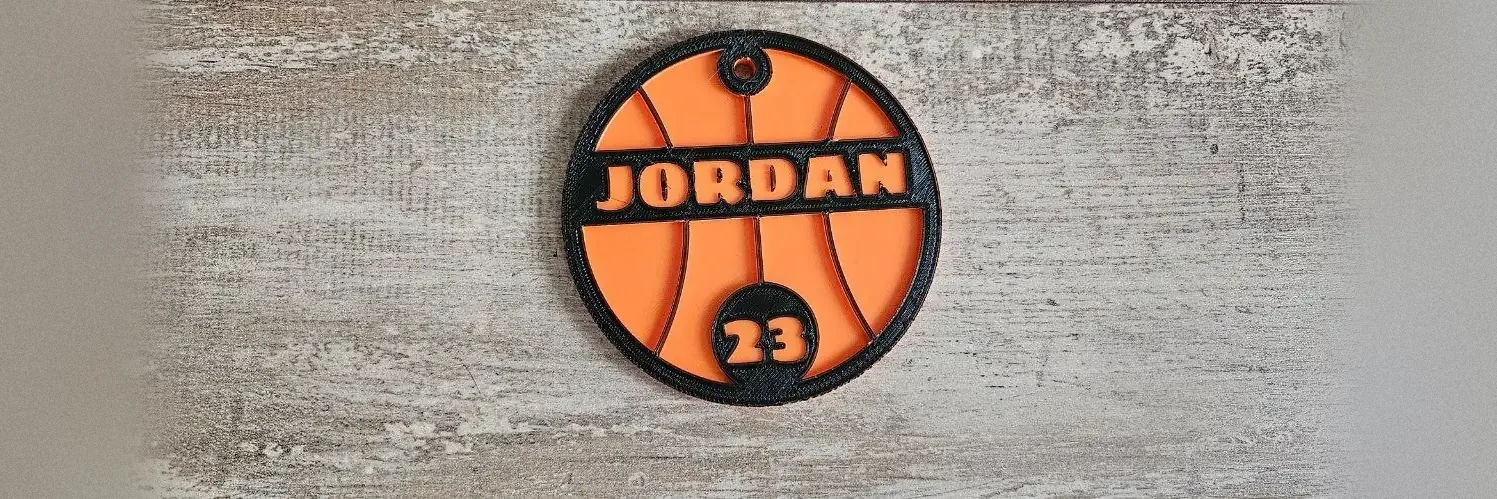
Making ball-shaped sports bag tags with the Sports Bag Tag Generator
two-layer bag tags shaped like ten different balls, with a name and a jersey number

Making Christmas tree ornaments with the Tree Ornament Generator
layered tree silhouettes with a star and a name, cut or printed

Making classic split monograms with the Split Monogram Generator
an initial split by a name banner, the timeless gift

Making crossword keepsakes with the Crossword Puzzle Generator
interlocking word grids from your own word list, as plaques and ornaments
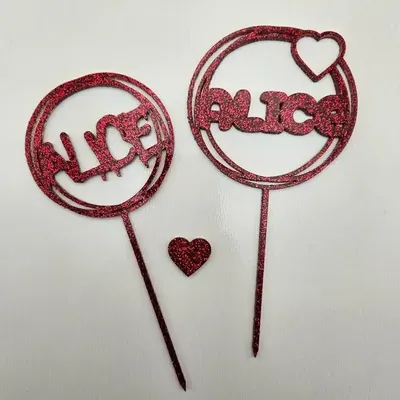
Making custom cake toppers with the Cake Topper Generator
name, multi-line, and two-stake toppers from one tool
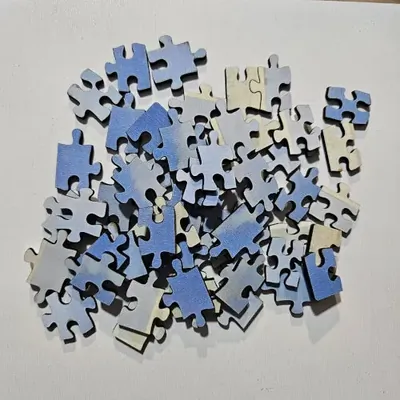
Making custom jigsaw puzzles with the Puzzle Generator
laser-cut jigsaws in regular grids or hexagon layouts with adjustable tabs

Making custom medals with the Medal Generator
award medals with curved text, center text, and pictograms

Making custom moon phase posters with the Moon Phase Generator
custom moon phase art for any date, time, and place

Making custom night-sky posters with the Star Map Generator
custom star maps of the exact night sky from any date and place
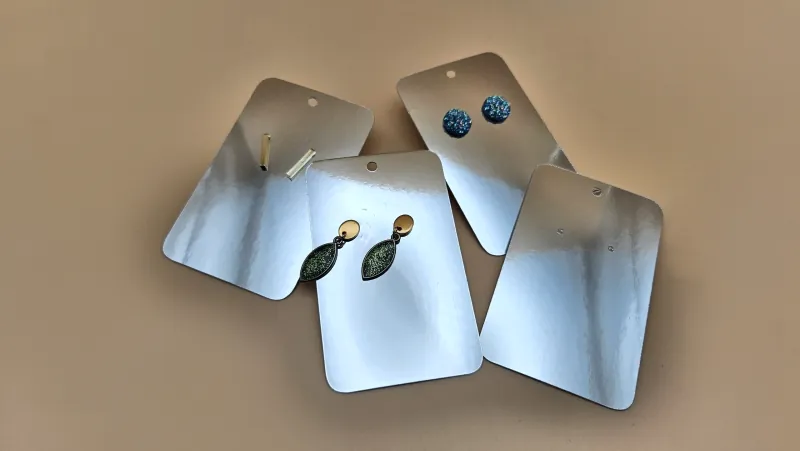
Making earring display cards with the Earring Card Generator
printed or engraved earring cards with hanging holes, cut from cardstock, wood or acrylic

Making Easter carrot name tags with the Carrot Name Tag Generator
carrot-shaped name tags for Easter baskets and spring tables

Making Easter egg ornaments with the Egg Ornament Generator
layered egg ornaments with a name banner across the middle

Making engraved bookmarks with the Bookmark Generator
wood and acrylic bookmarks with stacked phrases, symbols, and a tassel hole
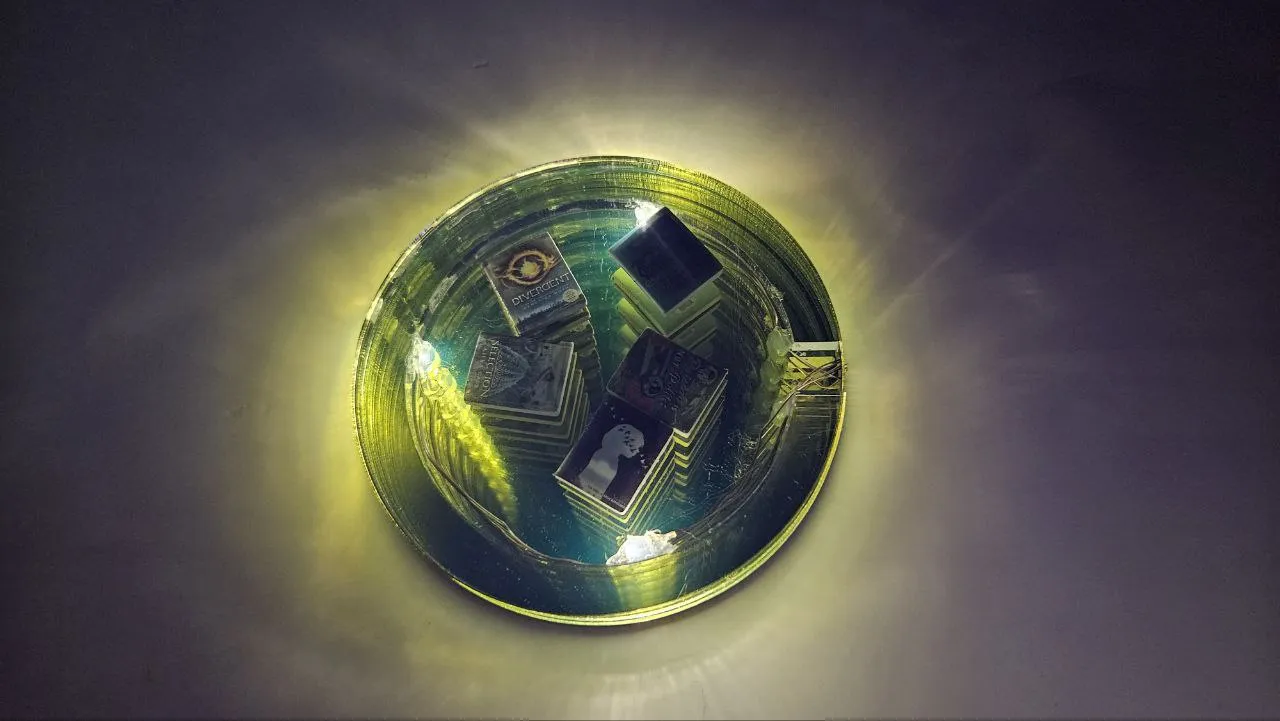
Making frames with the Infinity Mirror & Shaker Box Generator
two plates and a spacer: the sandwich frame behind infinity mirrors and shaker fillables
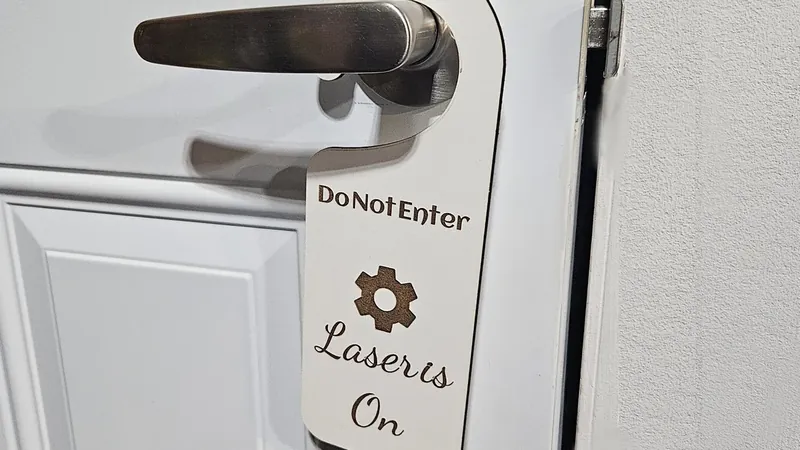
Making funny door signs with the Door Knob Hanger Generator
hanging door signs with a built-in knob notch, funny two-line quips, and a centre symbol

Making garden plant stakes with the Plant Stakes Maker
vertical text plant markers in classic, cut-out, and engraving styles

Making handmade product tags with the Handmade Tag Generator
sew-on leatherette labels for beanies, knits, and crochet, flat or foldable

Making heart ornaments with the Heart Ornament Generator
layered heart keepsakes with a curved name banner

Making heart-filled text with the Fancy Text Generator
words with hearts nestled into every letter

Making kids' name puzzles with the Name Puzzle Generator
chunky letter-piece name puzzles for toddlers, cut or printed
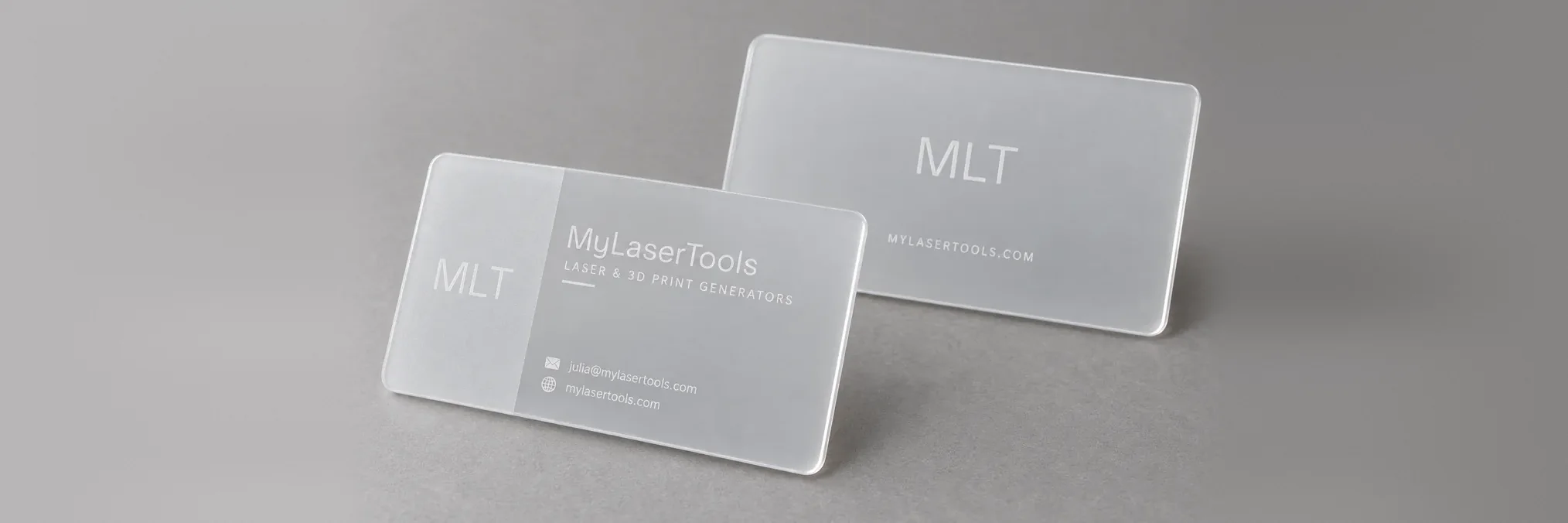
Making laser engraved and 3D printed business cards with the Business Card Generator
two-sided cards with a contact QR code, cut on a laser or printed in two or three colours

Making laser-cut earrings with the Earrings Generator
statement earrings in arches, drops, and clouds with optional patterns

Making layered ball ornaments with the Christmas Ornament Generator
layered ball ornaments with snowflake frames and a name across the middle
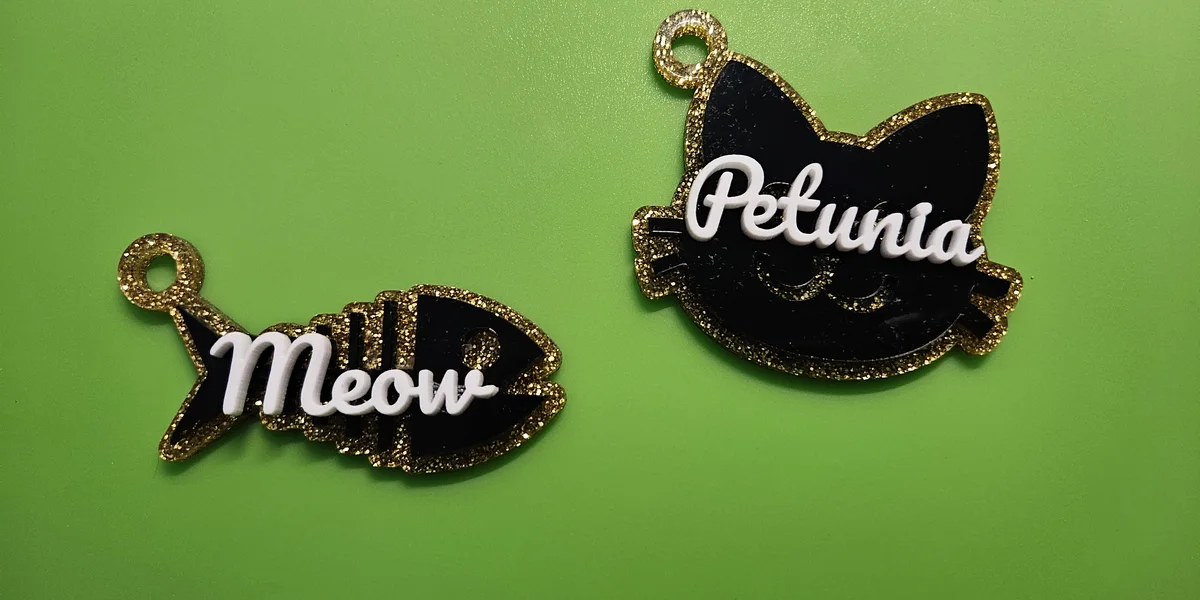
Making layered charms with the Symbol Charm Generator
turn any icon into a layered charm or keychain, laser cut or 3D printed

Making layered mountain terrain art with the Topography preset
stacked elevation contours of any terrain, the classic layered topo art
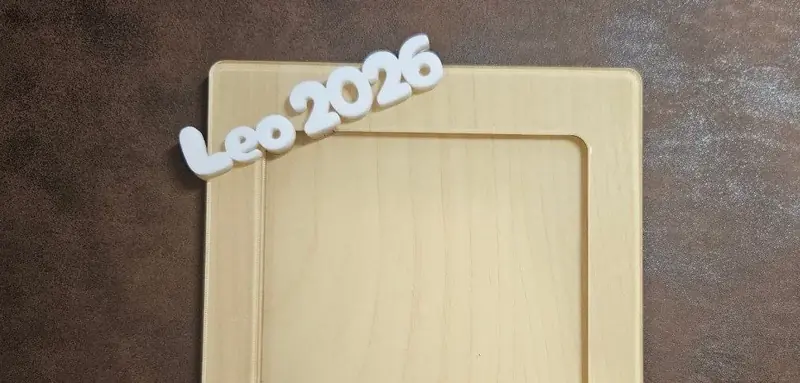
Making layered photo frames with the Photo Frame Generator
three-layer photo frames with decorative text top and bottom

Making leatherette bookmarks with the Leather Bookmark Generator
engraved leather bookmarks with tassel holes in twenty-plus shapes

Making leatherette hat patches with the Hat Patch Generator
engraved leatherette patches with stitch guides in fifteen badge shapes
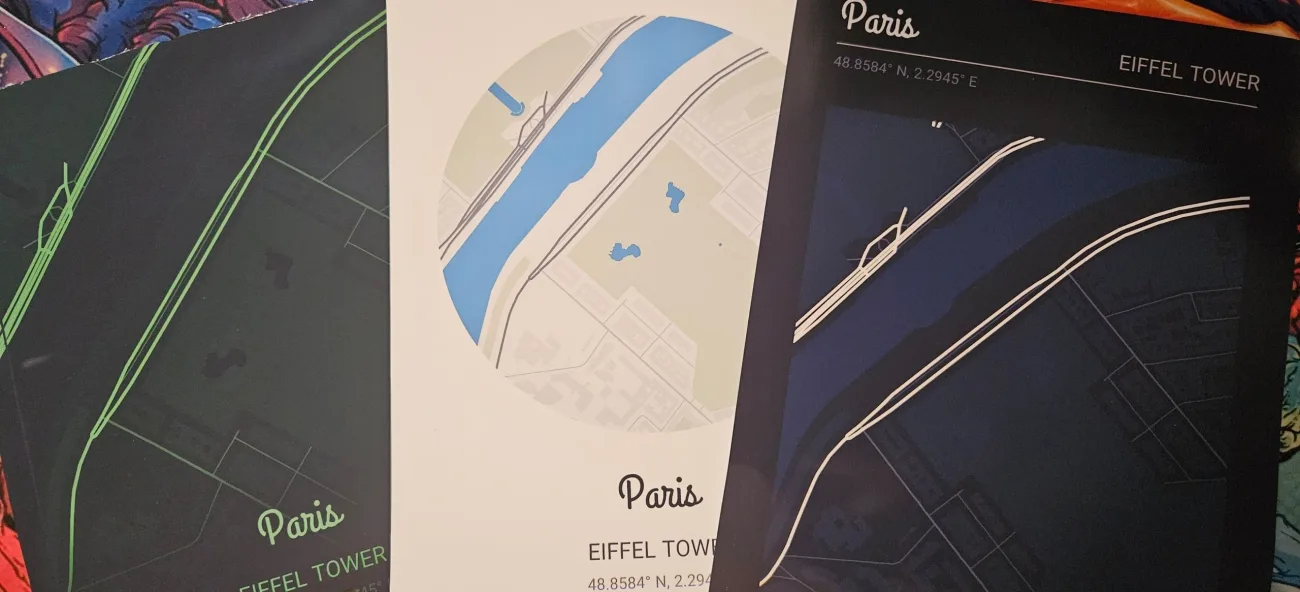
Making map posters, postcards, and bookmarks with the Print Map Generator
print-ready map posters, postcards, and bookmarks of any place
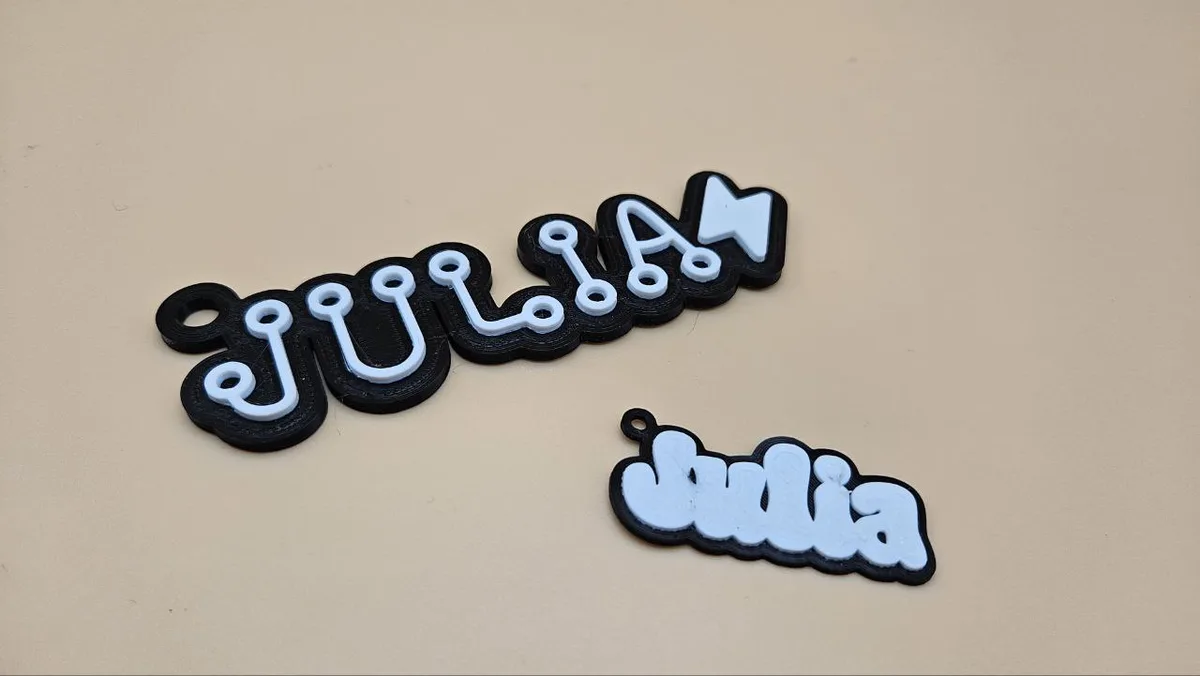
Making name tags with the Backpack Tag Generator
personalized name tags with a hanging ring, for printing or cutting
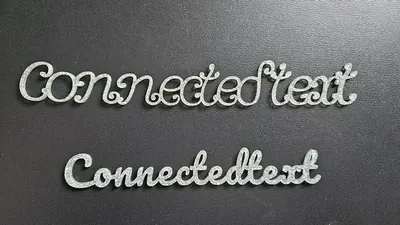
Making one-piece script signs with the Connected Text Generator
cursive words fused into a single cuttable piece

Making party stir sticks with the Stir Stick Generator
cocktail stirrers topped with connected script words

Making paw print ornaments with the Paw Print Ornament Generator
paw print ornaments with a pet's name, optional claws, and snowflake pads
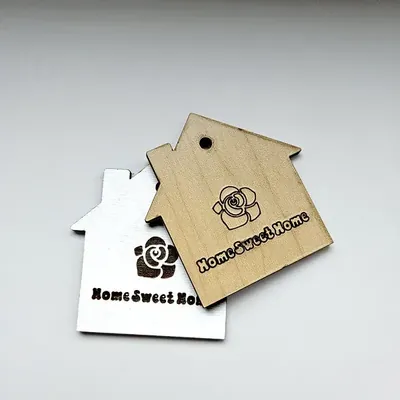
Making personalized gift tags with the Gift Tag Generator
reusable wooden gift tags with names and symbols in three shapes

Making personalized keychains with the Keychain Generator
name keychains in layered or truck style, laser cut or 3D printed

Making print and laser-cut world maps with the World Map Generator
styled world maps for printing, engraving, and cutting

Making pumpkin name tags with the Pumpkin Name Tag Generator
pumpkin-shaped name tags for Halloween buckets and fall decor
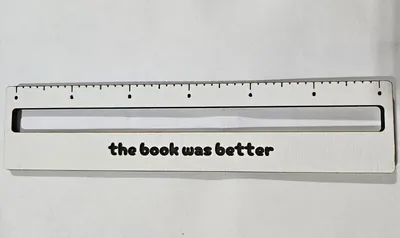
Making reading guide strips with the Reading Guide Generator
personalized reading rulers that keep young readers on the right line
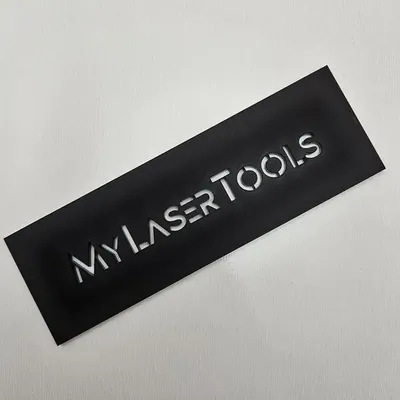
Making reusable stencils with Stencilify
stencil-ready text with bridges built in

Making scannable QR signs with the QR Code Sign Generator
styled QR plaques for Wi-Fi, links, menus, and reviews that actually scan

Making scenic layered words with Layered Lettering
your word filled with a forest, sea, city, or mushroom scene
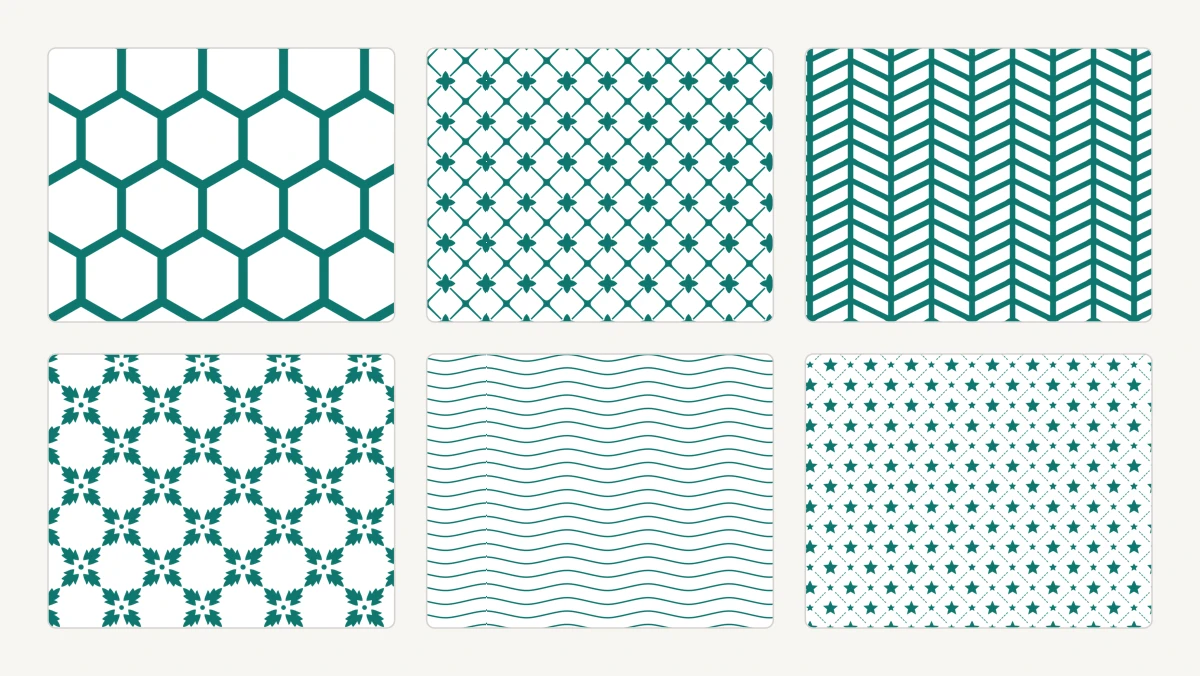
Making seamless laser patterns with the Seamless Pattern Generator
330 tileable patterns sized in real units, with a cut-safety check before you burn anything

Making sew-on and decorative buttons with the Button Maker
parametric laser-cut and 3D-printed buttons with sew holes, a decorative border, and a centre symbol

Making single-letter keychains with the Alphabet Keychain Generator
bold single-initial keychains with a built-in hanging ring
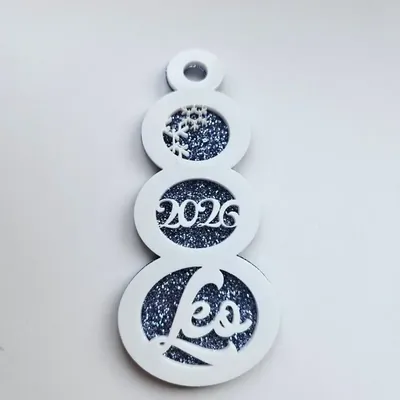
Making snowman ornaments with the Snowman Ornament Generator
three-circle snowmen with names in the circles and snowflakes filling the rest
Making social media handle keychains with the Social Keychain Generator
follow-me tags with your handle, platform logo, and call to action
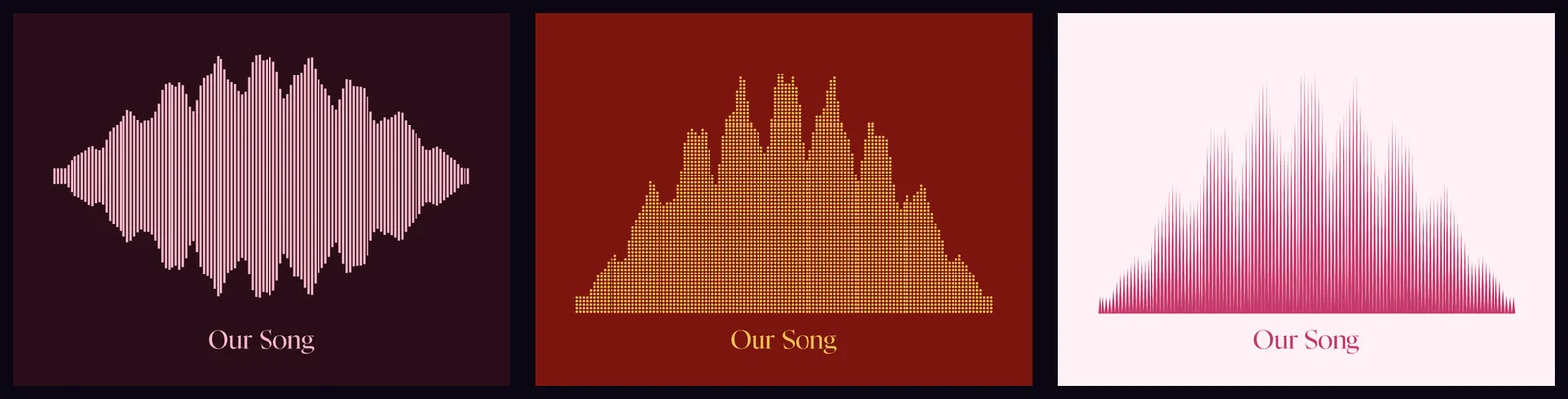
Making sound wave art with the Sound Wave Art Generator
personalised waveform art from any song, voice note, or recording

Making stacked word art with the Stacked Text Generator
lines of text fused into triangle, square, or diamond stacks

Making standing signs with the Table Number Generator
double-layer arch signs with pattern fills and a slotted stand

Making stocking name tags with the Stocking Tag Generator
stocking-shaped name tags that hang from the mantel hook
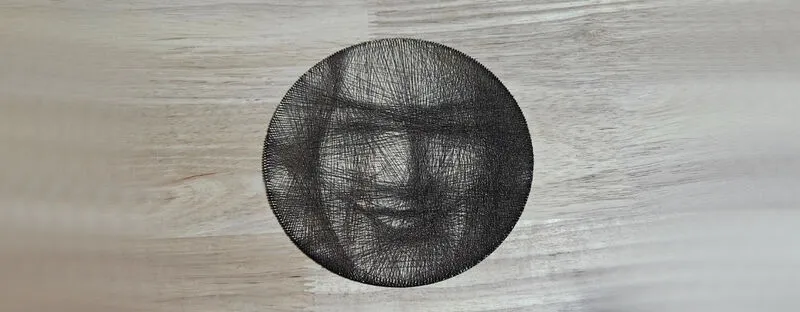
Making thread portraits with the String Art Generator
a photo redrawn as thread stretched between pegs
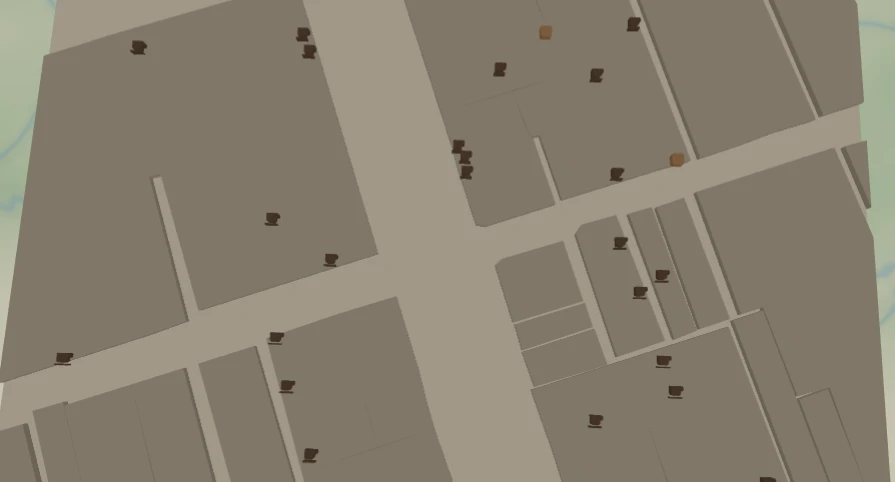
Mapping every café in your neighbourhood with the Coffee Crawl Map preset
a warm cream neighbourhood map with every café and bakery dropped as its own little coffee-cup and loaf marker
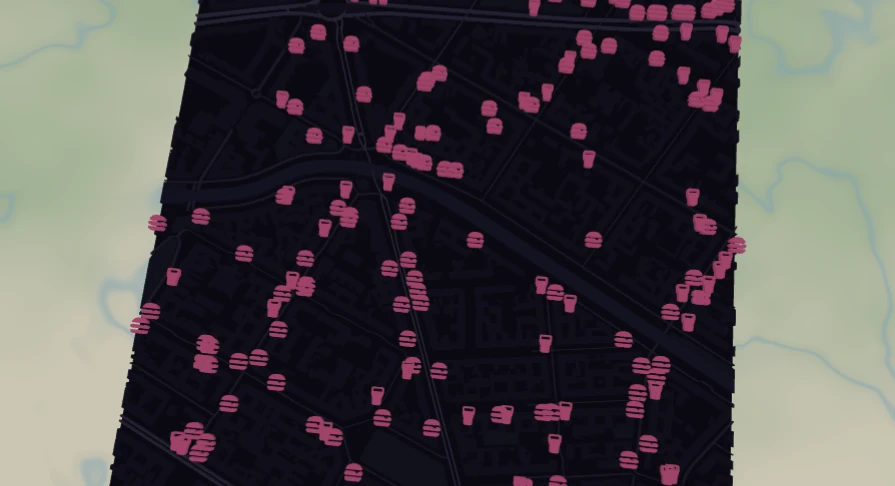
Mapping the after-dark city with the Nightlife Map preset
a dark neon city map where bars, restaurants and theatres glow as glowing pink icons that cluster together so busy blocks stay legible
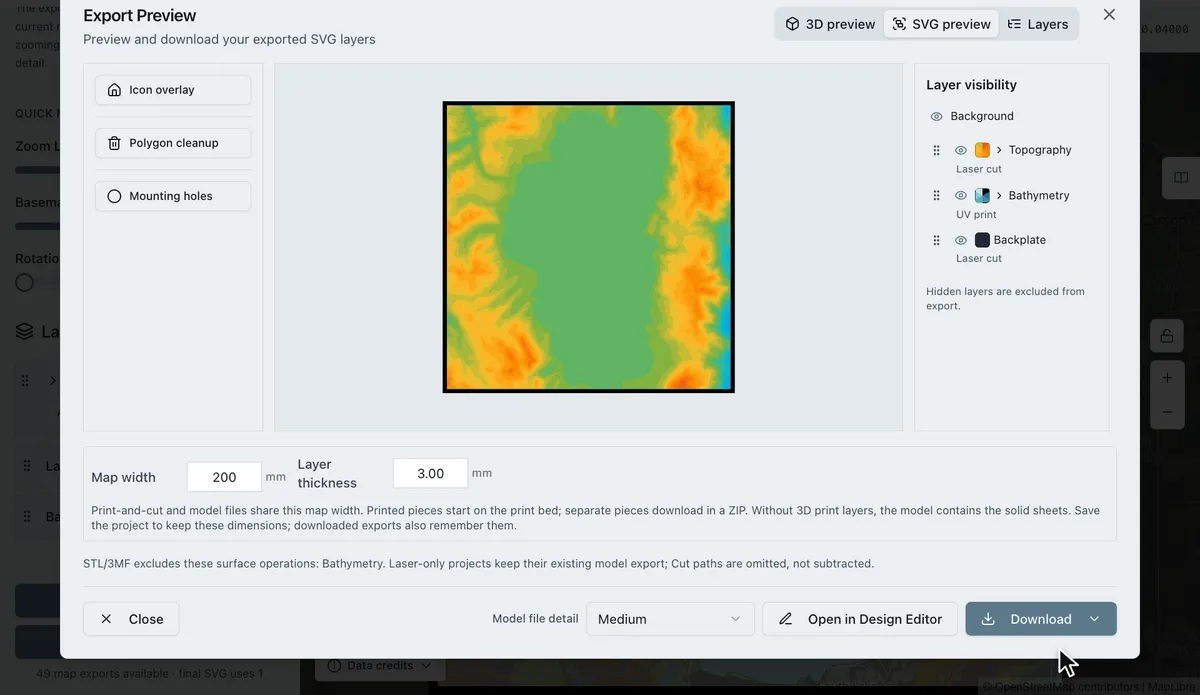
Mixed media maps: laser cut, score, UV print and 3D print in one piece
give each map layer its own process: cut the shore, score the streets, UV print the depth bands, 3D print the terrain
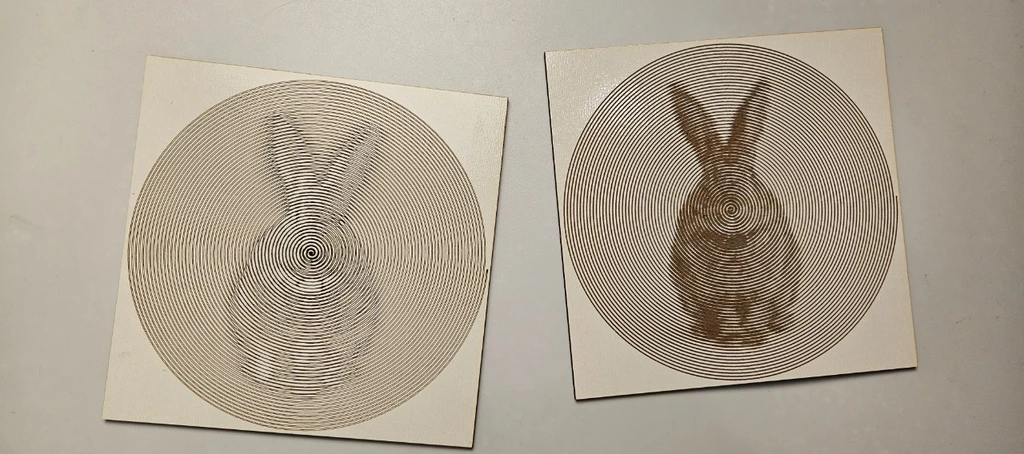
One-line portraits with the Photo Spiral Engrave Generator
your photo as a single spiral line, thick where dark

Personalizing pencils in batches with the Pencil Engraving Jig
a slotted holding jig plus perfectly aligned text for engraving round things
Plans, sparks and what is free
What works without an account, what a free account adds, how sparks are spent and earned, and what Supporter and Pro include.
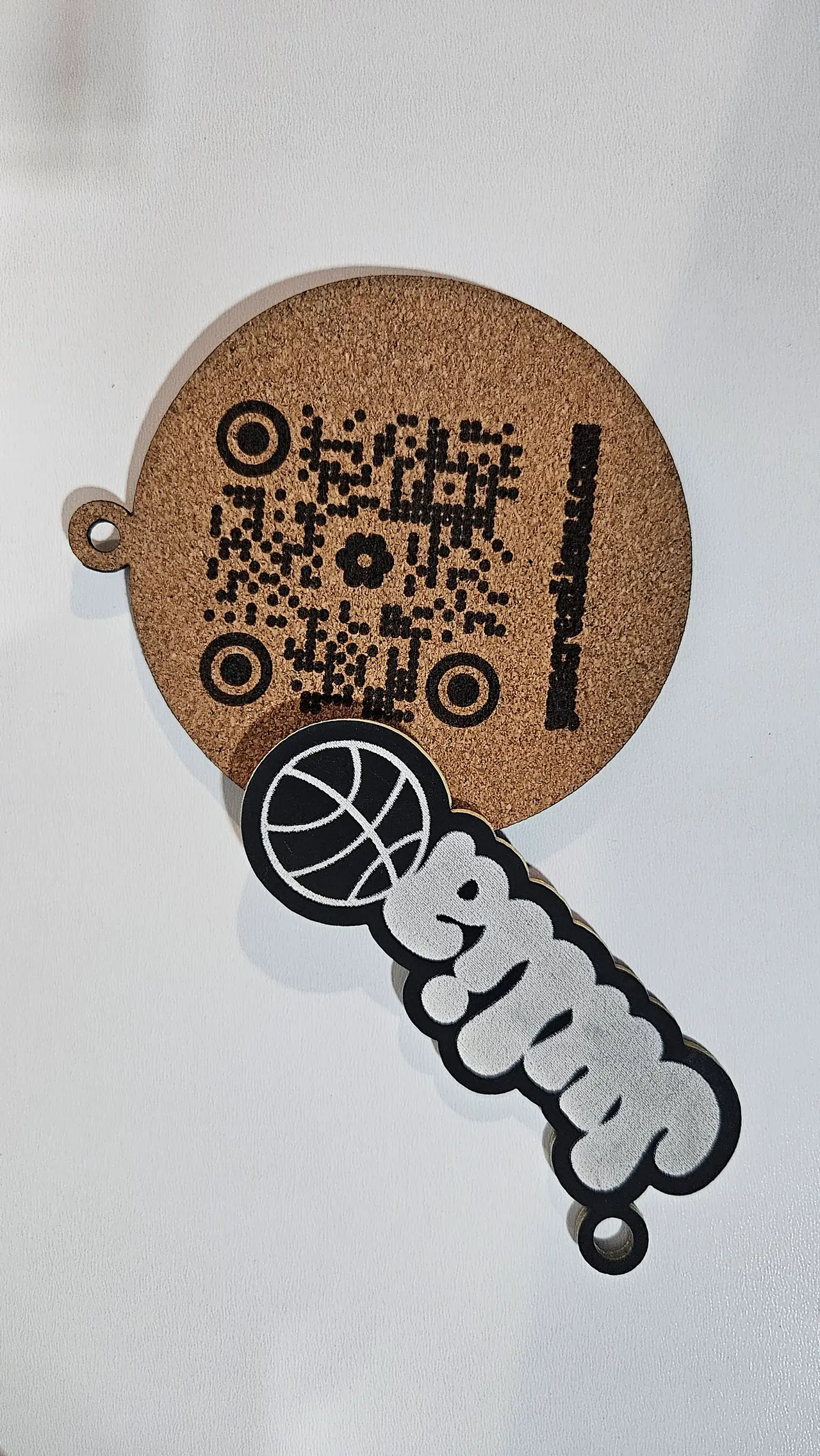
Prepare a photo engraving in LightBurn or xTool Studio
Choose raster engraving or vector line art, size the image, test processing on your material and keep any cut outline separate.
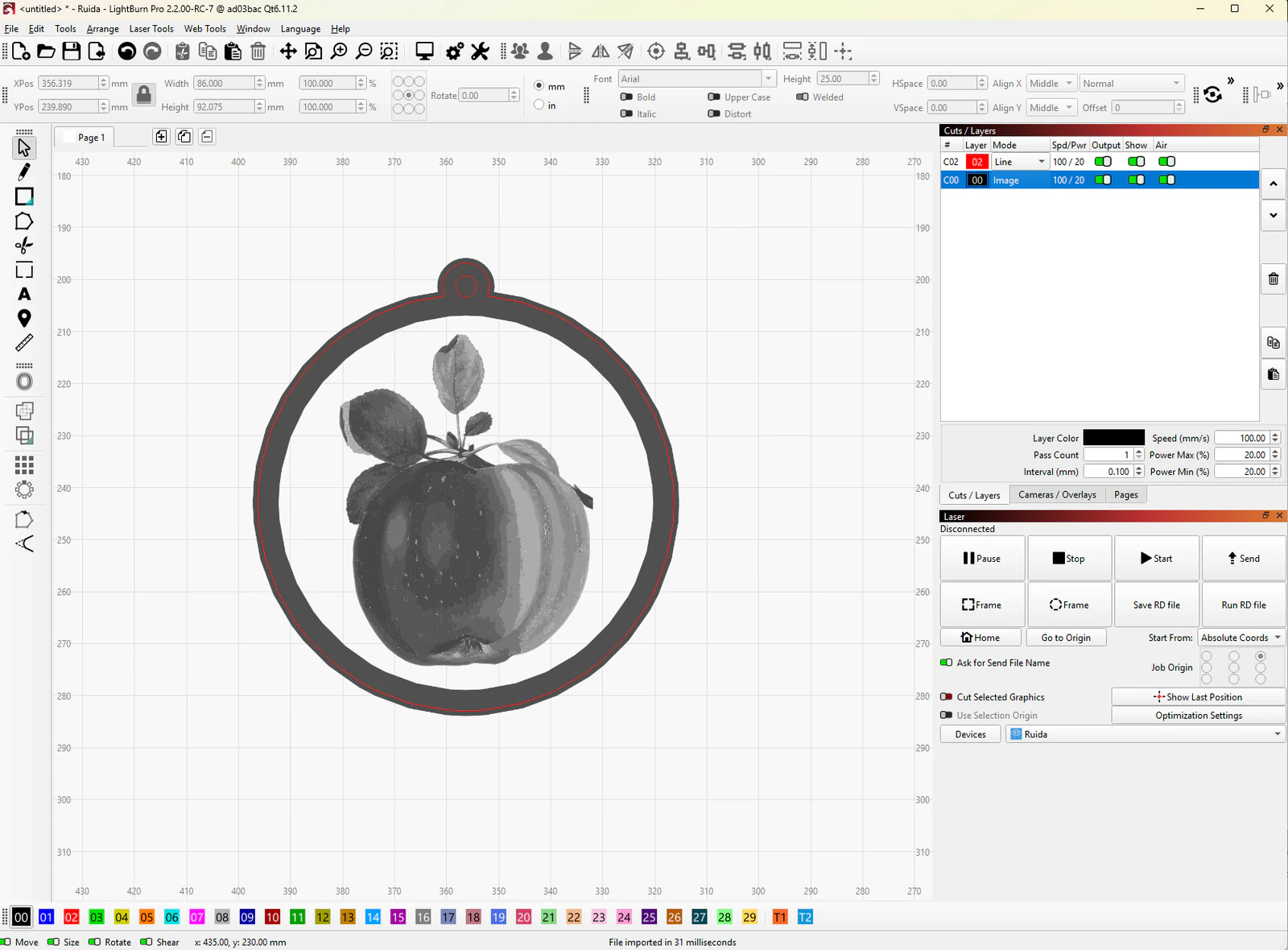
Print and cut in LightBurn: align artwork and cut paths
Prepare paired print and cut files, add two alignment targets, register them in LightBurn and check the outline before cutting.
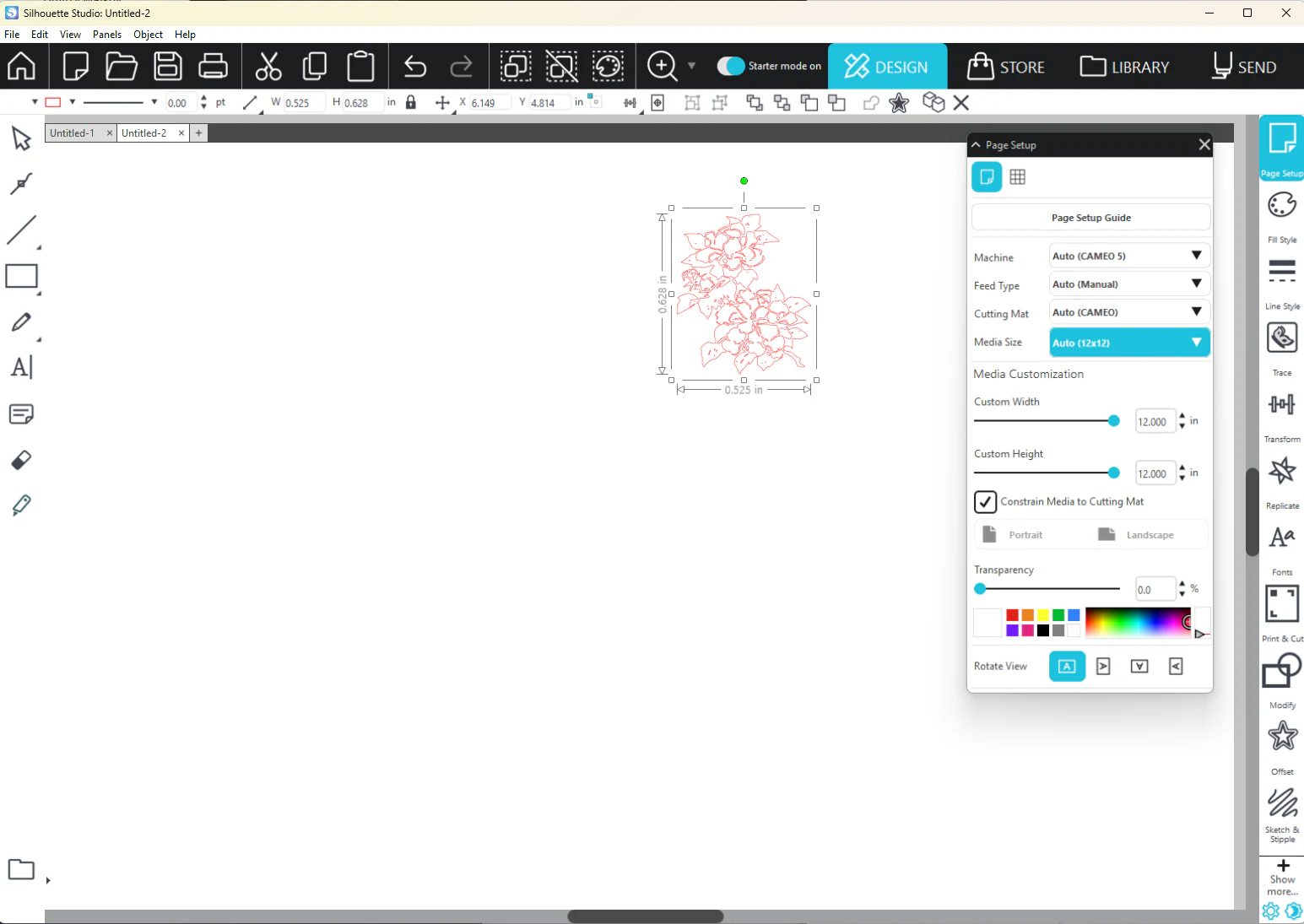
Print and cut MyLaserTools designs in Silhouette Studio
Choose the right Silhouette Studio edition, import artwork, prepare cut lines and print with Studio registration marks before sending the cut.
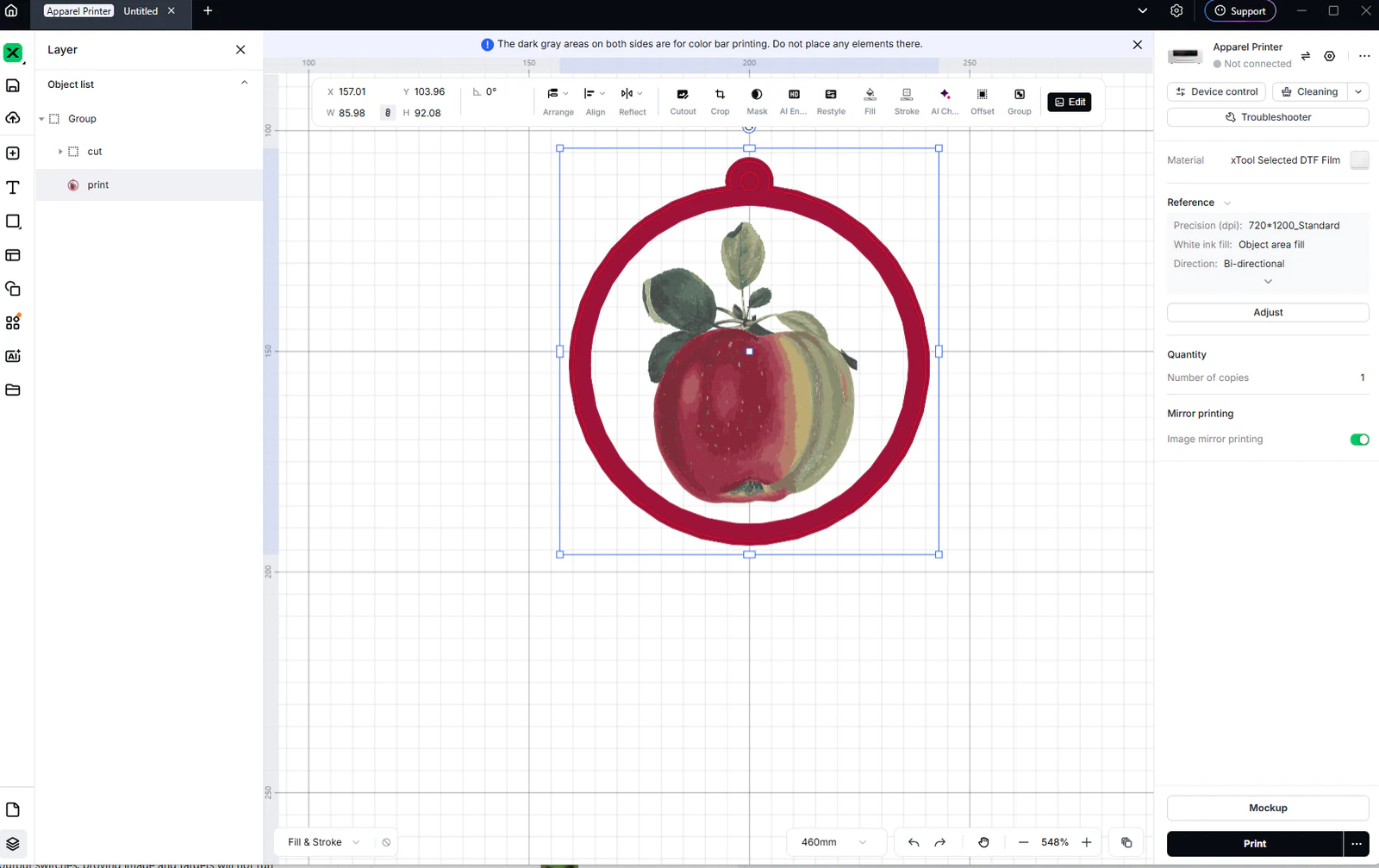
Print MyLaserTools artwork on clothing with xTool Apparel Printer
Prepare MyLaserTools artwork for xTool Apparel Printer, check dimensions and mirroring, preview a garment mockup, then print, cure and heat-press a DTF transfer.
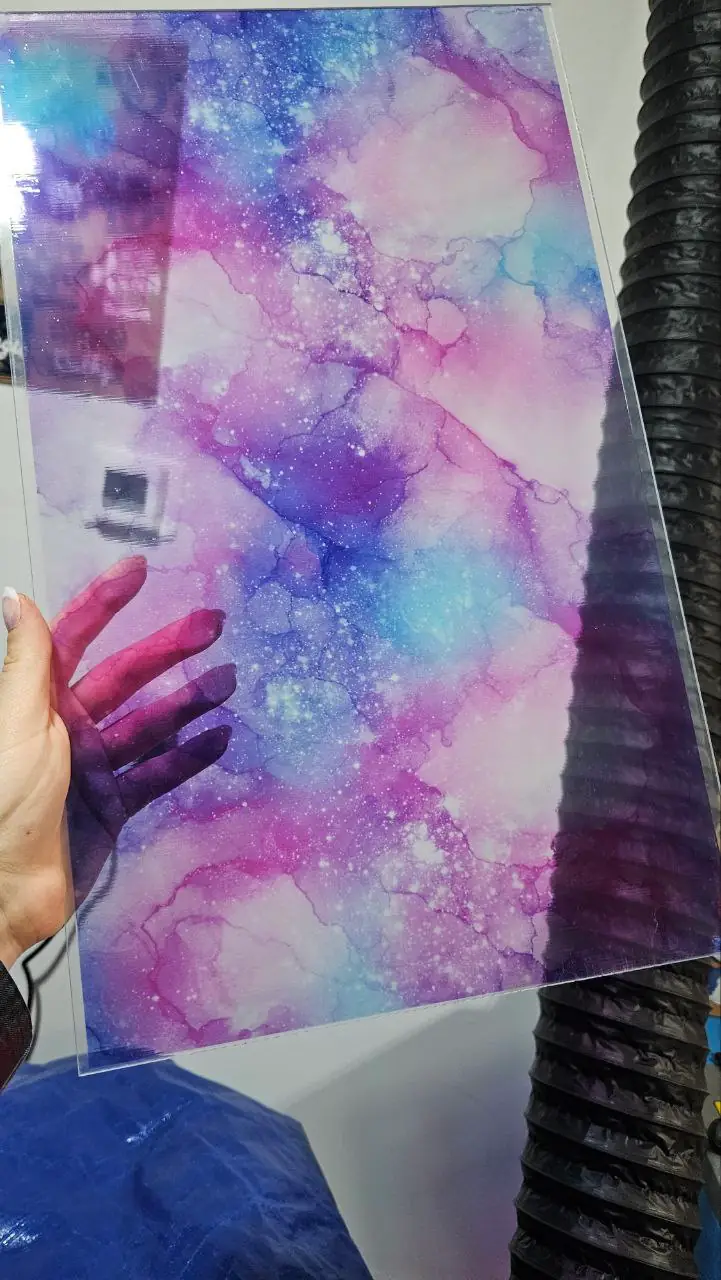
Print MyLaserTools PDFs and PNGs at actual size on an inkjet printer
Choose PDF or PNG, set page size and print scale, avoid unwanted borderless enlargement and check your first inkjet print with a ruler.
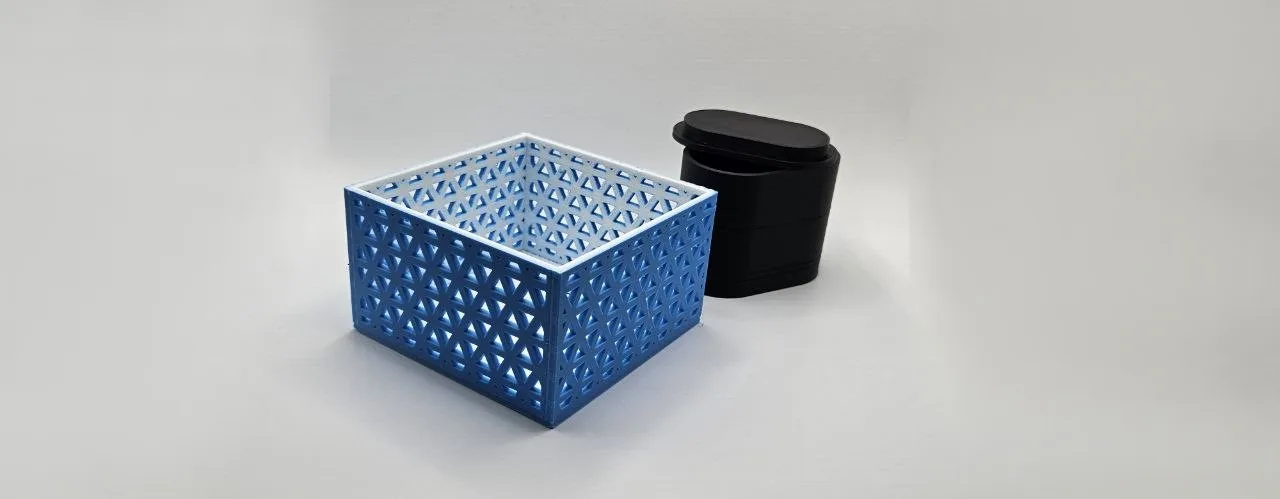
Printing a custom box with the 3D Print Box Generator
hollow boxes with optional lids, engraved text, and rounded corners
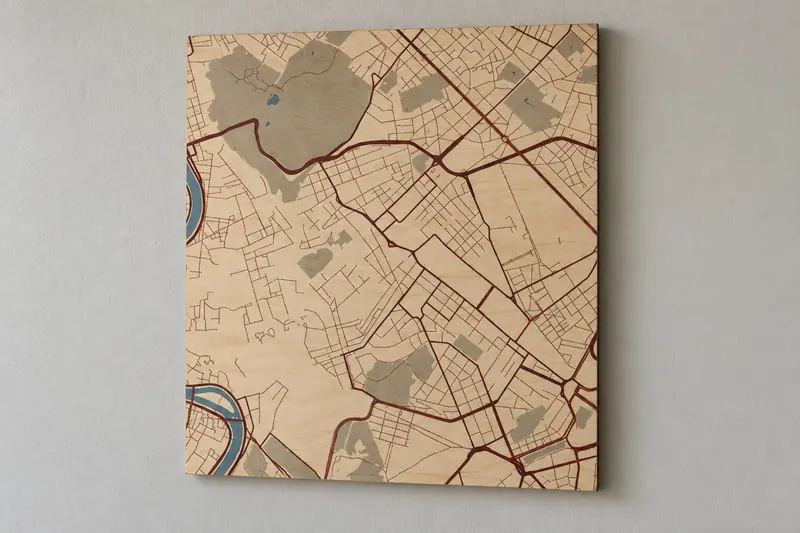
Printing a fancy framed map of any city
turn a city into framed wall art on your printer, a UV flatbed or at a local print shop

Printing a frame for an instant photo or print with the 3D Photo Frame Generator
a printed frame sized to your Instax or print, with a slide-in back and a stand, magnets or a keyring
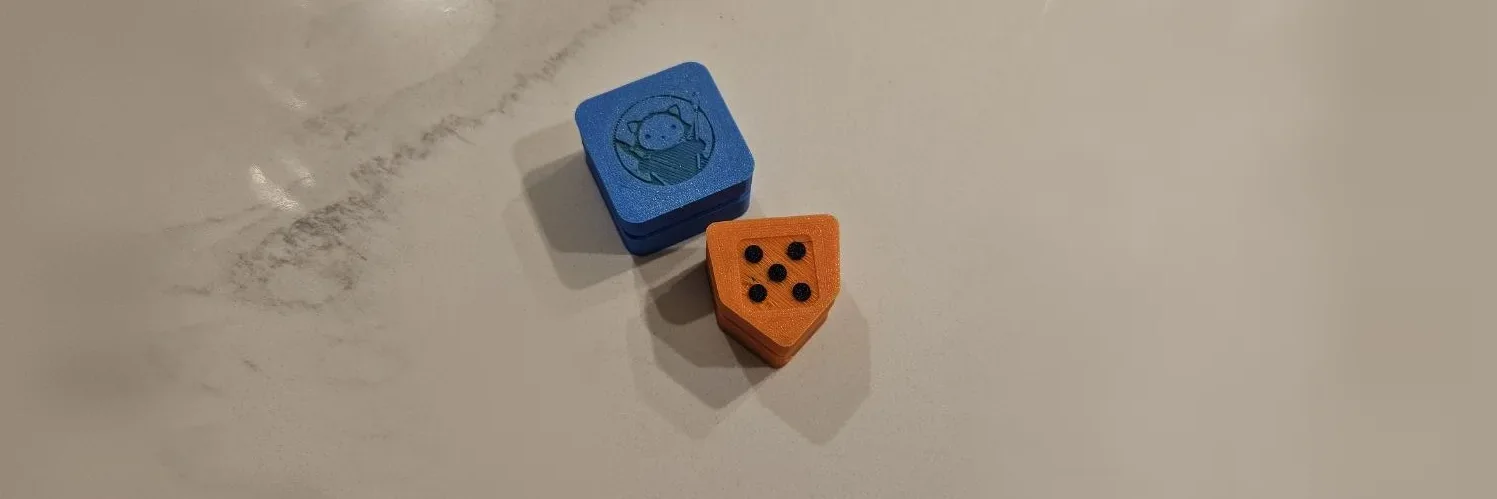
Printing a keyboard switch fidget clicker with the Clicker Generator
a clicky fidget built around a mechanical keyboard switch, with your design on the cap
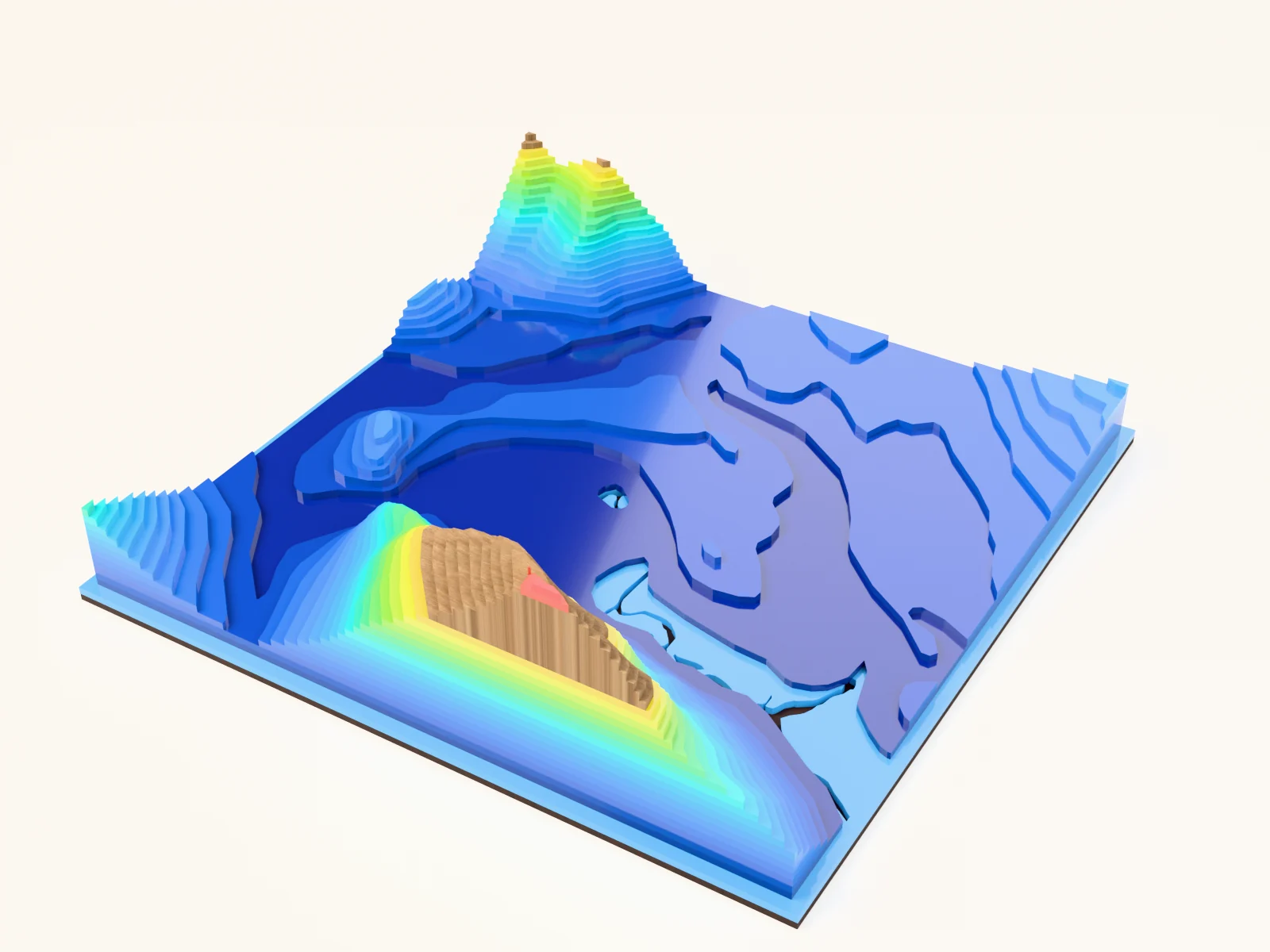
Printing a large terrain relief in tiles with the 3D Topography Split preset
stacked elevation contours pre-split into bed-sized tiles that assemble into one big relief
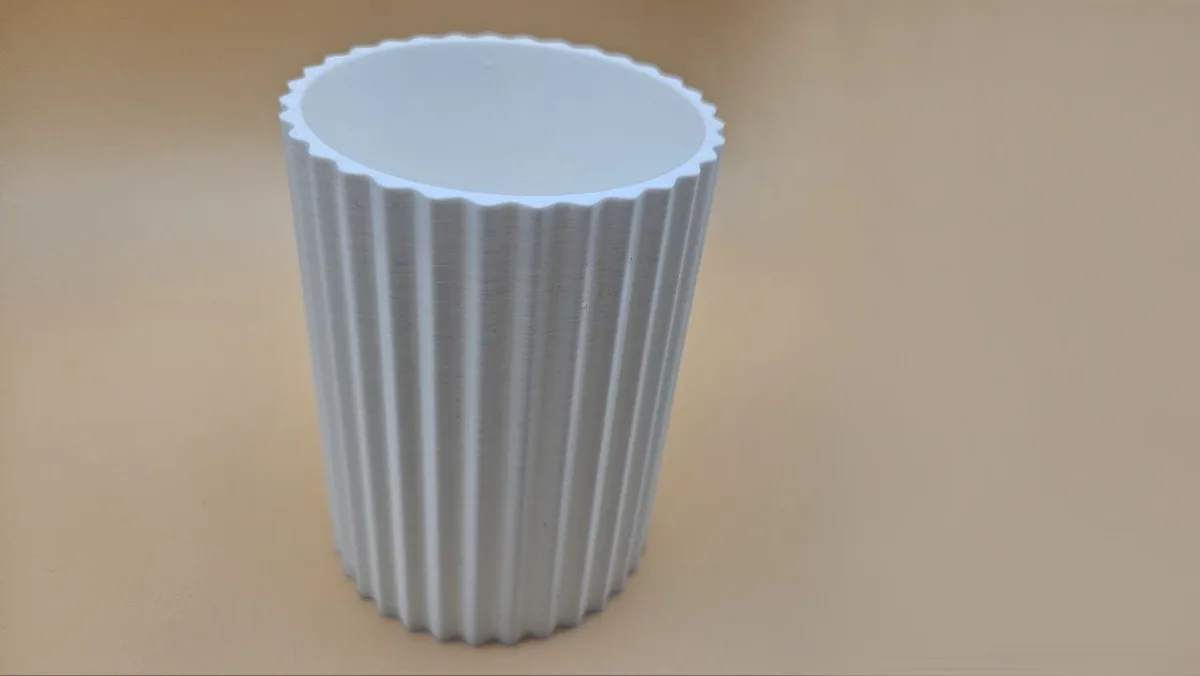
Printing a ridged vase with the 3D Print Vase Generator
decorative vases and planters with twisting ridge textures
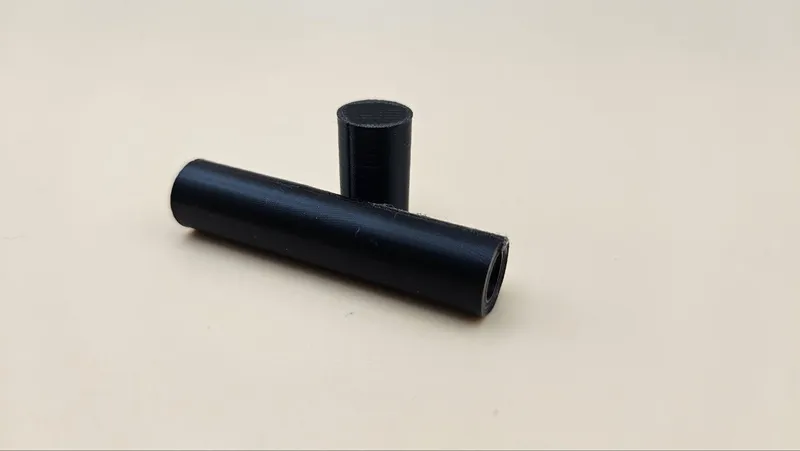
Printing alignment pins with the 3D Print Dowel Pins Generator
precise cylindrical pins for alignment, hinges, and repairs
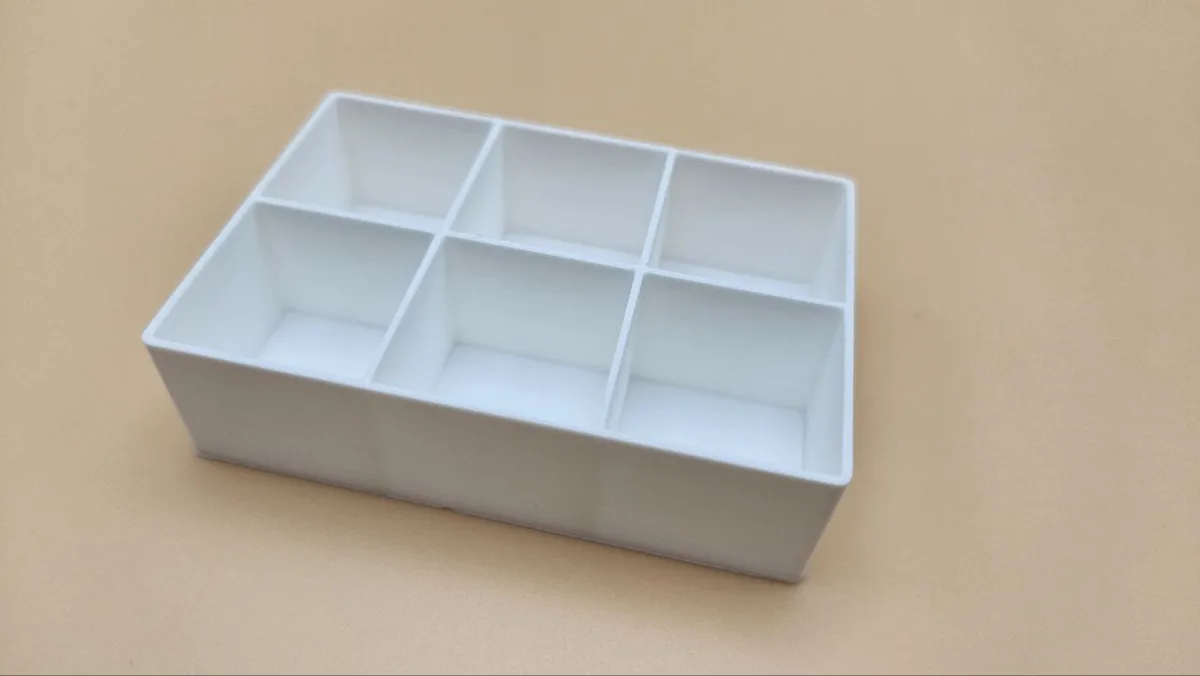
Printing an organizer with the 3D Print Grid Box Generator
divided organizer boxes with custom rows, columns, and cell sizes

Printing binding posts with the Chicago Screw Generator
two-part screw posts for straps, books, and stacked assemblies
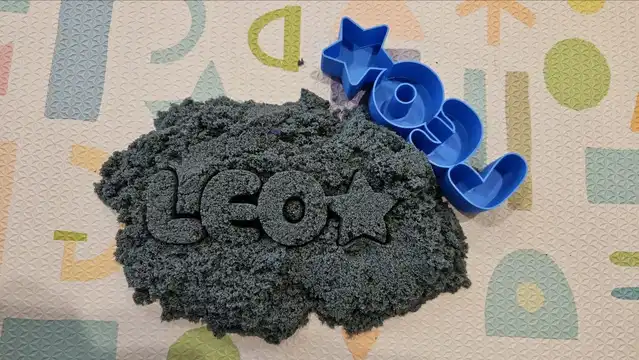
Printing dough and clay cutters with the Text Mold Maker
3D printed cutters that stamp any name into dough or clay
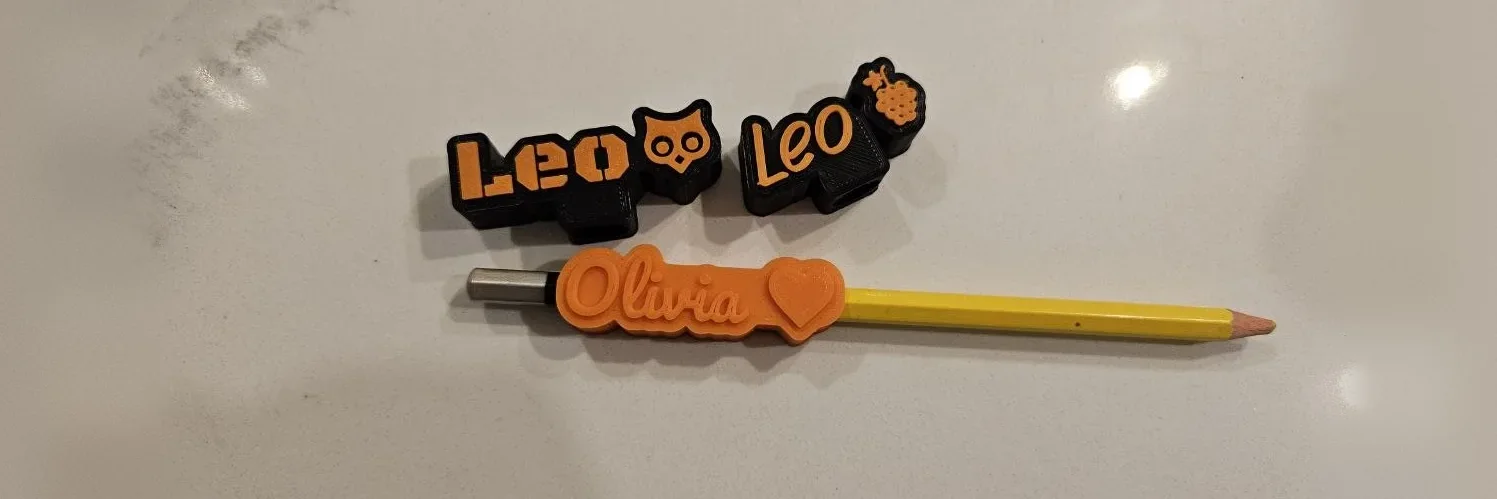
Printing name toppers for pencils and pens with the Pen Topper Generator
a name that pushes onto a pencil, pen, marker, stylus, straw or cord

Printing photo plaques with the Lithophane & Photo Relief Generator
backlit lithophanes and tactile photo reliefs from any picture

Printing standoffs with the Standoffs / Spacers Generator
cylindrical spacers and threaded standoffs for panels, PCBs, and enclosures
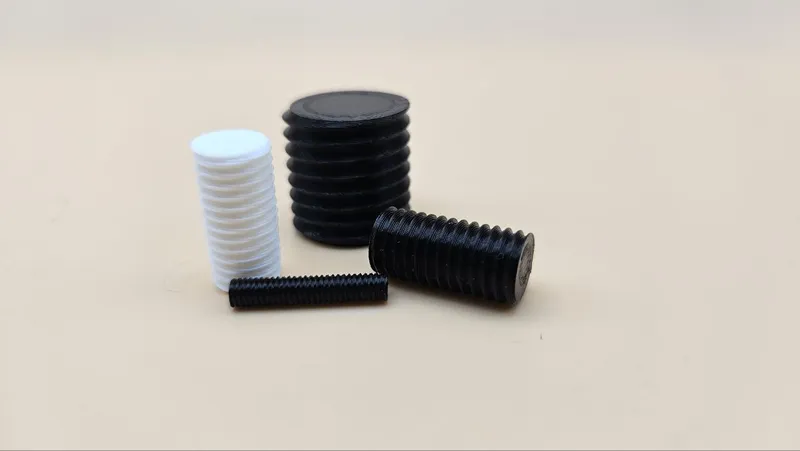
Printing threaded rods with the 3D Print Threaded Pin Generator
metric threaded pins and rods in any length
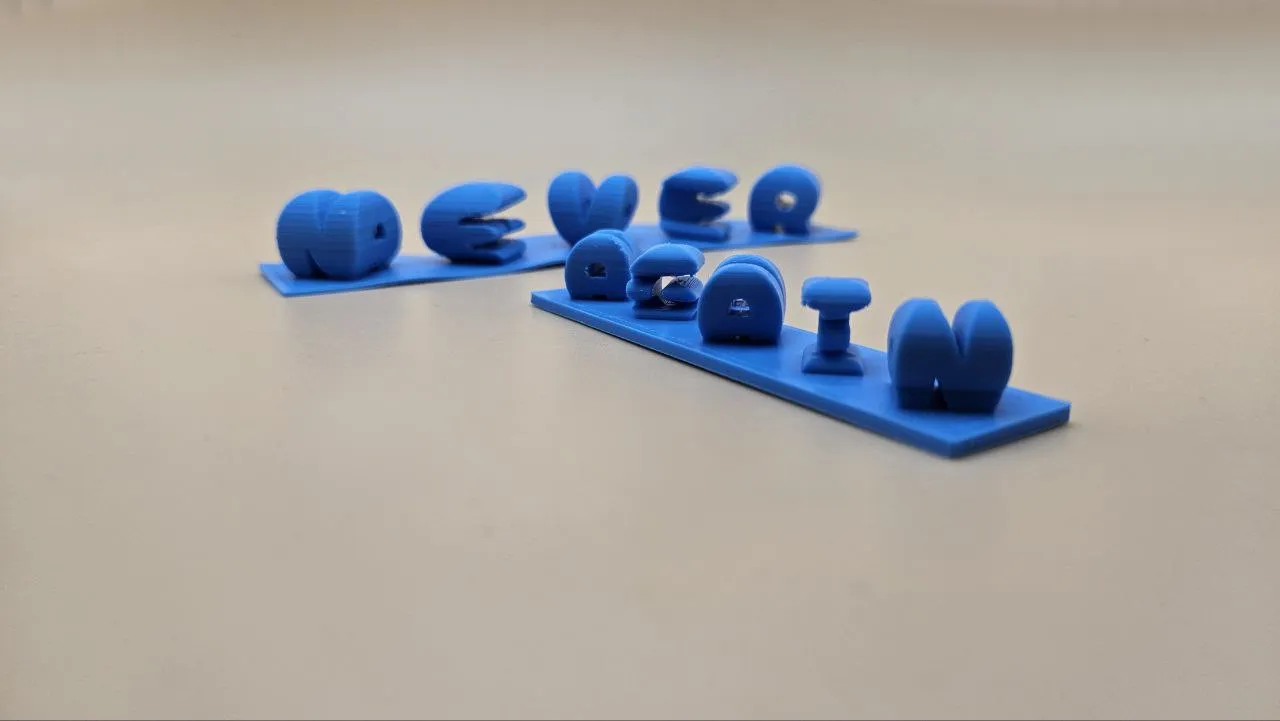
Printing two-word illusion sculptures with the 3D Dual-View Text Generator
one object, two words, depending on where you stand

Printing washers with the 3D Print Washer Generator
any washer, any size, in two minutes of printing
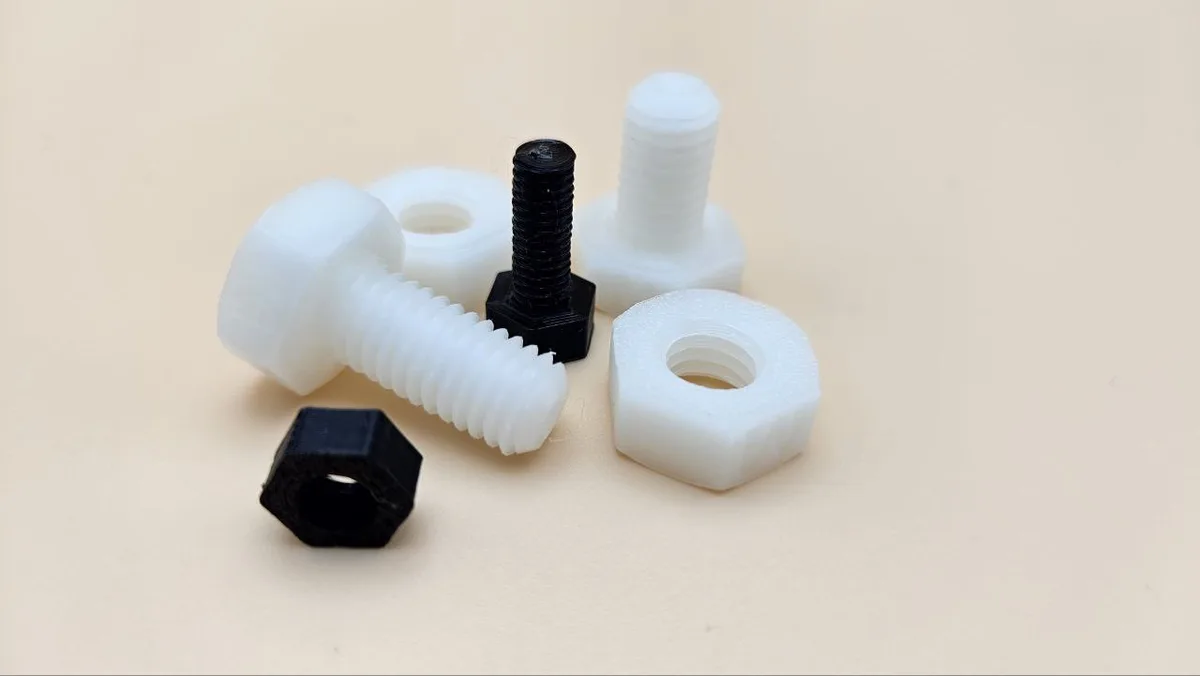
Printing working fasteners with the Machine Screws + Nuts Generator
ISO-style threaded screws and matching nuts, M2 to M20

Removing photo backgrounds in your browser with the Background Remover
clean photo cutouts with a transparent, colour, gradient, blurred, or sticker background
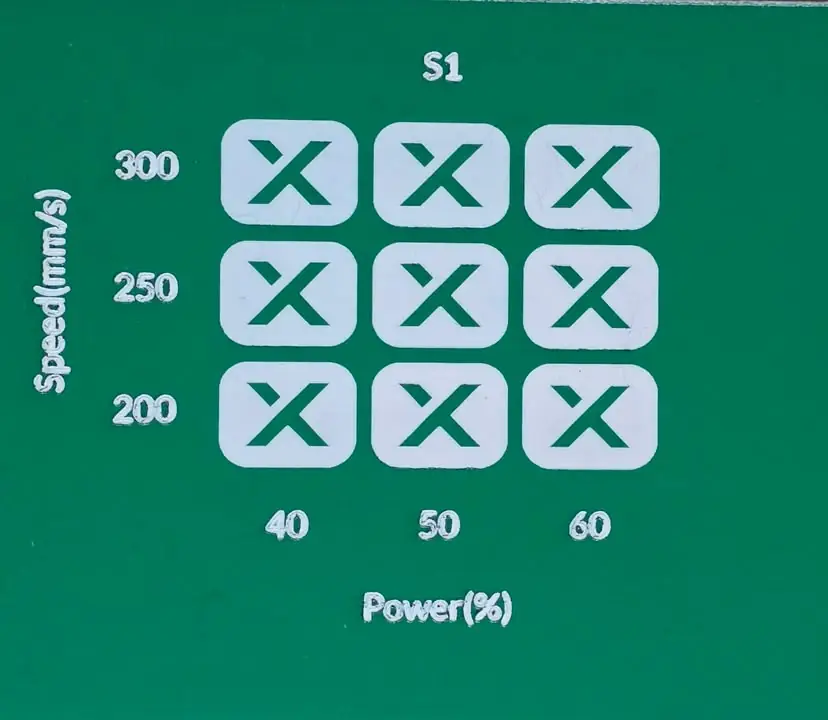
Run a laser material test in xTool Studio or LightBurn
Build a speed and power test grid, compare engraving and cutting results, and record settings for your actual laser and material.
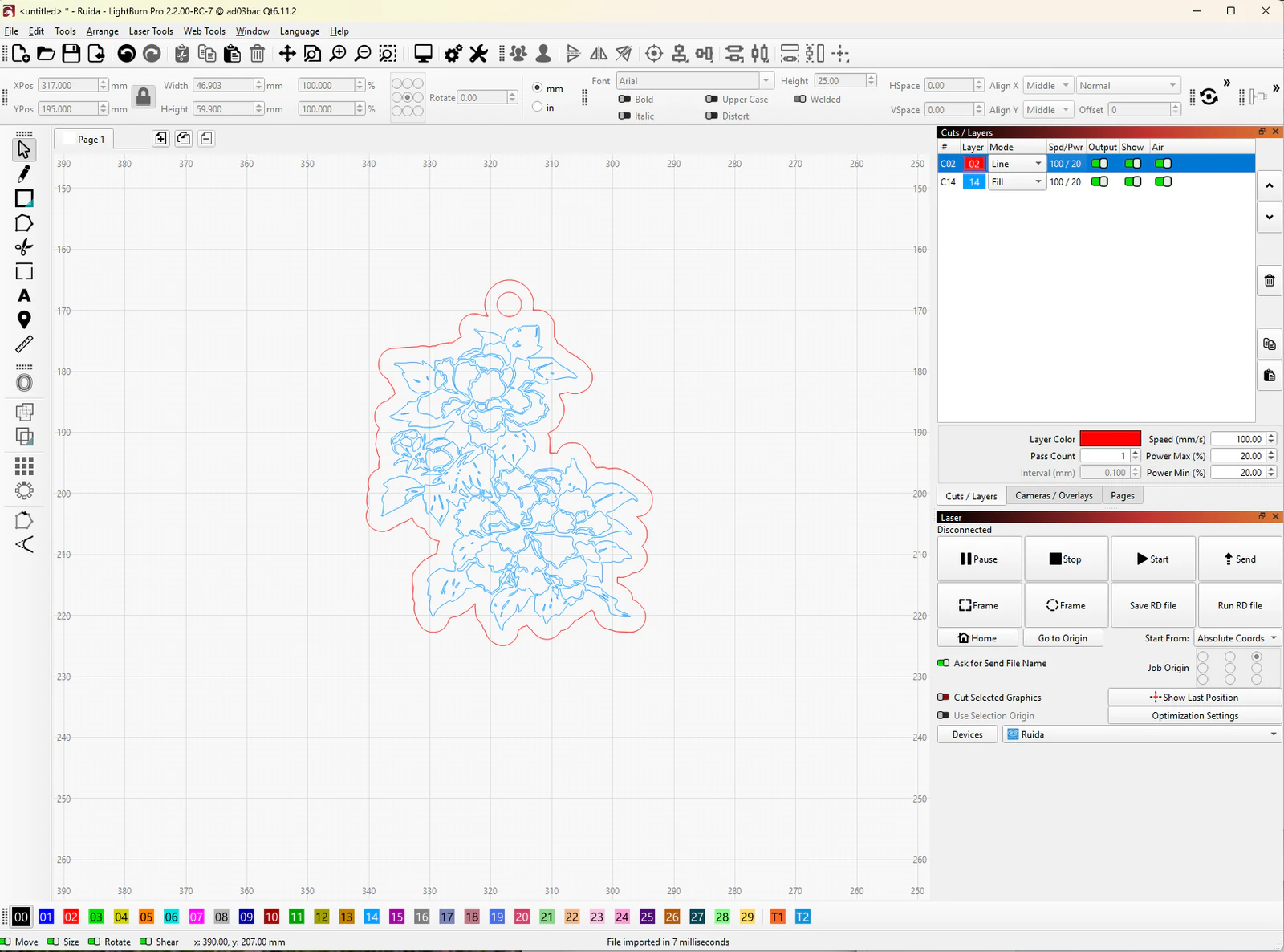
SVG, DXF, PDF or PNG: laser file formats explained
What each laser file format holds, which one your laser software opens, and how to turn an SVG into a DXF when a program asks for it.

Tracing photos into clean outlines with the Photo to Connected Outline Generator
closed silhouette paths traced from any photo
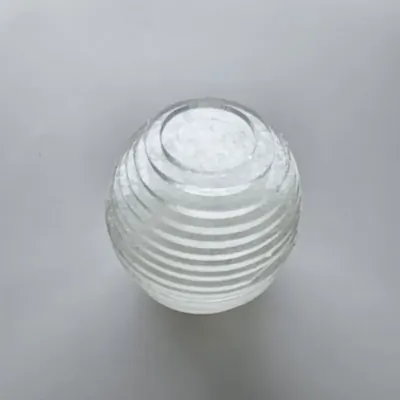
Turning 3D models into stacked layers with the Laser Slicer
slice a solid STL into full-thickness layers you can cut and stack into a 3D form

Turning a GPX track into map art
your recorded run, ride, hike, or sail drawn as a bold line over a clean map

Turning photos into dot art with the Photo Halftone Generator
your photo rebuilt from brightness-sized dots

Turning photos into paint-by-number kits with the Paint by Number Generator
your photo as numbered regions with a color legend
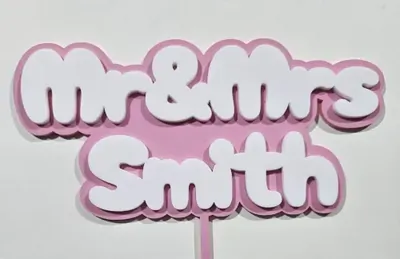
Two-layer toppers with the Layered Cake Topper (Single Stake)
script text floating on a contrasting outline layer
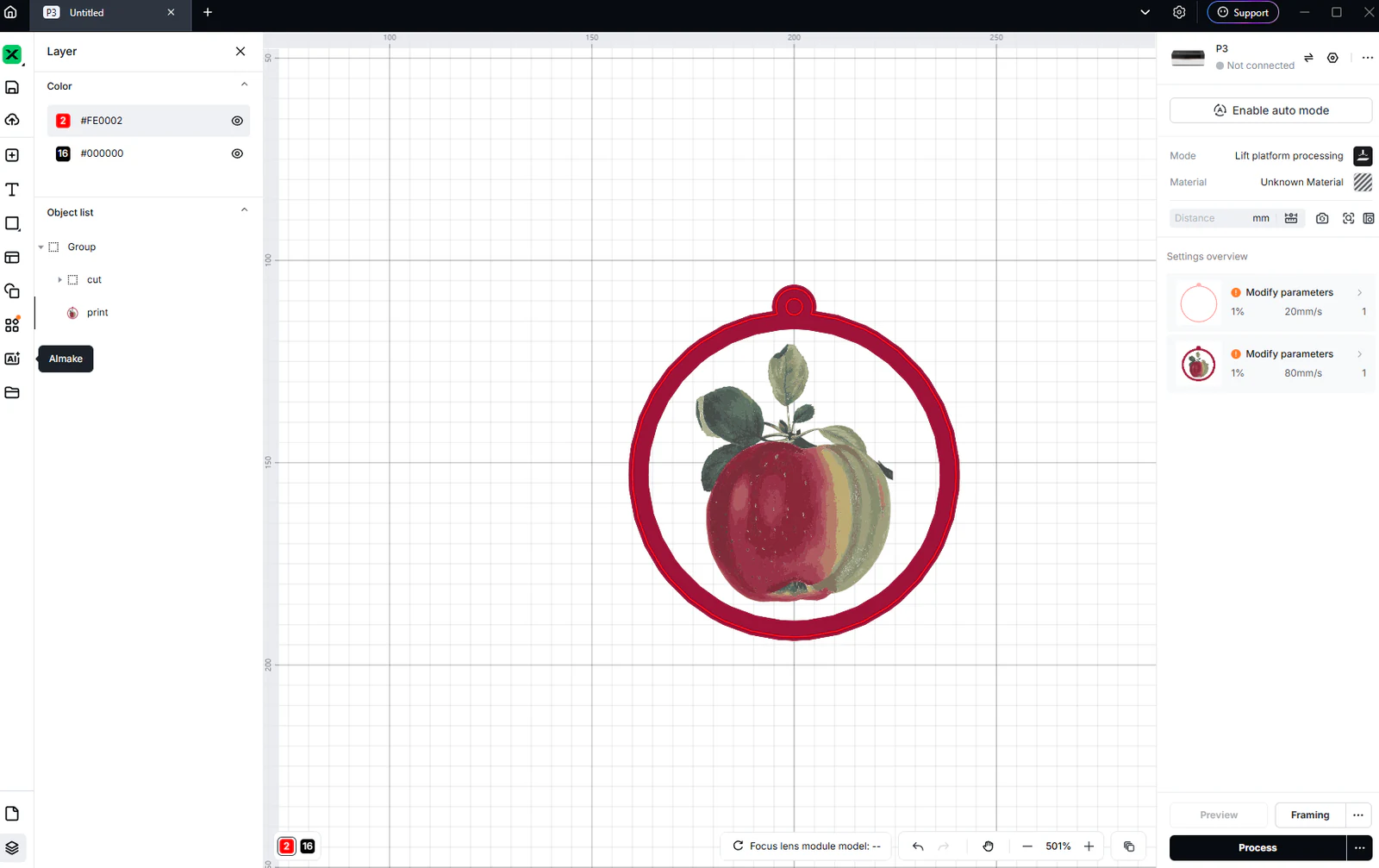
Use MyLaserTools in xTool Studio: SVG cutting and CO₂ engraving
Import SVG and photo exports in xTool Studio, check size, choose Cut, Score or Engrave, and review P3 CO₂ output. Separate laser work from Apparel Printer DTF printing.
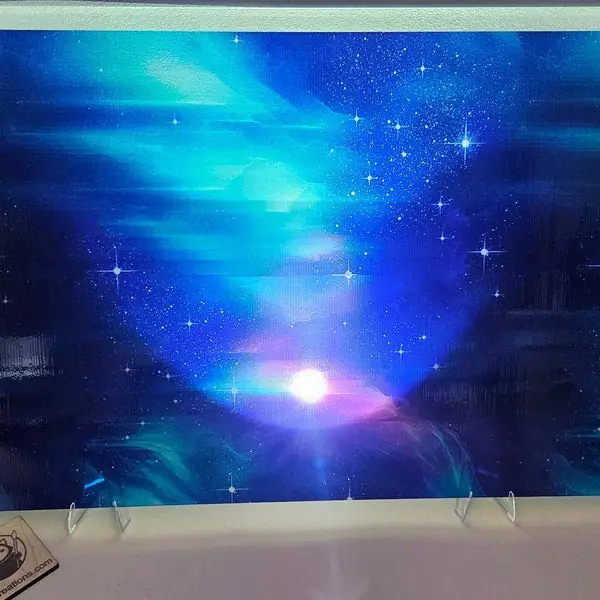
UV printing full-color maps on wood and acrylic
print a full-color map straight onto a wood panel, acrylic, mirror or metal sheet with a flatbed UV printer
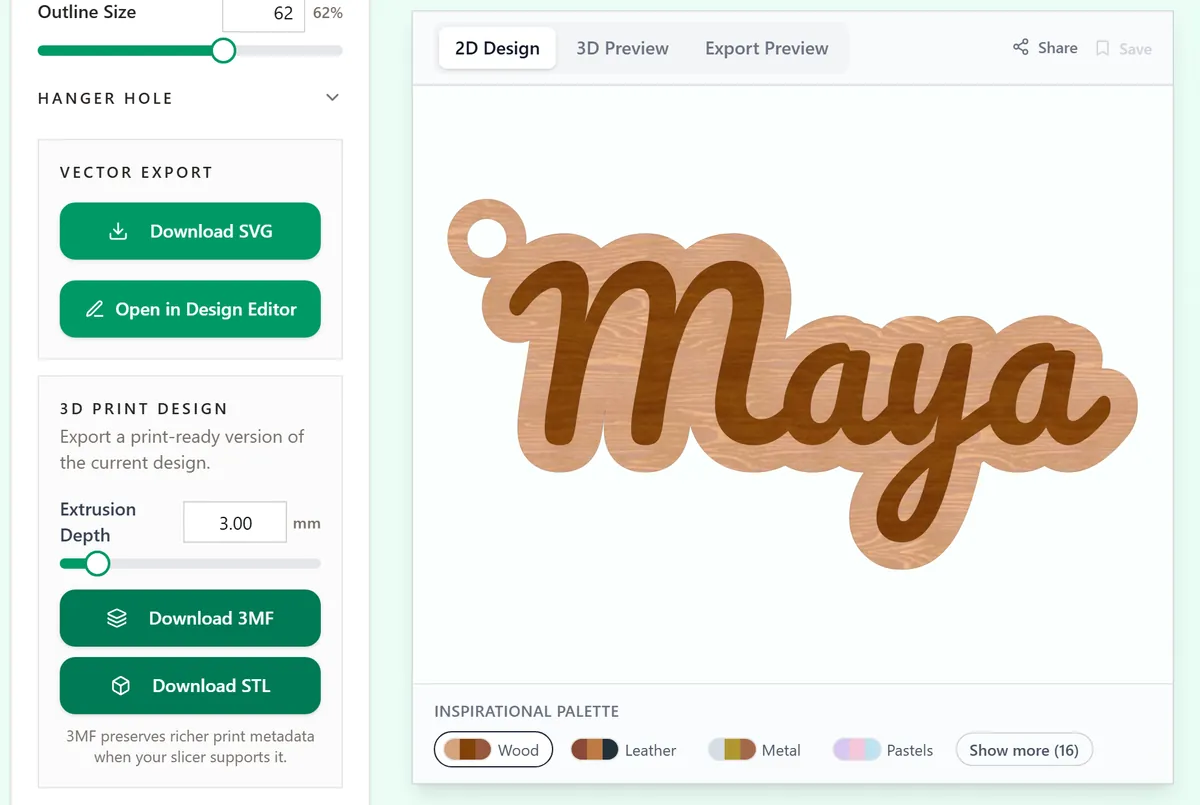
Which file to download for your machine
SVG, 3MF, STL, PDF or PNG: the right download for a laser, a Cricut or Silhouette, a 3D printer or a printer, and how to check the size after import.
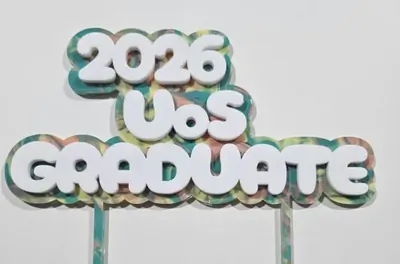
Wide two-layer toppers with the Layered Cake Topper (Two Stakes)
dual-stake layered toppers for wide statement phrases
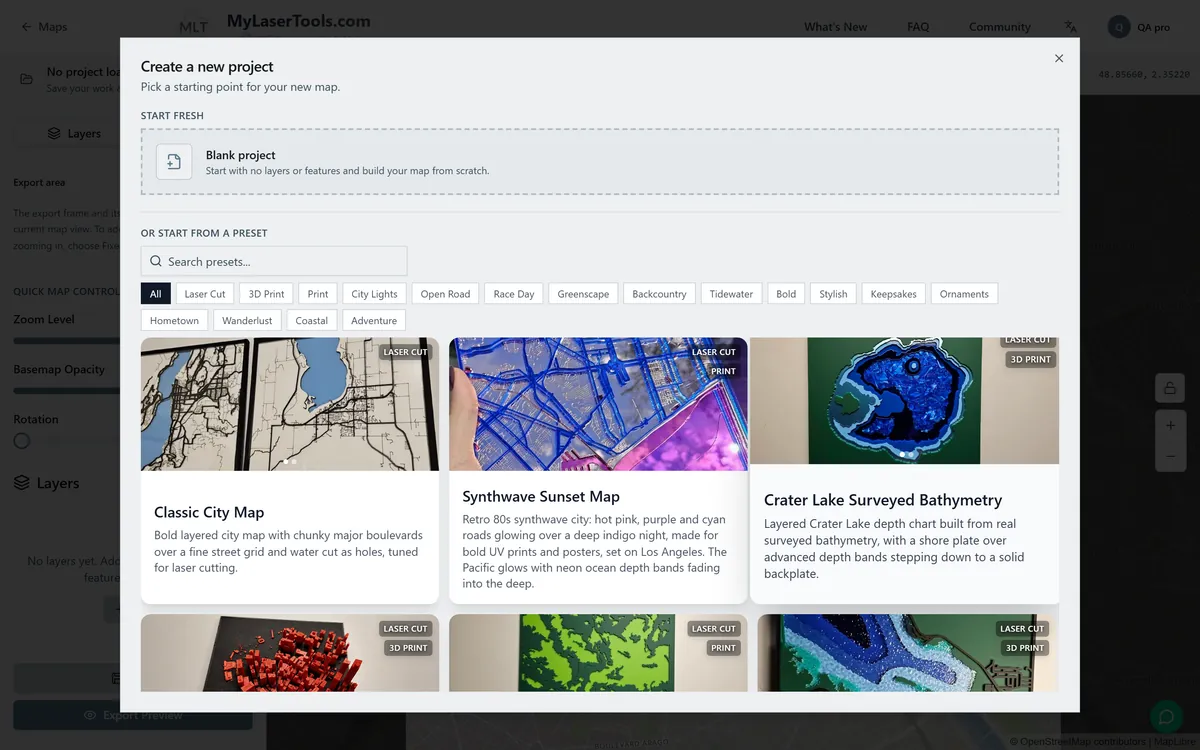
Your first map in the Map Designer
Pick a style, find your place, choose the layers and download a layered map file for your laser or 3D printer.
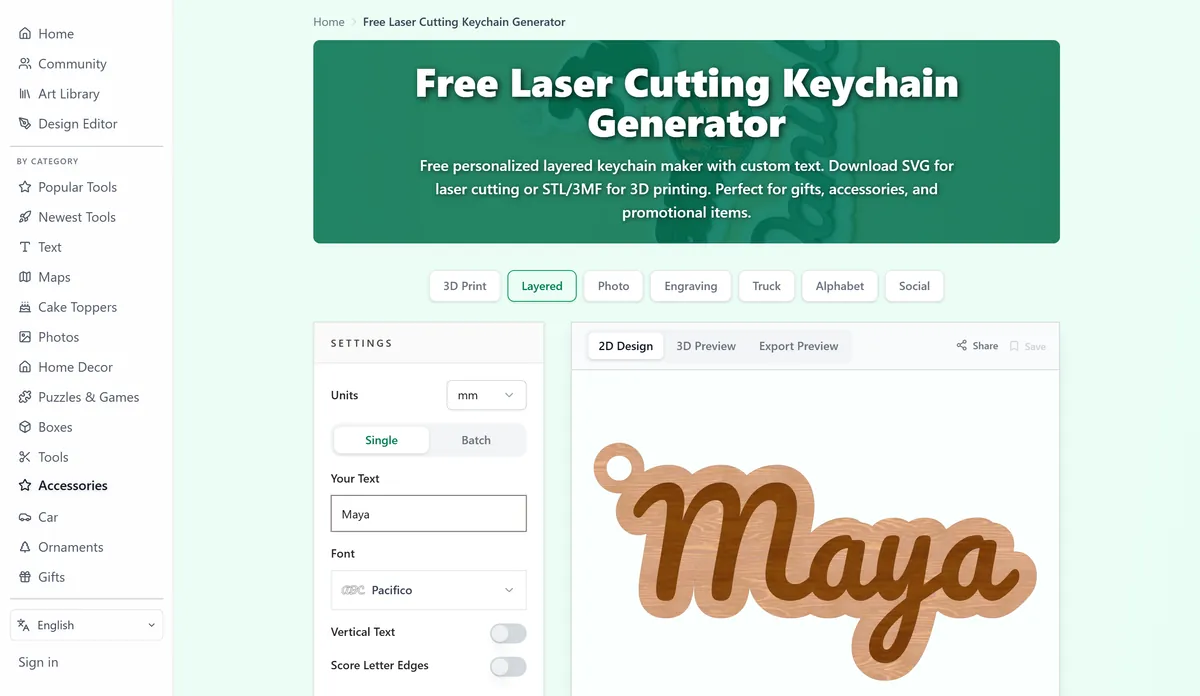
Your first project: make a name keychain
Design a name keychain, then laser-cut it, 3D print it or add vinyl lettering to a ready-made blank.
Keep up with MyLaserTools.
Email me about new tools, product updates, tutorials, and occasional MyLaserTools offers. Unsubscribe at any time.
© 2026 MyLaserTools.com. All rights reserved.