

Making a heart map gift from three places
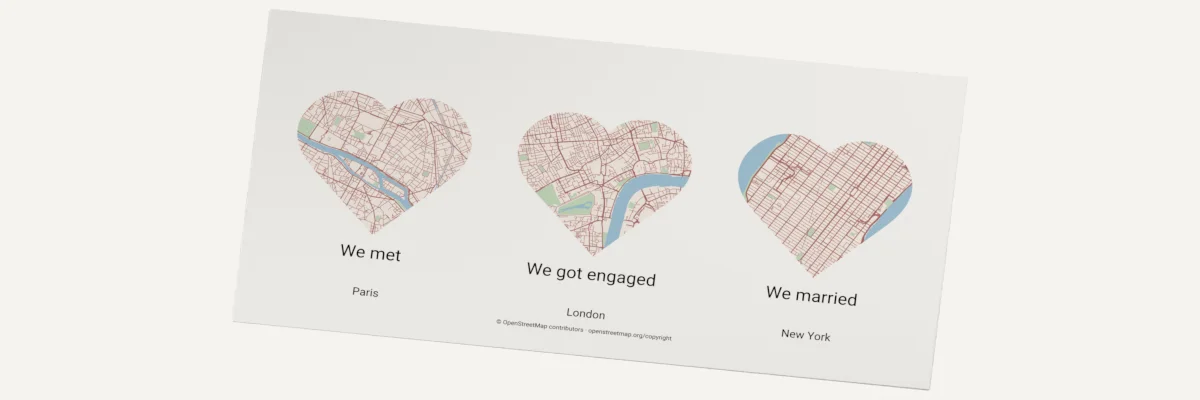
The Multi-location Map Gift Maker places three heart-shaped maps side by side, for example where a couple met, got engaged and married. Each map has its own place, framing and caption.
You preview the whole gift for free. Unlocking the files uses one map export credit per new place, so a new three-place gift uses three credits. Changing captions or the gift width later does not use more credits.
On this page (5)
What you need
- Three places, each a city name, an address or a latitude and longitude.
- A title, and a caption and a date or short message for each place.
- An account with three map export credits, or unlimited map exports.
- A printer, or laser software that imports SVG and material suited to your machine.
1. Choose your three places
Under Your three places, search for each place. Drag each map to centre it, and zoom to choose how much of the streets or shoreline the heart shows.
2. Personalize the gift
Under Personalize your gift, add a title and subtitle, then a caption and date for each place. Set the gift width in millimetres and choose how you will make it: Print, Engrave or Laser-cut layers.
3. Preview, unlock and download
Choose Generate preview to see all three maps together. When the preview looks right, unlock the gift and download the files. Your design is saved in this browser, so after a reload Update preview brings back the unlocked maps without using more credits.
Choose your build method
Print the gift
- Choose Print and download the SVG or PNG. Both hold the three coloured heart maps, the title and the captions in one composition.
- Print at 100% scale so the finished width matches the width you set.
Laser engraving and cutting
Engrave the gift
- Choose Engrave and download the SVG. Map details and text are black, with the text converted to paths.
- Import it into your laser software, check the size and assign it to an engraving operation tested on your material.
Cut and assemble the layers
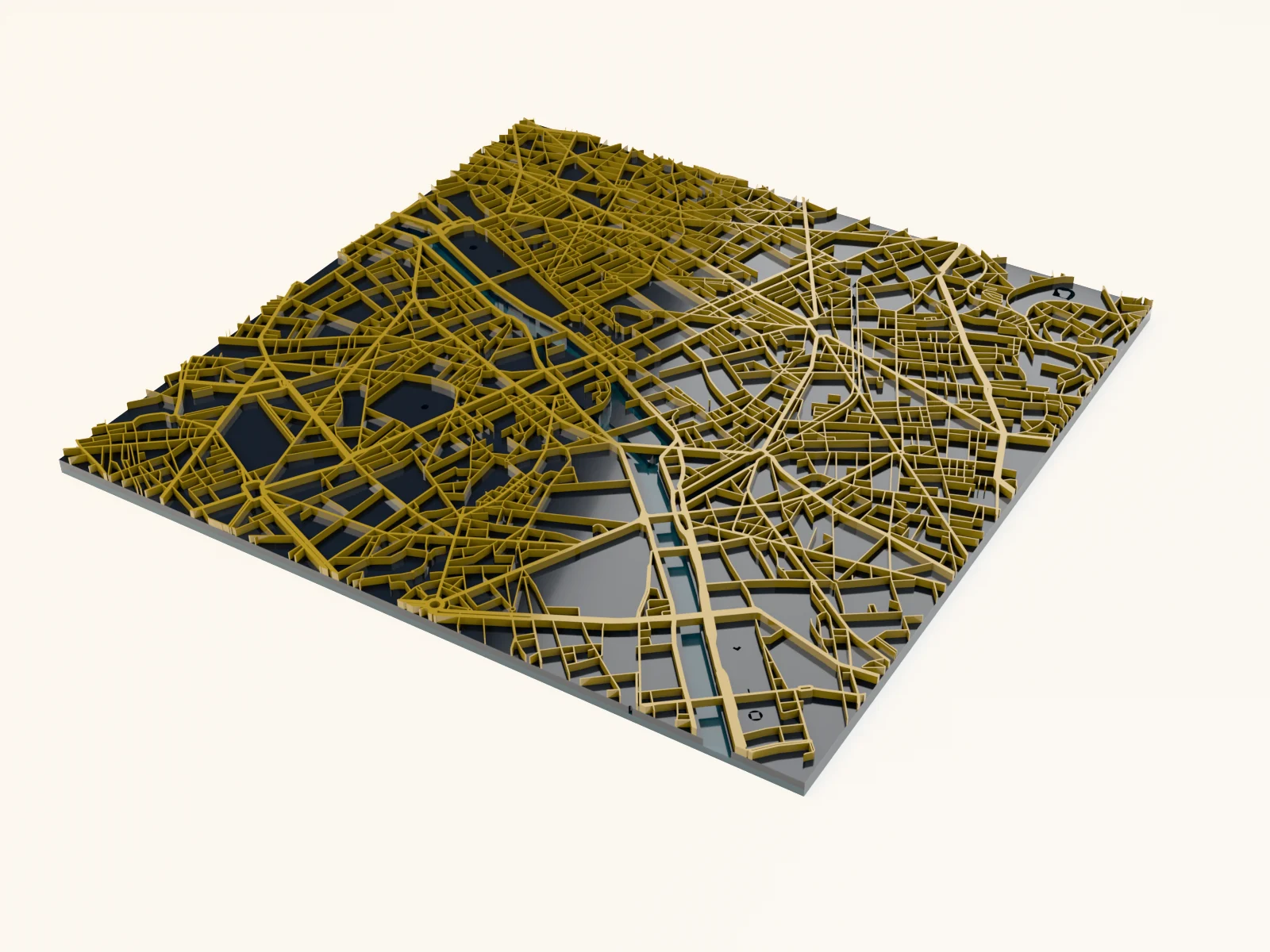
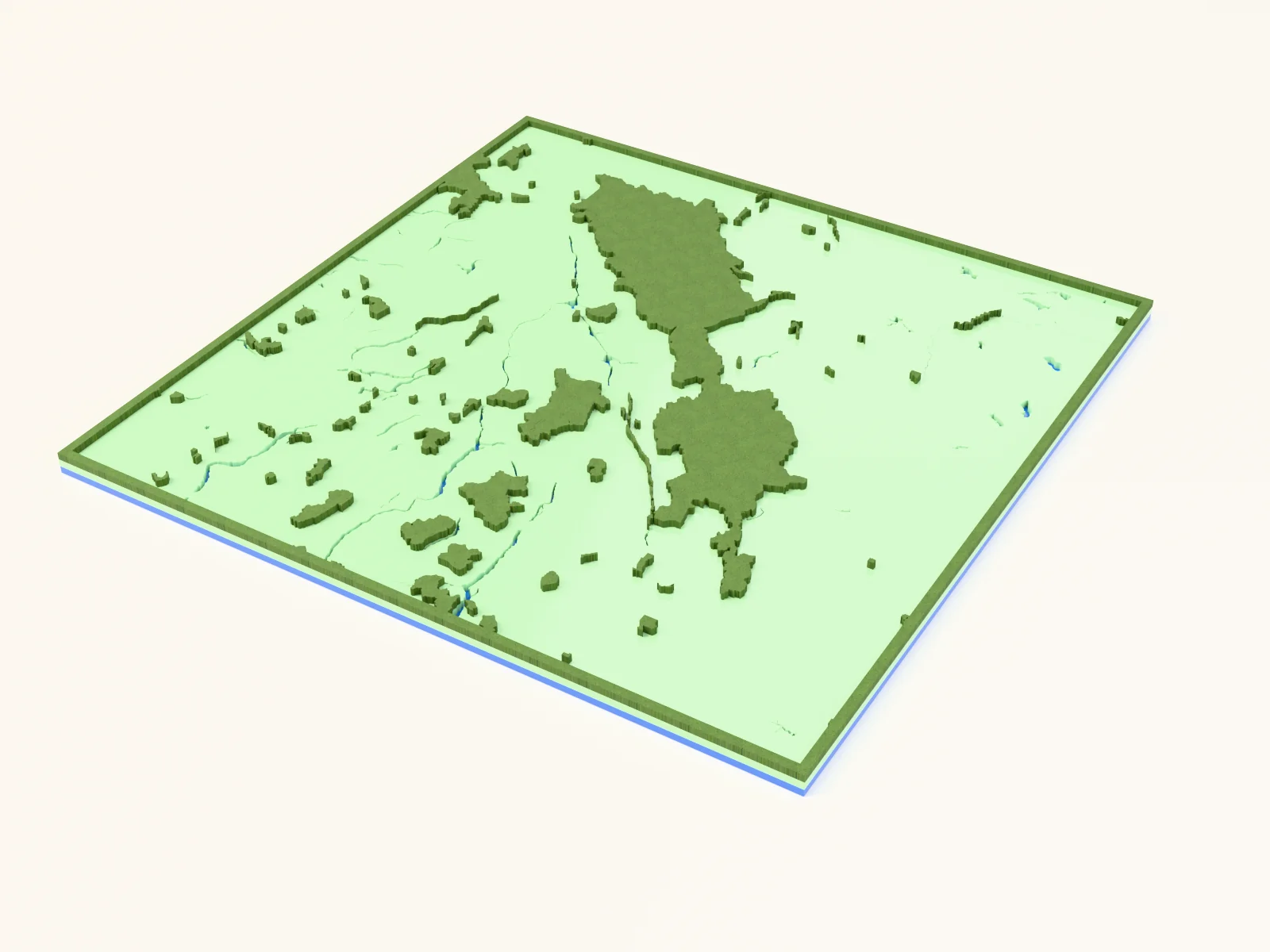
- Choose Laser-cut layers and download the laser layers. The ZIP holds separate SVGs for the backing board, frame, heart bases, water inlays, road engraving and captions, plus an assembly preview.
- Cut the backing board, frame, heart bases and water inlays. Engrave the roads on the hearts and the labels on the backing board.
- All files share the same alignment. They include no kerf allowance, so set kerf compensation in your laser software if you need a tight fit.
- Glue the hearts and inlays onto the backing board using the assembly preview as your layout guide.
Next steps and project ideas
Try a wedding gift with where you met, got engaged and married, or a family gift with the towns where each child was born.
Take the design into your software
Was this guide helpful?
More in Map Designer

Keep up with MyLaserTools.
Email me about new tools, product updates, tutorials, and occasional MyLaserTools offers. Unsubscribe at any time.
© 2026 MyLaserTools.com. All rights reserved.