

How to find, use and share community designs
Difficulty: easy. Time: 5 minutes to find and download a design. No account needed to download.
Every design in the gallery is free to download. You need a free account only to share a photo of something you made or to publish your own designs.
Each design carries a licence chosen by its maker. Check it before you sell what you cut.
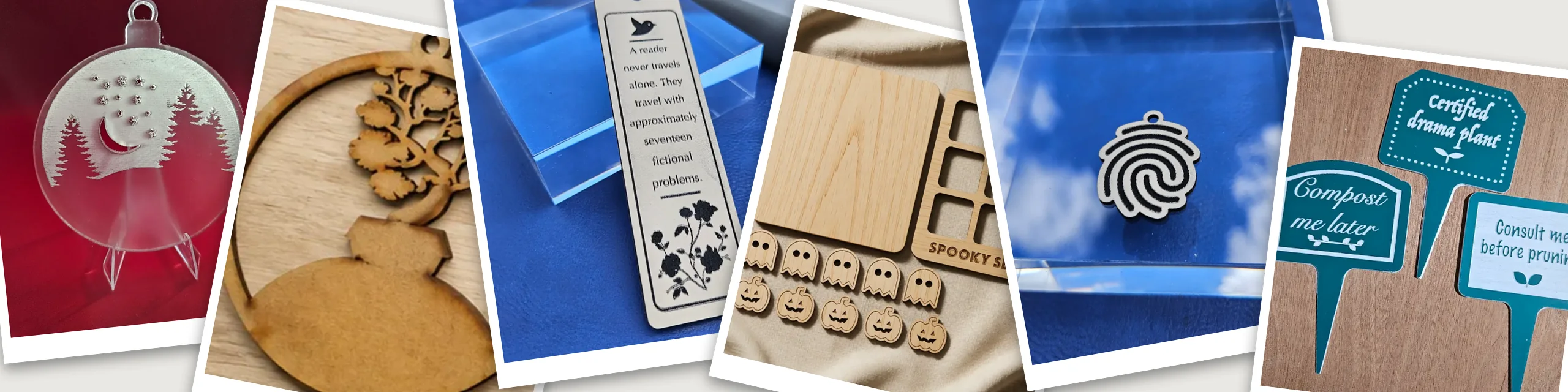
On this page (6)
What you need
- Nothing to browse and download
- A free account to share a make or publish a design
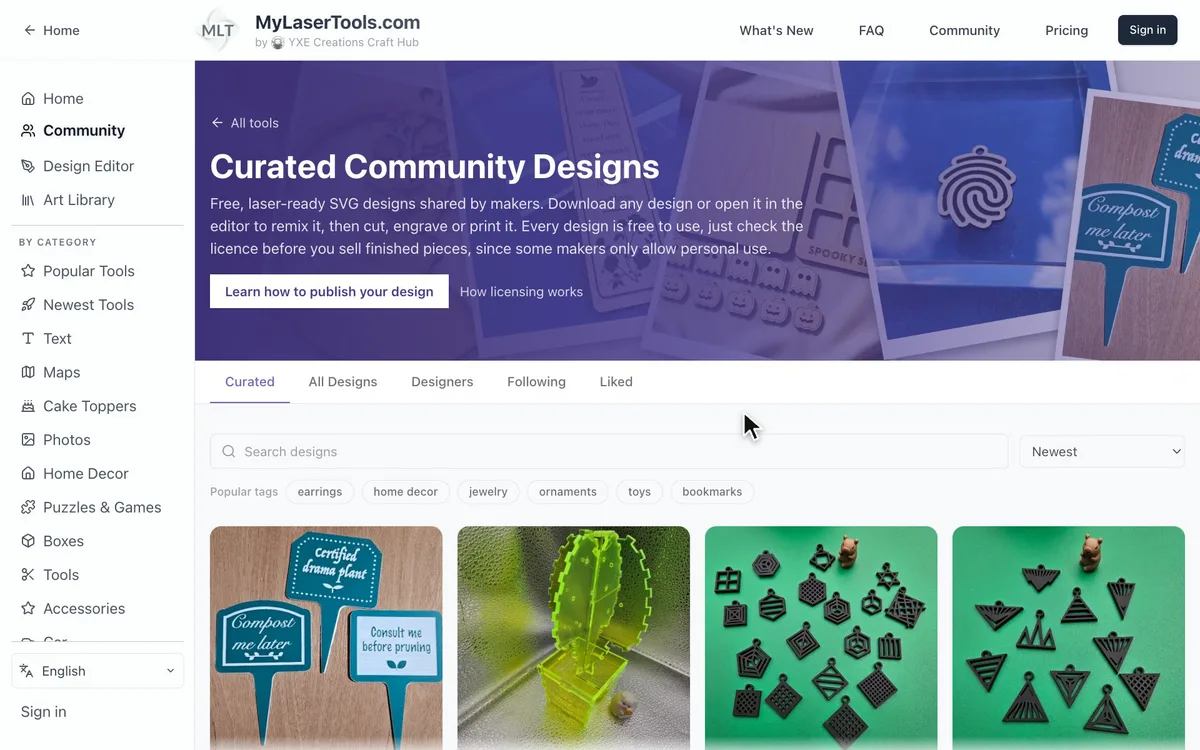
1. Browse the gallery
Open Community Designs to see files shared by other makers. Every one is free to download.
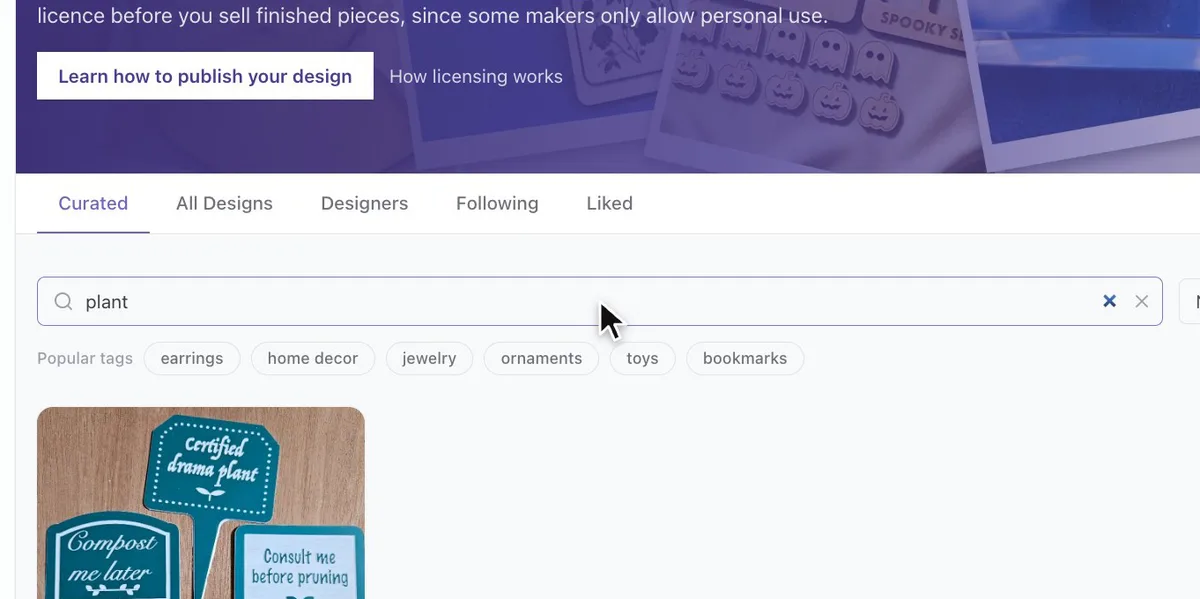
2. Search or filter by tag
Search by name, or tap a tag to filter the gallery down to what you want to make.
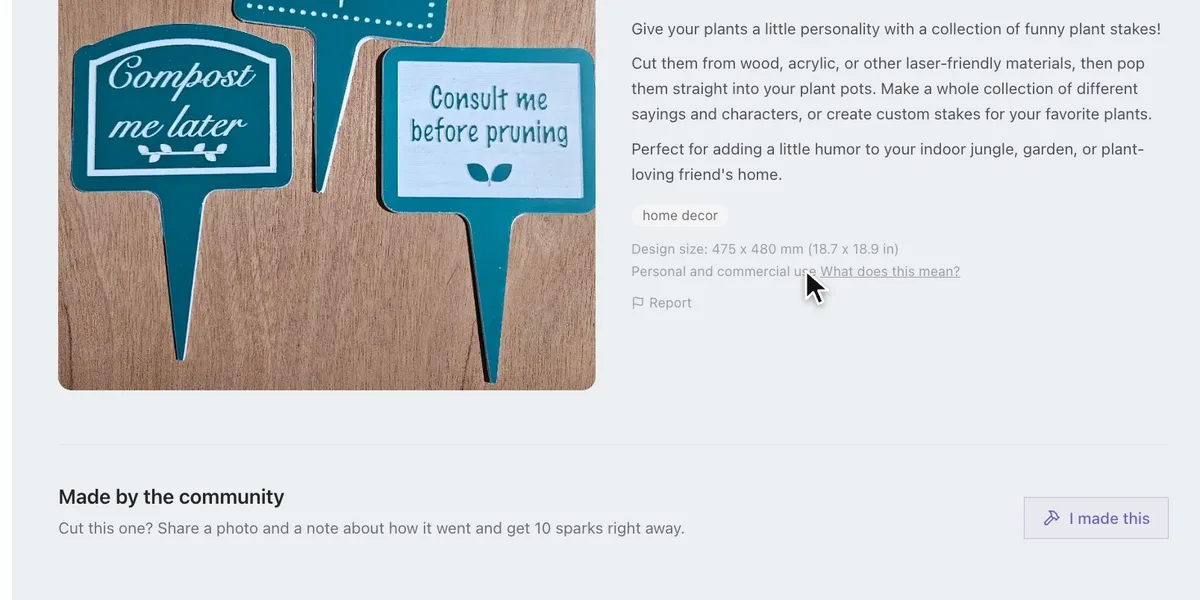
3. Open a design and check the licence
- The design page shows the photo, the size and the licence.
- The licence line says whether you can sell what you make from it. Some licences ask you to credit the maker, and some are for personal use only. Compare the licences.
4. Download it or make it yours
- Download the SVG as it is.
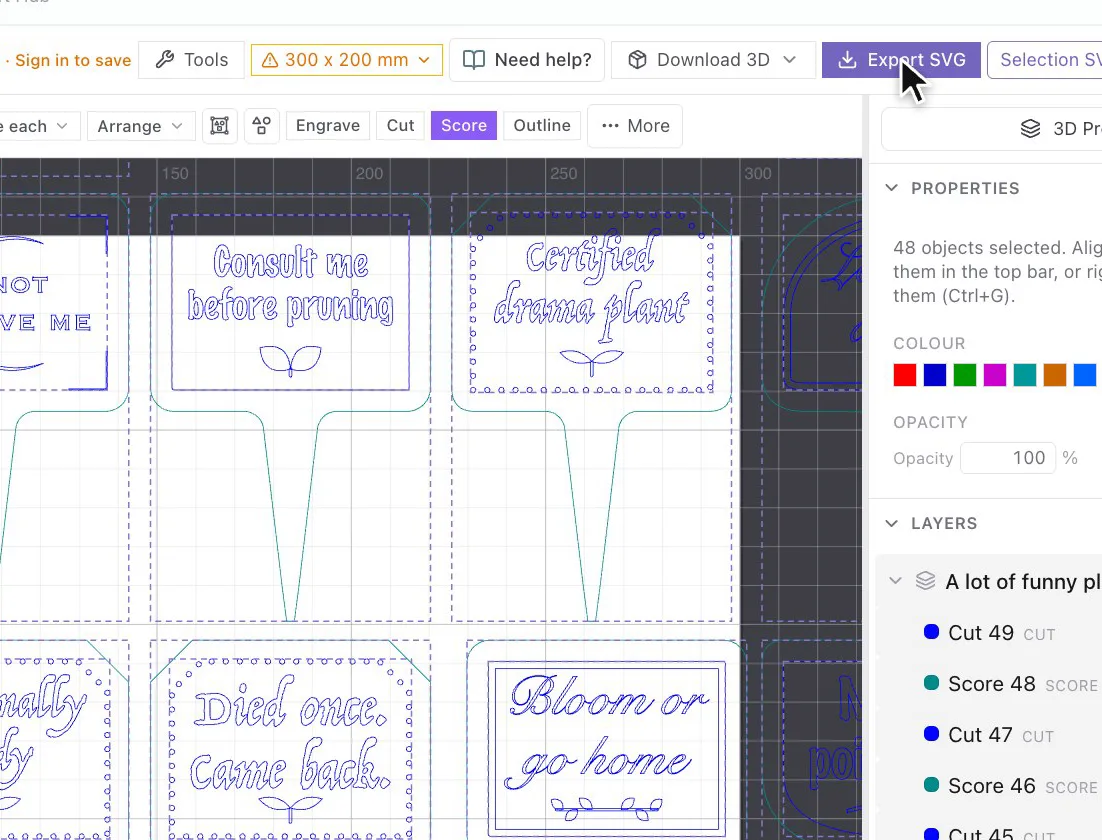
- Or click Open in Design Editor to change the text or the size, then export your own copy.
5. Share what you made
Cut one? Sign in, click I made this on the design and add a photo and a note about how it went. Sharing a make earns sparks.
6. Publish your own designs
Set up a free designer profile, save your design in the Design Editor and click Publish. How to publish your design walks through it, and published designs earn sparks too.
Next steps and project ideas
- Follow the designers you like to see their new designs first.
- Like designs to find them again later.
Was this guide helpful?
More in Using MyLaserTools

Keep up with MyLaserTools.
Email me about new tools, product updates, tutorials, and occasional MyLaserTools offers. Unsubscribe at any time.
© 2026 MyLaserTools.com. All rights reserved.