

SVG, DXF, PDF or PNG: laser file formats explained
Reading time: 5 minutes.
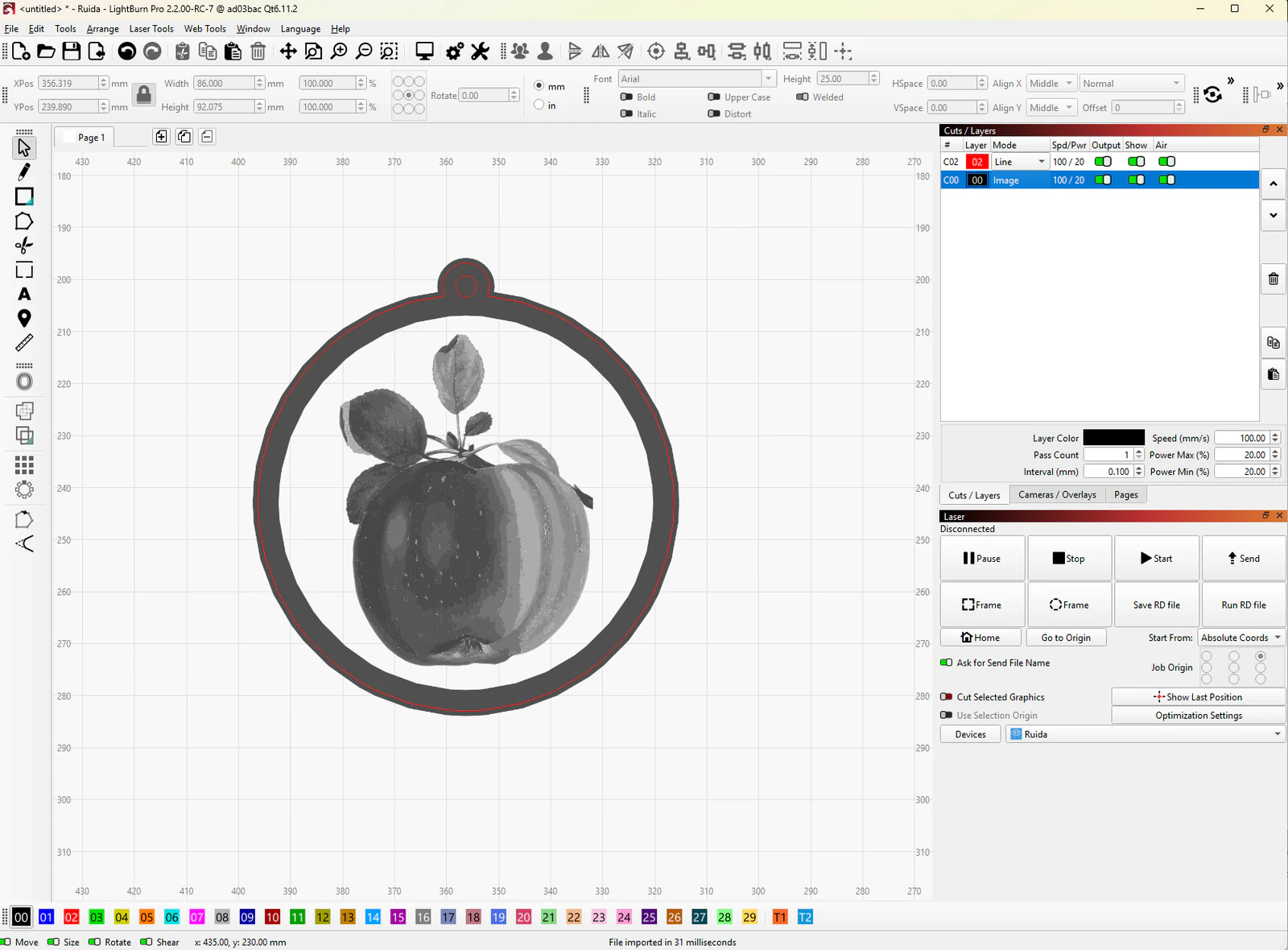
A laser needs two kinds of information: lines to cut or score, and pictures to engrave. Vector formats (SVG, DXF, and usually PDF) hold lines. Raster formats (PNG, JPG) hold pixels. A laser can engrave pixels but cannot cut along them, so a cut file must be a vector.
Every MyLaserTools tool downloads SVG. The print and cut tools add PNG and PDF, the KerfScript Playground adds DXF, and the 3D tools add STL and 3MF.
On this page (5)
1. What each format holds
| Format | Holds | Best for | From MyLaserTools |
|---|---|---|---|
| SVG | Vector paths with colours and real size | Cutting, scoring and vector engraving in almost any laser program | Every tool |
| DXF | Vector paths from CAD, often without colours | Older laser software, CNC and CAD programs | KerfScript Playground; convert any SVG in Inkscape |
| A page with vectors, pixels or both, at a fixed size | Printing at actual size; print and cut | Print and cut tools, with the cut SVG beside it | |
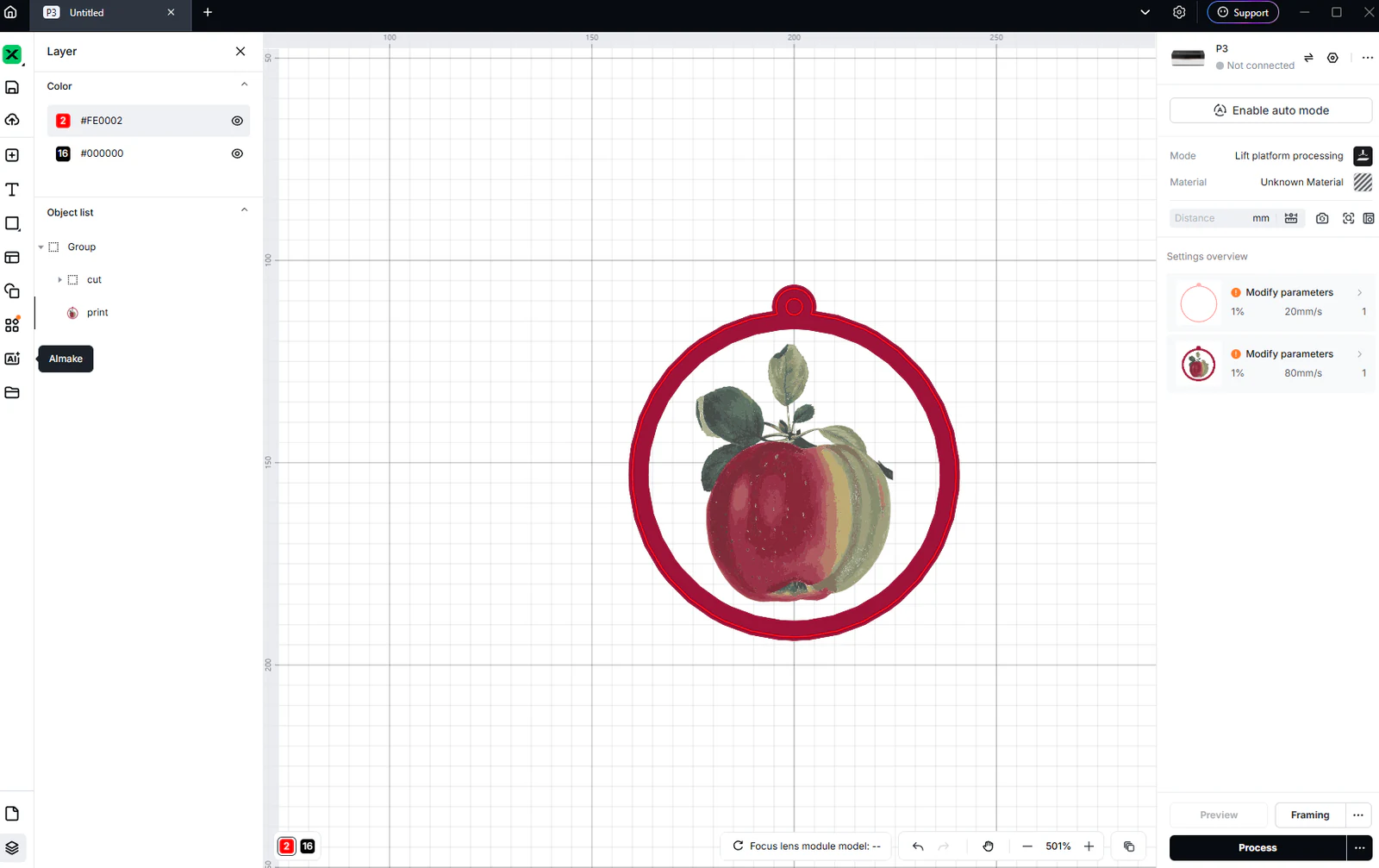
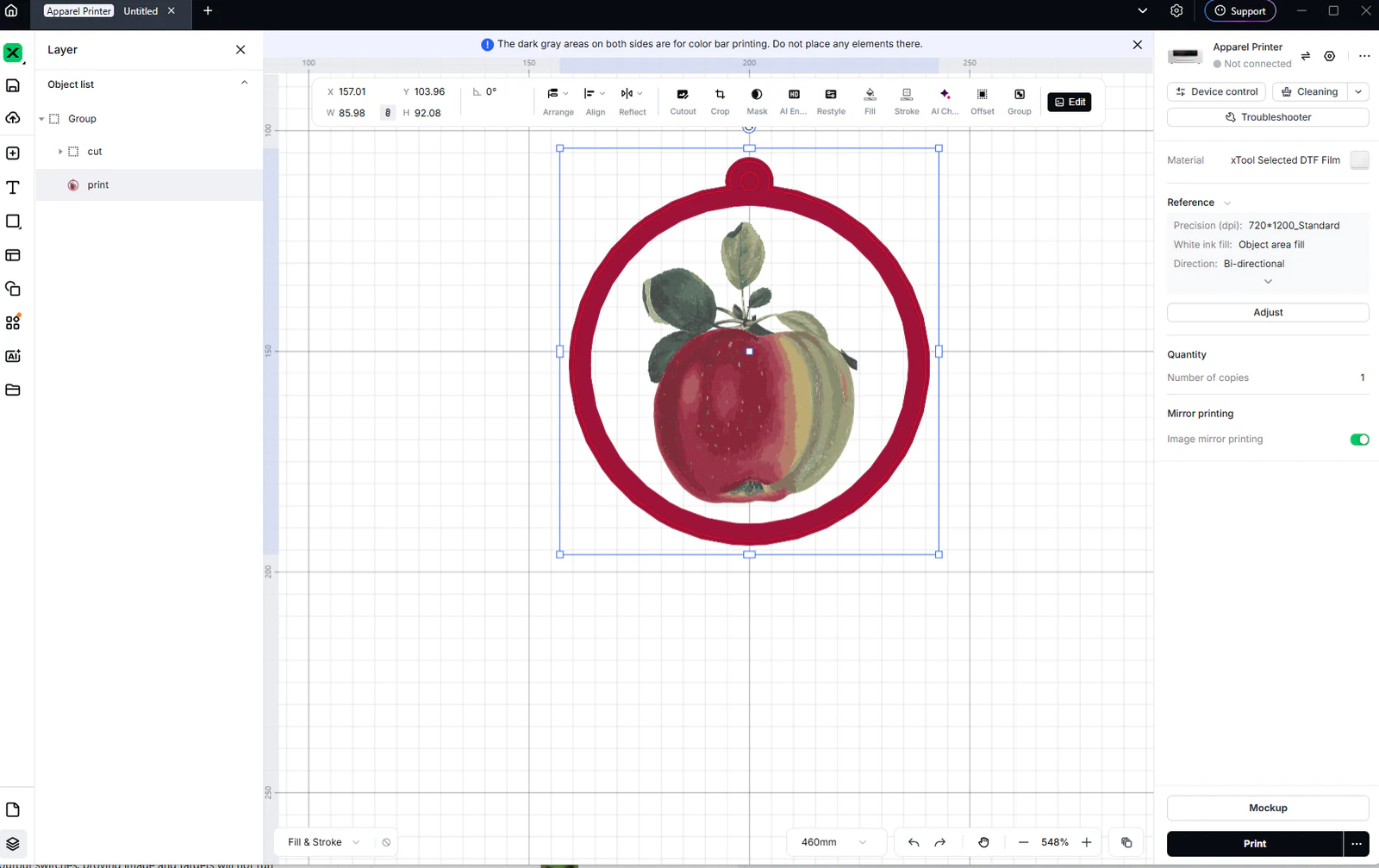
| PNG | Pixels, with an optional transparent background | Photo engraving, UV and DTF printing, print and cut | Photo and print tools |
SVG keeps the colour of each line, and MyLaserTools uses colour to separate operations: cut lines in one colour, score lines in another, engraving in a third. Your laser software turns each colour into its own layer. Cut, score and engrave layers explains the colours.
2. Which format your software opens
| Software | Opens | Use from MyLaserTools |
|---|---|---|
| LightBurn | SVG, DXF, AI, PDF, PNG, JPG and more | SVG |
| RDWorks | DXF, AI, PLT and images; SVG in recent versions through File, Import | SVG, or DXF converted in Inkscape |
| LaserGRBL | Images such as PNG and JPG, and SVG | SVG for lines, PNG for photos |
| Cricut Design Space | SVG, DXF, PNG, JPG | SVG |
| Silhouette Studio Basic | DXF, PNG, JPG | PNG, or DXF converted in Inkscape |
| Silhouette Studio Designer Edition and up | SVG, PDF, DXF, PNG, JPG | SVG |
| Inkscape | SVG, PDF, DXF, PNG and more | SVG |
Your machine maker's own software usually opens SVG and PNG. If it lists DXF but not SVG, convert the file as shown below.
3. Convert an SVG to DXF
- Open the SVG from MyLaserTools in Inkscape, which is free.
- Choose File, Save a Copy, and pick Desktop Cutting Plotter (AutoCAD DXF R14).
- Set the base unit to millimetres and save.
- Import the DXF into your laser software and measure one part: it should match the size you set in the tool.
DXF usually drops colours, so set cut, score and engrave again after import. Keep the SVG as your master copy.
4. Check the size after import
Files leave MyLaserTools at the size you set. If the import comes in at a fixed ratio of that size, such as 75% or 133%, the software read the file at the wrong DPI. Fix the import size before you change the design.
Next steps and project ideas
Common questions
What is the best file format for laser cutting?
SVG. It holds vector lines at their real size and keeps colours, which laser software uses to separate cutting, scoring and engraving. Every MyLaserTools tool downloads SVG.
What is the difference between SVG and DXF?
Both hold vector lines. SVG comes from graphics programs and keeps colours; DXF comes from CAD and usually does not. Most laser software opens both, and older programs often prefer DXF.
Can a laser cut a PNG file?
No. A PNG is made of pixels, so a laser can engrave it but has no line to cut along. Download the SVG for anything you want to cut out.
How do I convert SVG to DXF for free?
Open the SVG in Inkscape, choose File, Save a Copy, pick Desktop Cutting Plotter (AutoCAD DXF R14) and set the unit to millimetres.
Was this guide helpful?
More in Your software
Keep up with MyLaserTools.
Email me about new tools, product updates, tutorials, and occasional MyLaserTools offers. Unsubscribe at any time.
© 2026 MyLaserTools.com. All rights reserved.