

How to start a laser engraving business: costs, first products and pricing
Reading time: 8 minutes.
A laser business is a small manufacturing business: you buy sheets, run a machine, finish, pack and ship. The machine is the biggest single cost, but the costs that decide whether you make money are your time per piece and the fees on each sale.
This guide walks through the start in order: costs, machine, first products, prices and a routine for orders.
On this page (7)
1. List what you pay for before the first sale
- The laser. See the next step for which type fits your materials.
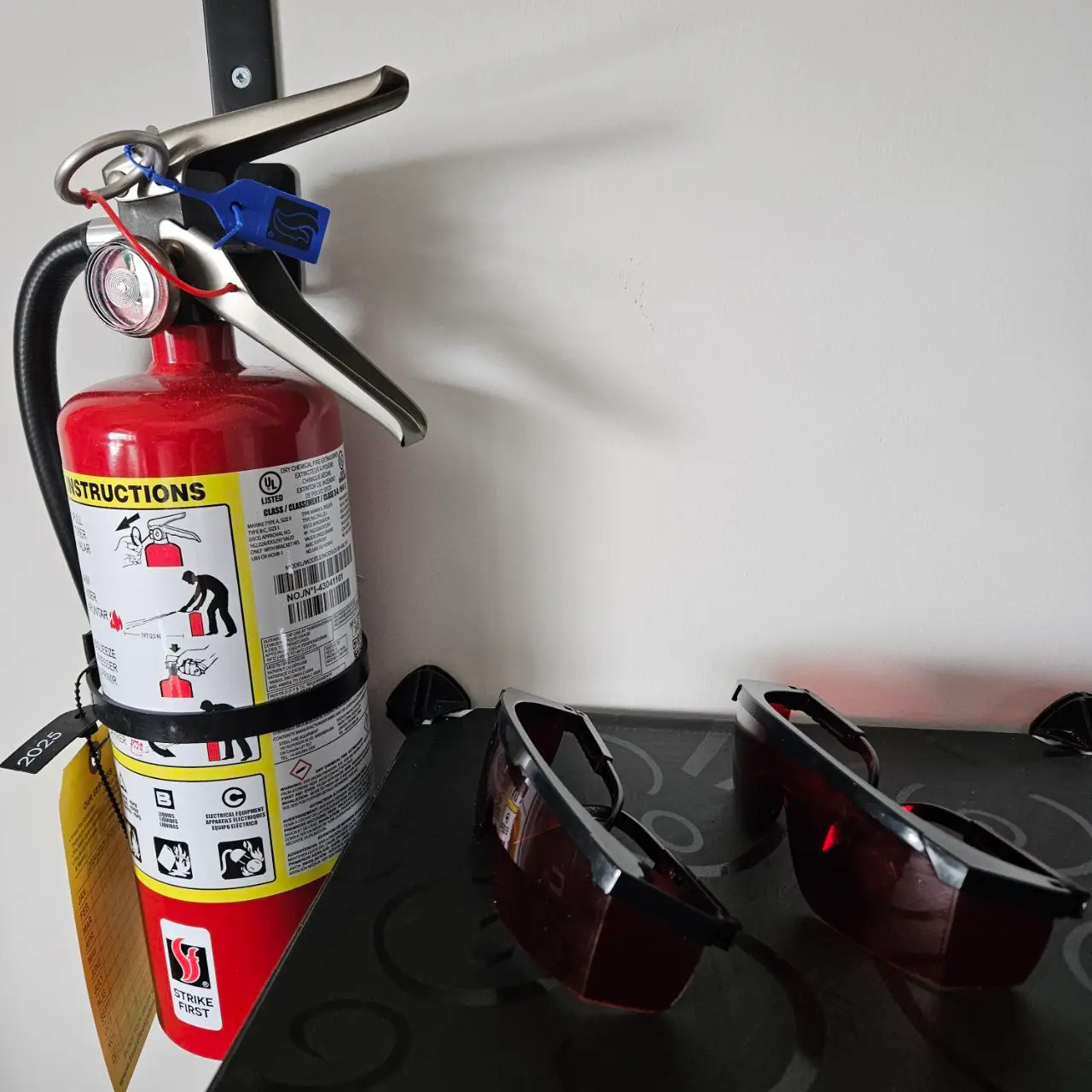
- Ventilation and fire safety. An exhaust to the outside or a fume filter, air assist, and a fire extinguisher next to the machine. Never leave a laser running unattended.
- Software. Many machines come with free software from their maker. LightBurn is a paid license with a free trial.
- Materials for tests. A few sheets of each material you plan to sell, plus scrap for material tests.
- Finishing. Sandpaper, masking tape against smoke marks, sealer or paint, glue, rings and ribbon.
- Packing and shipping. Boxes or padded envelopes, tissue, labels and a scale.
- Photos. A plain background and daylight or two lights; listing photos sell the product before anyone holds it.
2. Choose the machine for your materials
| Laser | Good for | Not for |
|---|---|---|
| Diode | Engraving and cutting thin wood, plywood, MDF, leather, paper and card, dark opaque acrylic; marking coated metal | Clear or blue acrylic, glass cutting, bare metal |
| CO2 | Cutting and engraving wood, all colours of acrylic including clear, leather, paper and card; engraving glass and stone | Marking bare metal without a marking spray |
| Fiber | Marking and engraving metal: steel, aluminium, brass; some plastics | Cutting wood or acrylic sheets |
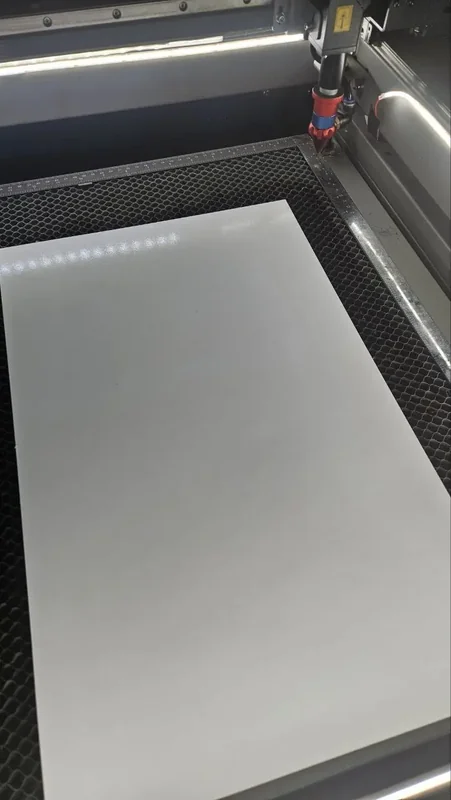
The bed size limits the largest piece and the number of pieces per job. Check that your best-selling size fits several times on one sheet.
3. Pick three first products and test them
Start with products that use one material, one machine setting and a name: a keychain, an ornament and a bookmark, all from 3 mm plywood, for example. For each one:
- Make it in the tool with a long name and a short one.
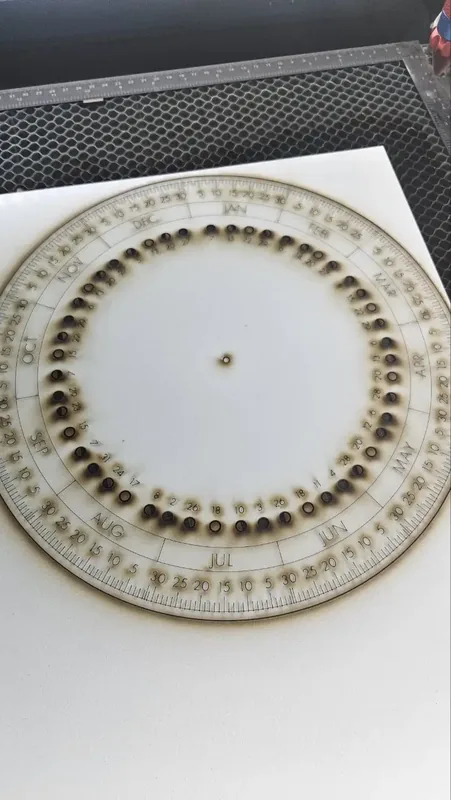
- Cut it, time the job and weigh the sheet offcut you have left.
- Finish and pack it, and time that too.
- Photograph it for the listing.
More ideas by season are in laser cut products to sell.
4. Price it from your real costs
Add up what one piece costs you, then multiply to cover your profit. Use the times and material from your test, not a guess.
| Line | How to work it out | Example |
|---|---|---|
| Material | Sheet price divided by pieces per sheet | $6 sheet / 12 pieces = $0.50 |
| Machine time | Minutes on the laser times your hourly machine rate | 4 min at $20/hour = $1.33 |
| Your time | Minutes to set up, finish and pack times your hourly wage | 10 min at $24/hour = $4.00 |
| Extras | Ribbon, ring, packaging, label | $1.20 |
| Cost of one piece | Sum of the lines above | $7.03 |
| Price before fees | Cost times your markup, here 2.5 | $17.58 |
| Marketplace fees | About 10% to 15% on Etsy or Amazon Handmade, see the selling guide | Round up to $20 |
The machine rate pays back the laser, its parts and electricity. Pay yourself for every minute, including design and messages; if the result is higher than similar products, look for ways to cut more pieces per job before you lower the price.
5. Set up a routine for orders
- Save one design per product. Signed in, Save keeps a tool's settings in My Designs, so each order only changes the name.
- Cut orders in batches. The Keychain Generator, the Christmas Ornament Generator and the connected, single line and curved text tools have a Batch mode: paste the names, check the preview and download them all on one sheet.
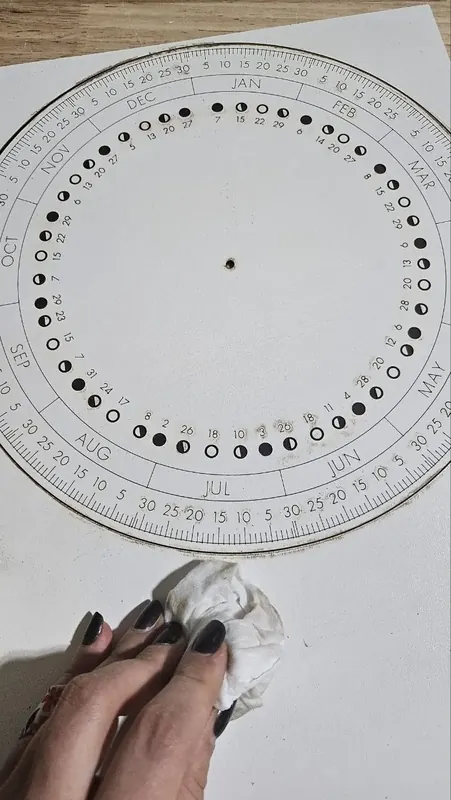
- Keep a material record. Write down the speed and power that worked for each material, so a reorder looks like the first one.
- Send proofs. A screenshot of the preview with the buyer's name catches spelling mistakes before you cut.
Rules where you sell
Business registration, sales tax or VAT, and product safety rules differ by country and state. Check them before you open a shop, especially for toys and other items made for children, which often need testing and labels.
Next steps and project ideas
Common questions
What do I need to start a laser engraving business?
A laser that suits your materials, ventilation and a fire extinguisher, design and machine software, test material, finishing and packing supplies, and somewhere to sell. The designs can come from free MyLaserTools tools.
Is a diode laser enough to start a business?
For wood, leather, paper and dark acrylic, yes. A diode laser cannot cut clear or blue acrylic; for those, and for faster cutting of thicker sheets, you need a CO2 laser.
How do I price laser engraved products?
Add material, machine time, your time and extras to get the cost of one piece, multiply by your markup, then add the marketplace fees. The worksheet in this guide shows the steps with example numbers.
Can I use MyLaserTools designs for a business?
Yes. Every plan allows you to sell physical products made with MyLaserTools files. Selling the files themselves has its own rules, explained in what you may sell.
Was this guide helpful?
More in Selling and integrations
Keep up with MyLaserTools.
Email me about new tools, product updates, tutorials, and occasional MyLaserTools offers. Unsubscribe at any time.
© 2026 MyLaserTools.com. All rights reserved.