

Plans, sparks and what is free
Reading time: 4 minutes.
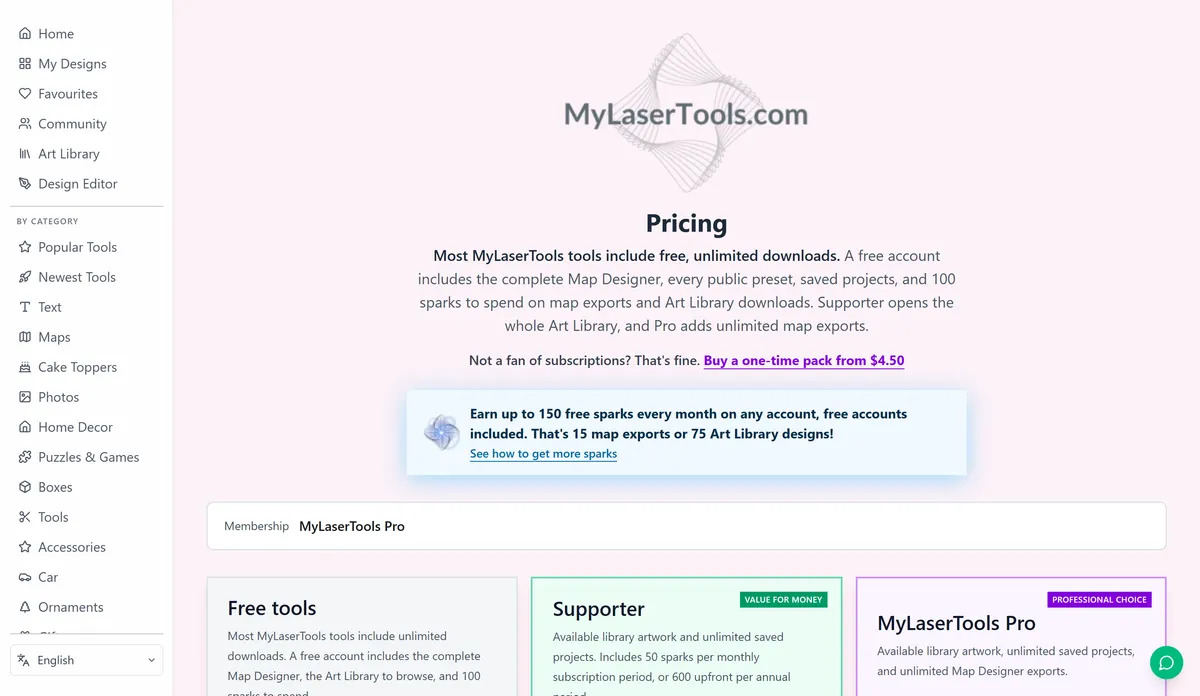
The tools are free, with unlimited downloads, and so is an account. You only pay for two things: Map Designer exports and the paid part of the Art Library. Both are paid in sparks, and you can earn sparks instead of buying them.
On this page (6)
1. Use the tools without an account
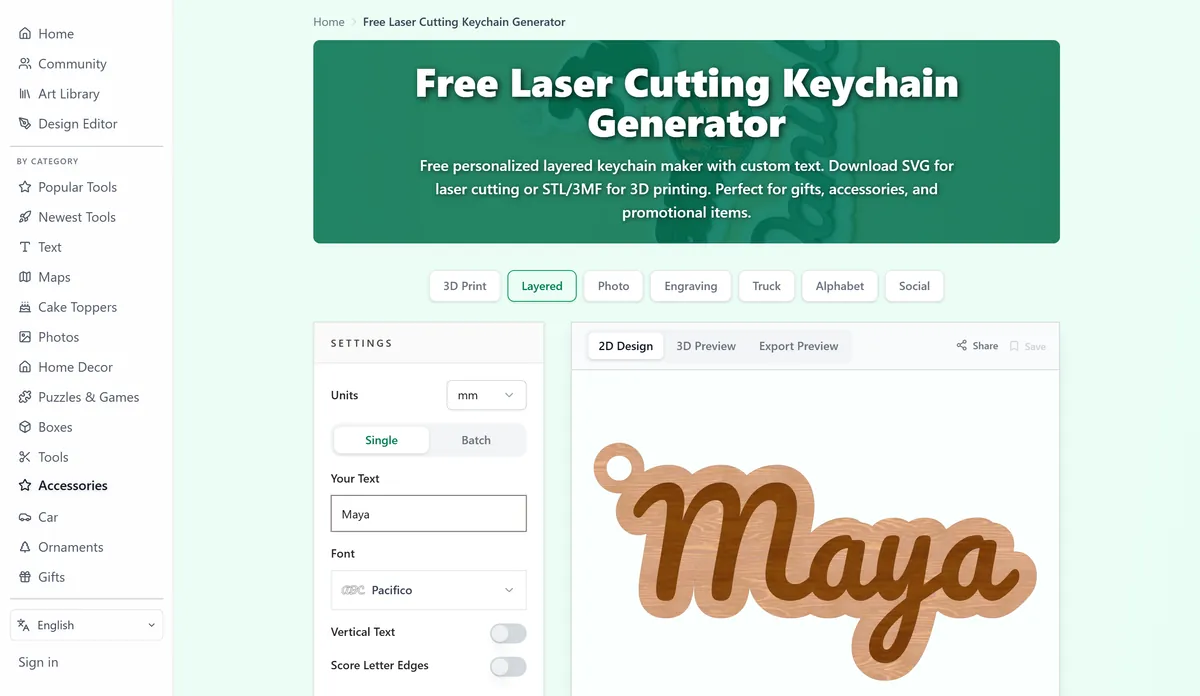
Every tool works without signing up. Type, adjust, download, as often as you like. There is no download limit and no watermark, and you can sell what you cut from the files.
2. Make a free account when you want to keep things
An account gives you My Designs, where saved tool designs, Design Editor projects and maps are kept. It opens the full Map Designer and the Art Library pieces we drew ourselves, and it starts you with 100 sparks. Free accounts can keep 10 private Design Editor projects at a time; published designs do not count.
3. Spend sparks on maps and paid art
- A Map Designer export costs 10 sparks. It is saved in My Designs, and downloading it again later costs nothing.
- A paid Art Library piece costs 2 sparks, once. After that you can download it again for free.
So the 100 sparks a new account starts with buy ten maps, or fifty pieces of art, or any mix of the two.
4. Earn sparks by sharing
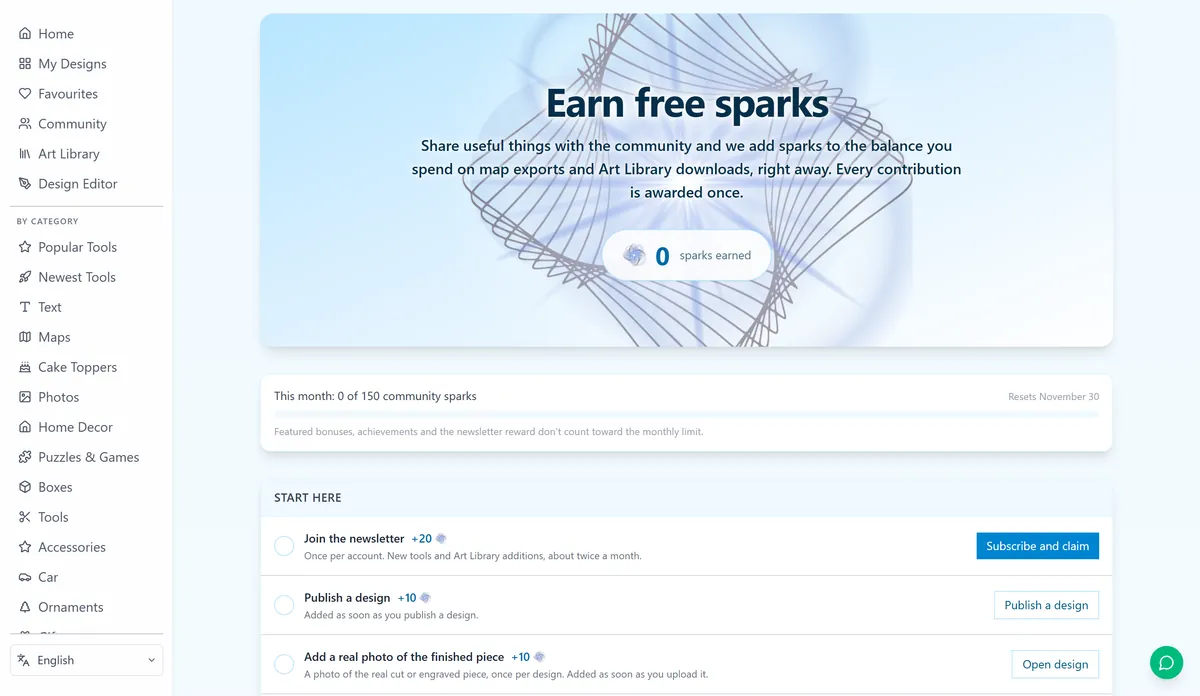
The Earn sparks page in your profile lists every reward and ticks off the ones you have. The main ones:
- Publish a design to the community: 10 sparks. Add a photo of the real piece: 10 more. Write the making details (material, thickness, settings): 5 more.
- Post an "I made this" photo of someone else's design: 10 sparks, up to five a month.
- Join the newsletter: 20 sparks, once.
- Finish a Learning Center path: 10 sparks. Every guide also hides one spark worth 10.
- A design picked for the featured gallery: 25 sparks.
Community rewards and the sparks you collect in guides share a limit of 150 sparks a month. Newsletter, finished-path, featured-design and achievement rewards come on top of that. Verify your email address to get learning rewards.
5. Buy sparks or choose a membership
When you run out, buy a one-time spark pack or a membership on the pricing page. Bought sparks never expire. If you use the Art Library or the Map Designer every week, a membership costs less:
- Supporter includes every paid Art Library piece, removes the limit on saved projects and adds a monthly allowance of sparks.
- Pro has everything in Supporter plus unlimited map exports. It is the plan for people who sell maps.
Selling what you make
Every plan, free included, lets you sell the physical things you make: on Etsy, at a market, to a customer. Selling files is different. A free account can sell its own Design Editor designs as digital files, including Art Library art it has unlocked. Reselling files from the tools or the Map Designer as downloads needs Supporter or Pro, and files you made while you were a member stay sellable after it ends.
Map files come with a credit for the map data, and that credit has to travel with what you sell. The licensing page has the full rules.
Next steps and project ideas
Was this guide helpful?
More in Getting started
Keep up with MyLaserTools.
Email me about new tools, product updates, tutorials, and occasional MyLaserTools offers. Unsubscribe at any time.
© 2026 MyLaserTools.com. All rights reserved.