

Making a family-farm keepsake with the Farmland Patchwork Map preset
Difficulty: easy, with one data caveat (below). Time: 30 to 45 minutes printed. Best methods, in order: sublimation (the soft quilt tones suit fabric and hardboard), UV printing, laser engraving. 3D printing works but this is the most filament-swap-heavy preset in the set: notes below.
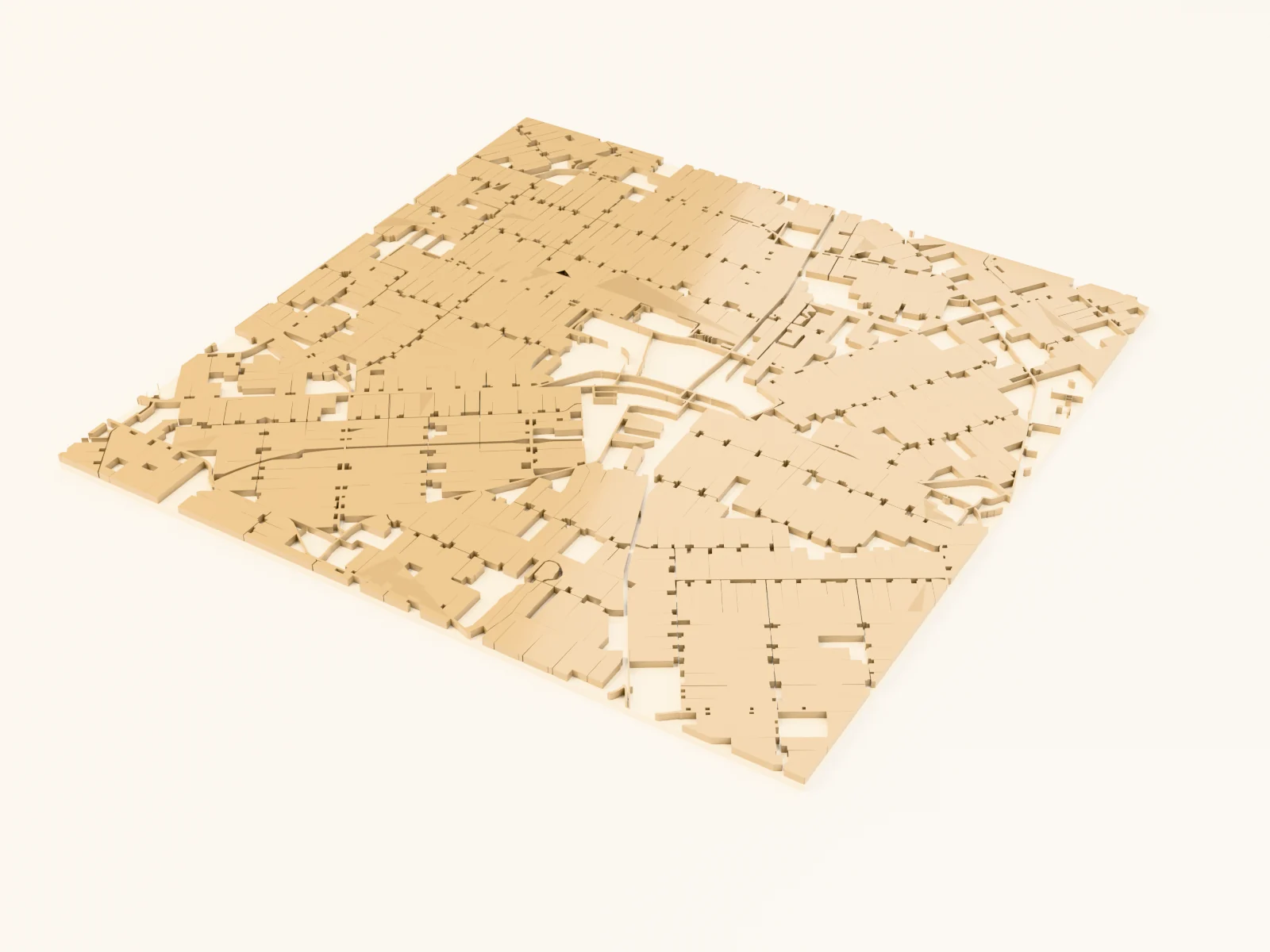
This preset turns countryside into a quilt: harvest-gold fields, sage pasture, deep green shelterbelts, and wetland patches stitched together by brown country roads on a cream ground. It's set up on the Dutch Noordoostpolder (some of the most perfectly patterned farmland on Earth) and it's made for family-farm gifts, century-farm anniversaries, and rural keepsakes.
On this page (6)
What you need
- Sublimation: sublimation printer + paper, poly-coated hardboard, white aluminum panels, polyester throw blankets or pillow covers (the quilt palette on actual textiles is a delight), heat press, heat tape, butcher paper
- UV printing: flatbed UV printer, light wood or white acrylic panels
- Laser engraving: diode or CO2 laser, light laser-grade plywood
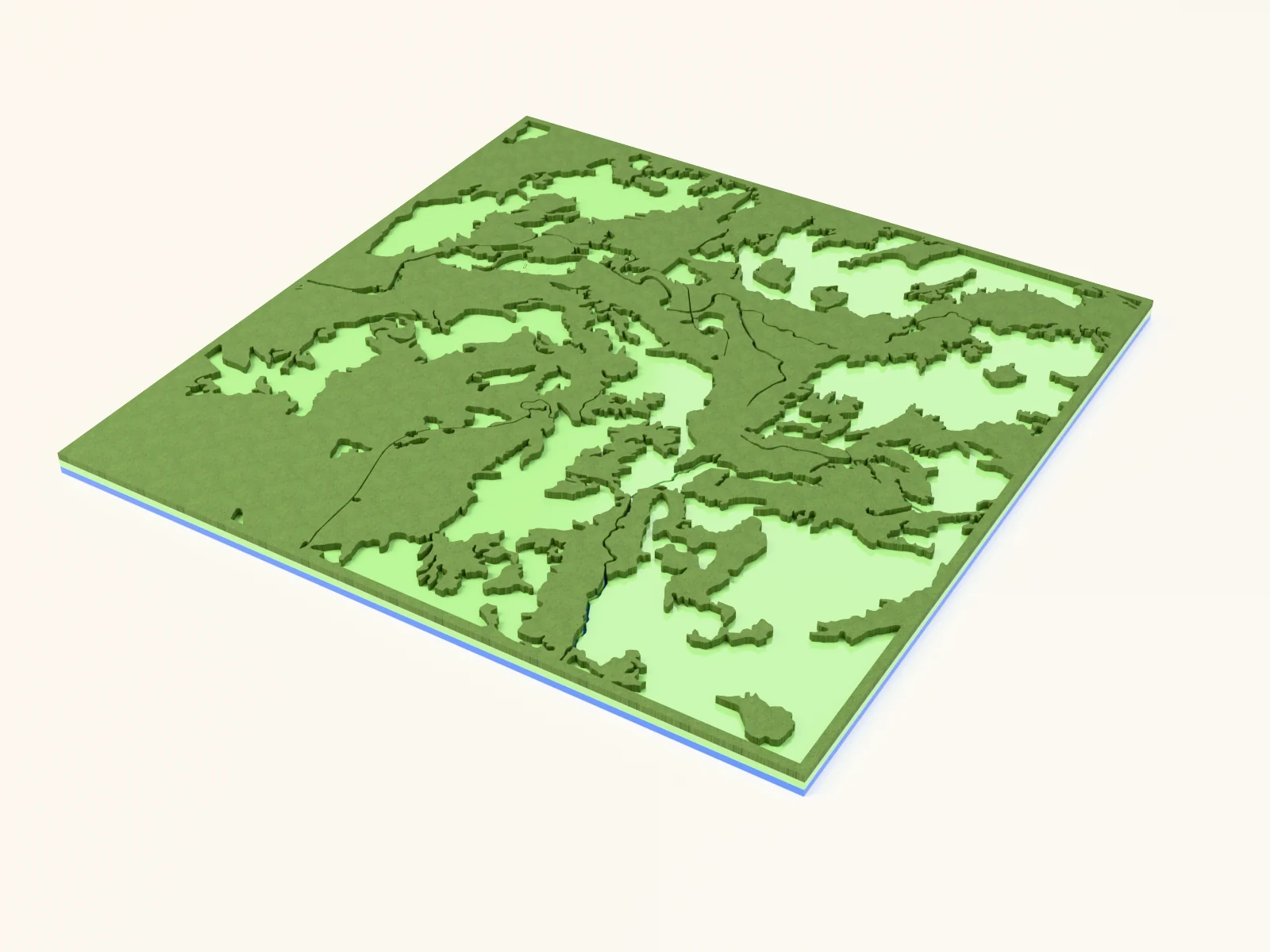
- 3D printing: multi-color printer with 5+ slots or patience for swaps: cream, gold, sage, dark green, blue, brown
1. Start from the preset
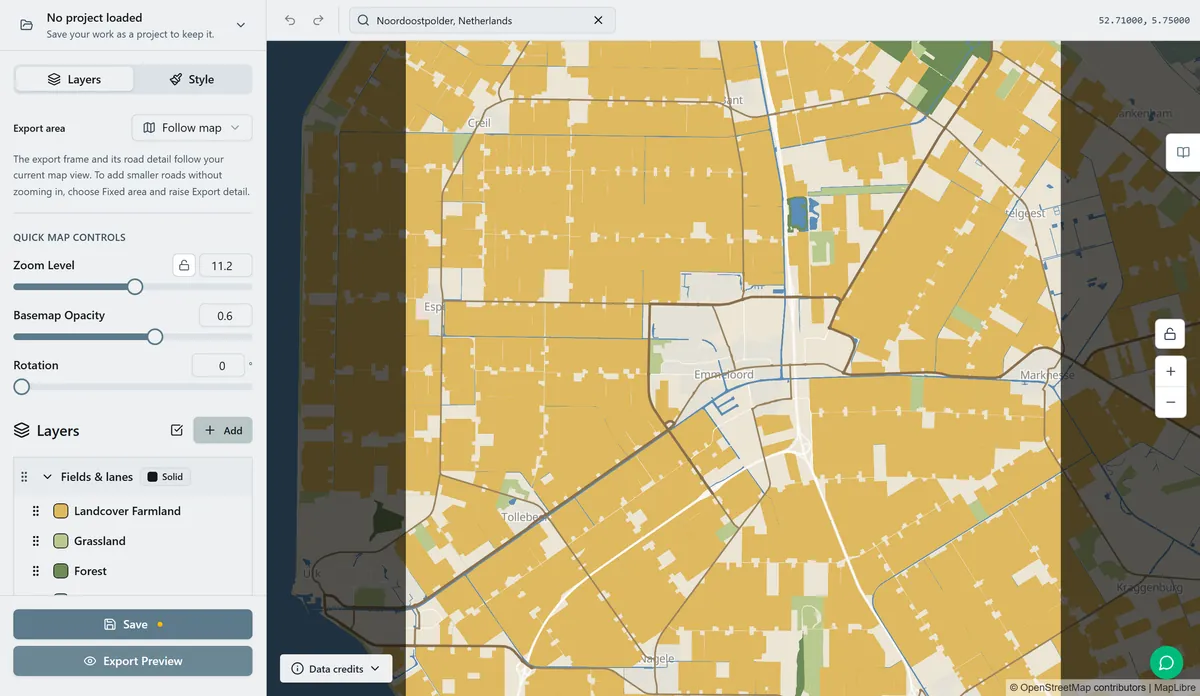
Open the Farmland Patchwork preset. It starts at Noordoostpolder with zoom 11.2, where several fields fit in the view. Search for your chosen location and centre the map on it. The field shapes come from OpenStreetMap farmland and grassland polygons, so the result depends on how much land-use data has been mapped there. If the preview looks empty, try a nearby area or zoom out. Check that the field boundaries and roads remain clear at your intended print or cut size.
2. Tune the layers
One Solid layer group, Countryside:
- Land:
#F0E6D2cream linen ground. - Farmland:
#DFB95Eharvest gold, the dominant patch color. - Grassland:
#B9C98Esage pasture. - Forest (
#6E8B57shelterbelt green) in the polders these are the windbreak lines that stitch the quilt. - Wetland:
#9FBCA8gray-green sloughs. - Water:
#5B8DB8canal and lake blue. - Roads: Primary Roads
#8A6F4Dwidth 3, Secondary Roads#9C8460width 2, Minor Roads#AB9670width 1.5; note this preset uses Minor Roads, the rural section-road tier, which is exactly right for gravel grids.
All the field tones are mid-saturation and press-safe. If your area's farmland data is thin and the map looks too cream, darken Land toward #E5D7BC so unmapped fields still read as part of the quilt rather than holes in it.
3. Export
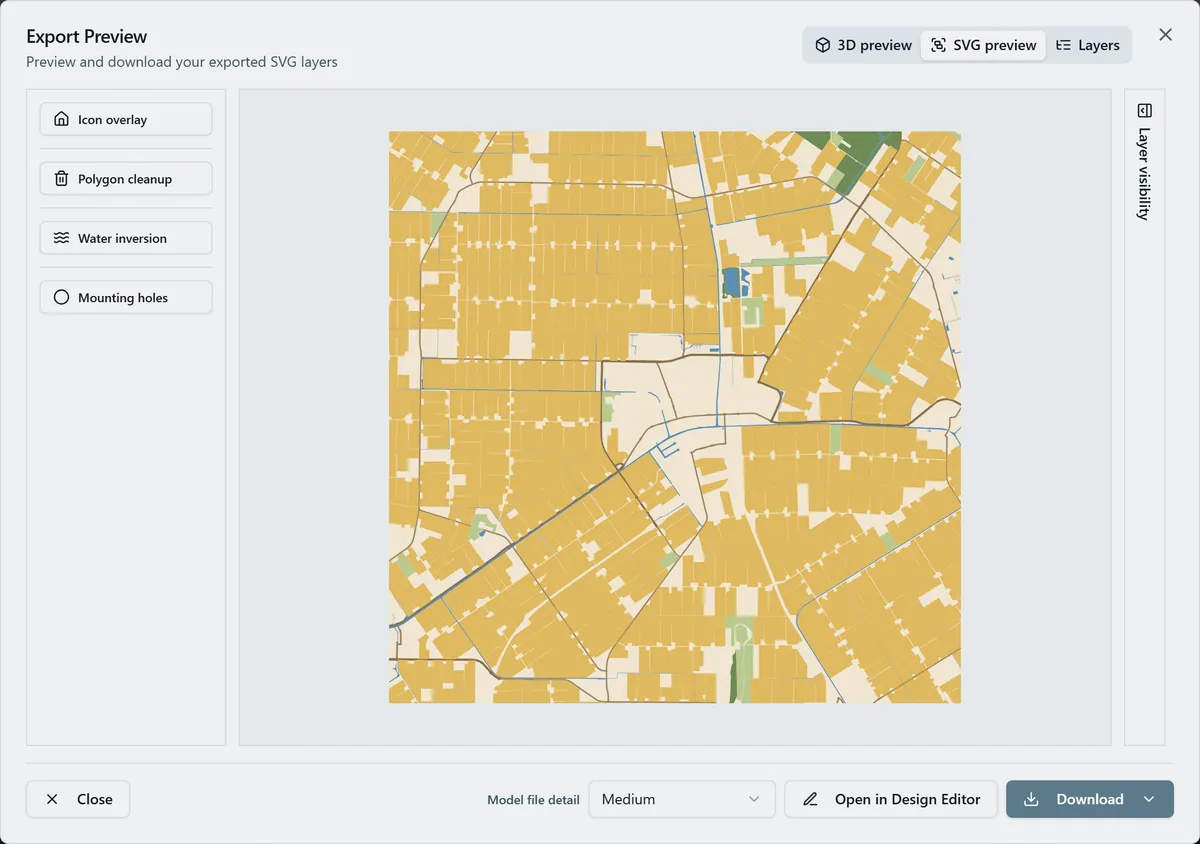
- Sublimation / UV: 4096 px PNG, background ON; the cream ground is a quilt block too. Toggle Background off only when printing on natural linen-look blanks where the fabric plays the cream.
- Laser: combined SVG (grayscale ramp works) or per-layer ZIP.
- 3D: 3MF after simplifying the palette (below).
- Enable small-polygon cleanup: rural landcover data is full of sliver polygons along field edges that turn to noise at print size.
- Hanger hole for a barn-board ornament; the house icon overlay dropped on the farmstead is the move for a family-farm gift.
Choose your build method
UV & Sublimation Printing
UV printing
- Export the 4096 px PNG.
- Size in the RIP; the flat patch fills hold up at large panel sizes, and on light wood the cream ground can go transparent (Background off) so grain shows in the linen areas.
- Register and print; matte varnish suits the homestead aesthetic.
Sublimation
- Print mirrored at final size: for a throw pillow or blanket panel, this palette was practically born for textiles.
- Pre-press fabric blanks to drive out moisture; tape the print face-down.
- Press with the settings recommended for your material, paper, and inks (fabric and hardboard profiles differ: use your blank's spec).
- Peel hot. The gold/sage/green patches transfer richly; the width-1.5
#AB9670minor roads may soften on fabric weave: they survive fine on hardboard.
Laser Cutting & Engraving
Laser engraving
- Import the combined SVG; the palette converts to a usable grayscale ramp: forest darkest, gold and sage mid, cream nearly untouched, brown roads dark lines.
- Raster on light ply in one grayscale pass; the patch boundaries do the visual work even where tones are close.
- If gold fields and sage pasture merge in your test burn, run per-layer passes: forest + roads at higher power, farmland at low.
- Cut the rectangle; barn board with the design engraved into the weathered face is peak rural keepsake.
3D Printing
3D printing
- This is an eight-color preset: simplify before exporting the 3MF: merge Wetland into Grassland (
#B9C98E) and unify all three road tiers to#8A6F4D, getting you to six filaments. - Export the 3MF with small-polygon cleanup on: sliver patches are misery in a slicer.
- Assign cream, gold, sage, dark green, blue, brown; matte PLA throughout.
- Print 200 mm+ at 0.16 mm; the raised patch boundaries give it a real relief-quilt texture.
Next steps and project ideas
- Pattern-rich regions: the Dutch polders, England's hedgerow counties, the Po Valley, Hokkaido's Tokachi plain, Saskatchewan's section grid where landcover data exists.
- Season swaps: spring (Farmland
#A8C66C), autumn (#C98A3D), winter (#EDEAE2with roads darkened to#6B543A). - Drop the house icon overlay on the homestead and gift it for a century-farm anniversary.
- Add a route layer in
#6B4F35tracing the lane from the highway to the farmhouse. - Circle export + Hanger hole from 3 mm ply = a harvest ornament; press a set for the whole extended family.
- Toggle Water to a bolder
#3F74A3in canal country: the Dutch version is half about the waterways. - Pair two panels: the farm at zoom 11 and the home quarter at zoom 13.5, regional quilt beside local detail.
- Sublimate the pattern onto a real quilted throw for the most literal version of "farmland patchwork" possible.
Take the design into your software
Was this guide helpful?
More in Map Designer

Keep up with MyLaserTools.
Email me about new tools, product updates, tutorials, and occasional MyLaserTools offers. Unsubscribe at any time.
© 2026 MyLaserTools.com. All rights reserved.