

Building a round or polygon box with the Round Box Generator
Difficulty: medium. Time: 10 minutes to set up, about an hour to cut and glue. Best method: laser cut 3 mm plywood.
A round box cut from a flat sheet is a ring of narrow flat sides called staves. More staves make a rounder wall, and fewer staves mean fewer parts to glue.
Every tab and slot is sized from the Material thickness you enter, so measure your sheet before you cut.

On this page (4)
What you need
- 3 mm plywood or acrylic. Measure it with calipers.
- Wood glue, or acrylic cement for acrylic
1. Pick the shape and size
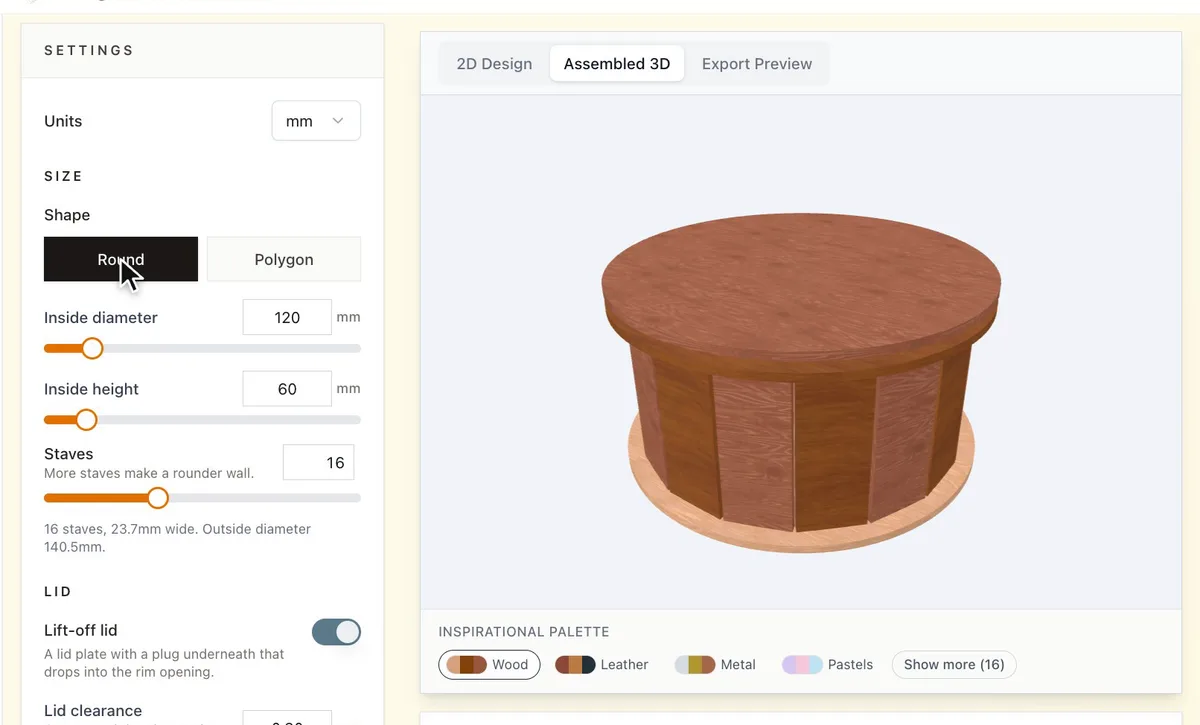
Under Shape, choose Round or Polygon. Enter the Inside diameter, or Inside across flats for a polygon, and the Inside height.
2. Choose the staves
Staves sets the number of flat sides around the box. More staves give a rounder wall, fewer staves mean fewer parts. The note under the slider shows the width of each stave and the outside diameter.
3. Add the lid and match your material
- Turn on Lift-off lid for a lid plate with a plug underneath that drops into the rim opening. Lid clearance is the gap around the plug, so raise it if the lid is hard to lift off.
- Rim width sets how far the base and the rim ring stick out past the wall.
- Set Material thickness to what you measured, not the number on the label.
Choose your build method
Laser cutting
Cut and assemble
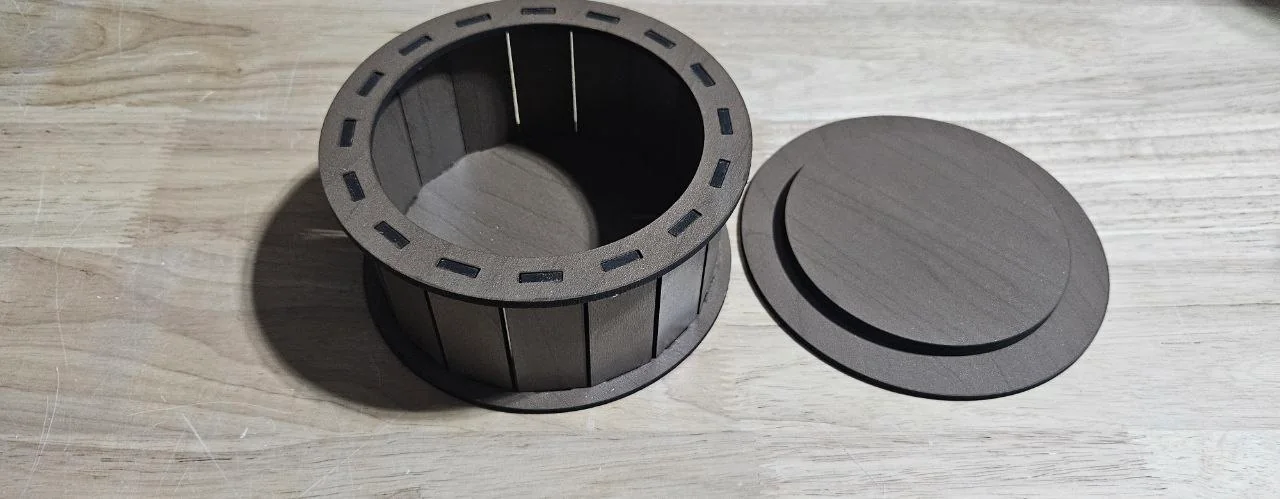
- Download the SVG and cut every part.
- Push every stave into the slots in the base.
- Press the rim ring onto the tabs at the top of the staves.
- Glue the plug under the lid plate, then check that the lid lifts off before the glue sets.
Next steps and project ideas
- Engrave a name or a pattern on the lid before you cut it.
- Choose Polygon with six or eight staves for a faceted box.
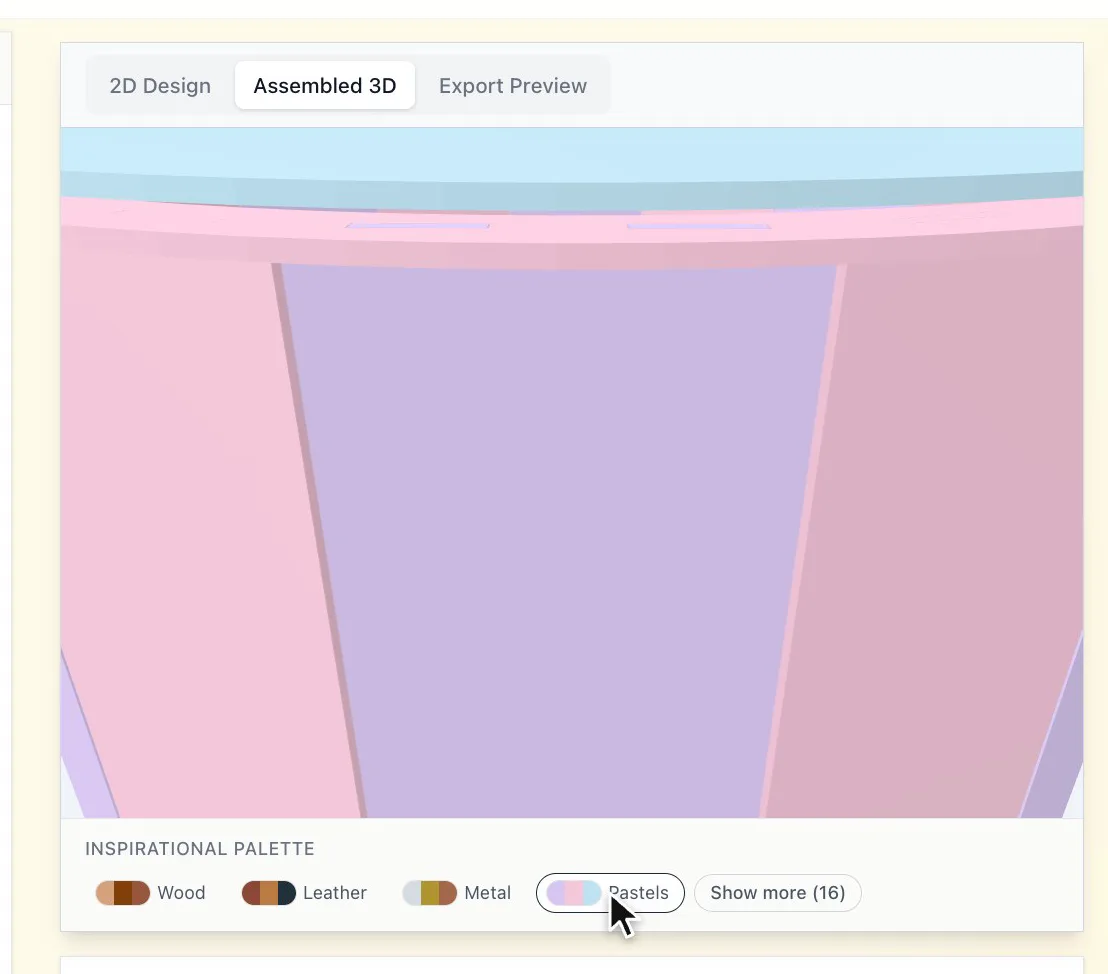
- Try the Inspirational Palette under the preview to compare wood and colour combinations.
Take the design into your software
Was this guide helpful?
More in Boxes and storage
Keep up with MyLaserTools.
Email me about new tools, product updates, tutorials, and occasional MyLaserTools offers. Unsubscribe at any time.
© 2026 MyLaserTools.com. All rights reserved.