

Building a star-shaped box with a bent wall with the Star Box Generator
Difficulty: medium. Time: 10 minutes to set up, about an hour to cut, bend and glue. Best method: laser cut 3 mm plywood.
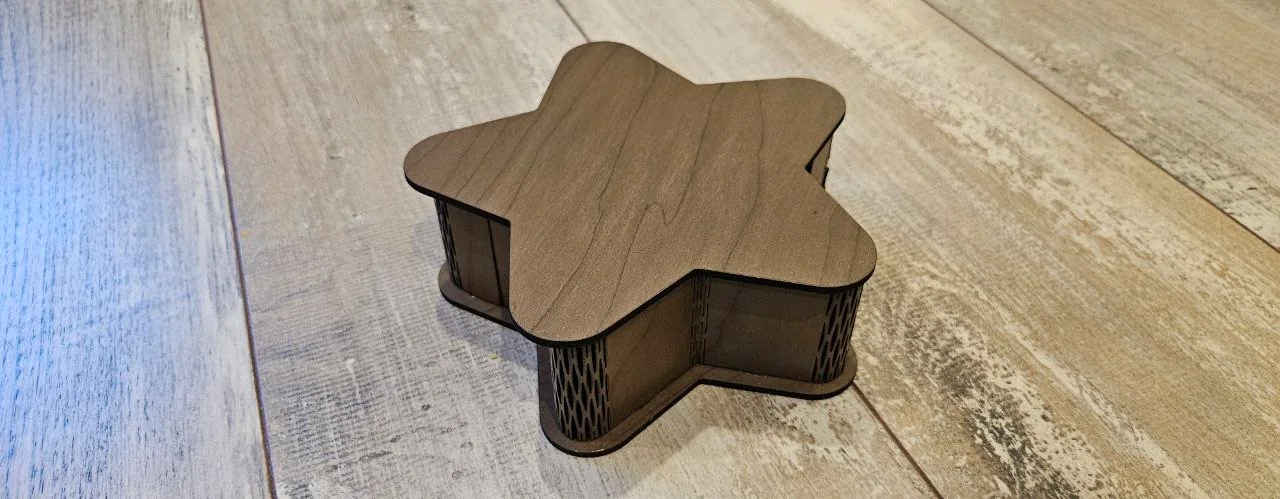
The wall is cut as flexible strips that bend at every corner of the star, so the corner radii decide whether your material can follow the shape.
If the wall is longer than your laser bed, the generator splits it into several strips. Set Longest wall strip to your bed so every piece fits.
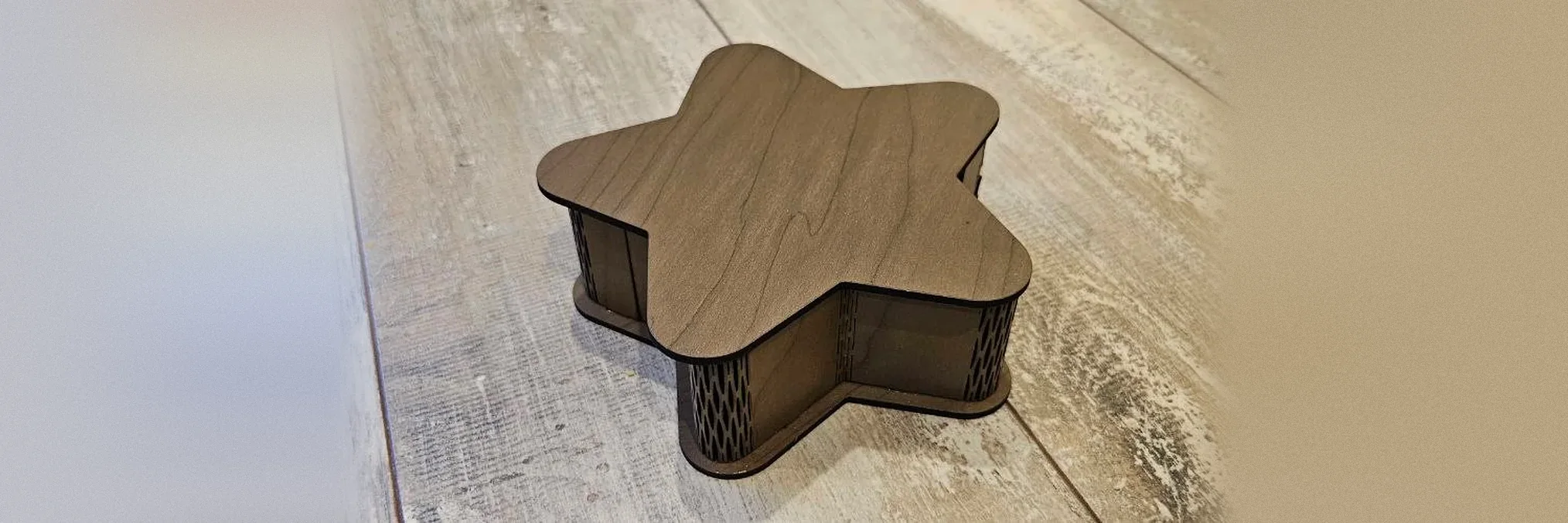
What you need
- 3 mm plywood. Measure it with calipers.
- Wood glue
1. Shape the star
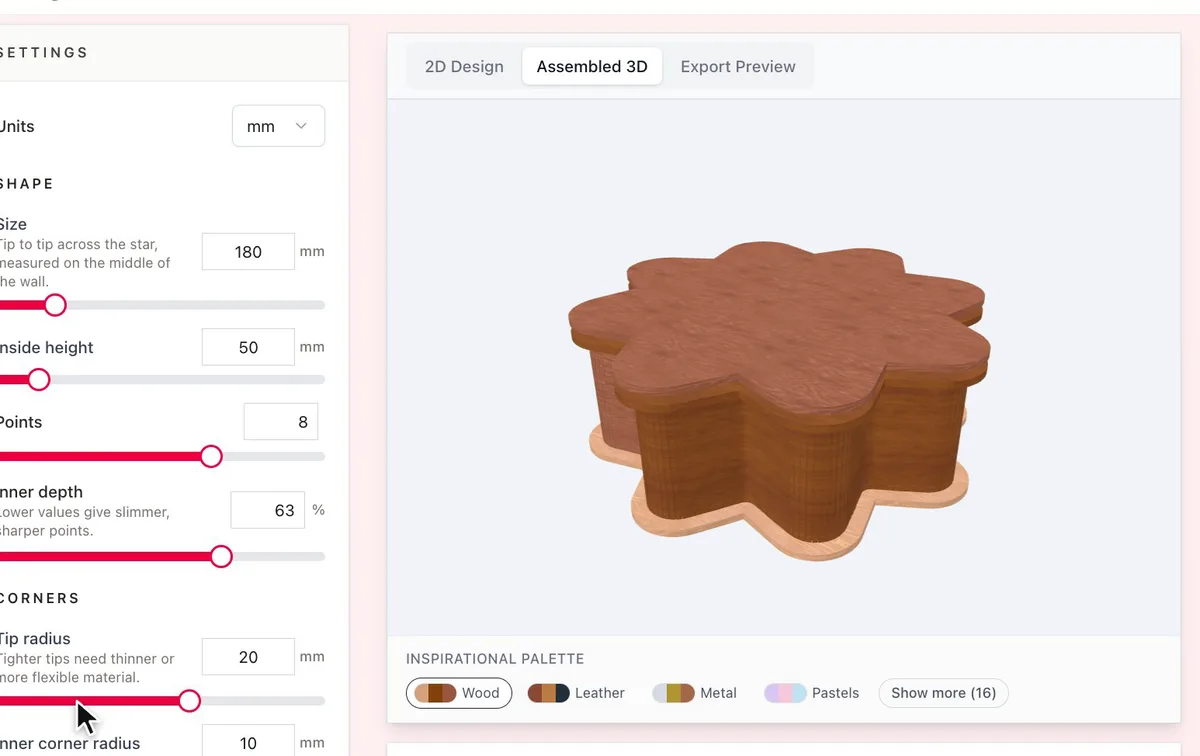
- Size is measured tip to tip across the star, on the middle of the wall. Set the Inside height too.
- Points sets how many points the star has.
- Inner depth sets how far the points cut in. Lower values give slimmer, sharper points.
2. Round the corners
The wall bends at every corner, so keep the radii large enough for your material to flex. Tip radius rounds the points, and tighter tips need thinner or more flexible material. Inner corner radius rounds the corners between the points.
3. Match your sheet
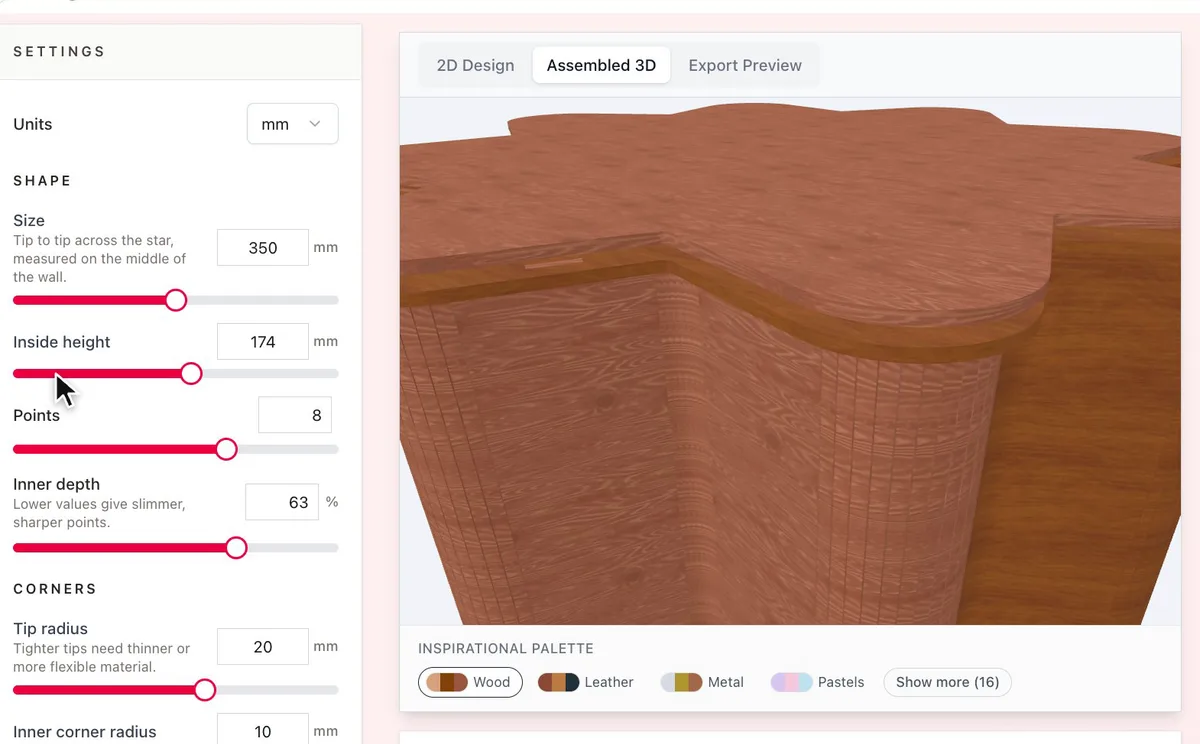
- Set Material thickness to what you measured, not the number on the label.
- Set Longest wall strip to the longest piece your laser bed can hold. Longer walls split into several strips.
- Turn on Lift-off lid for a star lid with a plug underneath. Raise Lid clearance if the lid is hard to lift off.
Choose your build method
Laser cutting
Cut, bend and assemble
- Download the SVG and cut every part.
- Bend each wall strip gently around the base, starting from one point.
- Press the rim ring onto the top of the wall.
- Glue the plug under the lid, and check that the lid lifts off before the glue sets.
Next steps and project ideas
- Engrave a pattern on the lid before you cut it.
- Make a set of star boxes in different sizes for gifts.
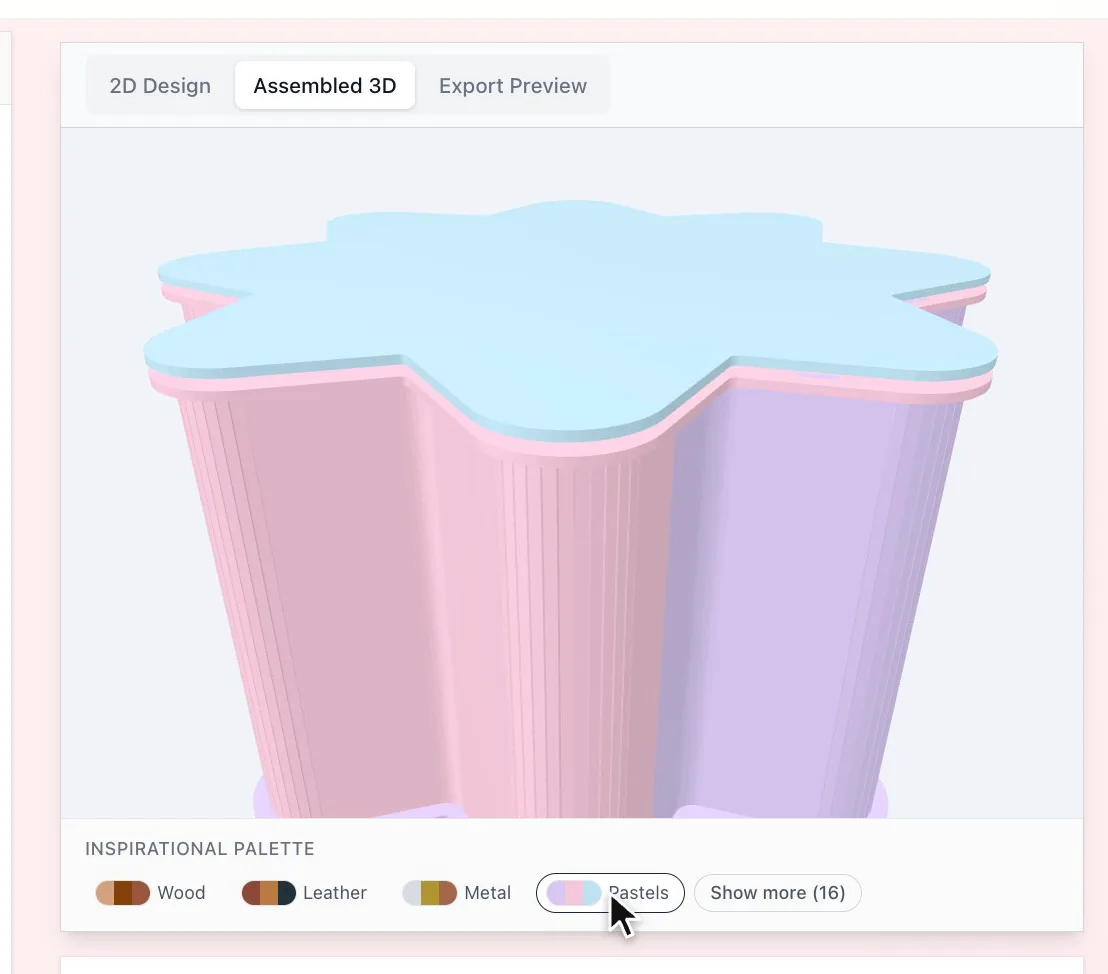
- Try the Inspirational Palette under the preview to compare wood and colour combinations.
Take the design into your software
Was this guide helpful?
More in Boxes and storage
Keep up with MyLaserTools.
Email me about new tools, product updates, tutorials, and occasional MyLaserTools offers. Unsubscribe at any time.
© 2026 MyLaserTools.com. All rights reserved.