

Cutting a finger-jointed chest of drawers with the Drawer Chest Generator
Difficulty: medium. Time: 10 minutes to set up, about an hour to cut and assemble. Best method: laser cut 3 mm plywood or acrylic.
A drawer that sticks is almost always a clearance problem. The generator builds every drawer smaller than its opening by the Drawer clearance on each side, so you can tune the fit to your laser's kerf and your material.
Everything is sized from the outer dimensions you type and your measured sheet thickness. If the chest is too short for the number of drawers you asked for, the generator tells you how many fit.

What you need
- 3 mm plywood, MDF or acrylic. Measure it with calipers.
- Wood glue, or acrylic cement for acrylic
- Optional: knobs with a bolt, if you choose the hole pull
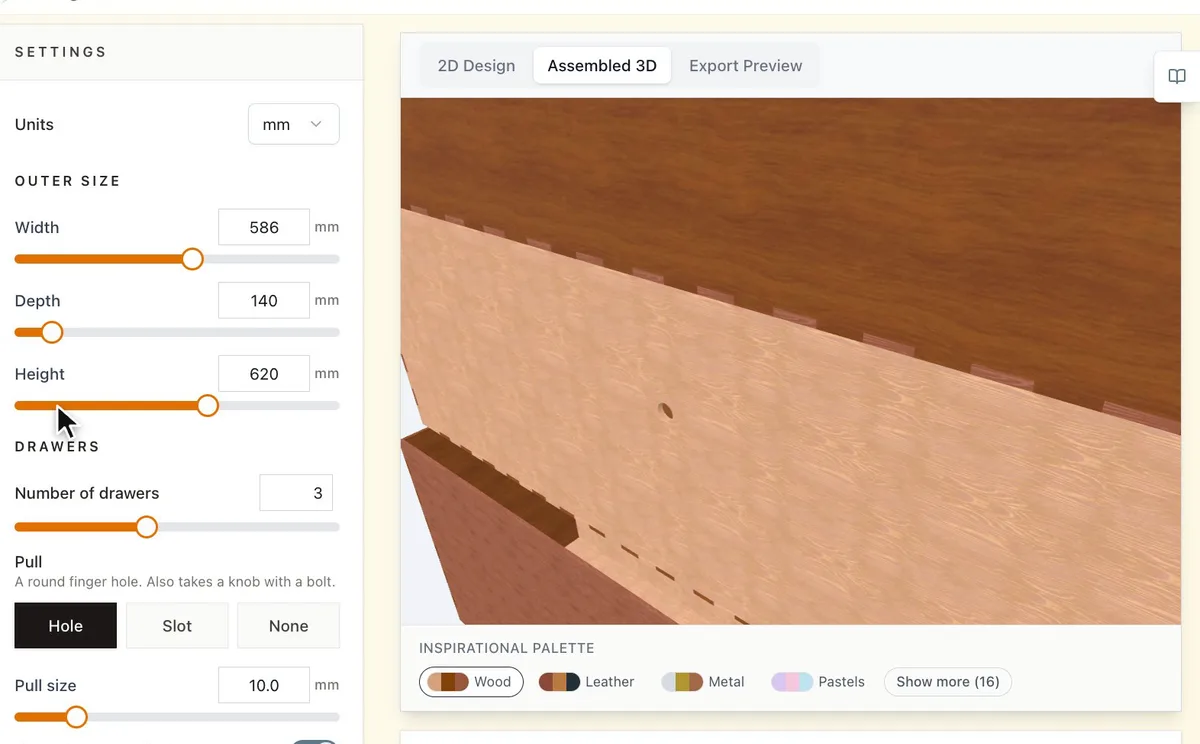
1. Set the size
Type the Outer size: Width, Depth and Height. Set the Number of drawers. The panel under it shows how much each drawer holds inside.
2. Match your material
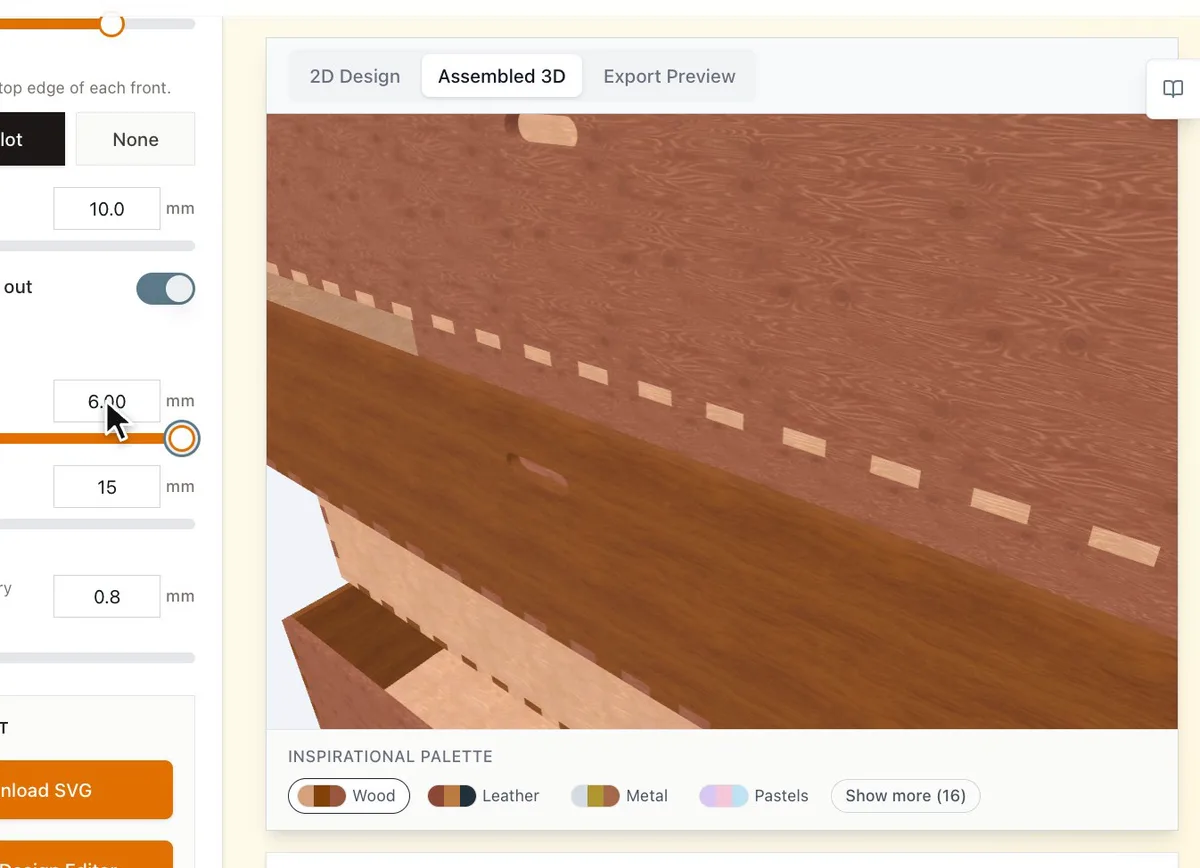
- Set Material thickness to what you measured, not the number on the label.
- Finger width sets how many fingers each joint gets.
- Drawer clearance is the gap on each side of every drawer. Raise it if the drawers stick.
3. Choose the pulls
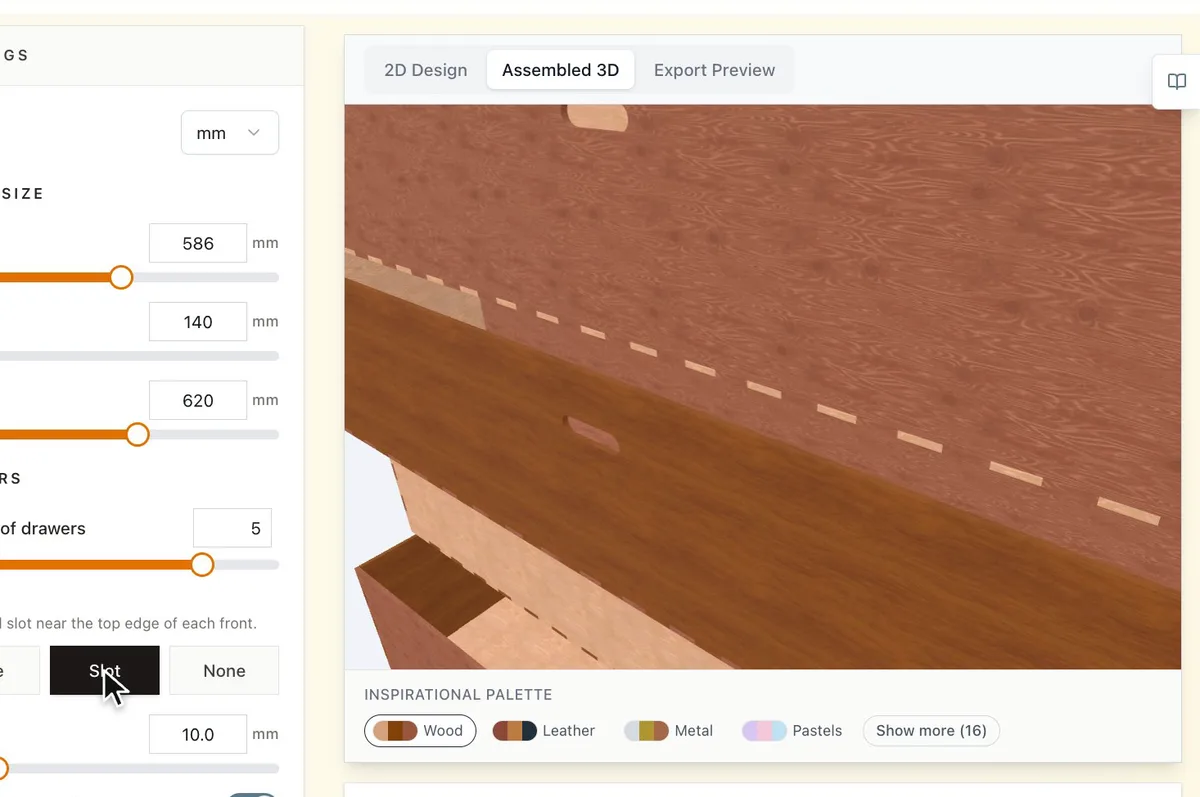
Under Pull, Hole cuts a round finger hole that also takes a knob with a bolt, Slot cuts a rounded slot near the top edge, and None leaves plain fronts for your own handles. Turn on Show drawers pulled out to see the drawers open in the 3D view.
Choose your build method
Laser cutting
Cut and assemble
- Download the SVG and cut every panel.
- Build the cabinet first: back, sides, top and bottom.
- Push the dividers through the slots in the sides.
- Put each drawer together and slide it into its opening before the glue sets, so you can check the fit.
- Glue once everything slides freely.
Next steps and project ideas
- Cut the drawer fronts from a contrasting material for a two tone chest.
- Size the drawers for jewellery, washi tape or SD cards and label the fronts.
- Try the Inspirational Palette under the preview to compare wood and colour combinations.
Take the design into your software
Was this guide helpful?
More in Boxes and storage
Keep up with MyLaserTools.
Email me about new tools, product updates, tutorials, and occasional MyLaserTools offers. Unsubscribe at any time.
© 2026 MyLaserTools.com. All rights reserved.