

Make a name keychain with a hat
Practice project: a name keychain.
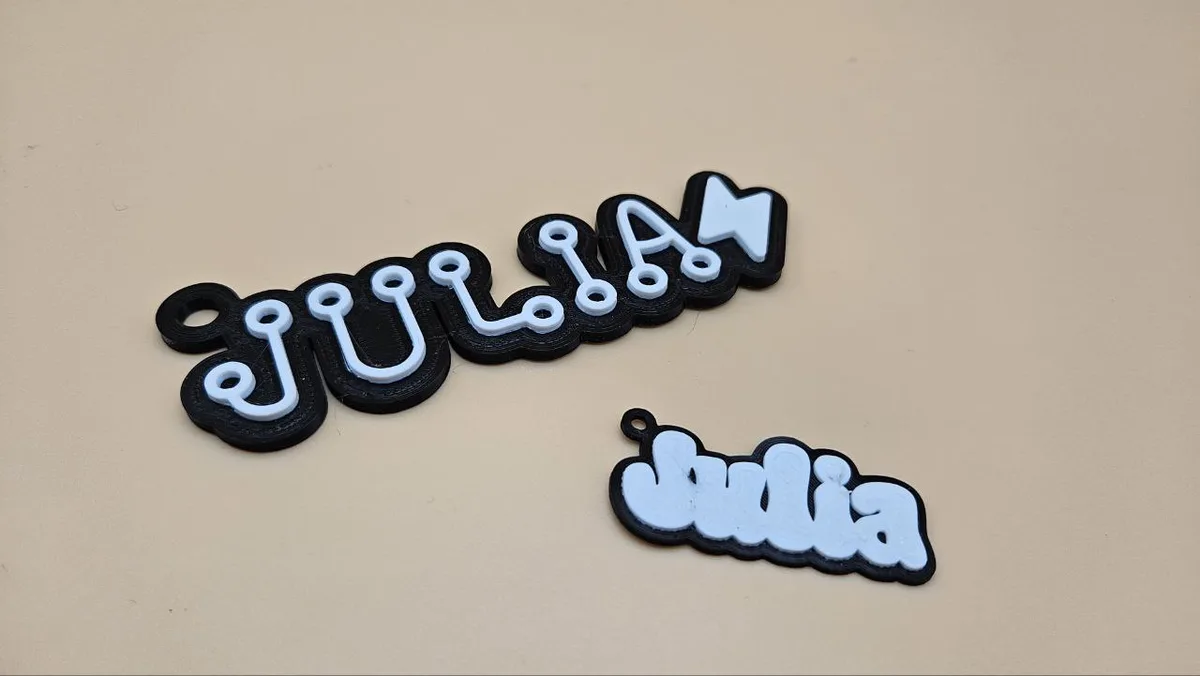
Start with a short name and one hat. The preview helps you check how the hat meets the letters and backing before you make the piece.

On this page (4)
What you need
- A name and a browser. You can prepare the design without a machine.
1. Choose the name and hat
Type into Your Text and choose a font. Pick a hat, then choose On top or Beside under Hat Placement.
2. Check the joins and size
Adjust Hat Size, Hat Angle and the X/Y offsets until the hat sits where you want it. Look closely at narrow connections. A hat that only touches a letter at one tiny point may need more overlap or support from the backing.
Set Keychain Width, then adjust Outline Size and Hanger Hole Settings. Check that the hole fits your ring and leaves material around it. Inspect the design at its finished size, not only while zoomed in.
3. Export for your machine
For a laser, download SVG, check the imported width and assign the outline and name paths to the intended operations. If you enabled Score Letter Edges, keep those lines set to scoring. Follow the first keychain project for the cut-and-assemble steps.
For 3D printing, download 3MF or STL and inspect the model in your slicer. Check the hole, thickness and separate parts before slicing. See the slicer guide for colour changes and layer preview.
Troubleshooting
If the hat or a letter becomes a loose piece, increase the overlap, choose a more connected font or attach it to the backing as a separate layer. If the keychain imports at the wrong size, compare its width with the value in the generator before changing the geometry.
Next steps and project ideas
Compare the same name with the hat on top and beside it. Keep the width unchanged and choose the version with clearer lettering and stronger joins.
Was this guide helpful?
More in Keychains

Keep up with MyLaserTools.
Email me about new tools, product updates, tutorials, and occasional MyLaserTools offers. Unsubscribe at any time.
© 2026 MyLaserTools.com. All rights reserved.