

Free 3D Dual-View Text Generator
Free 3D object generator: create a single model that reads as one word from the left and a different word from the right. Based on orthographic projection; the geometry is the intersection of two extruded text silhouettes.
3D Dual-View Text Examples
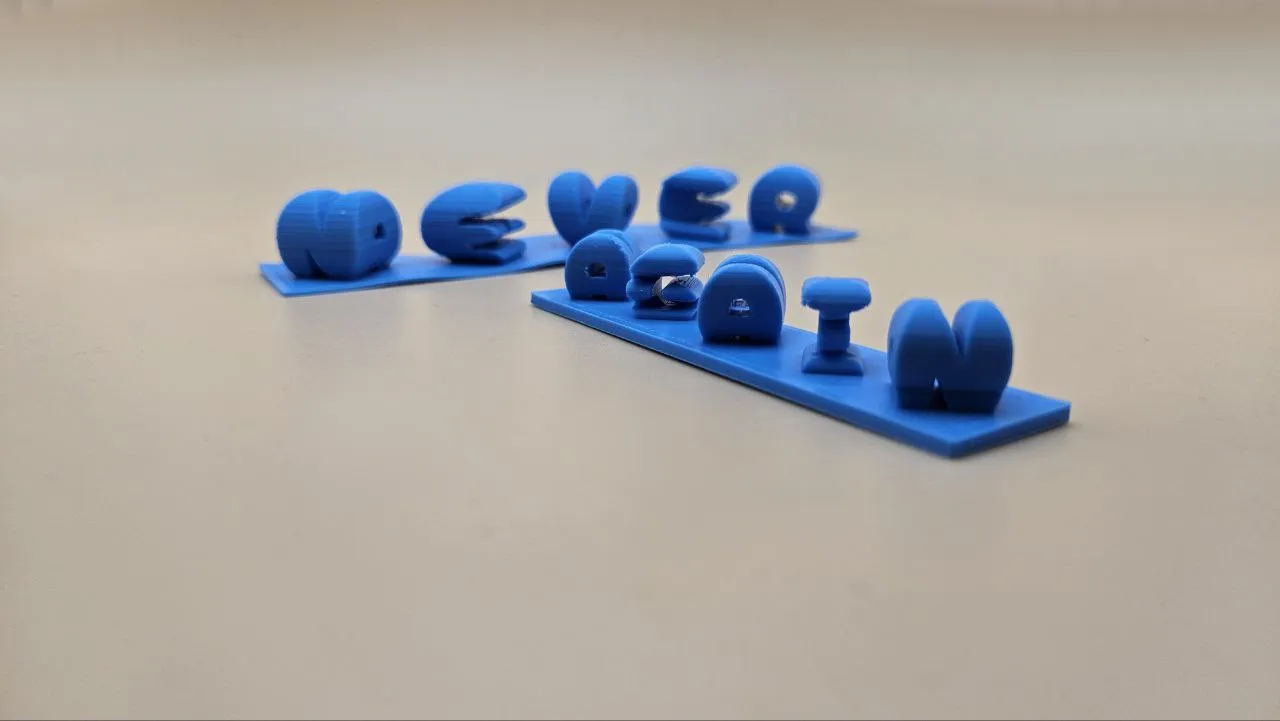
See what you can create with the 3D Dual-View Text Generator. This model reads NEVER from the left and AGAIN from the right: a single 3D object with two completely different words.
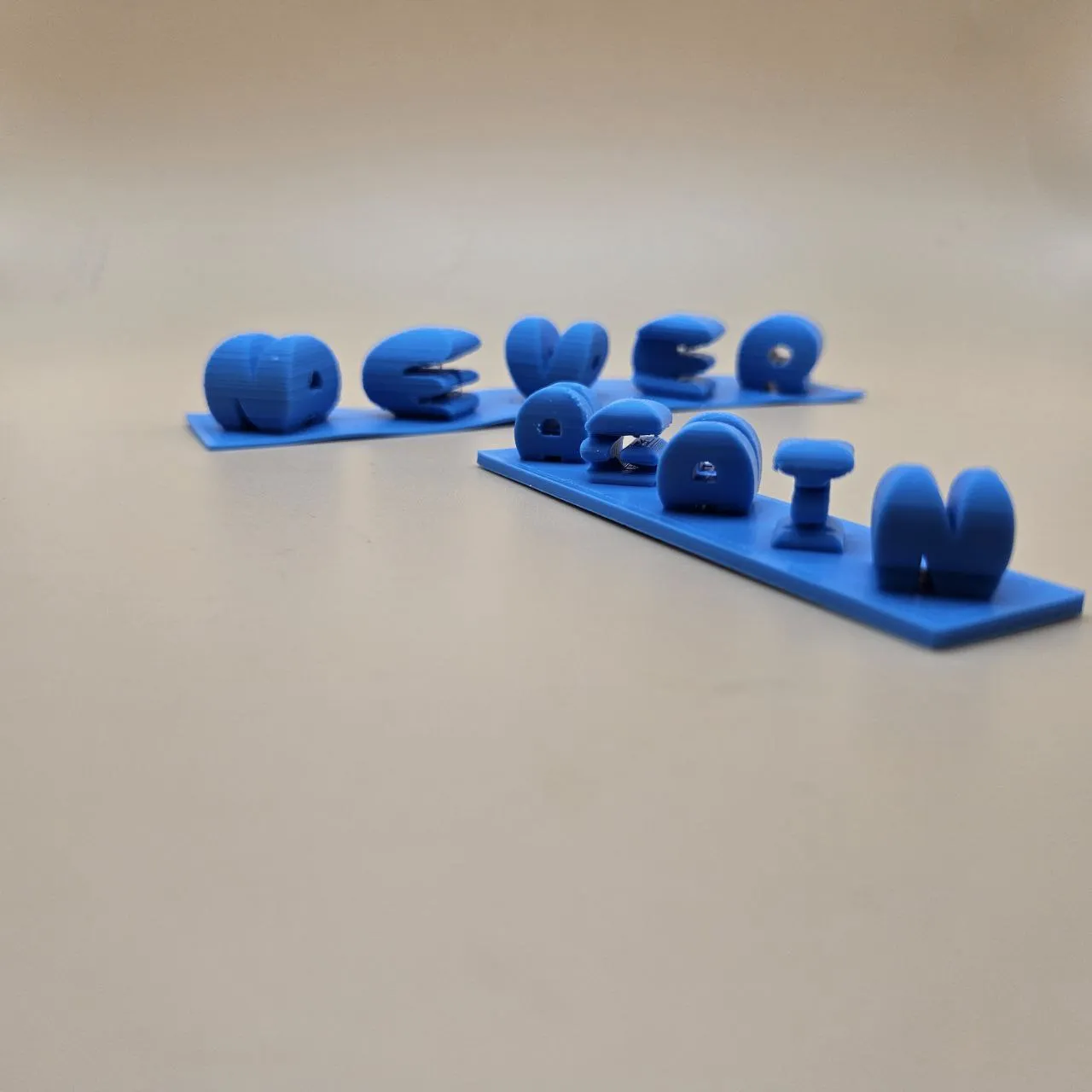
Printed with:
- Blue PLA
Words: NEVER / AGAIN · Font: Cherry Bomb One
How To Use
- Enter the word you want to read from the left view (looking at the left side).
- Enter the word you want to read from the right view (rotating 90° to the right).
- Choose a font, bold, blocky fonts produce the best results at any resolution.
- Use the View Left and View Right buttons to verify both words are legible.
- Download as STL or 3MF and slice for 3D printing.
Frequently Asked Questions
Yes. The 3D Dual-View Text Generator is 100% free with no limits, no watermarks, and no trial period. Generate and download as many files as you want, free forever.
Free 3D object generator that reads as one word from the front and a different word from the side. Download STL or 3MF for 3D printing.. Adjust the settings, preview your design in real time, and download a ready-to-make file in seconds.
It exports STL files for 3D printing, and multi-colour 3MF files where multiple parts or colours are involved. Files are generated instantly in your browser.
3D printers via slicers such as Bambu Studio, PrusaSlicer, OrcaSlicer, and Cura, with 3MF files carrying colour data for multi-colour prints.
You can use PLA, PETG, ABS, TPU, and any filament your printer supports for 3D printing. The generated files are standard formats compatible with any material your machine can handle.
No account or sign-up is required for the 3D Dual-View Text Generator. It runs entirely in your browser, your designs never leave your device, and there is nothing to install.
Yes. A commercial license is included, so you can sell products made with the 3D Dual-View Text Generator on Etsy, Amazon Handmade, Shopify, at craft fairs, or anywhere else. Attribution is appreciated but not required.
Visit the MyLaserTools Learning Center for a step-by-step 3D Dual-View Text Generator guide, plus material tips and file-format help for laser cutting, CNC, and 3D printing. The guides walk you through every setting and how to prepare your files for your machine.
Open the 3D Dual-View Text Generator guideAbout
The 3D Dual-View Text Generator creates a single solid object whose orthographic projection reads as one word from the left and a completely different word when rotated 90° to the right. This is achieved by computing the intersection of two extruded text volumes, one extruded along the depth axis and one along the width axis. The resulting object is a mathematical shadow-art sculpture, inspired by research in ambiguous cylinder geometry. Download as STL or 3MF for 3D printing on any FDM printer.
Keep up with MyLaserTools.
Email me about new tools, product updates, tutorials, and occasional MyLaserTools offers. Unsubscribe at any time.
© 2026 MyLaserTools.com. All rights reserved.