Jewellery Rack
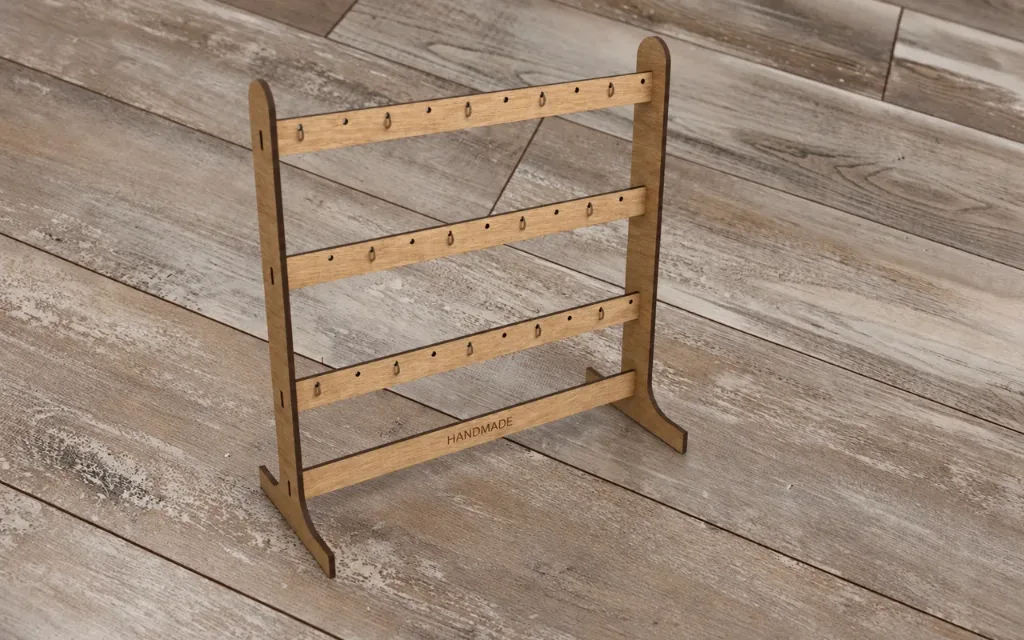
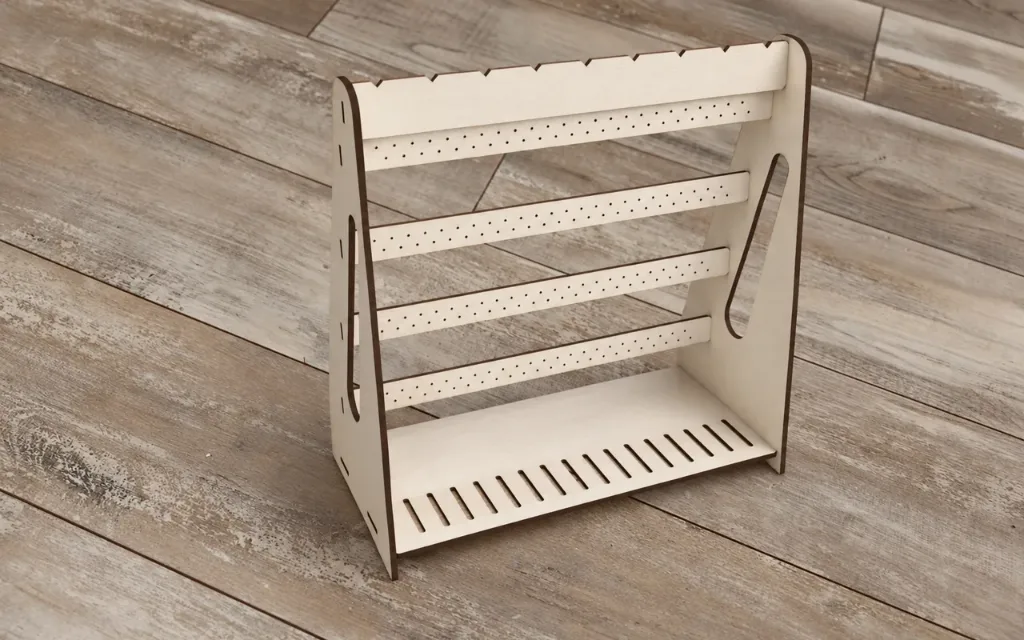
Jewellery rack: a stand that keeps a whole collection in view. Rails pierced with holes for stud earrings step forward one above the other, so dangling…

Settings
Rack
Material
3D Preview
Photos
About this design
Laser cut & 3D print
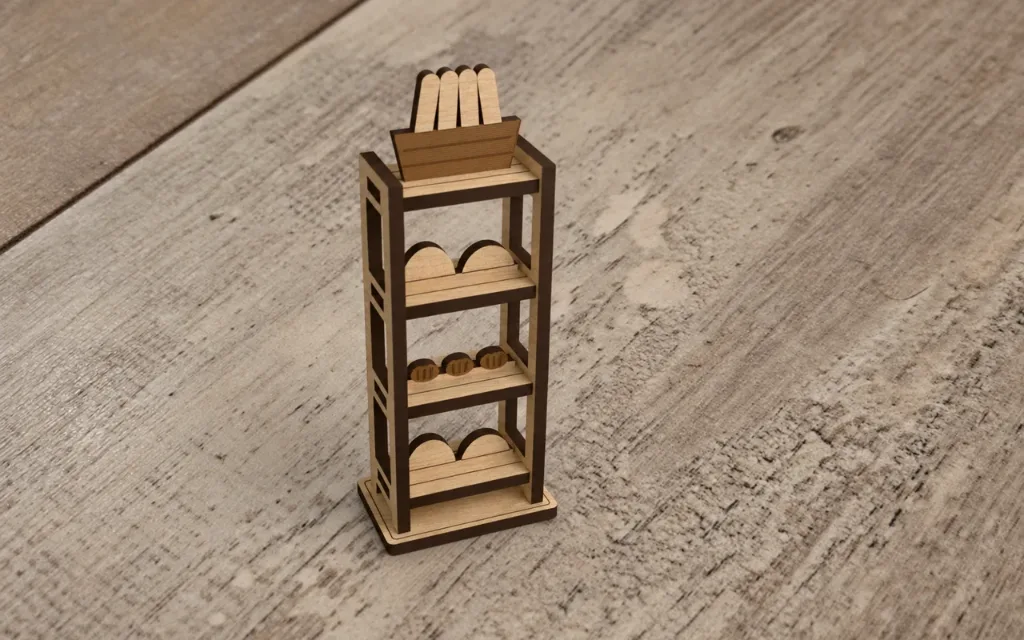
Jewellery rack: a stand that keeps a whole collection in view. Rails pierced with holes for stud earrings step forward one above the other, so dangling earrings hang in front of the rail below, clear of it. The top bar is notched for necklaces, and rings stand in the slots of the base. Assembly: slot the rails, the top bar and the base into one side and press the other side on. Glue every joint so the rack stays rigid.
Personal useCommercial use
How to make it
- 1Change the settings. The preview updates after each change.
- 2Download the SVG for your laser, or open it in the Design Editor to add more to it.
- 3Like the design and add a photo of what you made below.
Questions
Yes. It is free to download and use under its licence.
Yes. Change the settings on this page and the preview updates as you go. When it looks right, download the file.
An SVG for your laser software. You can also open it in the Design Editor, or download STL and 3MF at the material thickness to print the parts.
The size follows the settings on this page, and the size box under the preview shows the result.
Set the material thickness to the sheet you cut. The slots and tabs follow it.
Yes. The licence covers personal and commercial use of the pieces you make.
Made by the community
Cut this one? Share a photo and a note about how it went and get 10 sparks right away.