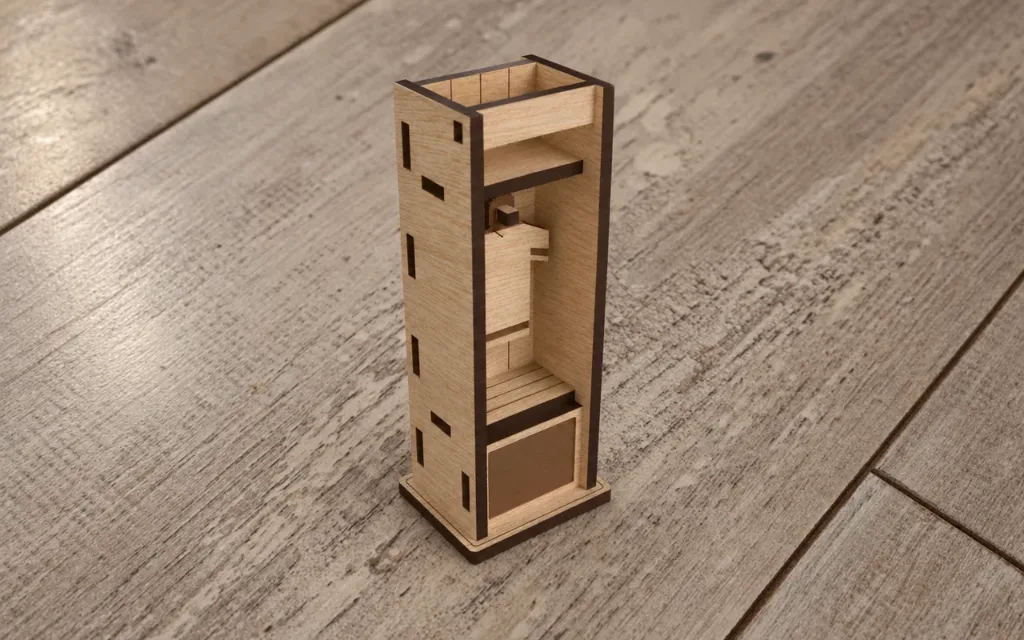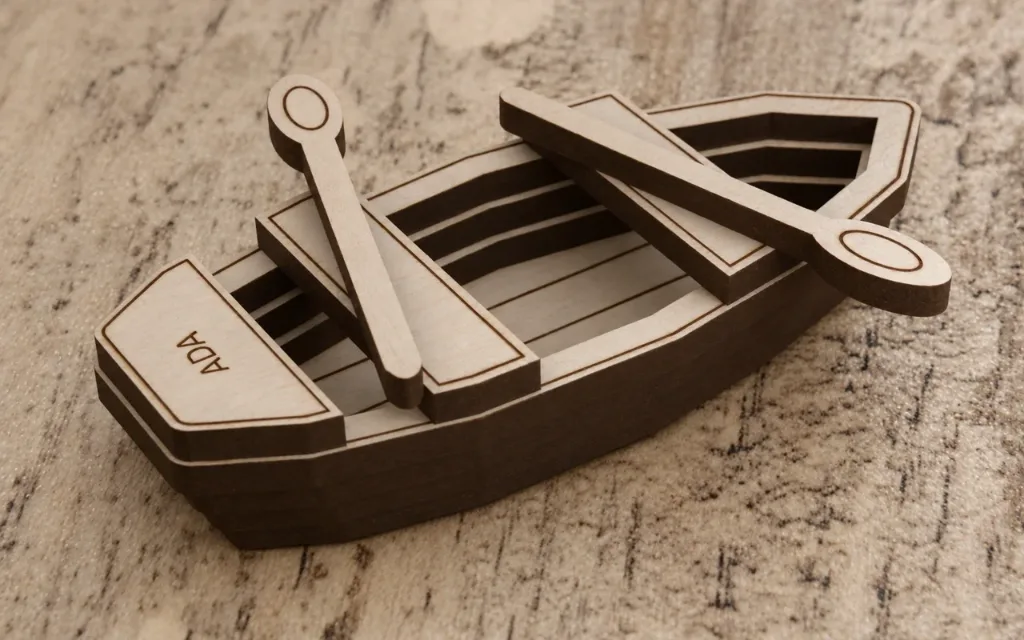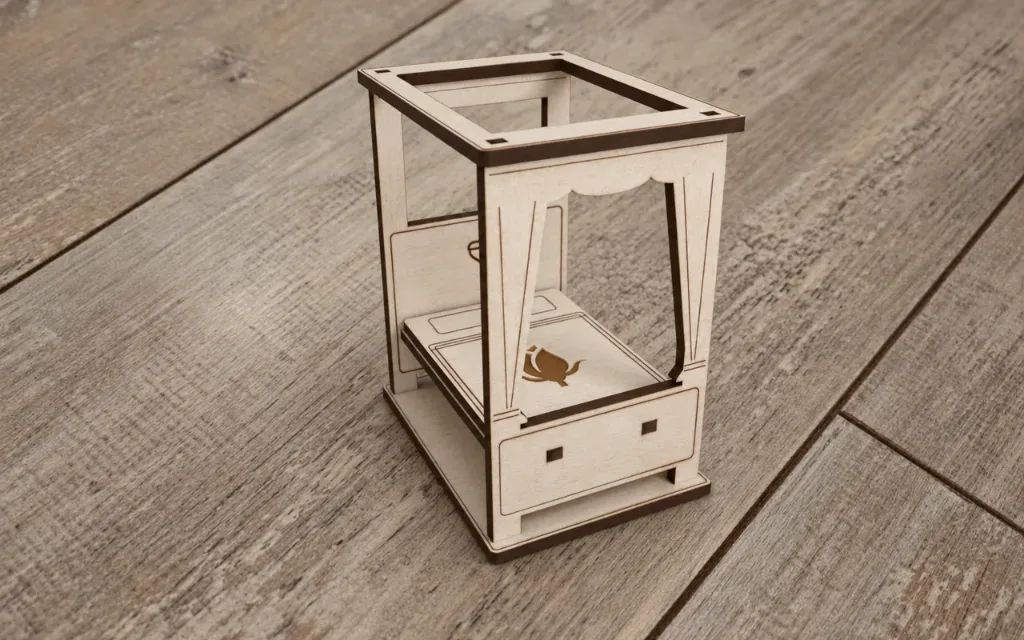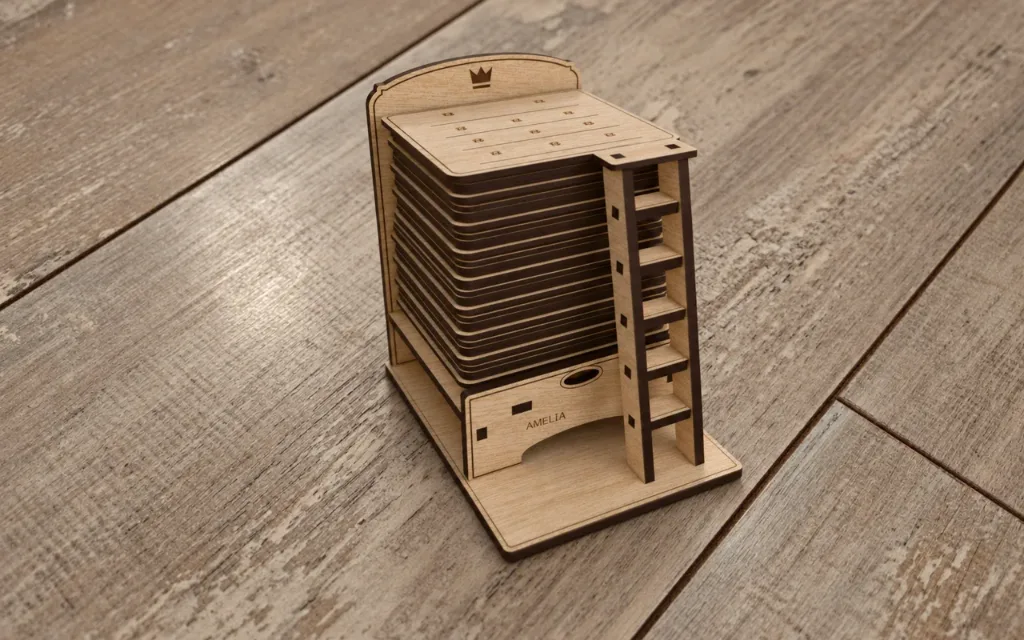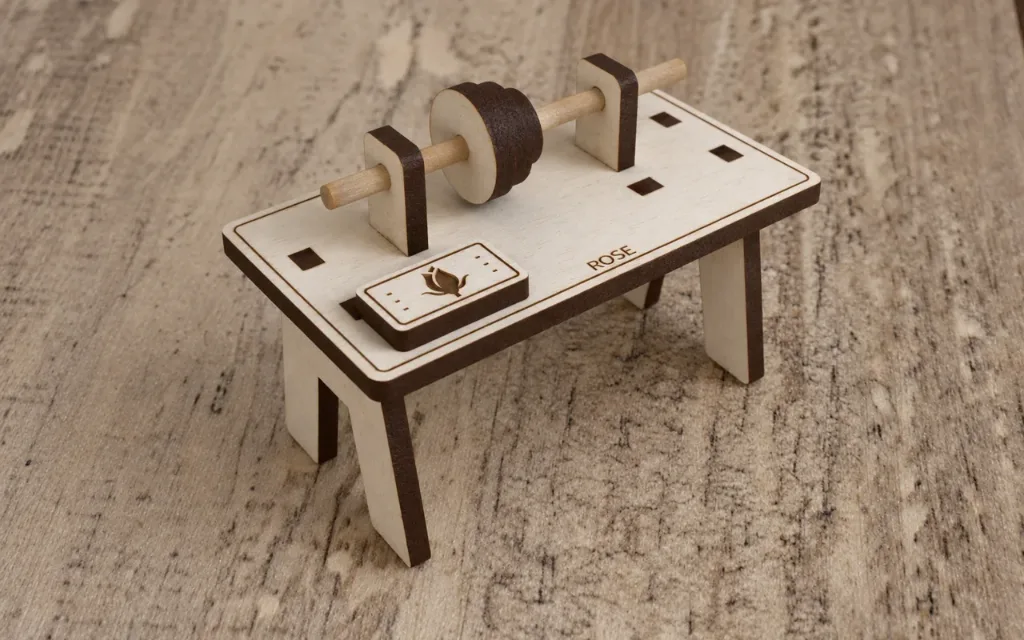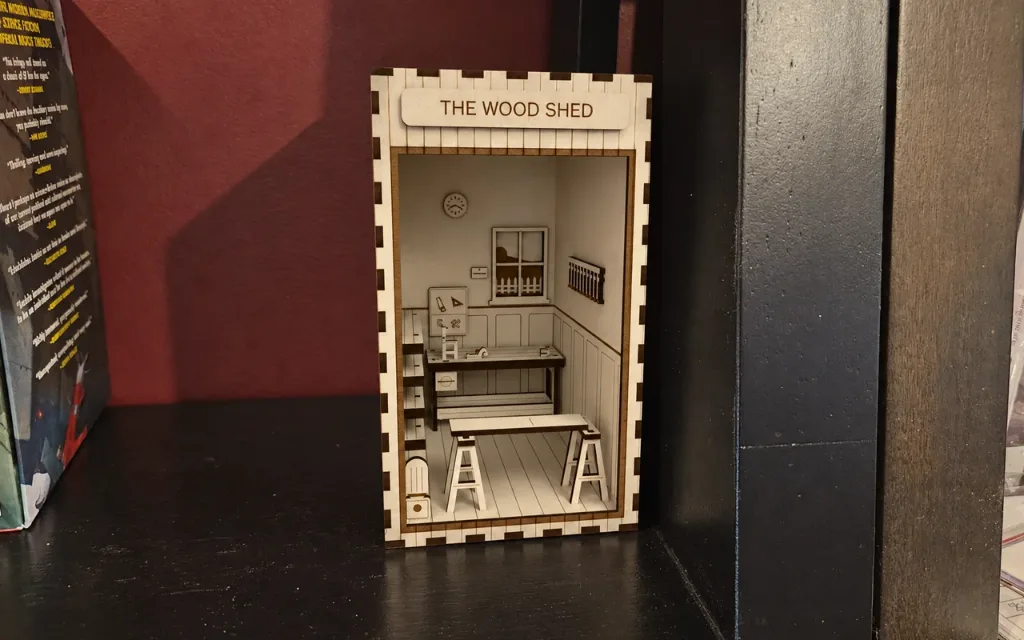
The Wood Shed Book Nook
Woodworker book nook: "The Wood Shed". Saturday morning, sun through the dust. A chair half built stands at the vise end of the bench, the plane beside it…

Settings
Switch to Batch to make the same design for a list of names.
Workshop
Size
Material
3D Preview
Photos
About this design
Laser cut & 3D print
Woodworker book nook: "The Wood Shed". Saturday morning, sun through the dust. A chair half built stands at the vise end of the bench, the plane beside it with its shaving still curling out, the coffee going cold. Boards lie stacked on the lumber rack along the wall, a board rests across the sawhorses with a pencil mark for the saw, and clamps hang on their rail. The note by the window says "measure twice". A finger-jointed shell with barn-board posts holds real miniature furniture in detail ply: the joiner's bench (two end frames, two long stretchers through the legs, the top in two glued lay
Personal useCommercial use
How to make it
- 1Change the settings. The preview updates after each change.
- 2Download the SVG for your laser, or open it in the Design Editor to add more to it.
- 3Like the design and add a photo of what you made below.
Questions
Yes. It is free to download and use under its licence.
Yes. Change the settings on this page and the preview updates as you go. When it looks right, download the file.
An SVG for your laser software. You can also open it in the Design Editor, or download STL and 3MF at the material thickness to print the parts.
The size follows the settings on this page, and the size box under the preview shows the result.
Set the material thickness to the sheet you cut. The slots and tabs follow it.
Yes. The licence covers personal and commercial use of the pieces you make.
Made by the community
Cut this one? Share a photo and a note about how it went and get 10 sparks right away.