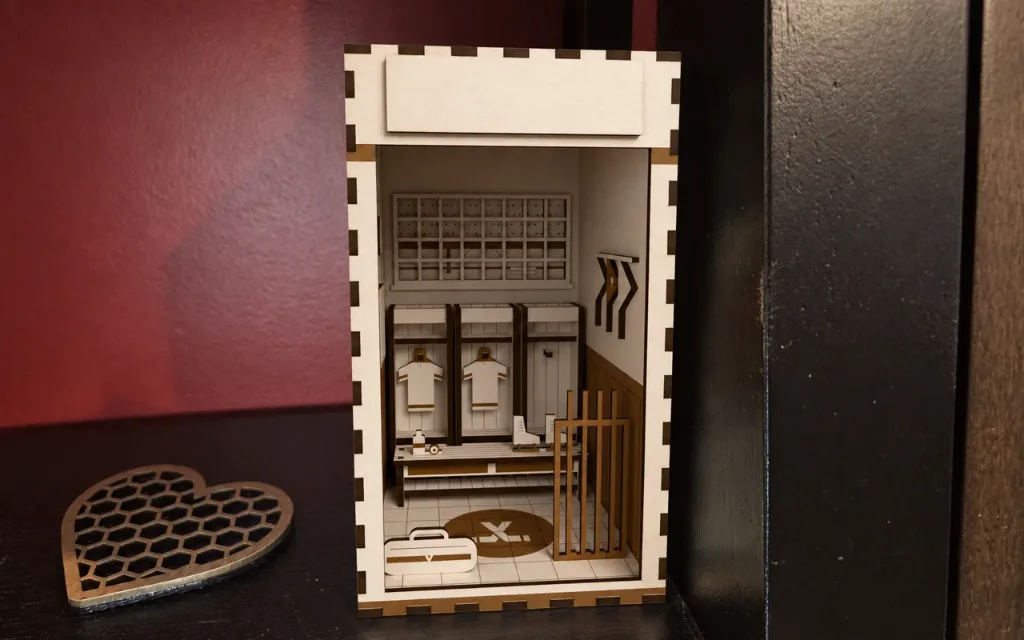
Game Day Locker Room Book Nook
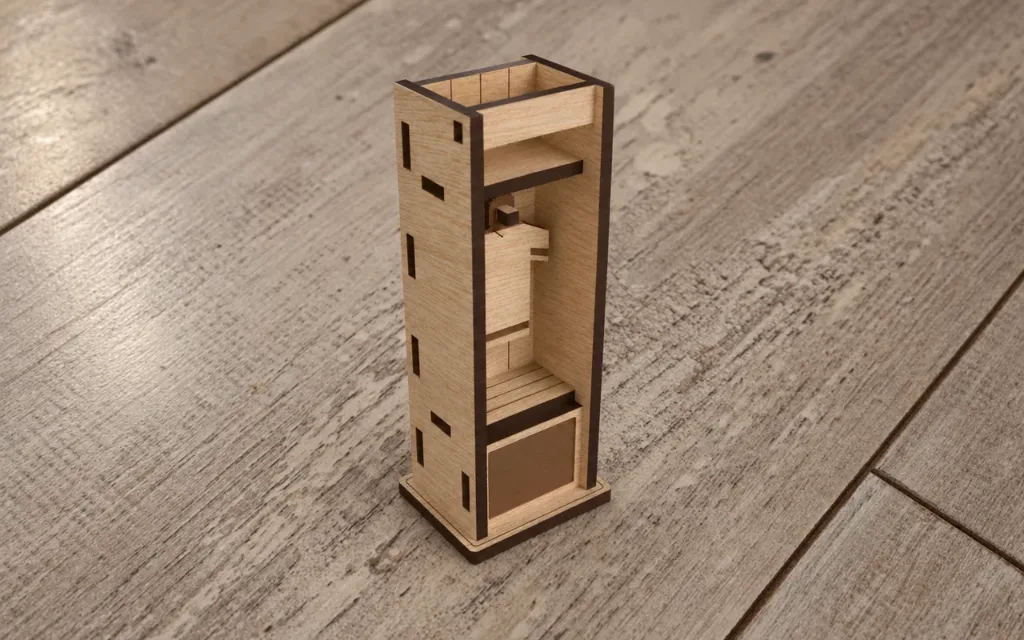
Locker room book nook: "Game Day". An hour before the game. The player's jersey hangs in the middle stall with their name and number, the skates wait on the…

Settings
Switch to Batch to make the same design for a list of names.
Team
Size
Material
3D Preview
Photos
About this design
Laser cut & 3D print
Locker room book nook: "Game Day". An hour before the game. The player's jersey hangs in the middle stall with their name and number, the skates wait on the bench, the sticks in the rack, the helmet on the shelf. On the whiteboard the line-up, the player's number circled and a C beside it: made captain today. Hockey by default; soccer, basketball or baseball with one switch (the gear, the floor mark and the view of the arena change with it). A finger-jointed shell in the team's colours, the scoreboard over the door, holds real miniature furniture in detail ply: three locker stalls (sides, back
Personal useCommercial use
How to make it
- 1Change the settings. The preview updates after each change.
- 2Download the SVG for your laser, or open it in the Design Editor to add more to it.
- 3Like the design and add a photo of what you made below.
Questions
Yes. It is free to download and use under its licence.
Yes. Change the settings on this page and the preview updates as you go. When it looks right, download the file.
An SVG for your laser software. You can also open it in the Design Editor, or download STL and 3MF at the material thickness to print the parts.
The size follows the settings on this page, and the size box under the preview shows the result.
Set the material thickness to the sheet you cut. The slots and tabs follow it.
Yes. The licence covers personal and commercial use of the pieces you make.
Made by the community
Cut this one? Share a photo and a note about how it went and get 10 sparks right away.