
Calibration set
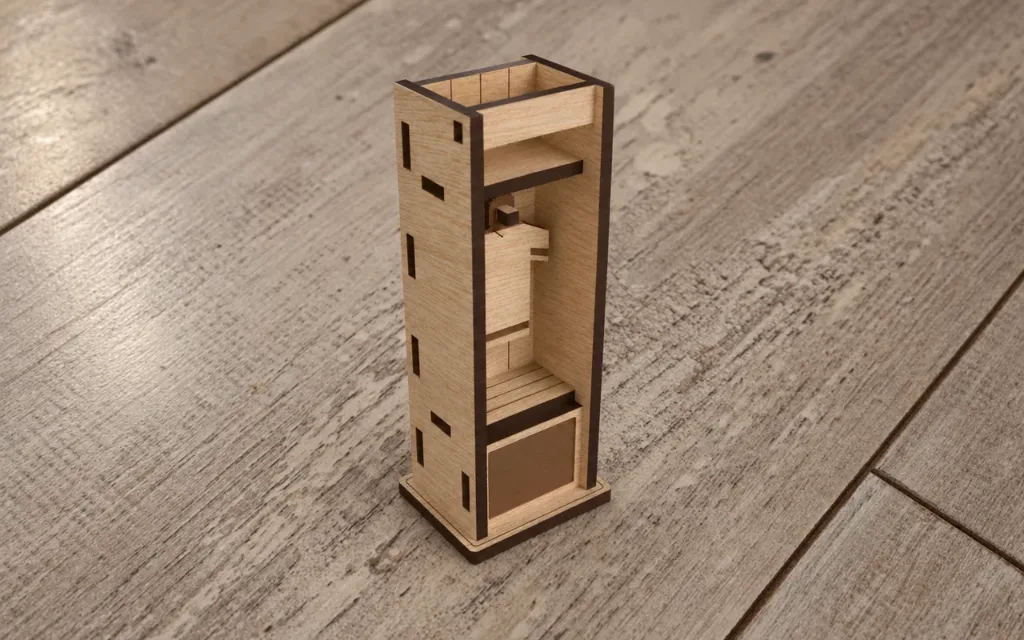
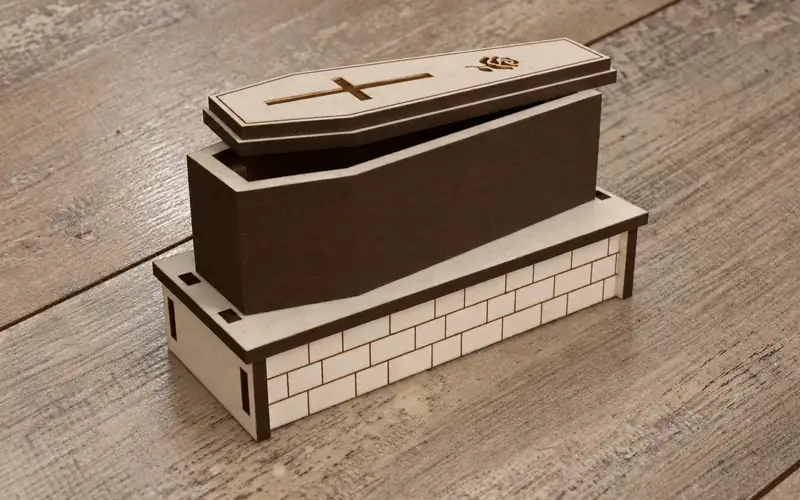
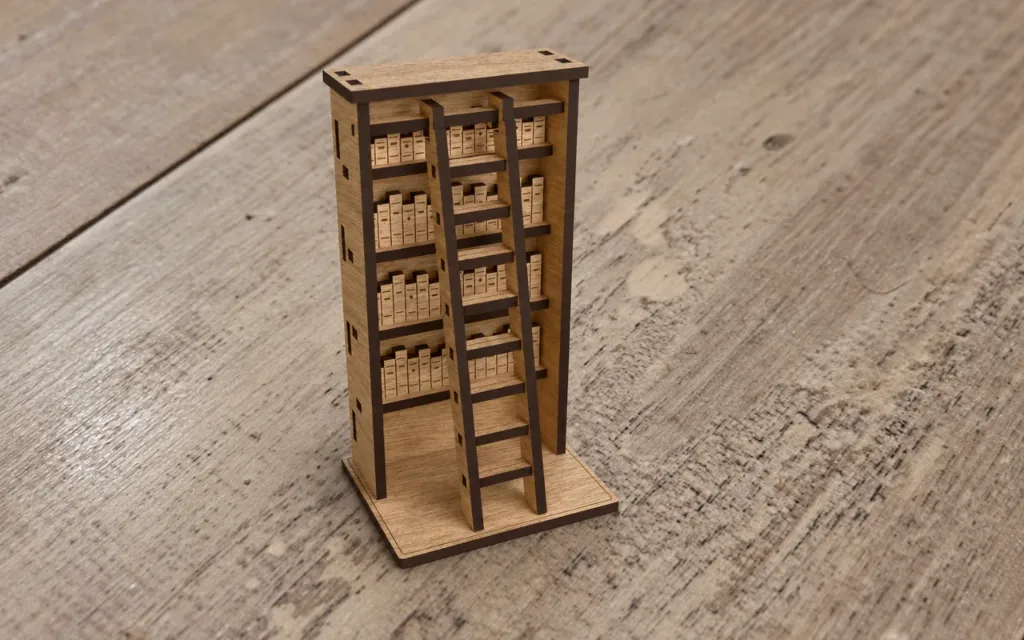
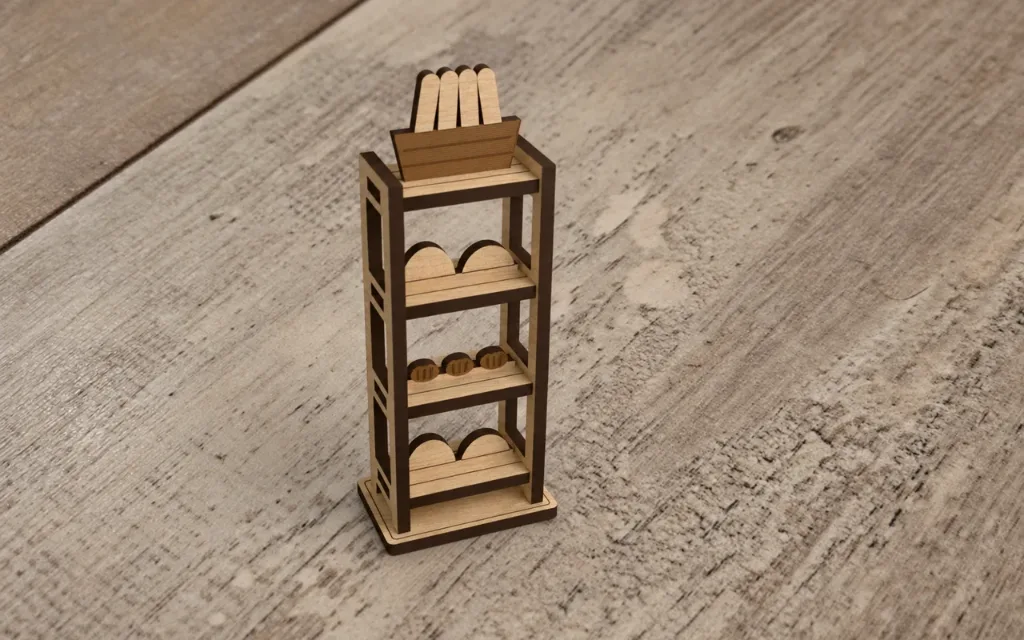
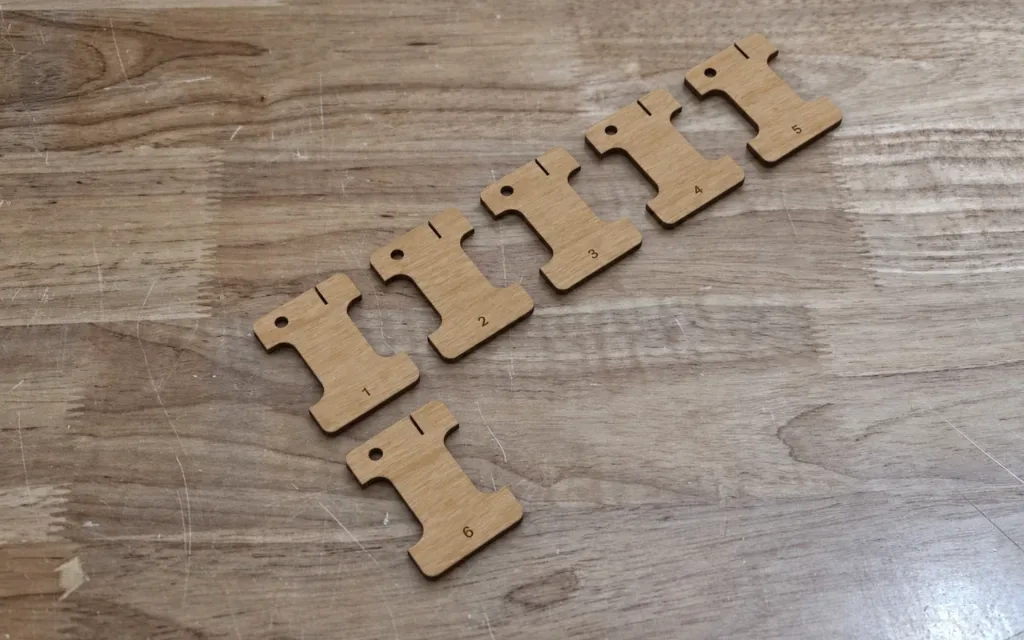
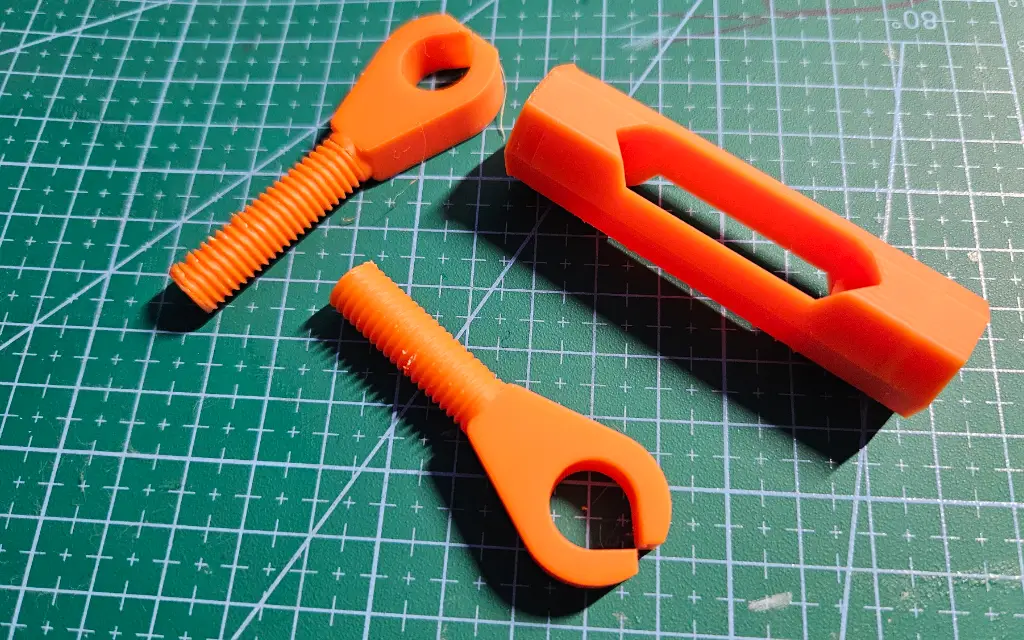
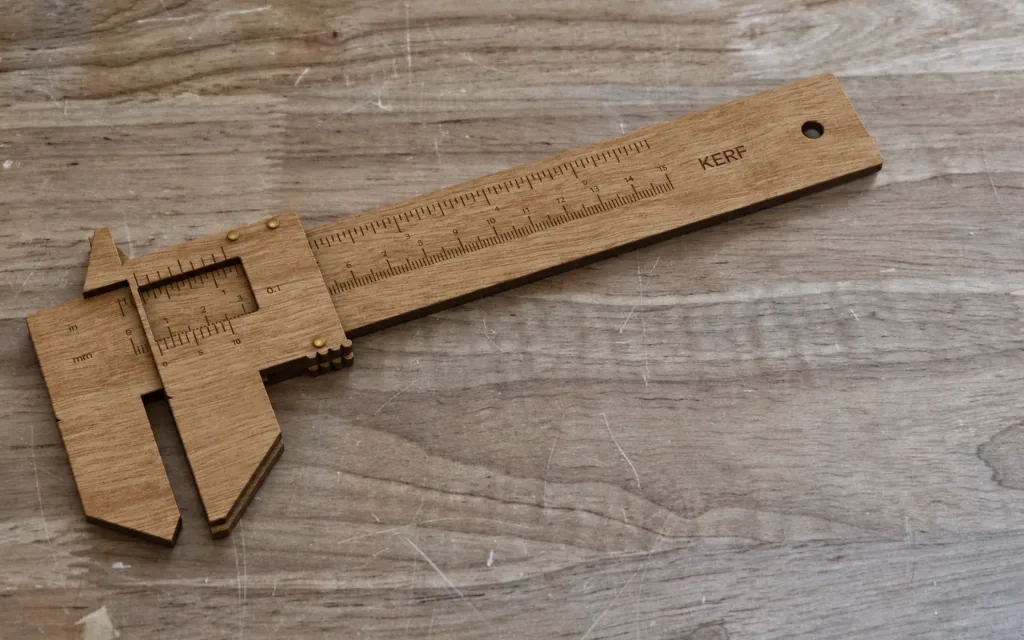
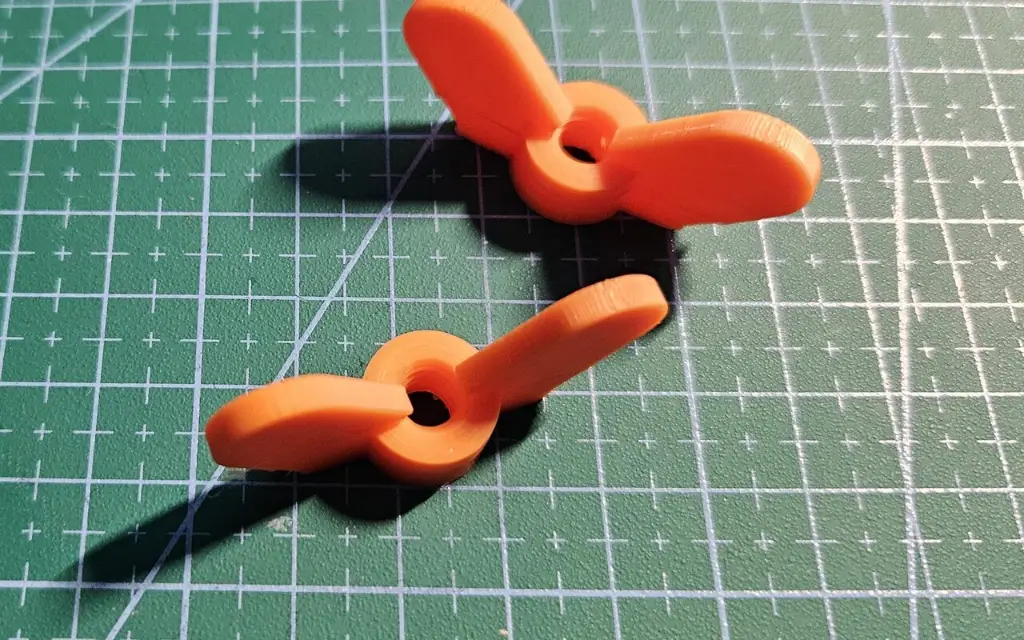
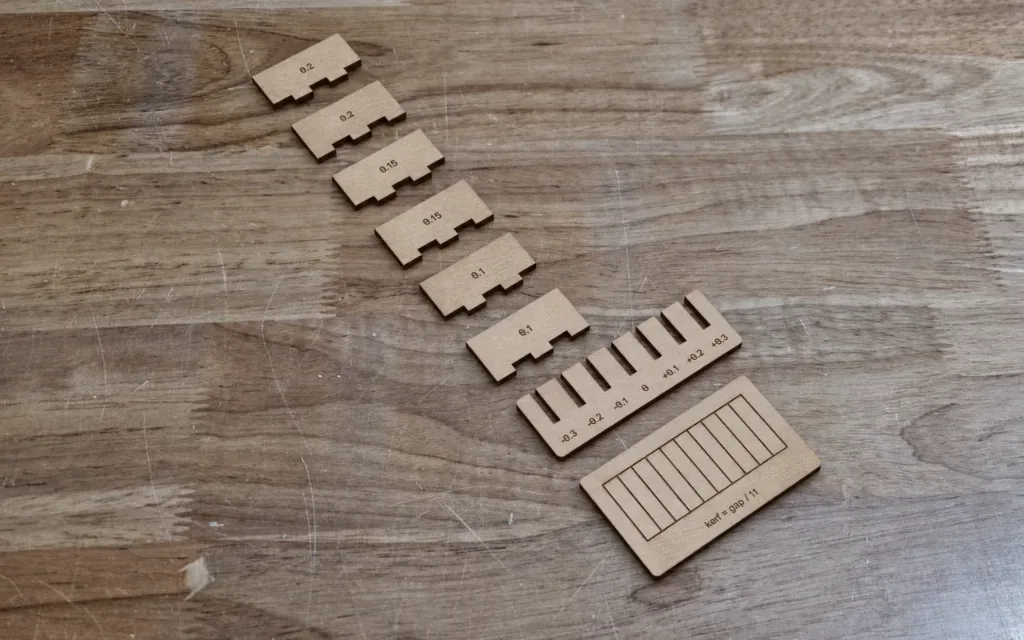
Calibration set: cut it once for every new material, before anything that has to fit. The kerf gauge measures the beam, the slot gauge how wide a slot your…

Settings
Tests
Material
3D Preview
Photos
About this design
Laser cut & 3D print
Calibration set: cut it once for every new material, before anything that has to fit. The kerf gauge measures the beam, the slot gauge how wide a slot your sheet needs, and the joint pairs which kerf setting makes finger joints that hold.
Personal useCommercial use
How to make it
- 1Change the settings. The preview updates after each change.
- 2Download the SVG for your laser, or open it in the Design Editor to add more to it.
- 3Like the design and add a photo of what you made below.
Questions
Yes. It is free to download and use under its licence.
Yes. Change the settings on this page and the preview updates as you go. When it looks right, download the file.
An SVG for your laser software. You can also open it in the Design Editor, or download STL and 3MF at the material thickness to print the parts.
The size follows the settings on this page, and the size box under the preview shows the result.
Set the material thickness to the sheet you cut. The slots and tabs follow it.
Yes. The licence covers personal and commercial use of the pieces you make.
Made by the community
Cut this one? Share a photo and a note about how it went and get 10 sparks right away.